



Windows 11’s June 2026 update adds several useful features, but the biggest change is a new Low Latency Profile that can make everyday actions feel faster. The update, released as KB5094126, improves app launches, Start menu response, webcam access, Bluetooth audio sharing, Windows Search, and Task Manager monitoring on supported PCs.
The Low Latency Profile is the most important performance improvement in this release. It briefly boosts the CPU to full speed when Windows detects certain common actions, such as opening an app or launching the Start menu. The boost lasts for at least one second and up to three seconds, which is meant to reduce small delays and stutters during normal use.
This does not turn an old PC into a high end machine, but it could make Windows feel more responsive in the moments people notice most. App launches, menu opening, and basic navigation are exactly where small delays can make a system feel slower than it really is.
How the Low Latency Profile improves daily Windows use
The new Low Latency Profile is designed for short bursts of speed. Instead of keeping the CPU running at full power all the time, Windows increases clock speed only when needed for certain actions.
That matters because modern PCs often balance performance and efficiency. A processor may stay in a lower power state to save battery or reduce heat. The downside is that some actions can feel slightly delayed while the chip ramps up. Microsoft’s new profile tries to smooth out that delay.
The feature should be most noticeable when opening apps, using the Start menu, and moving through regular Windows tasks. It is not mainly for gaming or heavy workloads. It is meant to improve the small interactions that happen many times a day.
Windows 11 now supports webcam access for multiple apps
Another useful change is simultaneous webcam access. Windows 11 can now let more than one app use your webcam at the same time.
This can help during video calls. For example, you could be in a meeting in one app while another conferencing app detects an incoming call or prepares a preview. Before this change, webcam access was usually more limited, and one app could block another.
This is a practical improvement for people who use multiple communication tools for work, school, or online events.
Shared Audio lets two people listen from the same PC
The June update also adds Shared Audio, a feature that lets two supported Bluetooth headphones connect to the same Windows PC for shared listening.
You can enable it from Quick Settings in the taskbar. After selecting Shared Audio, you choose two supported paired devices and start sharing. This could be useful for watching a movie, listening to music, attending a class, or reviewing audio with another person without using speakers.
| Feature | What it adds |
|---|---|
| Low Latency Profile | Brief CPU boost for faster app launches and smoother response |
| Shared Audio | Lets two Bluetooth headphones listen from one PC |
| Webcam sharing | Allows multiple apps to access the webcam |
| Task Manager NPU columns | Shows NPU usage for supported AI PCs |
| Better Windows Search | Finds files with as few as two characters |
| Secure Boot update | Adds new Secure Boot certificates |
Task Manager gets better AI PC monitoring
Microsoft is also improving Task Manager for PCs with a Neural Processing Unit. The update adds optional NPU and NPU Engine columns on the Processes, Users, and Details pages.
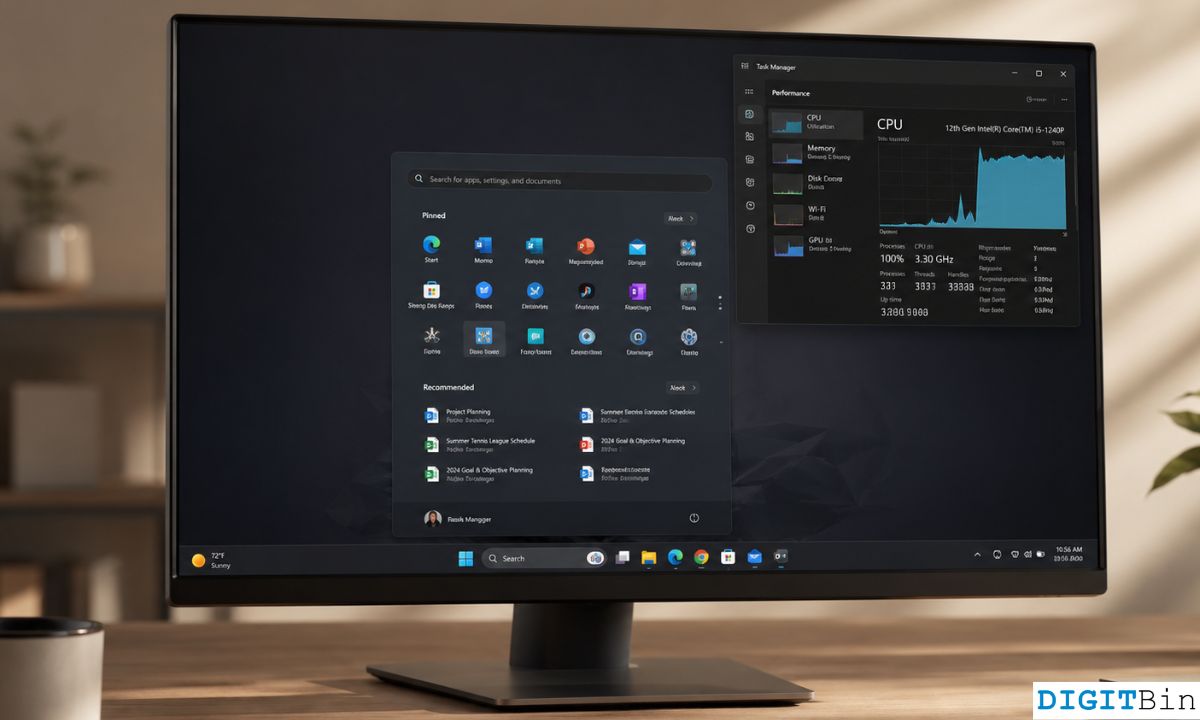
There are also optional columns for dedicated NPU memory and shared NPU memory in the Details page. These additions help you see which apps are using the AI hardware inside your PC.
This will only matter if your computer has an NPU. For newer AI PCs and Copilot Plus PCs, it gives users a clearer way to track how local AI workloads are using system resources.
Windows Search now works with shorter queries
Windows Search is also becoming more flexible. After the June update, it can find files with as few as two characters. Previously, Windows required at least three characters before search would work properly.
This sounds small, but it can make file searching faster, especially when looking for short file names, abbreviations, initials, or version numbers.
The update is rolling out gradually
Once installed, the June update brings Windows 11 to build 26200.8655 on version 25H2 and 26100.8655 on version 24H2. Microsoft is rolling out some features gradually, so not every PC will get all changes immediately even after the update is installed.
That means you may have KB5094126 on your system but still need to wait before every new feature appears. This staged rollout is normal for Windows updates.
Overall, the June 2026 update is not only a security patch. It includes several quality of life improvements that make Windows 11 feel more responsive and flexible. The Low Latency Profile is the highlight, but Shared Audio, better webcam handling, improved Search, and clearer NPU tracking all add useful upgrades for everyday PC use.



Discussion (0)
Be the first to comment.