



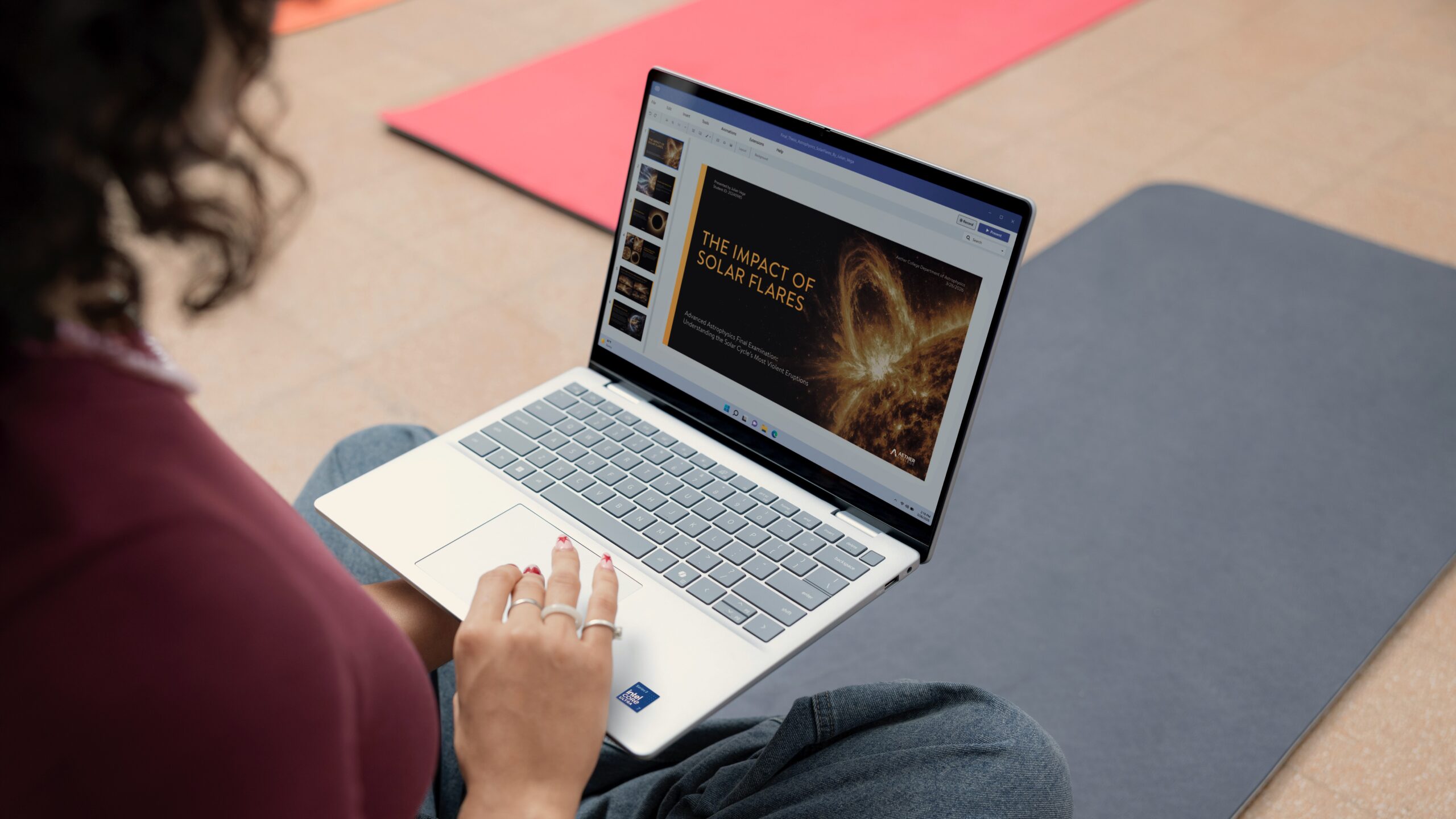
Dell’s new XPS 13 is designed for students who need a thin, light, and reliable laptop for classes, study sessions, online meetings, and everyday work. It combines a compact design, long battery life, a sharp touch display, modern Intel performance, and useful collaboration features in a body that is easy to carry around campus.
The laptop is aimed at students who do not want to carry a heavy machine or deal with weak battery life during a busy day. At just 2.2 pounds and 0.5 inches thin, the XPS 13 is small enough to fit easily in a backpack while still offering the features needed for school work, research, presentations, and entertainment.
Dell is also focusing on practical student needs rather than only premium design. A backlit keyboard, touch display, Wi Fi 7, webcam with IR security, quad speakers, and support for external displays all help make the XPS 13 useful beyond the classroom.
Why the XPS 13 is easy to carry all day
Portability is one of the biggest reasons students choose a 13 inch laptop. The new XPS 13 is Dell’s thinnest and lightest XPS model yet, weighing only 2.2 pounds. Its footprint is also compact, measuring 11.7 by 7.9 inches.
That size makes it easier to move between lectures, labs, libraries, and dorm rooms without feeling like you are carrying a full workstation. The machined aluminum body also gives the laptop a more rigid and durable feel, which matters when a device is being moved around every day.
The small design does not mean it is limited to basic use. The XPS 13 is built to handle daily student work while staying easy to carry.
The battery life is made for long study days
Dell says the XPS 13 can deliver up to 17 hours of streaming battery life. Real world use will vary depending on brightness, apps, video calls, browser tabs, and workload, but the focus is clear. This laptop is made to last through a busy student schedule.
Long battery life is important because students may not always have easy access to a wall outlet. A laptop that can handle multiple classes, note taking, reading, and streaming without constant charging is much easier to live with.
| Feature | Why it matters for students |
|---|---|
| 2.2 pound weight | Easy to carry around campus |
| 0.5 inch thin body | Fits easily in bags |
| Up to 17 hours streaming battery | Helps during long days away from a charger |
| Backlit keyboard | Useful for late night study |
| Touch display | Makes scrolling and navigation easier |
| Wi Fi 7 | Better wireless performance where supported |
| IR webcam | Adds secure sign in |
| Quad speakers | Better sound for calls and media |
The display and keyboard are built for long sessions
The XPS 13 includes a high resolution 2.5K touch display with HDR 400 support, 500 nits brightness, and 100 percent DCI P3 color coverage. That makes it useful for regular school work as well as creative projects that need better color accuracy.
The touch screen also gives students another way to navigate. You can scroll, swipe, and tap directly on the display when using the laptop in tight spaces or without a mouse.
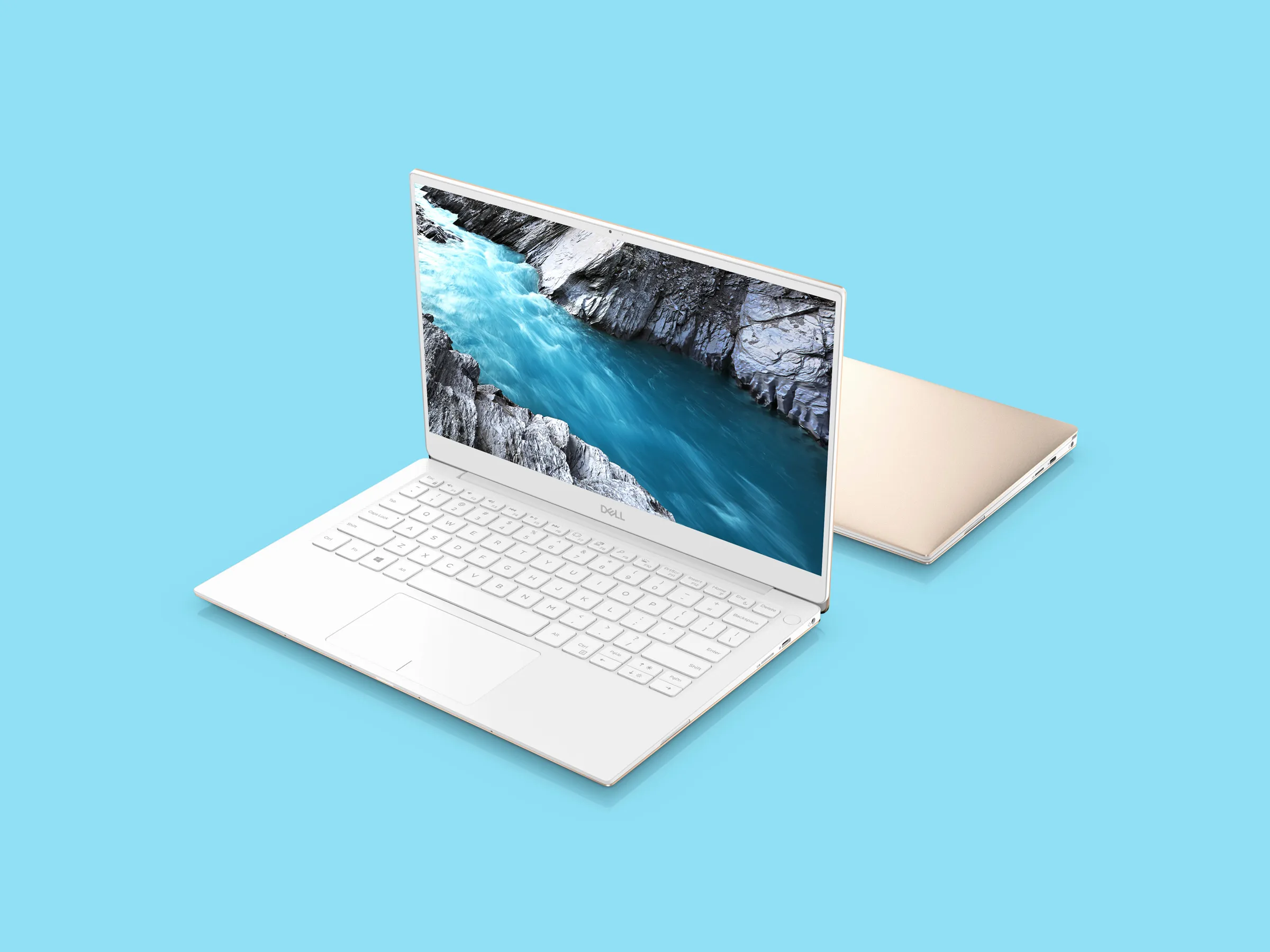
Dell also includes a backlit keyboard, which is important for late night work or dim lecture halls. A clear keyboard can make a real difference when writing assignments, taking notes, or studying after hours.
The display also includes Eyesafe certification to reduce harmful blue light. For students who spend long hours reading, writing, and researching, that can help reduce eye strain.
Performance should handle student multitasking
The XPS 13 uses Intel’s latest Core Series 3 chips, which are designed for responsive performance without hurting battery life. For students, that means the laptop should handle multiple browser tabs, documents, video calls, research apps, and streaming without feeling slow.
Dell offers the laptop with up to 16GB of RAM, which is the safer choice for students who want the device to stay responsive for several years. Fast LPDDR memory and PCIe 4.0 NVMe storage also help with quick boot times, fast app launches, and smoother multitasking.
The cooling system uses dual fans to keep performance steady while limiting noise. That matters in quiet classrooms and libraries, where a loud laptop fan can quickly become distracting.
The XPS 13 is also ready for online classes and group work
Modern student life often includes video calls, shared documents, online classes, and group projects. The XPS 13 is built for that with Wi Fi 7, a clear webcam, IR security for sign in, and quad speakers.
It also supports multiple external displays, which makes it easier to turn the laptop into a home or dorm workstation. Students can use the XPS 13 on the go during the day, then connect it to monitors at night for a more comfortable setup.
The Dell XPS 13 is not only about being thin and stylish. Its biggest strength is that it matches many practical student needs in one compact package. It is light enough for daily travel, powerful enough for study work, and flexible enough for both campus and home use.



Discussion (0)
Be the first to comment.