



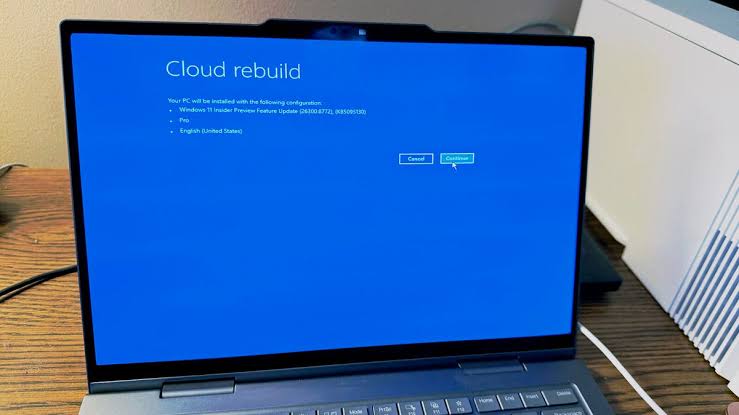
Microsoft is testing a new Windows 11 recovery feature called Cloud Rebuild, designed to restore a broken PC even when the operating system will not boot. The feature gives Windows a cloud based recovery path that does not require a USB installer, a custom recovery image, or a working copy of the current Windows installation.
Cloud Rebuild is currently available in preview builds, including Windows 11 Insider Experimental Preview Build 26300.8772. Microsoft first announced the feature at Ignite 2025, and it is now appearing as part of the company’s recovery improvements for Windows 11.
The idea is straightforward. If a PC becomes unusable and cannot start normally, Cloud Rebuild can download a fresh Windows image and the required device drivers through Windows Update, then reinstall the operating system into a clean known good state. This could be useful in cases where traditional repair tools fail, where Windows files are badly damaged, or where a recovery drive is not available.
Cloud Rebuild is more powerful than Cloud Download, but it is also destructive
Windows already has a Cloud Download option inside Reset This PC, which lets you reinstall Windows from the cloud. That feature is useful when Windows still runs well enough for you to reach recovery settings. Cloud Rebuild goes further because it is designed for recovery from the Windows Recovery Environment, meaning it can help even when the installed OS cannot boot.
That makes it a more serious recovery tool. It is not meant for small errors, slow performance, or routine cleanup. Cloud Rebuild performs a full operating system reinstall, reformats storage, and deletes existing files on the computer. Anyone testing it should treat it as a last resort and back up important data beforehand whenever possible.
| Feature | What it does |
|---|---|
| Cloud Rebuild | Reinstalls Windows 11 from the cloud when the PC will not boot |
| Access point | Windows Recovery Environment |
| Requirements | Internet connection through Ethernet or Wi-Fi |
| Downloads | Windows image and device drivers from Windows Update |
| USB drive needed | No |
| Data impact | Deletes existing files and reformats storage |
| Current target audience | Mainly system administrators and testers |
| Current status | Available in Windows 11 Insider preview builds |
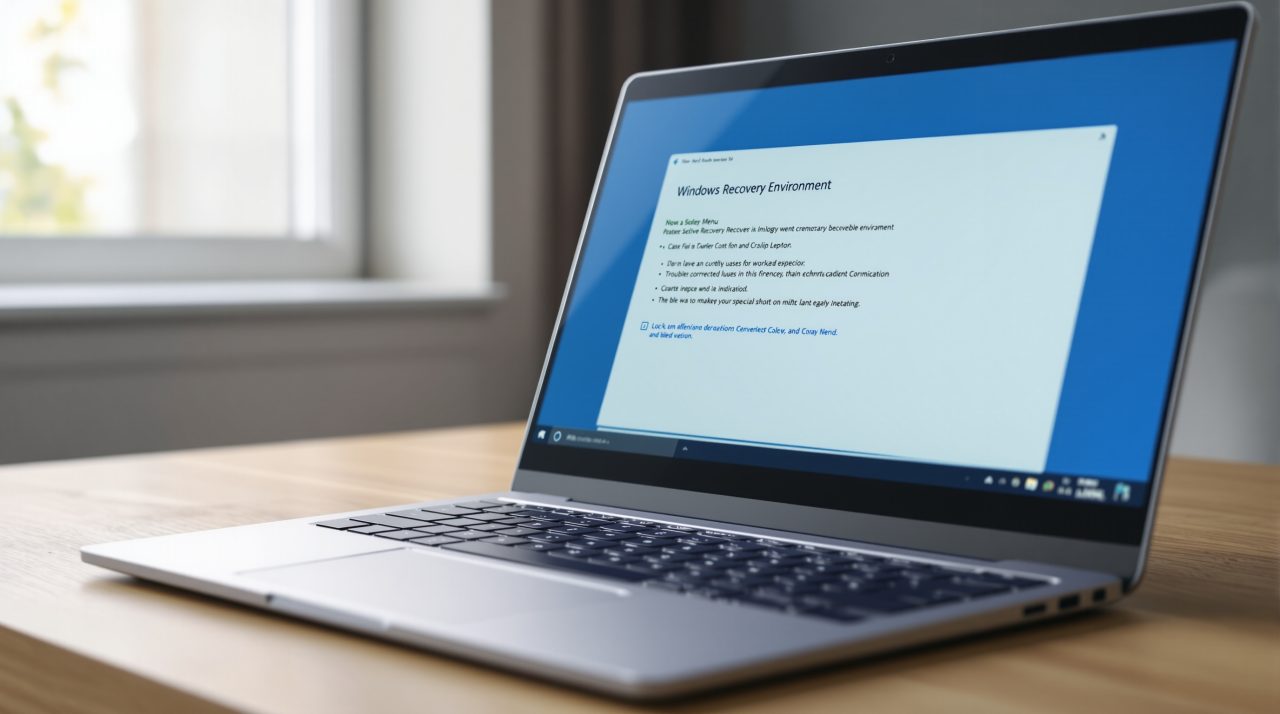
To use Cloud Rebuild in the current preview version, you start from the Windows Recovery Environment. From there, the path is Troubleshoot, then Recovery and Uninstallation, then Cloud Rebuild. The process asks you to connect to a network, check the target Windows build, edition, and language, and confirm the warning that your data will be removed before the rebuild begins.
The networking part is important because Cloud Rebuild depends on Windows Update. Microsoft says the feature downloads both the Windows image and device drivers, so the device should return in a functional state without needing separate installation media. That could be especially valuable for businesses managing many systems, where preparing recovery USB drives or maintaining custom images can take time.
Cloud Rebuild may also work alongside Quick Machine Recovery. In a possible recovery flow, Windows could first try to repair the system automatically, then move to cloud based reinstallation if the repair fails. That would give administrators a more complete recovery chain, starting with less destructive repair and moving to full rebuild only when needed.
For home users, the feature is not ready to be treated as a simple rescue button. Microsoft currently positions it more toward system administrators, and the full wipe behavior makes it risky if you do not have backups. It is powerful, but it is not gentle.
Still, Cloud Rebuild could become one of the more important Windows 11 recovery improvements if Microsoft makes it reliable and easy to access. Many people only discover they do not have a recovery drive when their PC has already stopped booting. A built in cloud recovery option could reduce that problem, especially on newer systems with working network access.
For now, the safest view is that Cloud Rebuild is a preview recovery tool with real promise and serious consequences. It can bring an unbootable Windows 11 PC back to a clean state without external media, but it will erase what is on the machine. That makes backups more important than ever.



Discussion (0)
Be the first to comment.