



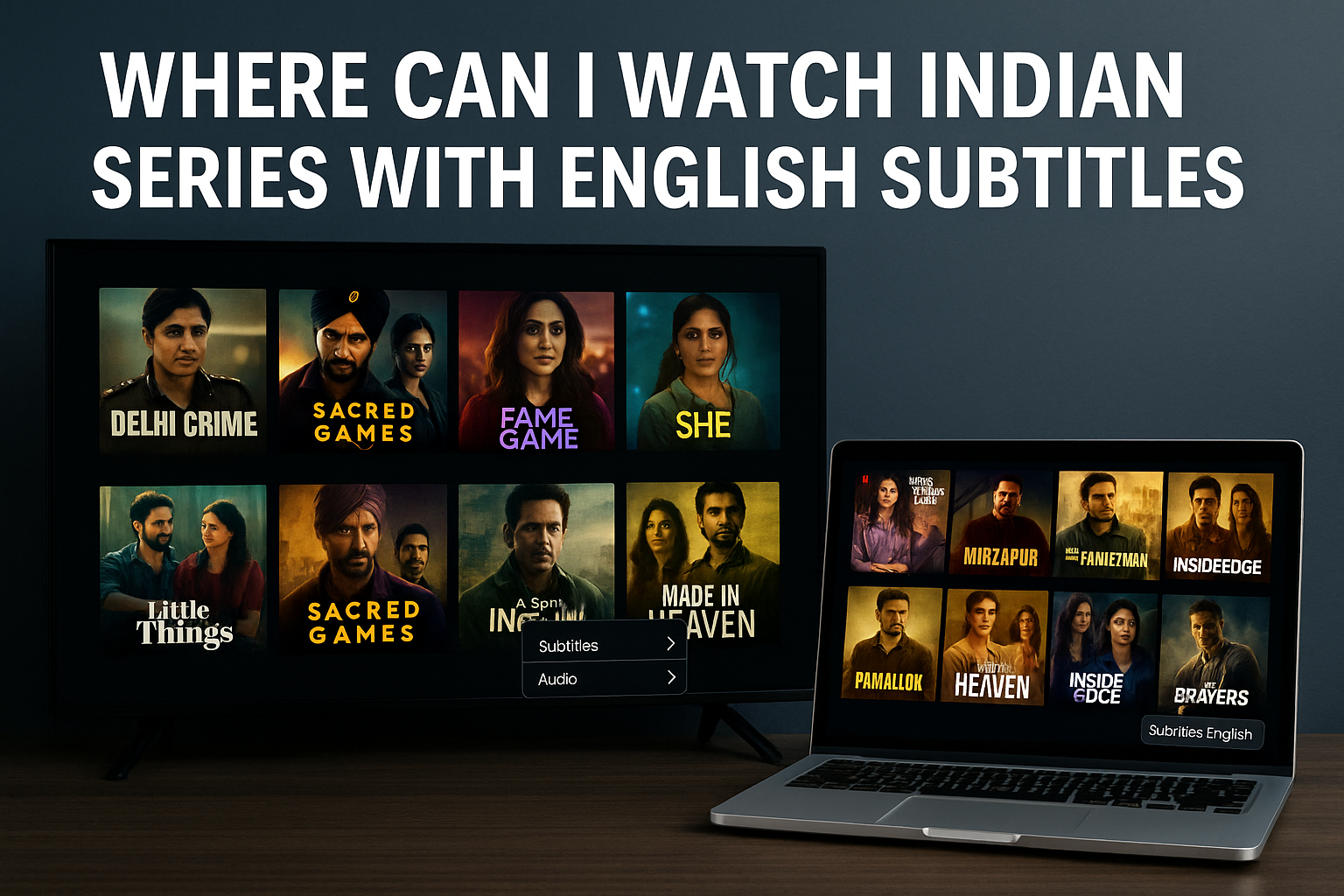
Indian series keep gaining popularity in the US thanks to global streaming platforms and better subtitle support. You can watch Hindi, Tamil, Telugu, Malayalam, Bengali, and Punjabi shows with English subtitles on several major services. This guide explains where to find them, how to confirm subtitle support, and which devices give you the best experience.
1) Netflix
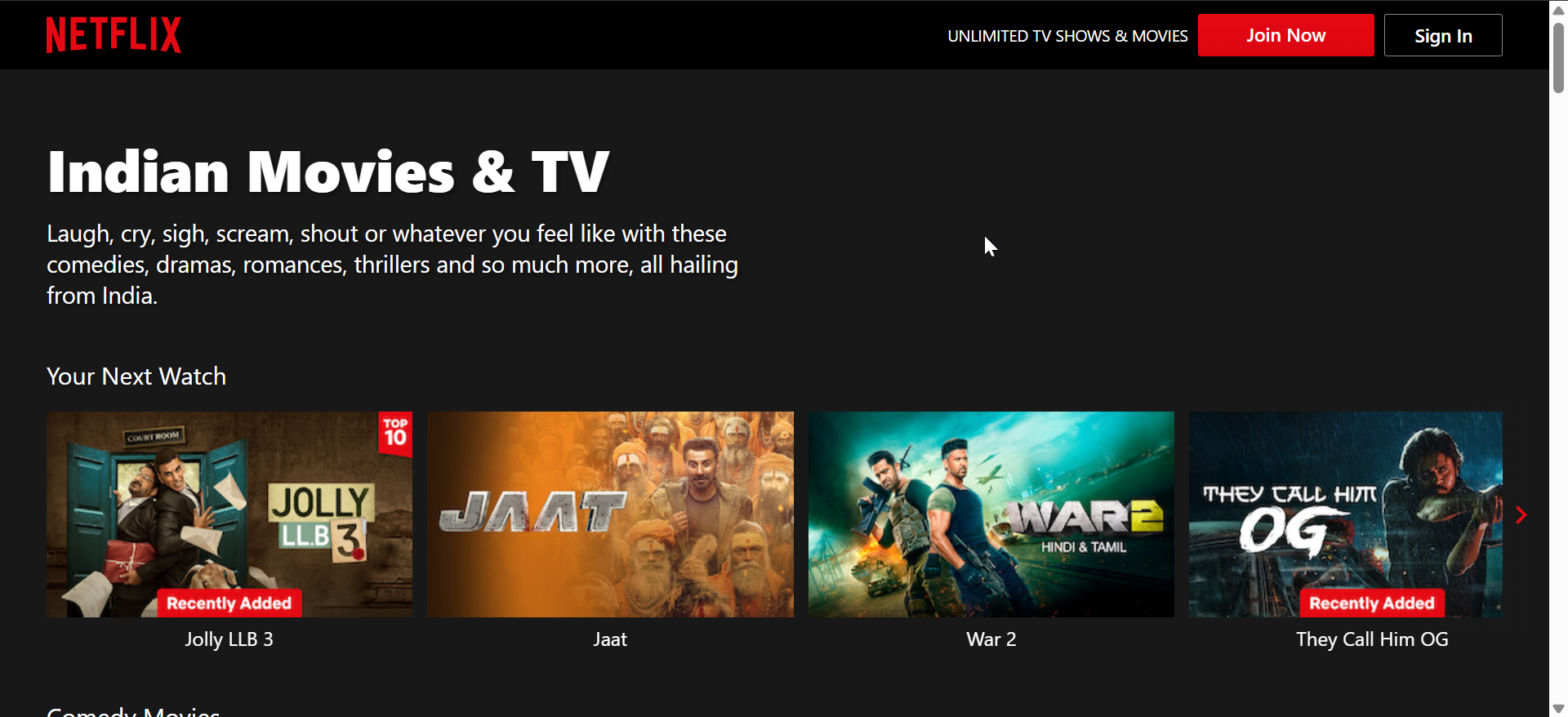
Netflix offers a large collection of Indian originals and licensed series that target US viewers who prefer English subtitles. You can browse Hindi and regional language rows that include crime dramas, comedies, and family shows. Many of the most popular titles appear in curated Indian TV Shows and Trending in India categories.
Most Indian series on Netflix include English subtitles with consistent styling and timing. You can turn subtitles on from the speech-bubble icon and select English or another language when available. Netflix also syncs your subtitle preference across devices when you use the same profile.
2) Amazon Prime Video
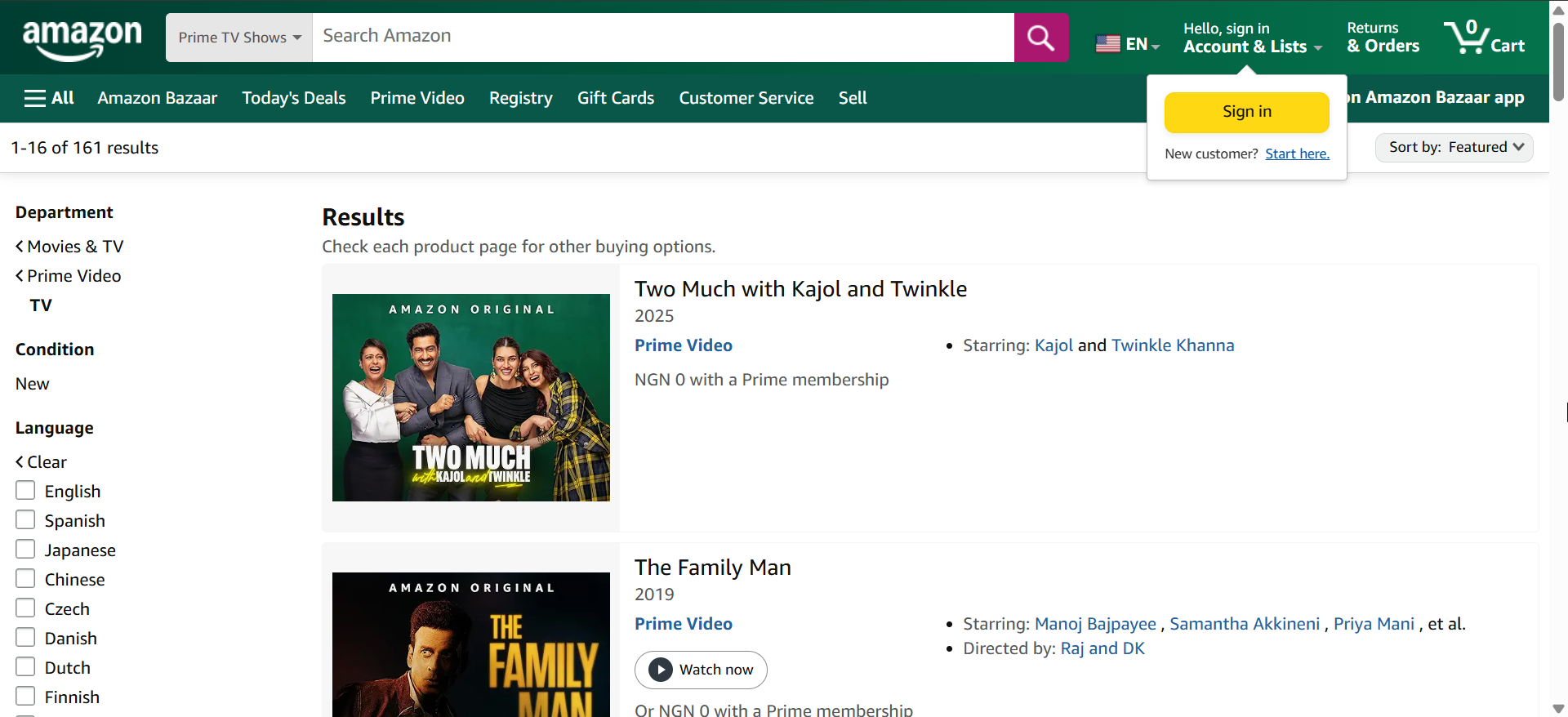
Amazon Prime Video hosts a wide range of Indian series for US users, including Prime Originals and network imports. You can find Hindi, Tamil, Telugu, and Malayalam shows under the “International” and “Indian” categories. Search works well when you type a language plus “TV” or “series.”
Most modern Indian titles on Prime Video ship with English subtitles that you can toggle in the playback controls. Subtitle quality usually matches the standard you expect from mainstream US content. Some older or niche shows might only include limited subtitle options, so always check the subtitle menu first.
3) Disney+ and Hotstar

Disney+ and former Hotstar content give you access to Indian series tied to Star, sports, and Hotstar Specials. In some regions, Disney+ merges or replaces Hotstar, while in others, a separate Hotstar app still exists. US users often see selected Indian shows under the Star or International sections.
Many marquee Indian titles on these services include English subtitles, especially new originals and high-profile dramas. You enable subtitles from the player settings and can switch between English and local languages when available. Subtitle styling stays consistent across most supported devices.
4) SonyLIV
SonyLIV focuses on Indian TV shows, reality series, and premium web content from the Sony network. It offers Hindi and regional language series that appeal to viewers who want a more India-centric lineup. The service also includes originals that do not always appear on larger global platforms.
Many newer SonyLIV originals ship with English subtitles, especially thriller and drama series. You control subtitles through the player menu and choose English when the option appears. Some catalog titles may lack subtitles or only support local languages, so you should always check before you commit to a show.
5) Zee5
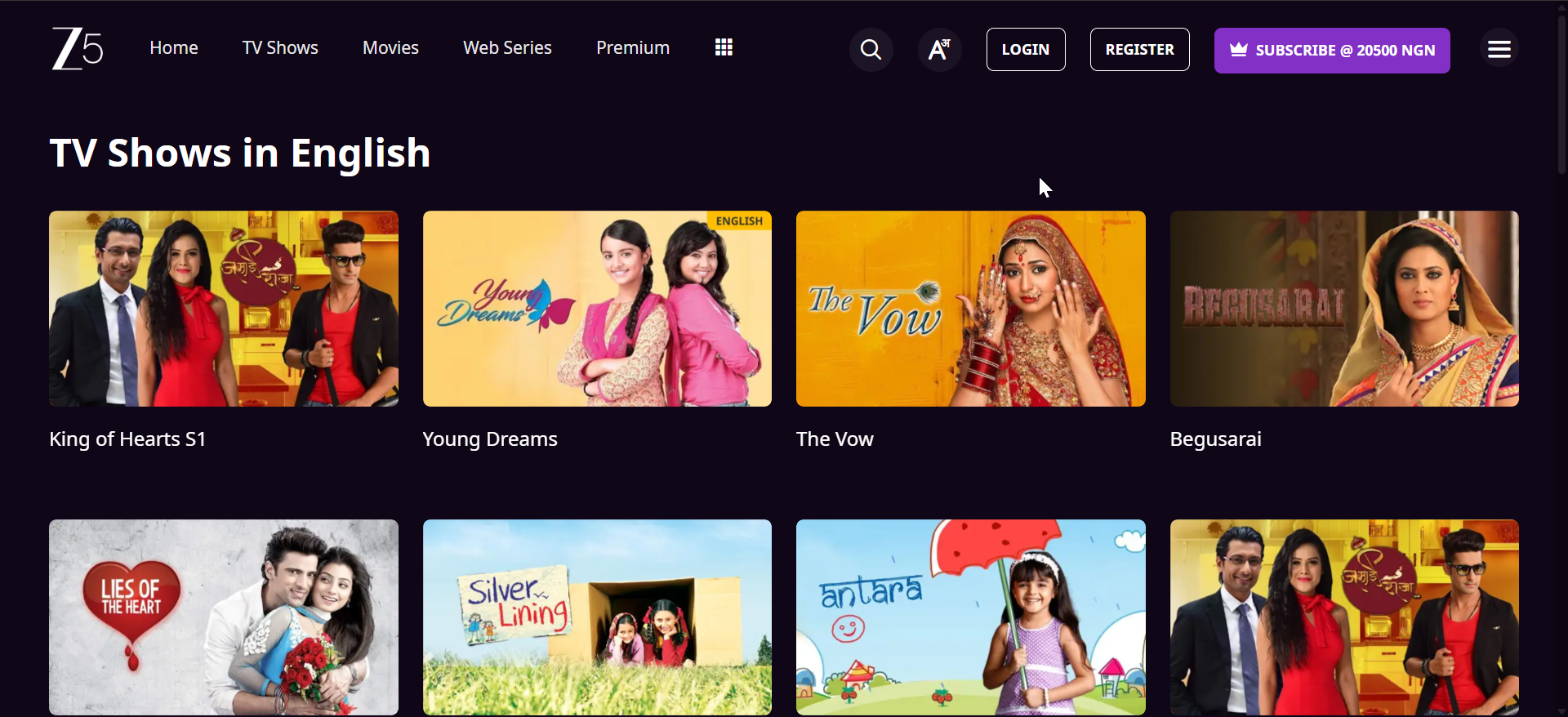
Zee5 streams Hindi and regional Indian series that cover drama, romance, and suspense. It serves viewers who want both TV-style serials and shorter web-series formats. The platform groups are shown by language and genre, which makes discovery simpler.
English subtitles exist on many of the more recent Zee5 originals and popular serials. You open the subtitle settings while playing an episode and choose English if the option appears. Subtitle timing usually stays tight, which helps when you follow fast dialogue scenes.
6) MX Player
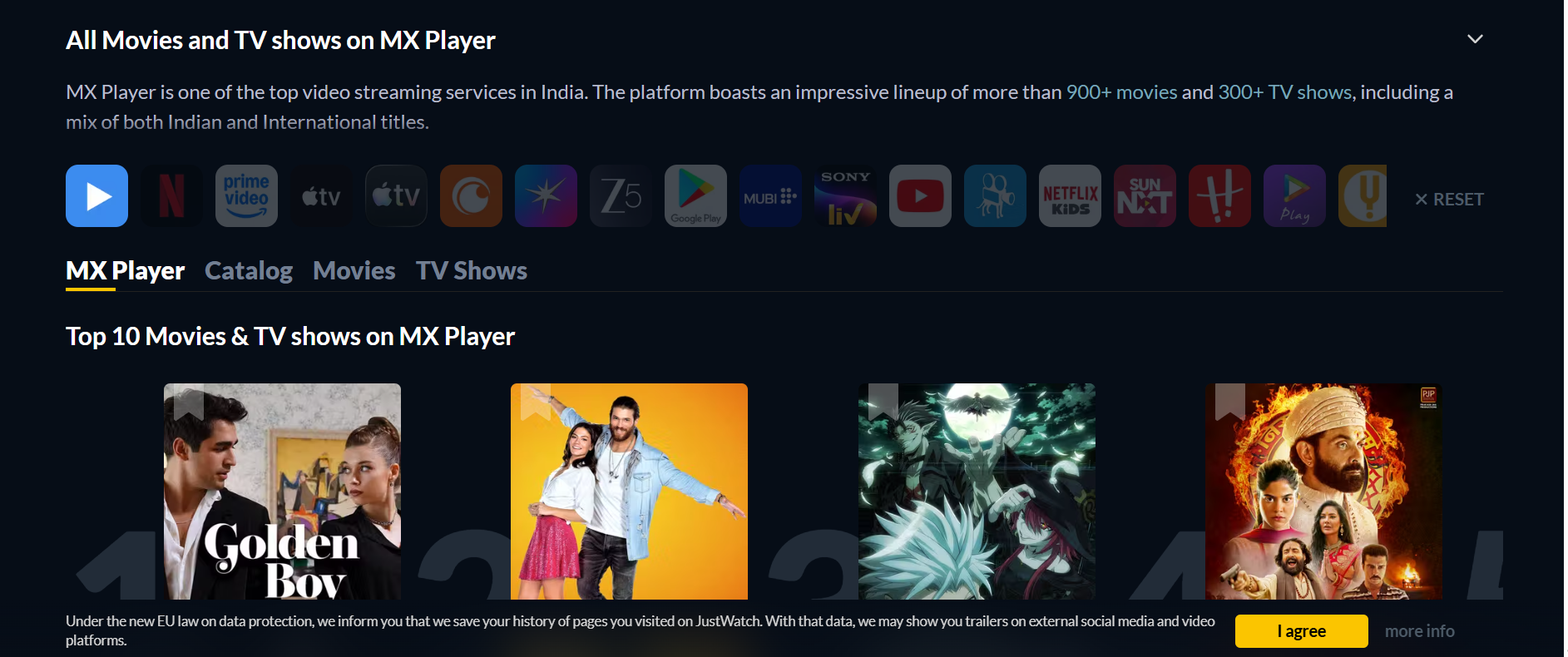
MX Player offers a mostly free, ad-supported catalog of Indian series, including thrillers, comedies, and reality shows. It appeals to viewers who want to sample content without paying a monthly fee. The app surfaces MX Originals and licensed content in separate rows.
Many MX Player originals include English subtitles, especially high-profile web series. You access subtitles through the player interface and select English from the list. Subtitle coverage for older or niche shows might be incomplete, so you should quickly test an episode before you invest time.
7) Hoichoi
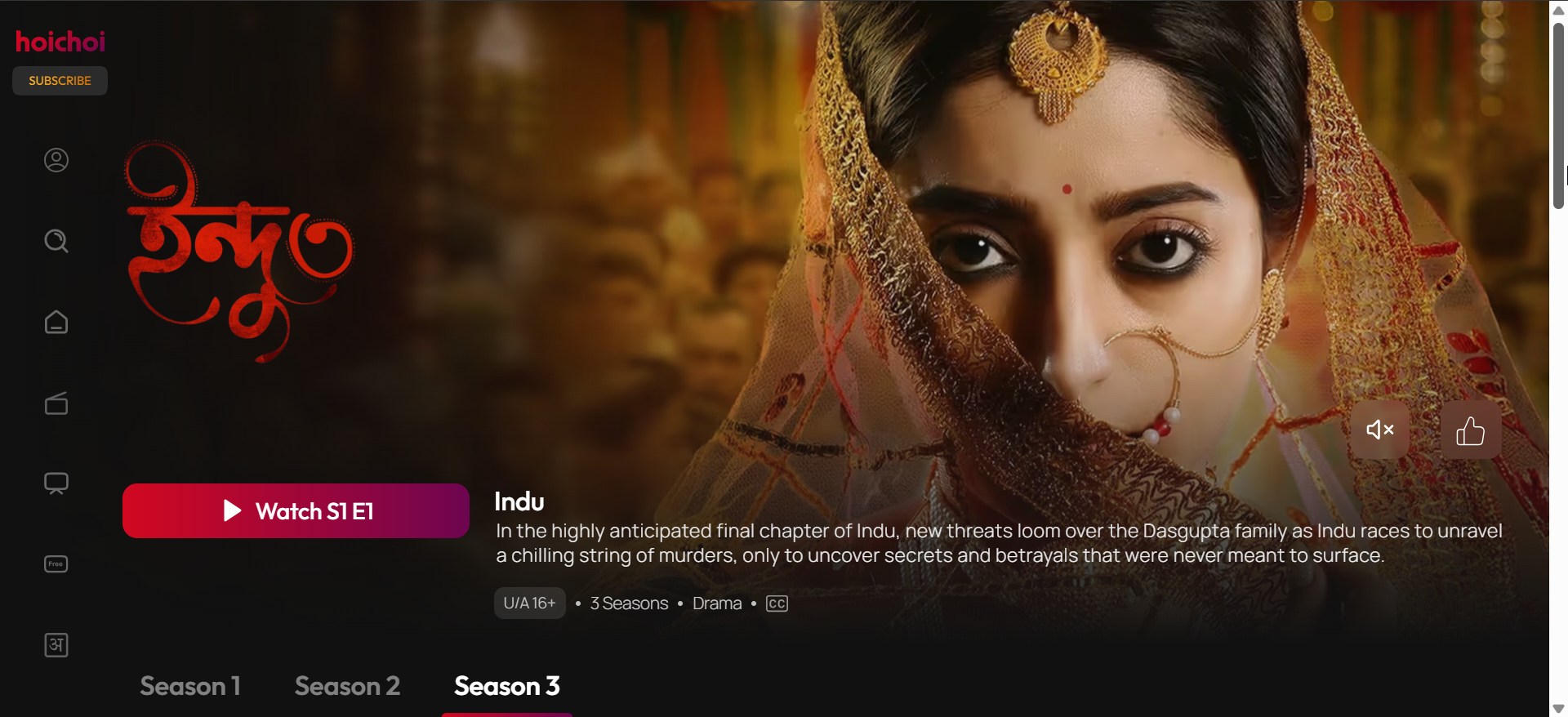
Hoichoi specializes in Bengali web series, films, and original content targeted at global Bengali-speaking audiences. It suits viewers who want a deep, focused library instead of a broad, generic catalog. Hoichoi curates content into thrillers, dramas, comedies, and anthologies.
Almost all Hoichoi originals include English subtitles because the platform actively targets international users. You enable subtitles from the player’s subtitle menu and pick English. This approach makes it easier for non-Bengali speakers to follow the stories in full.
8) YouTube
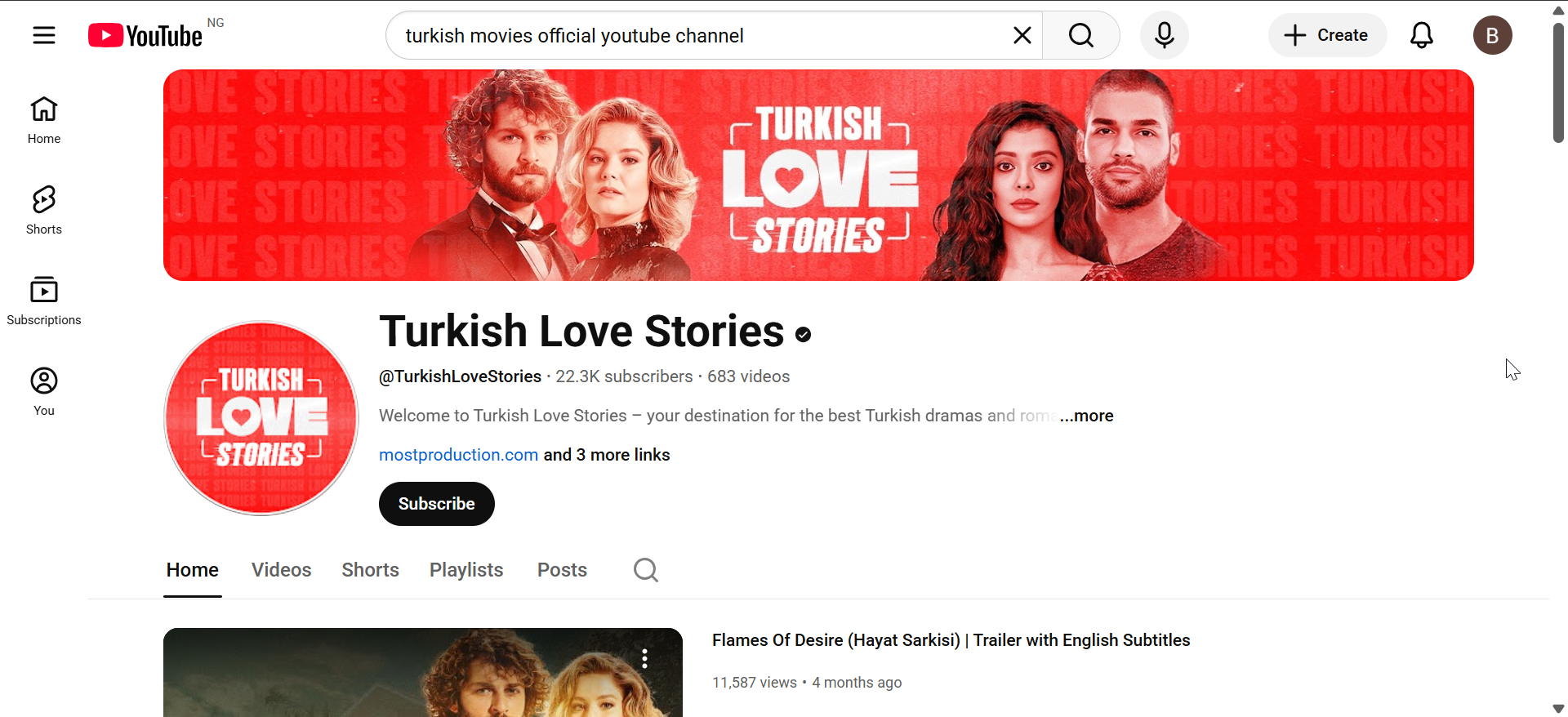
YouTube hosts many Indian mini-series and web-series released by official production channels. Some channels upload full seasons, while others release shorter episodic or anthology content. Search usually surfaces playlists that group episodes together.
English subtitles appear when the channel owner uploads a subtitle file or burns them into the video. You toggle subtitles with the “CC” button and select English from the options. Auto-generated subtitles can help in some cases, but they often misinterpret names and slang.
Free vs paid options
When paid platforms work best
Paid platforms often deliver better streaming quality and consistent subtitle support. You get full seasons, fewer sudden removals, and more stable playback. This approach works well if you follow multiple ongoing Indian series.
When free platforms are enough
Free platforms help when you want to test different shows or explore older titles with minimal commitment. You might see more ads and less polished subtitles, but you still get a feel for the story. This route works best if you only binge a few series per year.
How to check if English subtitles are available
Subtitle indicators in streaming app menus
Open the video player and look for icons labeled “Subtitles,” “CC,” or a speech bubble. Tap or click the icon and review the available languages. Select English and confirm that text appears over the video.
Region-based subtitle differences
Subtitle options sometimes change based on the country tied to your account. A show might include English subtitles in India but only local subtitles in another region. Always check the subtitle menu at the start of a new series to avoid surprises.
FAQs
Which platform has the most Indian series with English subtitles? Netflix and Amazon Prime Video usually offer the largest collections of Indian series with English subtitles.
Can I watch Indian regional language shows with English subtitles? Yes, Hoichoi focuses on Bengali content with strong English subtitle coverage. Zee5 and Prime Video also support multiple regional languages.
Are English subtitles available on live TV channels? Live channels rarely include English subtitles on Indian programming.
Do free platforms provide accurate subtitles? Free platforms sometimes offer accurate subtitles on flagship shows, but quality may vary.
Summary
- Netflix and Amazon Prime Video offer the widest range of Indian series with consistent English subtitles for US viewers.
- Disney+, SonyLIV, Zee5, MX Player, Hoichoi, and YouTube add extra depth for specific languages, genres, and budgets.
- Paid services deliver better subtitle quality and stability, while free platforms help you sample shows with more trade-offs.
Conclusion
You have several good options when you want to watch Indian series with English subtitles in the US. Global services like Netflix and Prime Video cover the biggest hits, while regional-focused platforms such as Hoichoi and Zee5 round out the catalog. Once you confirm subtitle support in the player menu, you can enjoy Indian stories across languages on any device you prefer.


Discussion (0)
Be the first to comment.