



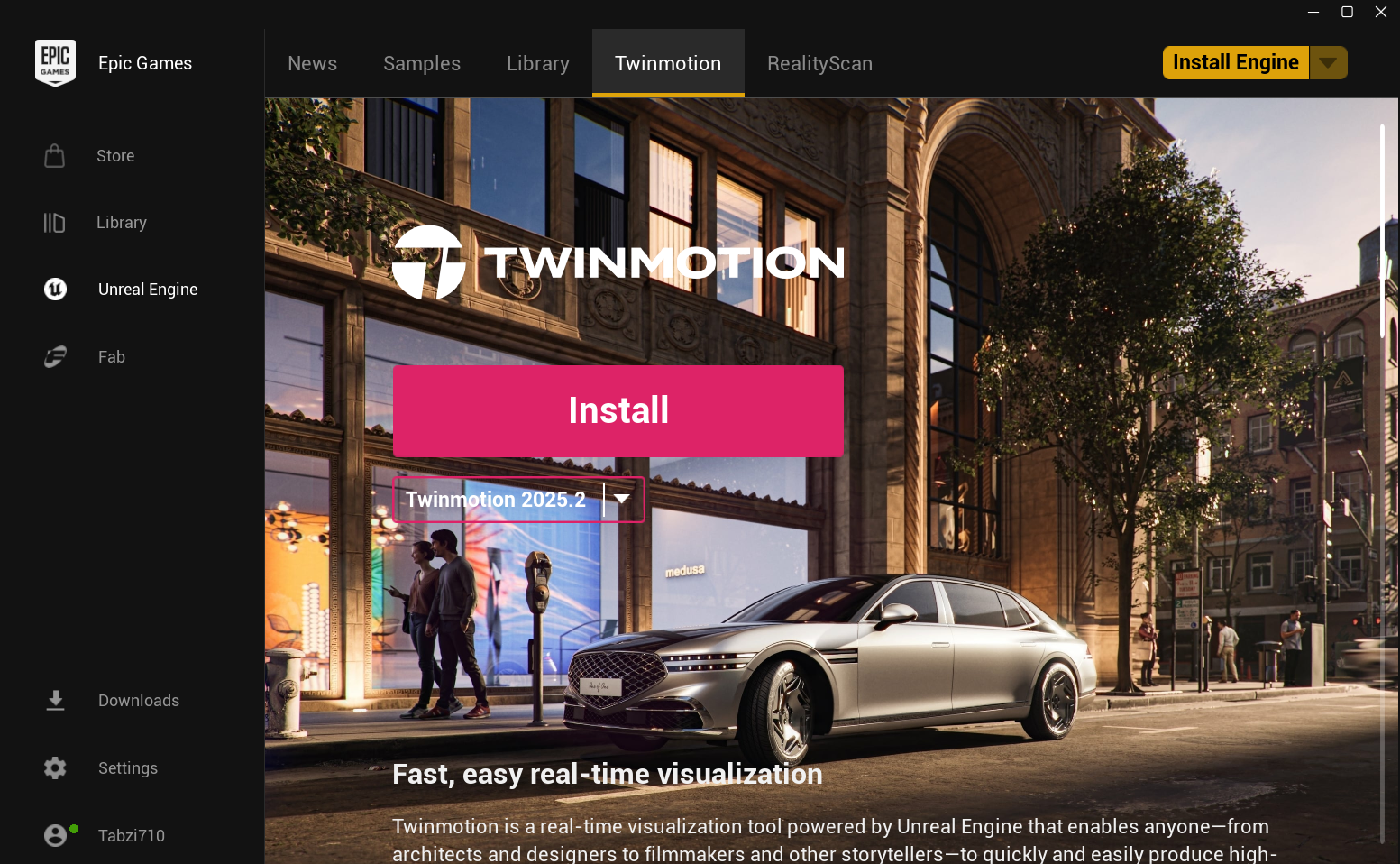
If you work with 3D design or visualization, you may want to understand what Twinmotion is and its use cases. Twinmotion is a real-time 3D visualization tool developed by Epic Games that allows users to create high-quality renders, animations, and walkthroughs quickly.
It is widely used in architecture, construction, and design because it makes it easy to turn 3D models into realistic visual presentations without complex rendering workflows.
What Is Twinmotion?
Twinmotion is a real-time visualization software that helps users create realistic images, videos, and interactive presentations from 3D models. It is built on Unreal Engine technology but designed to be much easier to use.
Instead of spending hours setting up lighting and rendering, Twinmotion allows users to drag and drop materials, add lighting, and generate visuals almost instantly.
It supports importing models from tools like:
- SketchUp
- Revit
- Rhino
- Archicad
- Blender
This makes it easy to integrate into existing workflows.
How Twinmotion Works
Twinmotion works by importing a 3D model and applying real-time rendering techniques.
The typical workflow looks like this:
- Import a 3D model from design software.
- Apply materials such as glass, wood, or metal.
- Add lighting, weather, and environment effects.
- Place objects like trees, people, and vehicles.
- Export images, videos, or walkthroughs.
Because it runs in real time, you can see changes instantly.
Key Features of Twinmotion
Twinmotion includes several features that make visualization easier.
Some important features include:
- Real-time rendering
- Drag and drop materials and assets
- Built-in library of objects and environments
- Dynamic weather and lighting effects
- Animation and camera path tools
- VR support for immersive experiences
These features help users create professional visuals quickly.
Why Twinmotion Is Popular
Twinmotion is popular because it simplifies a process that is usually complex.
Traditional rendering tools require detailed setup and long rendering times. Twinmotion removes much of that complexity and allows users to work faster.
It is especially useful for:
- Quick client presentations
- Real-time design adjustments
- Visual storytelling
Common Use Cases of Twinmotion
There are many practical Twinmotion use cases across different industries.
Architecture Visualization
Architects use Twinmotion to create realistic building visuals and walkthroughs. It helps clients understand designs before construction begins.
Interior Design
Designers can visualize furniture, lighting, and materials in real time. This makes it easier to experiment with layouts and styles.
Construction and Planning
Twinmotion can be used to present construction plans and simulate environments. This helps stakeholders visualize projects clearly.
Urban Planning
City planners use Twinmotion to create large-scale visualizations of urban environments and infrastructure projects.
Real Estate Marketing
Developers use it to create promotional visuals and videos for properties. This improves marketing and client engagement.
Benefits of Using Twinmotion
Twinmotion offers several advantages compared to traditional rendering tools.
Some benefits include:
- Fast rendering with real-time feedback
- Easy to learn and use
- High-quality visuals without complex setup
- Large library of assets
- Integration with popular design software
These features make it suitable for both beginners and professionals.
Limitations of Twinmotion
While Twinmotion is powerful, it has some limitations.
Some drawbacks include:
- Less control compared to advanced rendering engines
- Limited customization for complex effects
- Performance depends on hardware capability
For highly detailed or cinematic projects, advanced tools may still be needed.
How to Get Twinmotion
You can download Twinmotion through the Epic Games Launcher.
Steps:
- Install Epic Games Launcher.
- Sign in to your Epic Games account.
- Search for Twinmotion.
- Download and install the software.
Once installed, you can start creating visualizations immediately.
Final Thoughts
Understanding what Twinmotion is and its use cases helps explain why it is widely used in architecture and design. It combines ease of use with powerful real-time rendering, making it possible to create high-quality visuals quickly.
For professionals who need fast and realistic presentations, Twinmotion is a practical and efficient tool.
FAQs
What is Twinmotion used for?
Twinmotion is used for creating real-time 3D visualizations, animations, and presentations.
Is Twinmotion free?
Twinmotion offers free access for certain users, with licensing depending on usage.
Do I need Unreal Engine to use Twinmotion?
No. Twinmotion is a separate application, although it is built on Unreal Engine technology.
Who should use Twinmotion?
Architects, designers, developers, and planners can use Twinmotion for visualization and presentations.

Discussion (0)
Be the first to comment.