



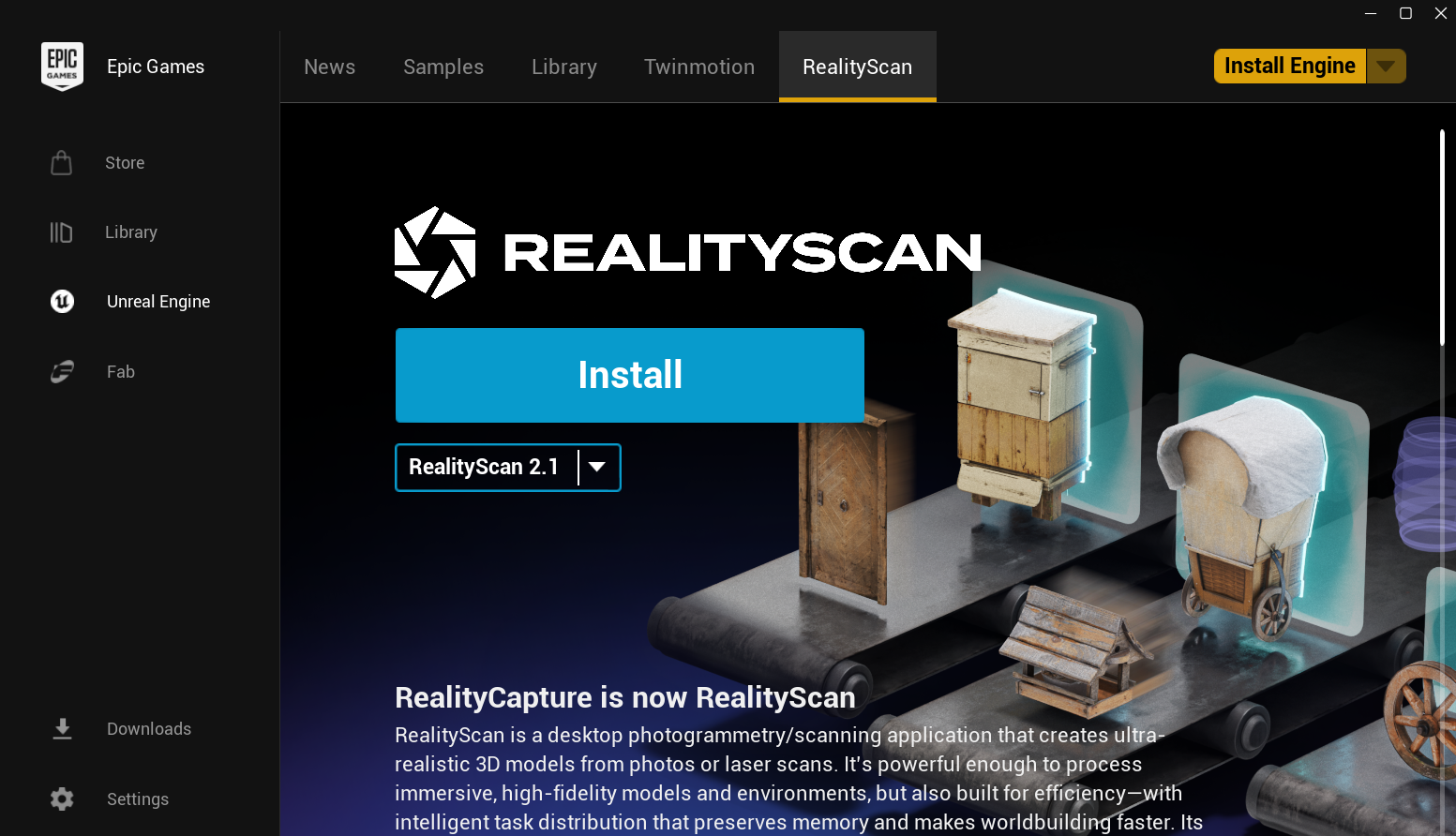
If you’ve ever wanted to turn a real object into a 3D model without using complex software, understanding what RealityScan by Unreal is can be a game changer. RealityScan is a mobile app by Epic Games that lets you scan real-world objects using your phone and convert them into usable 3D assets.
What makes it useful is how simple the process feels. You don’t need professional equipment or deep technical knowledge. With just your phone and a few photos, the app handles most of the work.
What Is RealityScan by Unreal?
RealityScan is a 3D scanning app that uses your phone’s camera to capture real objects and turn them into digital 3D models. It is developed by Epic Games, the company behind Unreal Engine.
Instead of manually creating objects in 3D software, you can take photos of something like a chair, statue, or any object and convert it into a detailed 3D asset.
It is commonly used for:
- Game development
- 3D design projects
- AR and VR content
- Digital asset creation
The main advantage is speed. Tasks that normally take hours can be done much faster.
How RealityScan Actually Works
RealityScan uses a method called photogrammetry, which creates a 3D model using multiple images of the same object.
Here is how it works in practice:
- You move around the object and take photos from different angles.
- The app guides you to cover all sides properly.
- The images are uploaded and processed.
- A 3D model is generated automatically.
Once the model is ready, you can preview it and export it for use.
What Makes RealityScan Different
Many 3D tools require experience and time to learn. RealityScan focuses on simplicity.
Some key differences include:
- No need for advanced 3D modeling skills
- Guided photo capture process
- Cloud-based processing for better results
- Easy export to platforms like Unreal Engine or Sketchfab
It is designed to help users create models quickly without complexity.
Where RealityScan Is Useful
The real value of RealityScan comes from practical use.
Game Development
Developers can scan real objects and use them directly in games. This saves time and adds realism.
Content Creation
Creators can build assets from real-world objects and use them in videos, designs, or digital art.
Learning and Experimentation
It is a great starting point for beginners who want to explore 3D creation without complicated tools.
AR and VR Projects
RealityScan helps create realistic objects for immersive experiences.
Things to Keep in Mind
While RealityScan is easy to use, results depend on how you capture images.
Keep these points in mind:
- Good lighting improves scan quality
- Avoid reflective or shiny surfaces
- Stable camera movement gives better results
- Internet connection is required for processing
Some models may need small adjustments after export.
How to Get Started with RealityScan
Getting started is simple:
- Download RealityScan from the App Store or Play Store
- Sign in using your Epic Games account
- Start a new scan
- Follow the on-screen instructions
You can create your first 3D model within minutes.
Final Thoughts
Once you understand what RealityScan by Unreal is, it becomes clear why it is gaining popularity. It simplifies 3D scanning and makes it accessible to almost anyone.
It may not replace professional tools for advanced projects, but for quick asset creation, learning, and experimentation, it works very well. If you want to explore 3D modeling without a steep learning curve, RealityScan is a strong place to start.
FAQs
What is RealityScan by Unreal?
RealityScan is a mobile app that converts real-world objects into 3D models using your phone.
Do I need 3D modeling skills?
No. The app is designed to be beginner-friendly.
Is RealityScan free?
Yes. The app is free to download and use.
Can I use RealityScan models in Unreal Engine?
Yes. The models can be exported and used in Unreal Engine and other platforms.


Discussion (0)
Be the first to comment.