




Emojis make conversations faster and more expressive, but their meanings are not always obvious. With thousands of emoji symbols available on iPhone, it is easy to misunderstand a message or miss the intended tone.
If you have ever wondered what emojis mean on iPhone, Apple includes a built-in accessibility feature that explains emoji meanings clearly. This guide shows how to use it, highlights common emoji definitions, and explains what to expect from newer emoji updates.
How To Find Out What Emojis Mean On iPhone
The easiest way to understand emoji meanings on iPhone is by using the Speak Selection feature. When enabled, iOS reads emoji names aloud instead of showing only the symbol.
This works across supported apps and does not require third-party tools or downloads.
Enable Speak Selection
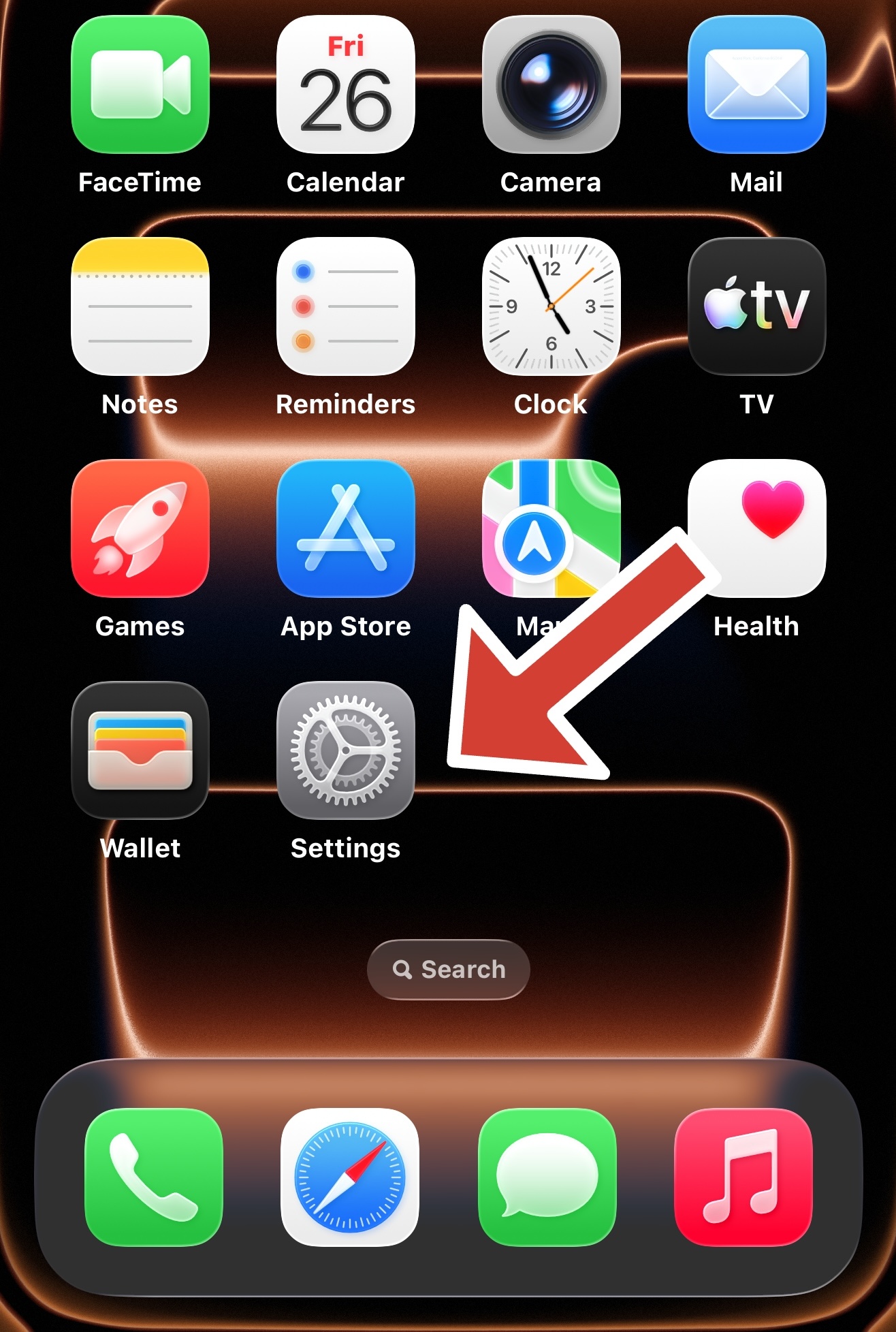
- Open Settings
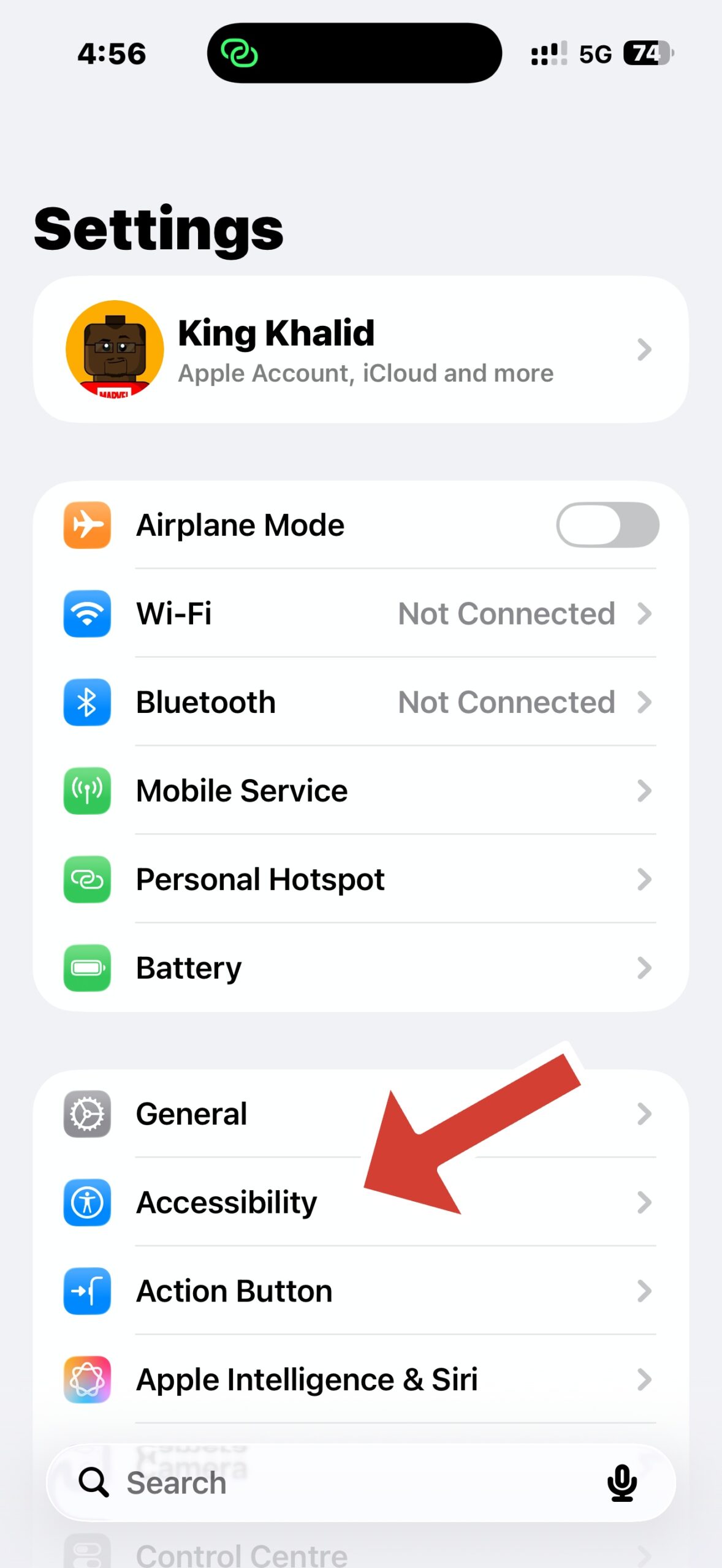
- Tap Accessibility
- Select Spoken Content
- Turn on Speak Selection
Make iPhone Read Emoji Meanings Aloud
- Open the Notes app and create a new note
- Tap the emoji keyboard and insert one or more emojis
- Press and hold the emojis, then tap Select or Select All
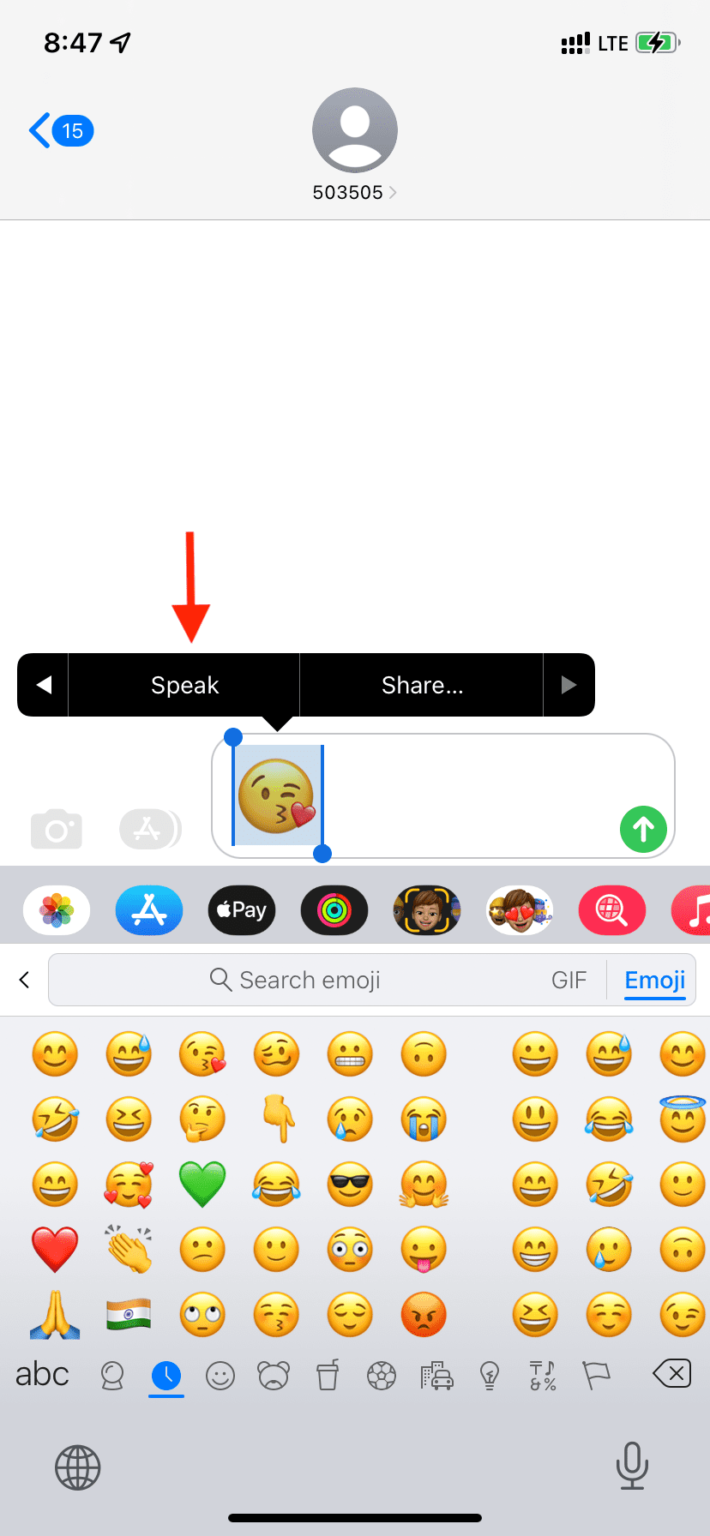
- Tap the arrow in the menu and choose Speak
Your iPhone will now read the official emoji name, which explains the symbol’s meaning.
Common Emoji Meanings On iPhone
Some emojis appear simple but can carry different meanings depending on context. Below are widely used examples and how they are commonly understood.
- Face With Tears Of Joy: Laughter or something extremely funny
- Red Heart: Love, affection, or emotional support
- Thumbs Up: Approval, agreement, or acknowledgment
- Skull: Extreme laughter or something overwhelming
- Fire: Excitement, approval, or something impressive
- Eyes: Curiosity, surprise, or paying attention
Because emoji meanings evolve socially, context still matters even when the official definition is known.
What New Emojis Mean On iPhone
Apple periodically adds new emojis based on Unicode approvals. These symbols often represent new objects, expressions, or concepts and follow Apple’s naming conventions.
When new emojis appear, Speak Selection remains the most reliable way to identify their official meaning until common usage becomes clearer.
Troubleshooting Common Problems
If emoji meanings are not reading aloud, a few settings may need attention.
- Confirm Speak Selection is enabled under Spoken Content
- Check that system volume is not muted
- Use the Notes app, as some apps restrict text selection
- Restart the device if Speak does not appear in the menu
Tips
- Use Speak Selection for unfamiliar emojis instead of guessing
- Test emojis in Notes before sending important messages
- Remember that tone and context affect emoji interpretation
- New emojis may take time to develop common meanings
FAQ
Can iPhone explain emoji meanings automatically?
Yes. When Speak Selection is enabled, iOS reads the official emoji name aloud.
Does this work for all emojis?
It works for standard Unicode emojis supported by iOS.
Why do some emojis sound different than expected?
Apple uses formal Unicode names, which may differ from how people use emojis casually.
Summary
- iPhone includes a built-in way to explain emoji meanings
- Speak Selection reads emoji names aloud
- This works best in apps like Notes
- New emojis follow the same system
Conclusion
Understanding what emojis mean on iPhone removes confusion from everyday messages. With Speak Selection enabled, you can instantly decode any emoji without relying on guesswork or external references.
This small accessibility feature makes emoji communication clearer, more accurate, and easier to navigate across all iOS conversations.


Discussion (0)
Be the first to comment.