UP

Tutorials

Tutorials and how to guides about using gadgets, hardware, and software. Our tutorials cover all major operating systems: Windows, Android, iOS and others.

5 ways to Cut, Copy, and Paste text on a Mac

  The basic commands Cut, Copy, and Paste are essential in any operating system. On a Mac, these commands are not that different from the ones in Windows, especially when it comes to text. This guide illustrates all the different ways in which you can Cut, Copy, and Paste text on a Mac and everything there is to know about these commands on macOS: [DC-SUMMARY-BREAK] NOTE: This guide covers macOS


4 ways to change the desktop wallpaper in Windows 10

Some users might not yet have discovered that Microsoft supplies a selection of colorful wallpapers with its operating systems, and thus they never experiment with changing the standard background. We've always picked something other than the default background, so, in this article, we're going to talk about how that's done in Windows 10. If you want to learn how to change your desktop wallpaper, read on: [DC-SUMMARY-BREAK] 1. How to

How to import passwords into LastPass from Chrome, Firefox, Opera, and Microsoft Edge

You might have chosen to use LastPass as your password manager. However, you might also still have some passwords saved in your favorite web browser, but not in LastPass. Furthermore, there may be situations in which you also have some of your passwords stored in a CSV file. In either case, now that you've switched to LastPass, you want to import all your passwords, from everywhere, to it. Here is

The complete guide to selecting text on your Mac

Selecting portions of text can come in handy in a variety of situations. Whether you need to highlight some text to better focus on it, or want to copy or cut it in order to paste it somewhere else later, knowing all the ways you can select text can save you precious time and enhance your productivity. In this tutorial we show you all the different ways you can select

How to view and manage your Agenda from Windows 10's taskbar

For many Windows users, opening the clock from the system tray is the go-to way to check the calendar, whether they are trying to plan their personal or professional lives. In Windows 10, the clock from your taskbar comes with an upgrade: it's capable of showing your Agenda, while also letting you manage events and reminders in your Calendar. It is a small feature, yet a useful one, helping you

How to export your LastPass passwords to a CSV file

LastPass helps your security by making all of your passwords different. Keeping up with that data might become essential to your ability to quickly login to many of your accounts. Ideally, you would have all your passwords stored in LastPass. However, at some point, you might want to export all your passwords from LastPass to a CSV file that you can then import in another browser, or, why not, even
tutorial How to run old programs using Windows 10's Compatibility mode

How to run old programs using Windows 10's Compatibility mode

While, at its core, Windows 10 is similar to Windows 8 and Windows 7, it is also very different from older operating systems like Windows XP. Most desktop apps developed for Windows 8 or Windows 7 should run in Windows 10. On the other hand, it's unlikely that apps developed for Windows XP would work well or at all on Windows 10. If you

5 ways to Cut, Copy, and Paste files and folders on a Mac

Cut, Copy, and Paste are basic commands that help you multiply and organize files and folders on your computer or device, making you more productive and efficient. On a Mac, finding a way to copy and paste files and folders is pretty intuitive. However, when it comes to cutting and pasting, the process is not as straightforward, because, on a Mac, you first Copy content, and then use the "Move

What are P2P (peer-to-peer) networks and what are they used for?

If you are using the internet regularly, it is highly unlikely that you have not encountered the term peer-to-peer or P2P. Whether it was mentioned in a news article, on TV, or in a conversation with a friend, who told you that he just downloaded the latest version of Linux through P2P, you may have stumbled upon this term. If you want to know what peer-to-peer networks are, what P2P
tutorial How to use the Settings app from Windows 10 like a Pro

How to use the Settings app from Windows 10 like a Pro

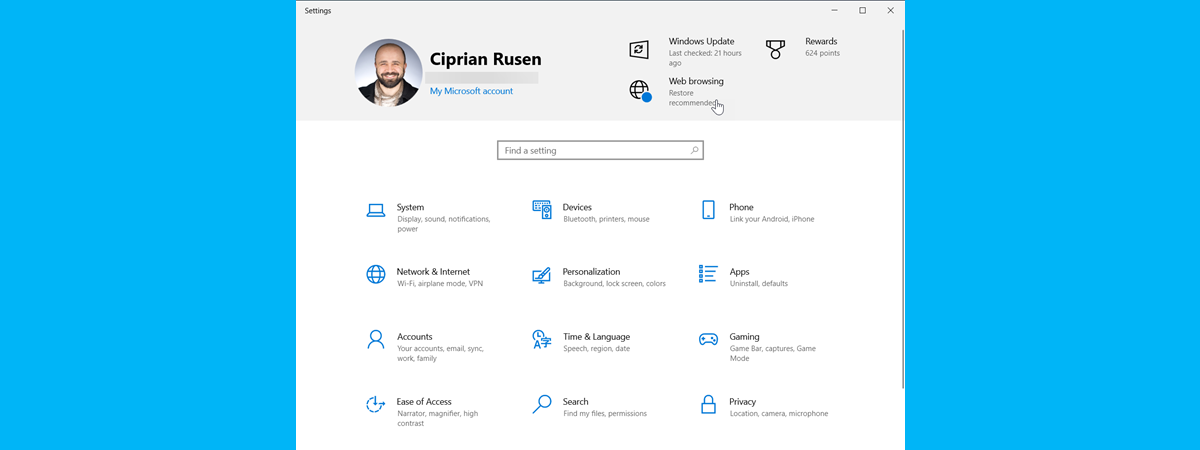
Being able to change the settings that govern the way your computer or device works is important on any operating system. Windows 10 is no different, and its Settings app continues to receive new updates, making it easier than ever to find a setting and to set up everything according to your preferences. This tutorial shows you the current setup of the Settings app
tutorial 3 ways to connect to Wi-Fi on a Mac

3 ways to connect to Wi-Fi on a Mac

Knowing how to connect your Mac to a wireless network can come in handy in a variety of situations. Maybe you just got a new device running on macOS, or you want to connect your MacBook to the Wi-Fi in your favorite coffee shop. Either way, this guide aims to give you all the information you need to connect your Mac to any wireless
tutorial How to resize the Start Menu in Windows 10 (3 methods)

How to resize the Start Menu in Windows 10 (3 methods)

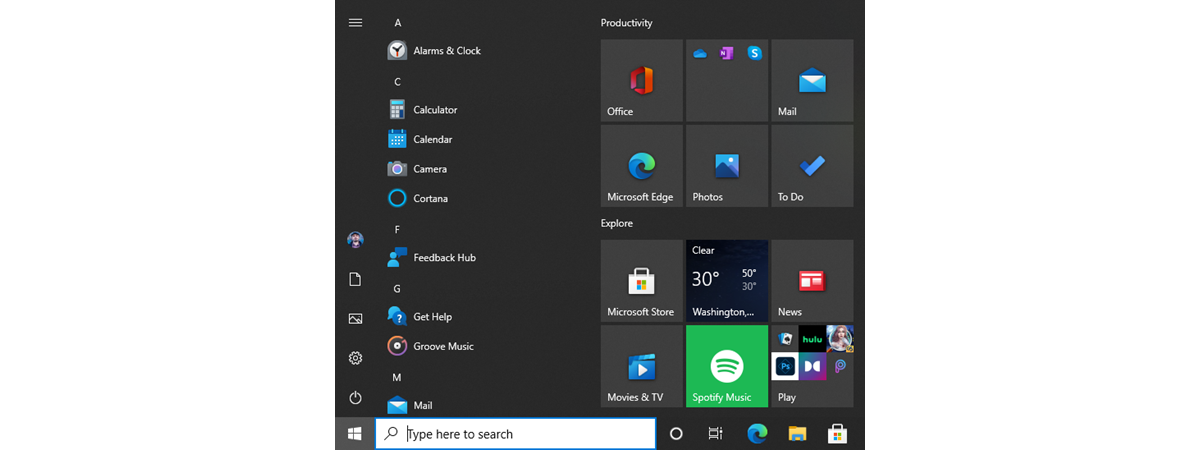
After its highly controversial removal from Windows 8, the Start Menu made a comeback in Windows 10. In an effort to please its entire user base, Microsoft redesigned the Start Menu from scratch, making it highly customizable and better than ever before. One of the best Start Menu features in Windows 10 is that it can be resized. Read this guide to find out

How to remove or hide the ribbon from File Explorer in Windows 10

Did you ever think about making the File Explorer in Windows 10 look and work more like the Windows Explorer from Windows 7? If you could hide or completely remove its ribbon and get rid of all those large buttons shown on it, you might feel more at home in Windows 10 than you do now. If you want to know how to hide or disable the ribbon from File

Eight Windows 10 features that are useful to developers

With Windows 10, Microsoft does not try just to make the lives of home users easier. They also have quite a few features addressed strictly to developers. They allow you to install, run, test and manage apps that were not certified by the Microsoft Store, while also enabling you to track and monitor them both locally and remotely. Here are eight Windows 10 features that are useful to software developers:
tutorial How do I setup and use a VPN on my Android smartphone?

How do I setup and use a VPN on my Android smartphone?

Virtual Private Networks (VPNs) are useful to encrypt your traffic, when you connect to public Wi-Fi, or to access your company's network while traveling. Odds are that, besides your Windows devices, you want to use a VPN on your Android smartphone or tablet. Here is how to set up a VPN on your Android device, connect and disconnect from the VPN, and remove the

How to remote control your Windows PC from Android, using Unified Remote

Picture this: you come home after a day's work, and you want to read a book while listening to your favorite music. You power up your computer, launch your favorite media player, load your music playlist and throw yourself in bed, book in hand. You start reading, but only a few seconds in, you realize the music is too loud, and you need to turn down the volume. The only

7 better alternatives to the Task Manager from Windows

The Task Manager app from Windows is an essential feature of the operating system, and nearly everyone has used it on their computers. We also think that the most frequent use of this tool is to close apps that no longer respond to clicks and commands. Besides that, the Task Manager gives you a perspective of the resources available on your devices, how they are used, the performance of your