



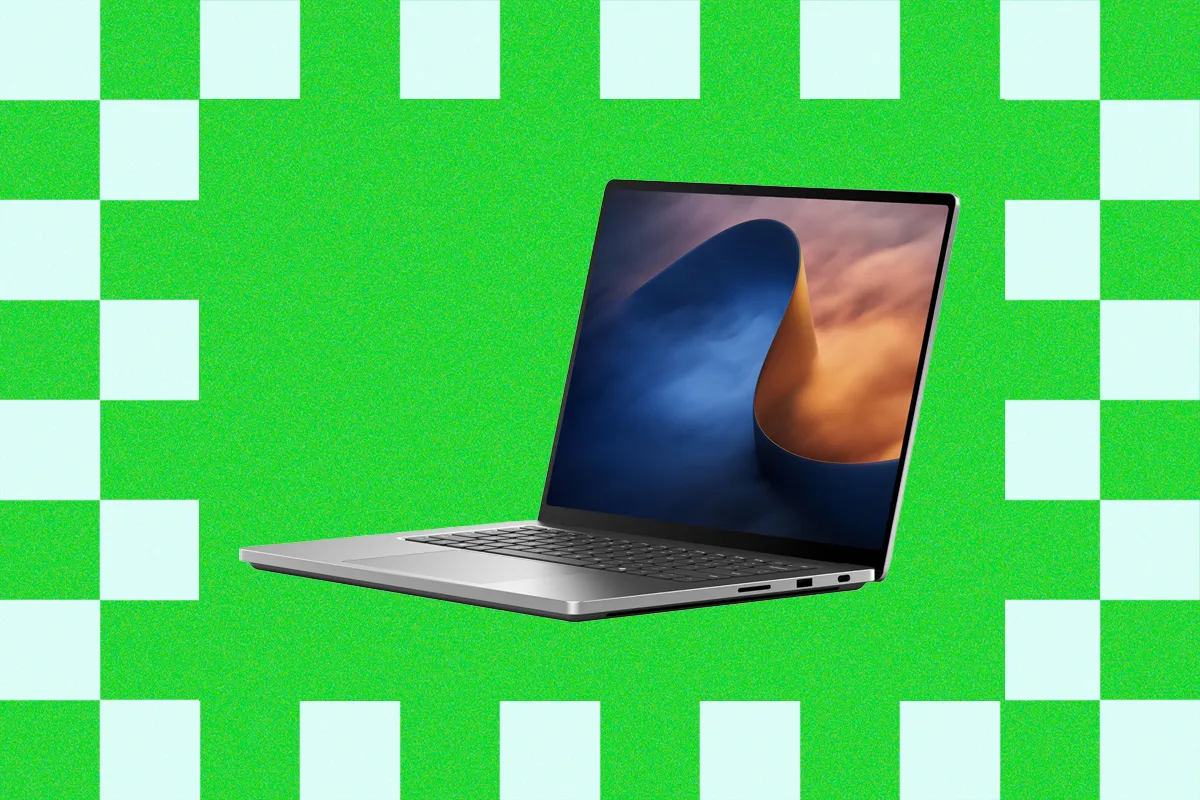
Microsoft's Surface Laptop Ultra is the company's most ambitious laptop yet, combining NVIDIA's RTX Spark platform, a new Mini LED display, premium construction and one of the strongest keyboard and trackpad combinations available on Windows.
It is also extremely expensive.
The Surface Laptop Ultra starts at $2,599 with 24GB of unified memory, a 512GB SSD and an 18 core RTX Spark N1X. The top configuration tested here raises the specification to 128GB of memory, 1TB of storage and a 20 core RTX Spark with 6,144 GPU cores, pushing the price to $5,899.
That pricing makes the laptop difficult to recommend for general productivity, but for developers, AI professionals and creators who can use its unusual hardware, it becomes much more interesting.
Surface Laptop Ultra Specifications
| Feature | Surface Laptop Ultra |
|---|---|
| Processor | RTX Spark N1X, 18 or 20 cores |
| GPU | Blackwell RTX, 5,120 or 6,144 cores |
| Unified memory | 24GB, 32GB, 64GB or 128GB LPDDR5X |
| Storage | 512GB, 1TB or 2TB removable SSD |
| Display | 15 inch PixelSense Ultra touchscreen |
| Peak HDR brightness | Up to 2,000 nits |
| Wireless | Wi Fi 7, Bluetooth 5.4 |
| Battery claim | Up to 15 hours video, 12 hours web |
| Weight | 2.0kg |
| Starting price | $2,599 |
The laptop can also run local AI models with up to 120 billion parameters, helped by its large shared memory pool and NVIDIA AI hardware.
The Design Clearly Targets the MacBook Pro
The Surface Laptop Ultra's appearance is strongly influenced by Apple's MacBook Pro, with squared edges, a large trackpad and a minimalist metal chassis.
Microsoft has still added some of its own design ideas.
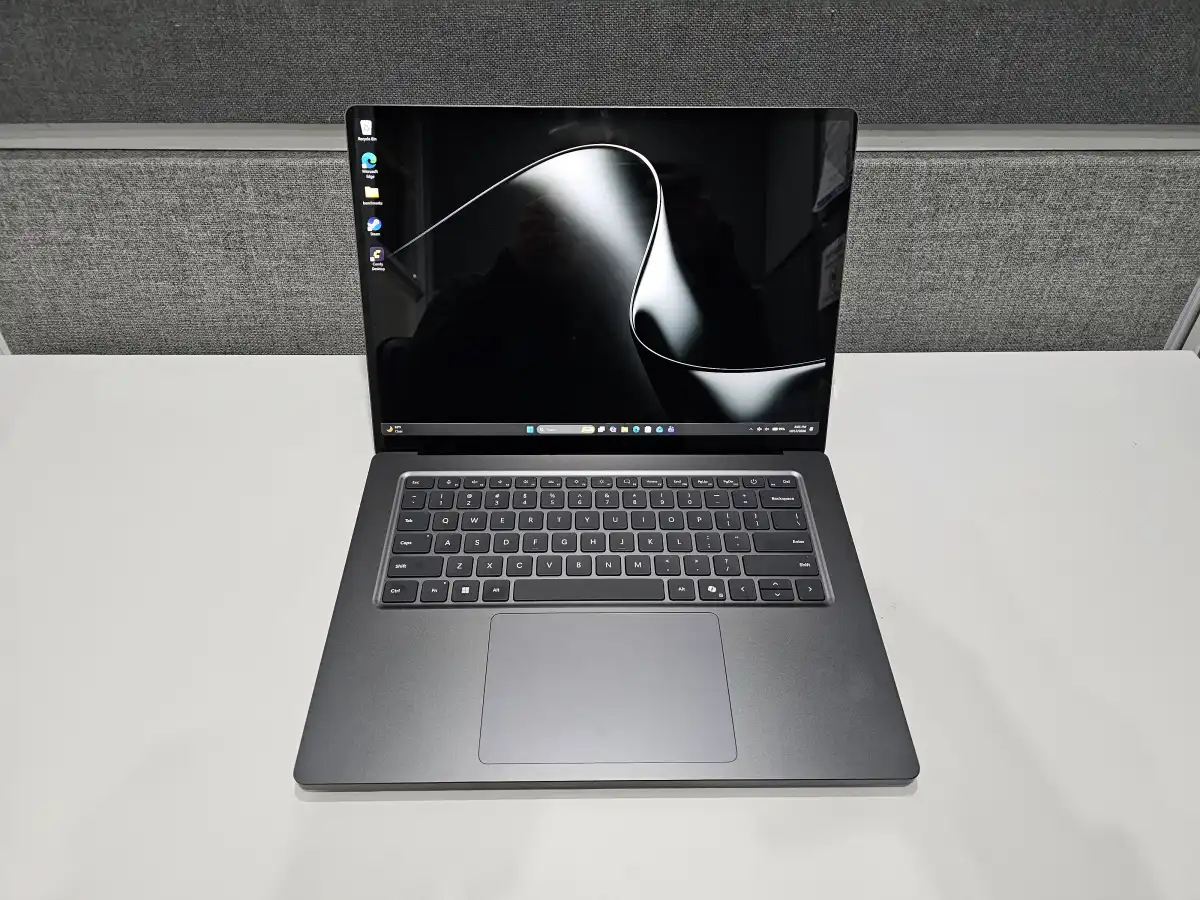
The keyboard deck is recessed cleanly into the metal body, while the chassis, keyboard and trackpad use consistently rounded corners. The display hinge is also well balanced and can be opened with one finger without introducing noticeable wobble while typing.
Port selection is broad for a modern premium laptop.
You get three USB C ports, USB A, HDMI 2.1, a full size SD card reader and a 3.5mm audio jack.
One of the USB C ports introduces Microsoft's new magnetic charging design. The port remains compatible with ordinary USB C devices, but magnets around the opening allow the included charging cable to detach like Apple's MagSafe connector.
It is a practical design that preserves USB C compatibility without requiring the old proprietary Surface Connect port.
The Mini LED Screen Is Bright but Not Best in Class
The 15 inch display marks Microsoft's first use of Mini LED in a Surface device.
It includes 1,344 local dimming zones and can reach up to 2,000 nits of peak HDR brightness.
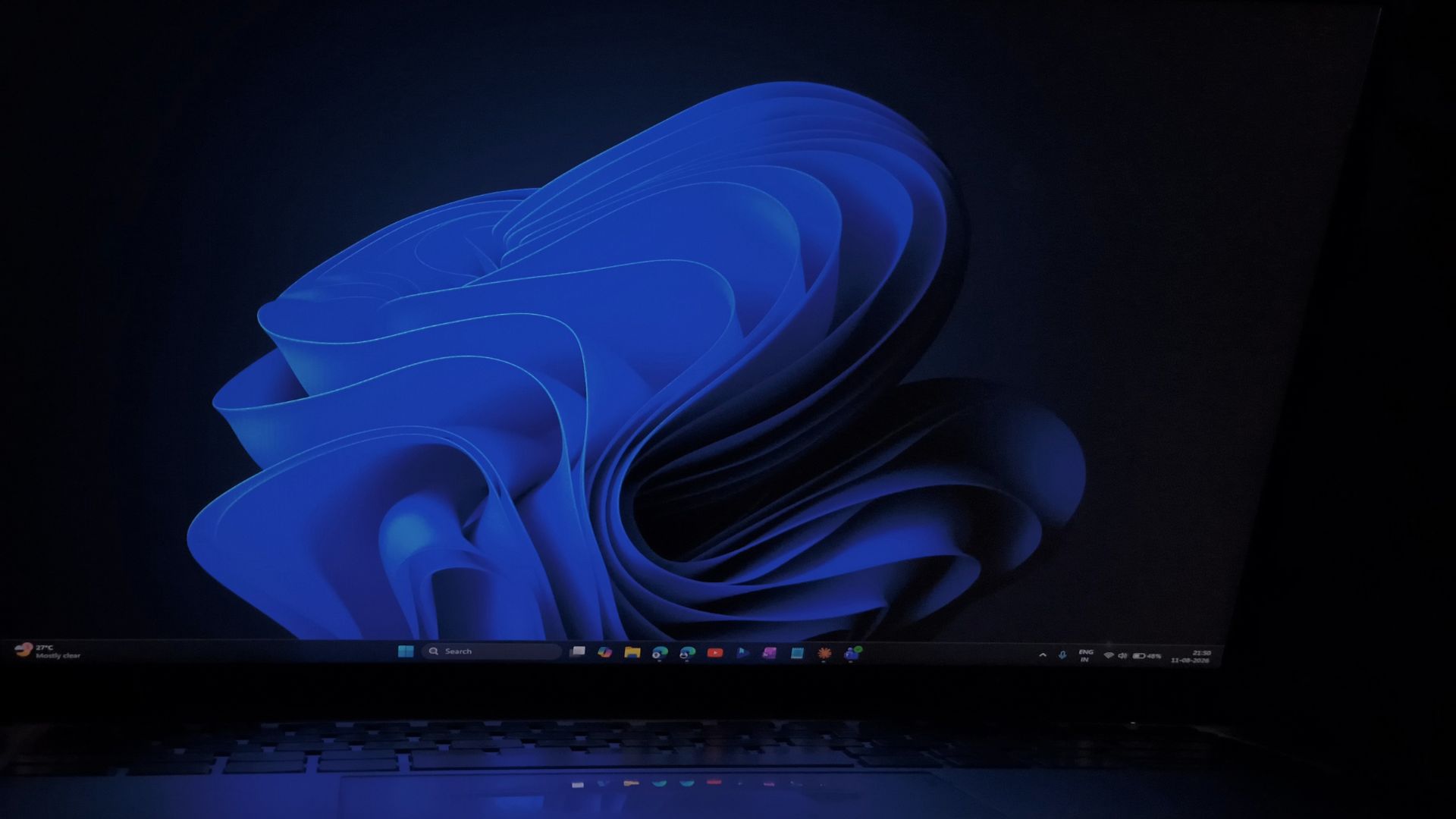
Brightness and color quality are strong, and the 120Hz refresh rate makes scrolling and general use feel smooth.
The weaknesses appear in dark scenes.
Because the Mini LED backlight has fewer dimming zones than some competing displays, blooming can appear around bright objects against dark backgrounds. The backlight can also take a fraction of a second to adjust when bright windows move across dark areas, creating a subtle ghosting effect.
The display is still a substantial upgrade over a conventional LCD, but OLED panels provide stronger contrast and cleaner blacks.
Touch input is supported, although pen input is not.
The Keyboard and Trackpad Are Excellent
The Surface Laptop Ultra performs particularly well with everyday input.
The keyboard offers 1.4mm of travel and is quiet, tactile and comfortable during long typing sessions.
Its haptic trackpad is the largest Microsoft has ever used on a Surface laptop and includes adjustable feedback strength.
Windows 11's newer haptic features are supported as well.
Actions such as snapping windows or moving files can produce subtle feedback through the trackpad, adding a physical response to certain interface interactions.
Palm rejection was also reliable during testing.
The audio system is another strong point, with speakers that compare favorably with premium Windows laptops and even compete with the 14 inch MacBook Pro. The studio microphones also performed well at isolating speech from background noise.
RTX Spark Delivers Strong GPU Performance
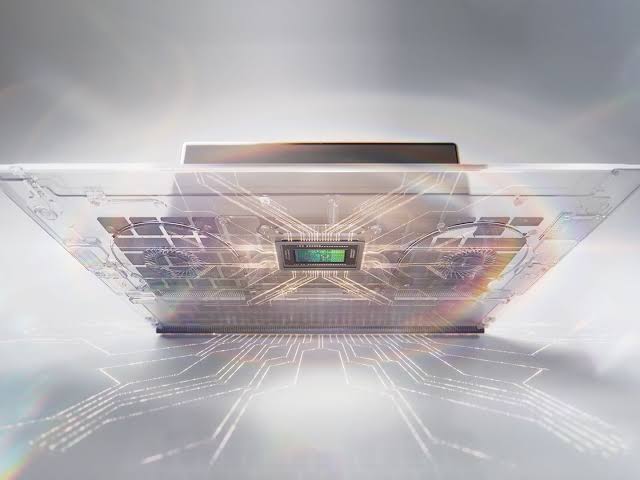
Performance is centered around NVIDIA's RTX Spark platform.
CPU performance is respectable rather than class leading, while the Blackwell GPU is the more impressive part of the system.
The laptop can run many games at 1440p high settings above 60 FPS, while higher memory configurations can also keep large AI models directly in GPU accessible memory. Overall CPU performance sits closer to Snapdragon X2 Elite or Apple M4 Pro territory than the fastest Apple Max chips.
On the 128GB version, unified memory is split evenly between the system and GPU by default, but the allocation can be changed through NVIDIA software.
The laptop is very responsive during normal workloads, although restart times were unusually long during testing, sometimes exceeding two minutes. Microsoft is reportedly investigating the issue.
Another important detail is the default power profile.
Microsoft ships the laptop in Best Power Efficiency mode, which can reduce performance significantly. Switching to Balanced on battery and Best Performance while plugged in produces much better results.
Battery Life Is Adequate Rather Than Outstanding
Battery endurance is one of the weaker areas.
The Procyon battery test lasted around 14 hours, while real world use was closer to 10 hours. GPU intensive workloads can cut that figure roughly in half.
Sleep efficiency is much better.
Leaving the laptop asleep for about 10 hours reportedly consumed only around 1% to 2% of the battery.
Heat is more noticeable under sustained load.
The upper keyboard deck reached approximately 123°F, although the system did not appear to thermal throttle. Fan noise reached about 42dB at maximum load, and some coil whine was audible when the GPU was working heavily.
It Makes the Most Sense for AI Developers and High End Creators
The Surface Laptop Ultra succeeds as Microsoft's strongest attempt yet at building a Windows alternative to the MacBook Pro.
Its build quality, keyboard, trackpad, ports and RTX Spark GPU are all strong, and the ability to configure up to 128GB of unified memory creates useful possibilities for local AI workloads.
The compromises are equally clear.
Battery life is merely adequate, the Mini LED panel is not best in class, presence sensing is missing and Copilot+ features are not available at launch despite the hardware being capable of supporting them.
For ordinary productivity, occasional gaming or light creative work, cheaper laptops make more sense.
For developers who run local language models, professionals using agentic workflows and creators who need a large shared memory pool with strong GPU performance, the Surface Laptop Ultra has a much clearer purpose.
It is Microsoft's closest MacBook Pro competitor so far, but its high price, display limitations and battery performance prevent it from becoming the obvious Windows choice for everyone.
Discussion (0)
Be the first to comment.