




Apple Pay works at thousands of stores across the U.S., covering retail, groceries, restaurants, gas stations, and online checkouts. Acceptance depends on the store’s payment terminals, so support can vary by location even within the same chain.
Table of contents
- Major retail stores that accept Apple Pay
- Grocery stores that accept Apple Pay
- Restaurants and fast food chains that accept Apple Pay
- Gas stations and convenience stores that accept Apple Pay
- Online stores and apps that accept Apple Pay
- Stores that do not accept Apple Pay
- How to tell if a store accepts Apple Pay
- Common issues when Apple Pay is not working in stores
- Tips for using Apple Pay in stores
- FAQs about Apple Pay store acceptance
- Summary
Major retail stores that accept Apple Pay
Most large national retailers support Apple Pay at in-store checkout terminals. This section helps you confirm everyday shopping compatibility before you head out.
Big-box and department stores
Major big-box and department stores typically support tap-to-pay using NFC terminals. You can pay with Apple Pay at checkout counters and, in many cases, at self-checkout kiosks.
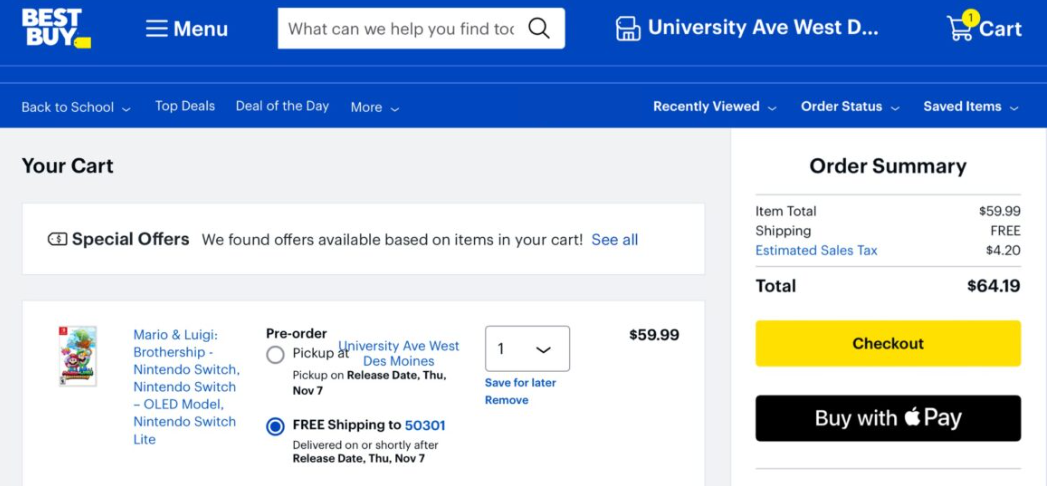
Common examples include paying with Apple Pay at Target, Best Buy, Costco, Macy’s, Kohl’s, and Nordstrom. Acceptance usually works nationwide, but older terminals in smaller locations may lag behind.
Clothing and specialty retailers
Fashion and specialty retailers widely support Apple Pay for fast in-store purchases. These stores often upgrade terminals early to support contactless payments.
You can use Apple Pay at brands like Nike, Adidas, H&M, Zara, Sephora, and Apple Store locations. Support focuses on in-store payments rather than gift card kiosks.
Grocery stores that accept Apple Pay
Grocery shopping ranks among the most common Apple Pay use cases. Most major chains support Apple Pay, but terminal upgrades still vary by store.
National grocery chains
Large grocery chains typically support Apple Pay at staffed registers and self-checkout lanes. Tap-to-pay works the same way as using a physical card.
Well-known examples include Whole Foods Market, Trader Joe’s, Kroger, Safeway, Albertsons, Publix, and Wegmans. Some locations may limit Apple Pay at fuel stations or older registers.

Warehouse and membership stores
Warehouse stores often support Apple Pay, but policies differ more than traditional supermarkets. Membership requirements do not affect Apple Pay usage.
Costco accepts Apple Pay in-store, while Sam’s Club focuses more on app-based payments. Always expect differences between in-store and app checkouts.
Restaurants and fast food chains that accept Apple Pay
Apple Pay works at many restaurants, especially fast food and coffee chains. Acceptance often depends on whether the location upgraded its POS system.
Fast food and coffee chains
Fast food restaurants commonly support Apple Pay at the counter and drive-thru terminals. Many also accept Apple Pay for mobile orders.
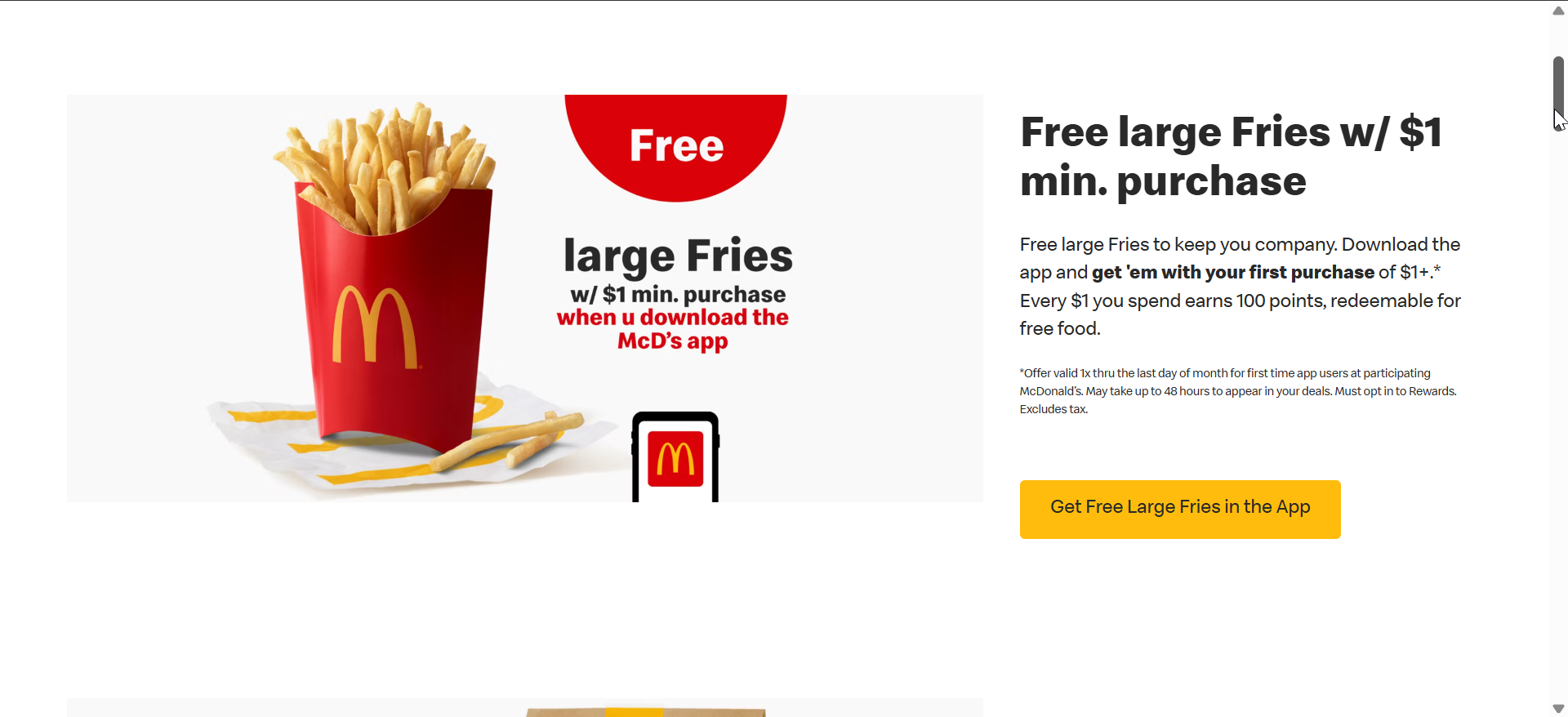
You can pay with Apple Pay at McDonald’s, Starbucks, Subway, Taco Bell, Dunkin’, and Chick-fil-A. Mobile app support remains more consistent than in-store terminals.
Sit-down and casual dining restaurants
Casual dining restaurants support Apple Pay less consistently across locations. Franchise ownership often determines terminal upgrades.
Chains like Chili’s, Applebee’s, and Panera Bread support Apple Pay in many locations, especially when tabletop or handheld payment devices are used.
Gas stations and convenience stores that accept Apple Pay
Gas stations support Apple Pay either at the pump or inside the store. Pump-based acceptance depends on contactless-enabled card readers.
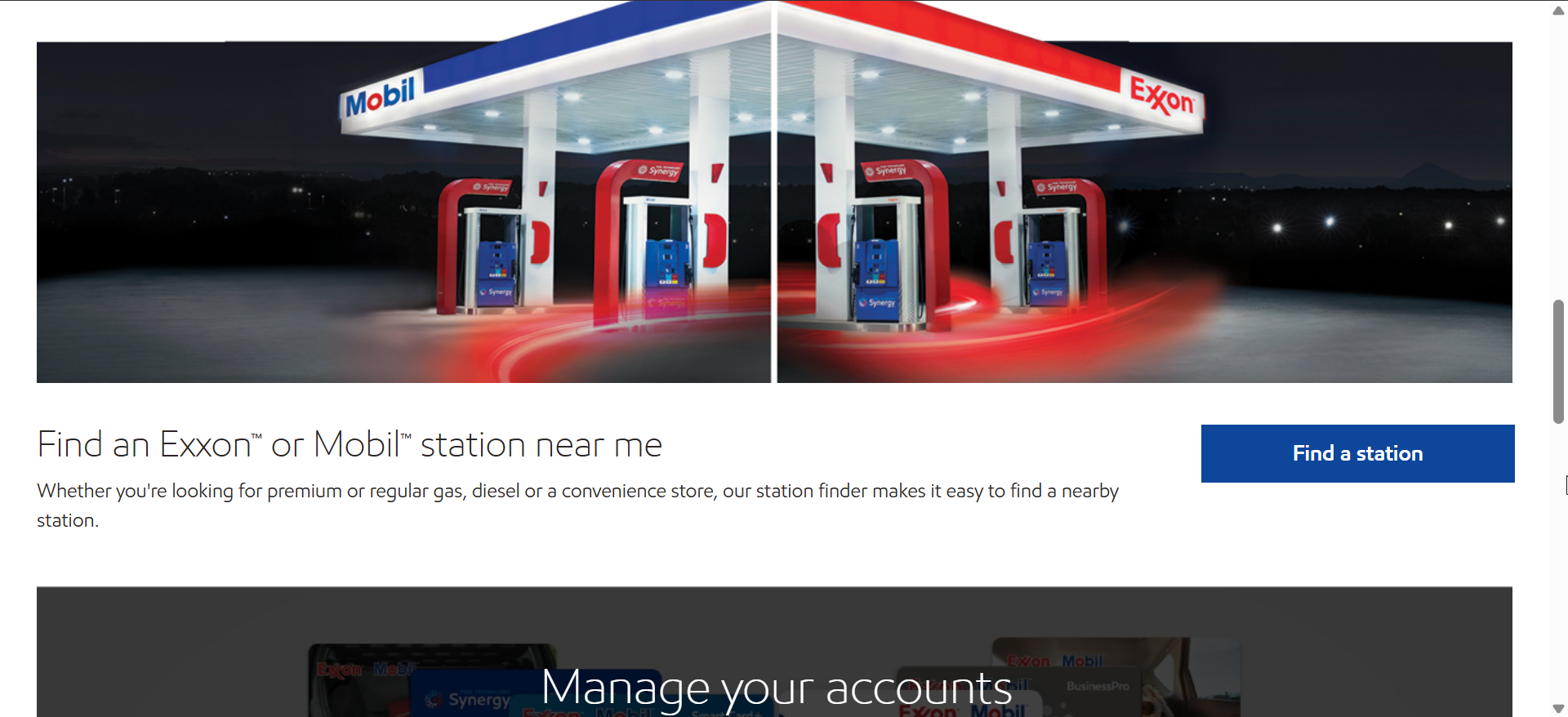
Major brands like Shell, Chevron, Exxon, BP, and 7-Eleven often support Apple Pay. Some stations require you to pay inside even if the brand supports contactless payments.
Online stores and apps that accept Apple Pay
Apple Pay also works for online shopping and in-app purchases. This option speeds up checkout and limits data sharing.
E-commerce websites
Many large online retailers support Apple Pay at checkout on Safari and supported devices. You authenticate with Face ID, Touch ID, or a passcode.
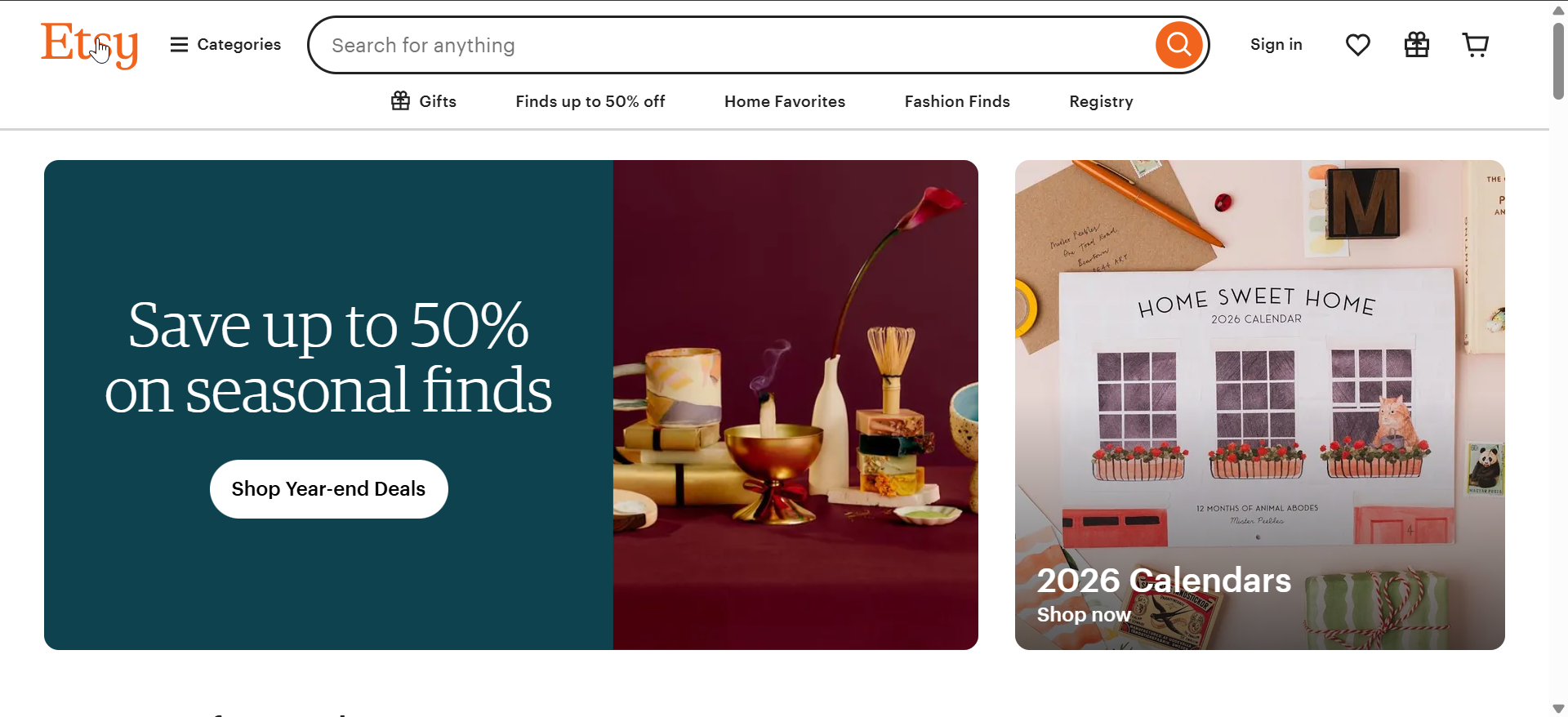
Popular examples include Etsy, Nike, Best Buy, and Target. Browser and device compatibility can affect availability.
Apps with Apple Pay checkout
Apps frequently support Apple Pay for purchases, subscriptions, and one-tap payments. In-app support usually works more reliably than mobile websites.
Common apps include Uber, Lyft, DoorDash, Instacart, Airbnb, and subscription services across media and fitness categories.
Stores that do not accept Apple Pay
Some major retailers still block Apple Pay despite supporting other contactless payments. These decisions usually tie to proprietary payment systems.
Notable examples include Walmart and Sam’s Club for in-store payments. These stores often push app-based QR or wallet alternatives instead.
How to tell if a store accepts Apple Pay
You can confirm Apple Pay acceptance before paying by checking for the contactless symbol or Apple Pay logo near the card reader. Ask the cashier if you feel unsure.
You can also search the store in Apple Maps, where Apple Pay support often appears in the listing details.
Common issues when Apple Pay is not working in stores
Apple Pay may fail if the terminal does not support NFC or if contactless payments are disabled. Network issues or regional terminal settings can also cause problems.
Restart your device, move it closer to the reader, and try another register if possible.
Tips for using Apple Pay in stores
- Hold your iPhone or Apple Watch close to the terminal until confirmation appears
- Use Face ID or Touch ID promptly to avoid timeouts
- Try a different register if the first one fails
- Keep a physical card handy for older terminals
FAQs about Apple Pay store acceptance
Does Apple Pay work everywhere contactless payments are accepted? No. Some stores block Apple Pay even if they accept contactless cards.
Can I use Apple Pay without internet access? Yes. In-store Apple Pay transactions do not require an active internet connection.
Does Apple Pay cost extra to use in stores? No. Stores do not charge additional fees for Apple Pay transactions.
Summary
- Apple Pay works at most major retail, grocery, restaurant, and gas station chains.
- Acceptance can vary by location due to terminal upgrades and franchise policies.
- Online and in-app Apple Pay support remains more consistent than in-store use.
- Checking symbols or Apple Maps saves time before checkout.
Apple Pay offers fast, secure payments at thousands of stores, but acceptance still varies by retailer and location. Knowing where it works, how to check support, and what to do when it fails helps you avoid checkout delays and shop with confidence.


Discussion (0)
Be the first to comment.