



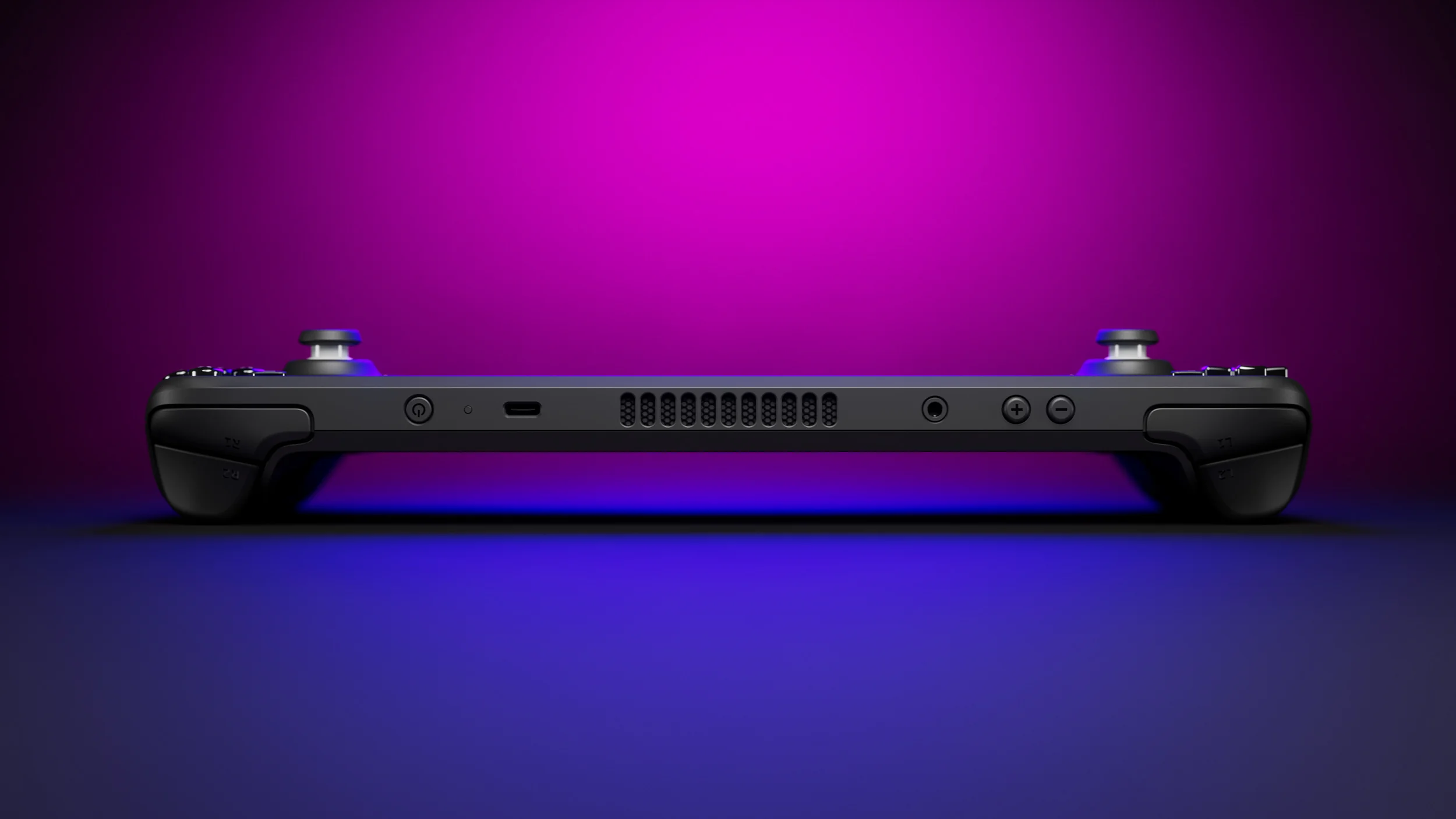
Valve has released a small SteamOS update that fixes a frustrating Desktop Mode issue on the Steam Deck. SteamOS 3.8.11 restores access to the virtual keyboard at the Desktop Mode lock screen, allowing affected players to enter their password and unlock the system again.
The update is limited in scope, but the fix is important. A missing virtual keyboard can leave players unable to log in when they do not have a physical keyboard connected to their Steam Deck or another SteamOS device.
SteamOS 3.8.11 arrives shortly after the larger SteamOS 3.8 release, which introduced major platform updates, driver changes, and early support for new Valve hardware.
The update fixes a lock screen issue in Desktop Mode
The problem appeared when Steam Deck owners switched to Desktop Mode and reached the lock screen. The virtual keyboard could become inaccessible, leaving no easy way to type a password.
For people who use a docked Steam Deck with a keyboard and mouse, the issue may have been manageable. But for handheld players using Desktop Mode without extra accessories, the bug could block access to the system entirely.
SteamOS 3.8.11 includes one confirmed change:
| SteamOS 3.8.11 change | What it fixes |
|---|---|
| Virtual keyboard fix | Restores keyboard access at the Desktop Mode lock screen |
This is a small patch, but it addresses a basic system function. Lock screen problems are especially disruptive because they stop you before you can access games, files, settings, browsers, emulators, or desktop applications.
Why the virtual keyboard matters on Steam Deck
Steam Deck is built around controller focused input. While it can work like a regular Linux PC in Desktop Mode, many owners do not keep a physical keyboard connected at all times.
The virtual keyboard is therefore essential when you need to:
- Enter a password after waking the device
- Log into a website or app
- Search for files
- Rename folders
- Configure emulator settings
- Use desktop applications without external accessories
When that keyboard disappears at the lock screen, the system becomes difficult to use unless you already have another input method nearby.
The new update should remove that problem for players affected by the bug.
SteamOS 3.8 brought much larger changes before this patch
The virtual keyboard fix follows the broader SteamOS 3.8 update, which brought significant changes to the operating system.

That release included updates to the Linux kernel, graphics driver, Arch Linux base, and general system support. It also added early groundwork for Valve’s wider SteamOS hardware plans, including Steam Machine support.
Large operating system updates often introduce unexpected bugs, even when they add important new features. Small follow-up patches like SteamOS 3.8.11 are normal and help improve stability after a major release.
| Recent SteamOS development | Main focus |
|---|---|
| SteamOS 3.8 | Kernel, graphics, system base, hardware support |
| SteamOS 3.8.11 | Desktop Mode lock screen keyboard fix |
| Recent beta updates | Display, controls, and compatibility fixes |
Valve has continued to update SteamOS regularly as it expands beyond the original Steam Deck hardware.
Desktop Mode remains useful for advanced Steam Deck owners
Game Mode is where most Steam Deck owners spend their time, but Desktop Mode remains important for anyone who wants more control over the device.
It gives access to a full Linux desktop environment, allowing players to install non Steam software, manage files, configure emulators, use web browsers, set up mods, and connect external storage.
That flexibility is one of Steam Deck’s biggest strengths, but it also means basic desktop reliability matters. A simple issue like a missing lock screen keyboard can affect anyone who uses the device as both a gaming handheld and a compact PC.
Steam Deck owners should update when possible
SteamOS 3.8.11 does not add major new gaming features, but it is worth installing for players who use Desktop Mode. The patch fixes a problem that could prevent access to the system, and it should improve the experience for anyone who relies on the on-screen keyboard.
Valve will likely continue releasing smaller updates as SteamOS 3.8 reaches more devices and hardware configurations. For now, this update is a straightforward but useful fix for a bug that could turn a quick Desktop Mode session into an unnecessary headache.



Discussion (0)
Be the first to comment.