



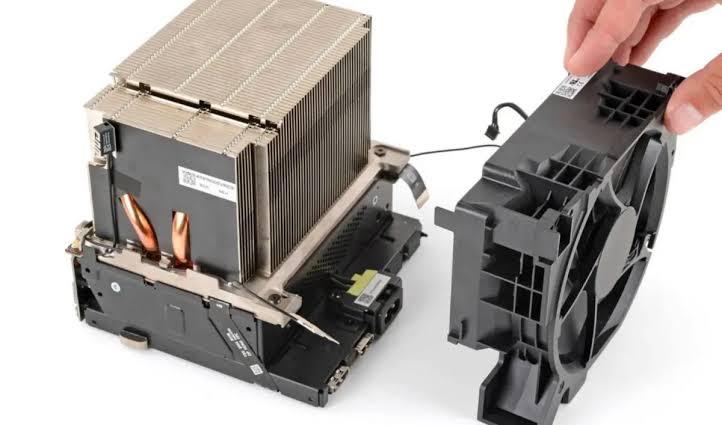
Valve's 2026 Steam Machine now has a full set of repair instructions covering everything from simple storage upgrades to major internal component replacements.
A total of 18 repair guides have been published for the system, expanding the repair support already available for other Valve hardware. The documentation covers major components including the SSD, RAM, power supply, motherboard, cooling system, and several separate input and output boards.
The guides also explain how to remove external parts such as the faceplate, outer shell, back panel, and feet, giving owners a clearer path to maintaining or repairing the machine themselves.
Replacement parts are not yet listed for sale, but they are expected to become available later.
Steam Machine can be disassembled in individual sections
The repair documentation shows that the Steam Machine has been designed around several replaceable internal modules rather than requiring the entire system to be replaced when one component fails.
Some jobs are relatively simple, while others require much deeper disassembly.
| Repair or maintenance area | Guide available |
|---|---|
| SSD | Yes |
| RAM | Yes |
| Power supply | Yes |
| Motherboard | Yes |
| Heatsink | Yes |
| Cooling fan | Yes |
| Front USB and power board | Yes |
| HDMI and DisplayPort board | Yes |
| Rear USB and Ethernet board | Yes |
| microSD card reader | Yes |
| Faceplate and shell | Yes |
| Cleaning procedure | Yes |
The availability of separate guides for I/O boards is particularly useful. Instead of treating all ports as part of a single motherboard assembly, individual sections can be accessed independently.
That could reduce repair costs if a damaged connector or board fails while the rest of the system remains functional.
SSD replacement supports two common M.2 sizes
The Steam Machine uses a single M.2 NVMe storage slot compatible with both 2230 and 2280 SSDs.
That gives owners more flexibility when upgrading storage because both compact and full length M.2 drives can be used.
The repair guide covers the physical replacement process, but changing the SSD does not automatically restore SteamOS.
After installing a new drive, you still need to reinstall or recover the operating system separately.
This is an important distinction because the hardware installation and software recovery are two different parts of the upgrade process.
RAM and major internal parts are accessible
The inclusion of a dedicated RAM replacement guide confirms that memory can be serviced independently.
There are also separate procedures for the power supply, motherboard, heatsink, and cooling fan.
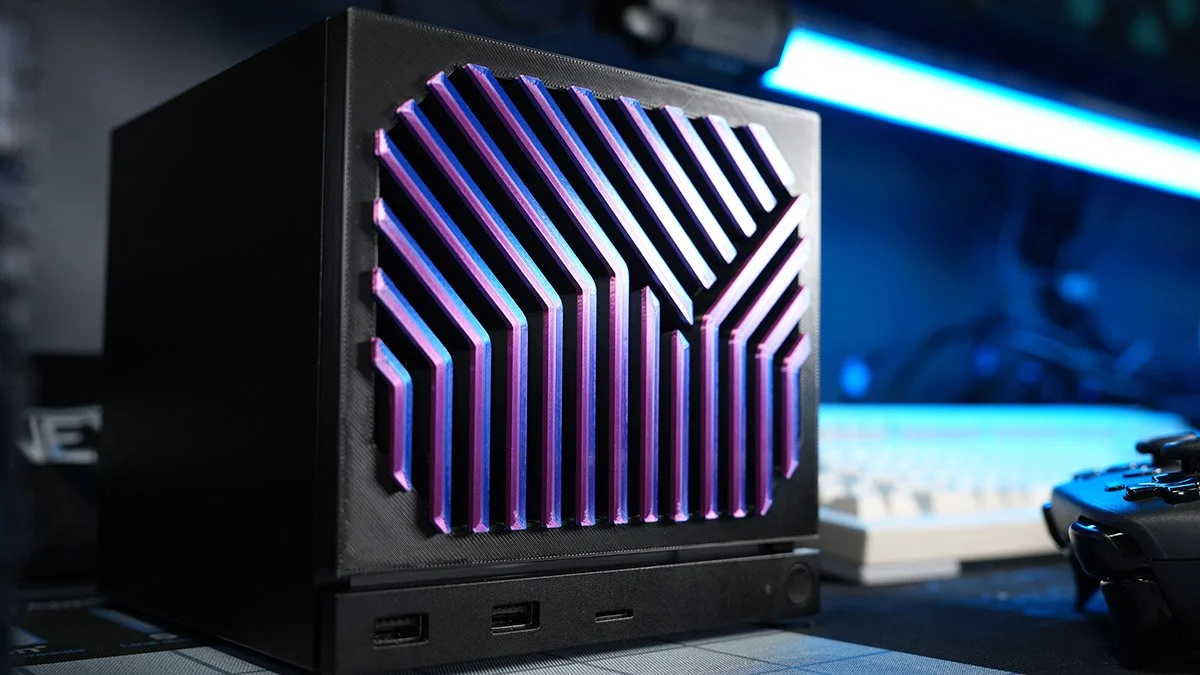
These are more involved repairs than swapping storage, but official documentation makes the process easier to understand and reduces the need to rely on unofficial teardown videos or community instructions.
The same applies to system cleaning. A dedicated guide explains how to open the Steam Machine safely for maintenance, which can be useful as dust builds up over time.
Spare parts are still coming later
At the moment, replacement components for the Steam Machine are not yet available through the repair parts store mentioned in the source.
However, plans are reportedly in place to add spare parts.
That would follow the existing repair model used for other Valve hardware, where official replacement components and tools are made available for supported devices.
Once parts become available, owners should have a more complete self repair path covering both instructions and the components needed to perform the work.
The 18 repair guides make the Steam Machine more serviceable than many compact gaming PCs that use proprietary layouts without public documentation.
For owners planning to keep the system for several years, access to procedures for storage, memory, cooling, power, ports, and motherboard replacement could make long term maintenance much easier.

Discussion (0)
Be the first to comment.