



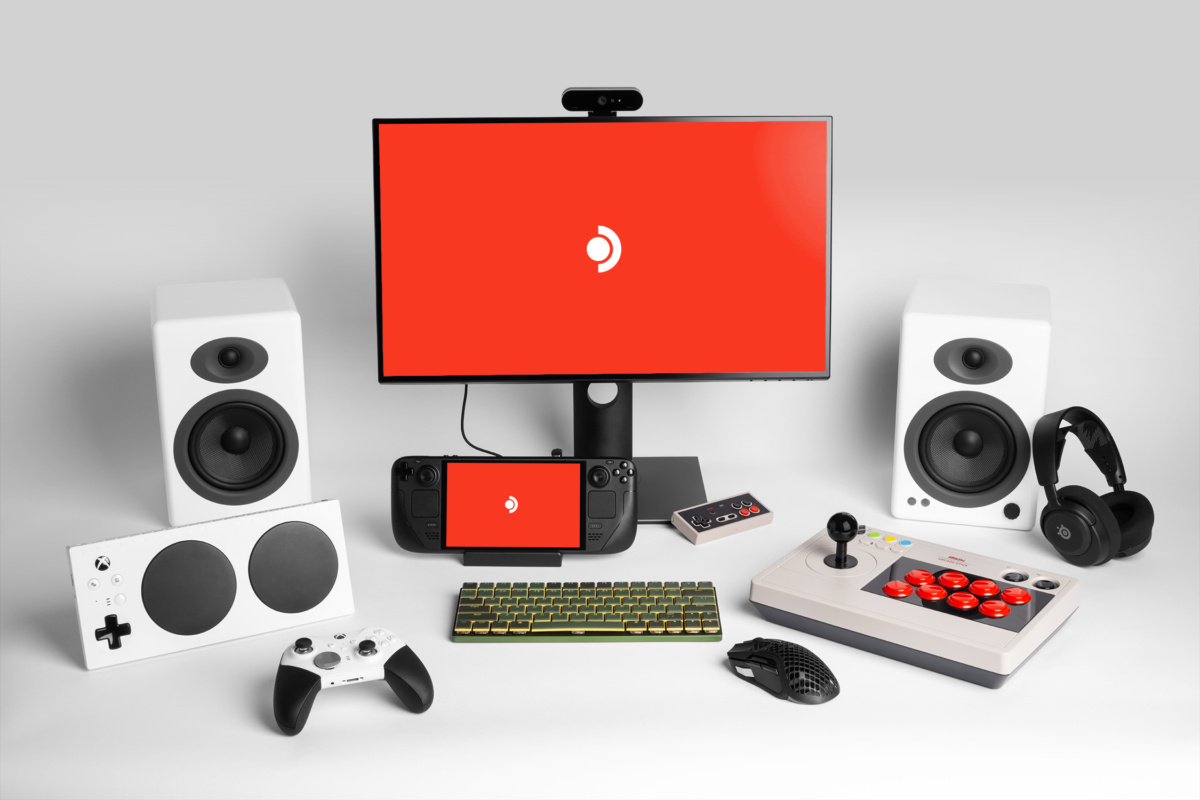
Valve has released a new Steam Deck Client update addressing a problem that caused Vulkan games to freeze when switching between applications in Desktop Mode.
The update, released on October 21, 2026, also fixes incorrect date displays for players in British Columbia and refreshes certificate revocation lists to improve security.
Although this is a relatively small update, it addresses a stability issue that could affect gaming sessions when switching between a game and another desktop application.
The update is available through the Steam Deck's system settings.
Steam Deck Vulkan Games No Longer Freeze After Alt-Tab
The most notable improvement addresses Vulkan games becoming unresponsive after players switch away from them using Alt + Tab.
Vulkan is a graphics API used by many PC games, including titles that run on Linux through native support or compatibility technologies.
Previously, some games could hang after players switched to another application and attempted to return to their gaming session.
This could interrupt gameplay and potentially require restarting an affected title.
Valve's latest client update addresses the reported problem in Desktop Mode, improving reliability when switching between running applications.
The correction is particularly useful if you frequently move between games, web browsers, communication tools, or other desktop software.
However, Valve has not identified which specific games were affected or provided detailed technical information about the underlying cause.
Steam Deck Update Also Includes Security and Regional Fixes
Alongside the Vulkan correction, Valve has made two additional changes.
| Area | Update details |
|---|---|
| Desktop Mode | Fixed Vulkan games hanging after Alt + Tab |
| Date display | Corrected date formatting for British Columbia |
| Security | Updated certificate revocation lists |
The date display correction resolves an issue affecting players in British Columbia, Canada.
Valve has also updated certificate revocation lists, which help software identify digital certificates that should no longer be trusted.
These updates support secure connections and certificate validation.
Unlike major SteamOS releases, this client update does not introduce new gaming features, interface changes, or performance settings.

Its focus is maintaining stability and correcting existing problems.
How to Install the Latest Steam Deck Client Update
You can install the update directly from your Steam Deck without downloading additional files manually.
Open the device's system settings, check for available updates, and follow the installation instructions.
If the update has already been applied automatically, no further action may be necessary.
Valve continues releasing smaller client patches between larger SteamOS updates to address stability, security, and compatibility problems.
For players using Desktop Mode regularly, the Vulkan freezing fix is the most significant improvement in this release.

Discussion (0)
Be the first to comment.