



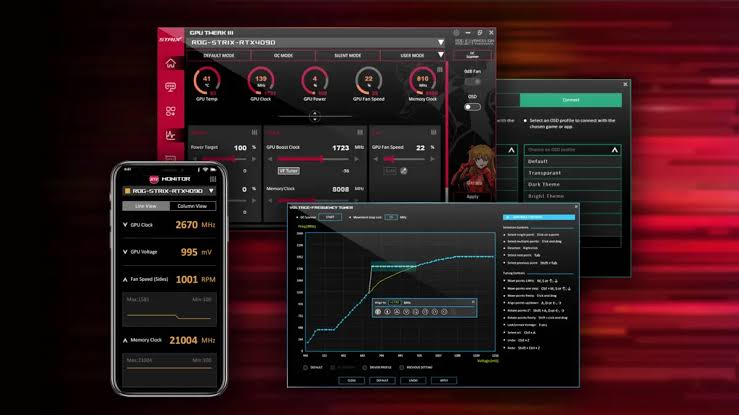
ASUS has released GPU Tweak III version 2.2.1.1, addressing compatibility problems with newer NVIDIA GeForce drivers and improving stability on systems with multiple graphics cards.
The latest stable update fixes an issue that prevented the utility from launching when NVIDIA GeForce Game Ready driver 616.92 or later was installed.
It also introduces a new visual theme inspired by Onimusha: Way of the Sword and improves device detection and monitoring functionality.
The update is available for Windows 10 and Windows 11, with a download size of approximately 108MB.
ASUS GPU Tweak III Now Works With Newer NVIDIA Drivers
GPU Tweak III is ASUS's graphics card monitoring and overclocking utility, allowing you to adjust GPU settings, monitor operating conditions, and manage supported graphics hardware.
However, recent NVIDIA driver releases introduced a compatibility problem that prevented some installations of GPU Tweak III from opening.
According to the official changelog, the issue affected systems running GeForce Game Ready driver version 616.92 or newer.
Version 2.2.1.1 resolves the launch problem, restoring access to the utility without requiring customers to downgrade their graphics drivers.
This fix is particularly relevant if you regularly install NVIDIA driver updates to maintain compatibility with new games.
Multi-GPU Crash Fix and Onimusha Theme Added
Another important correction addresses crashes involving GPU Tweak III's Level Sense feature.
The problem could occur when switching between graphics cards in systems containing multiple GPUs.
ASUS has updated the utility to prevent this behavior, improving stability when monitoring different graphics cards.
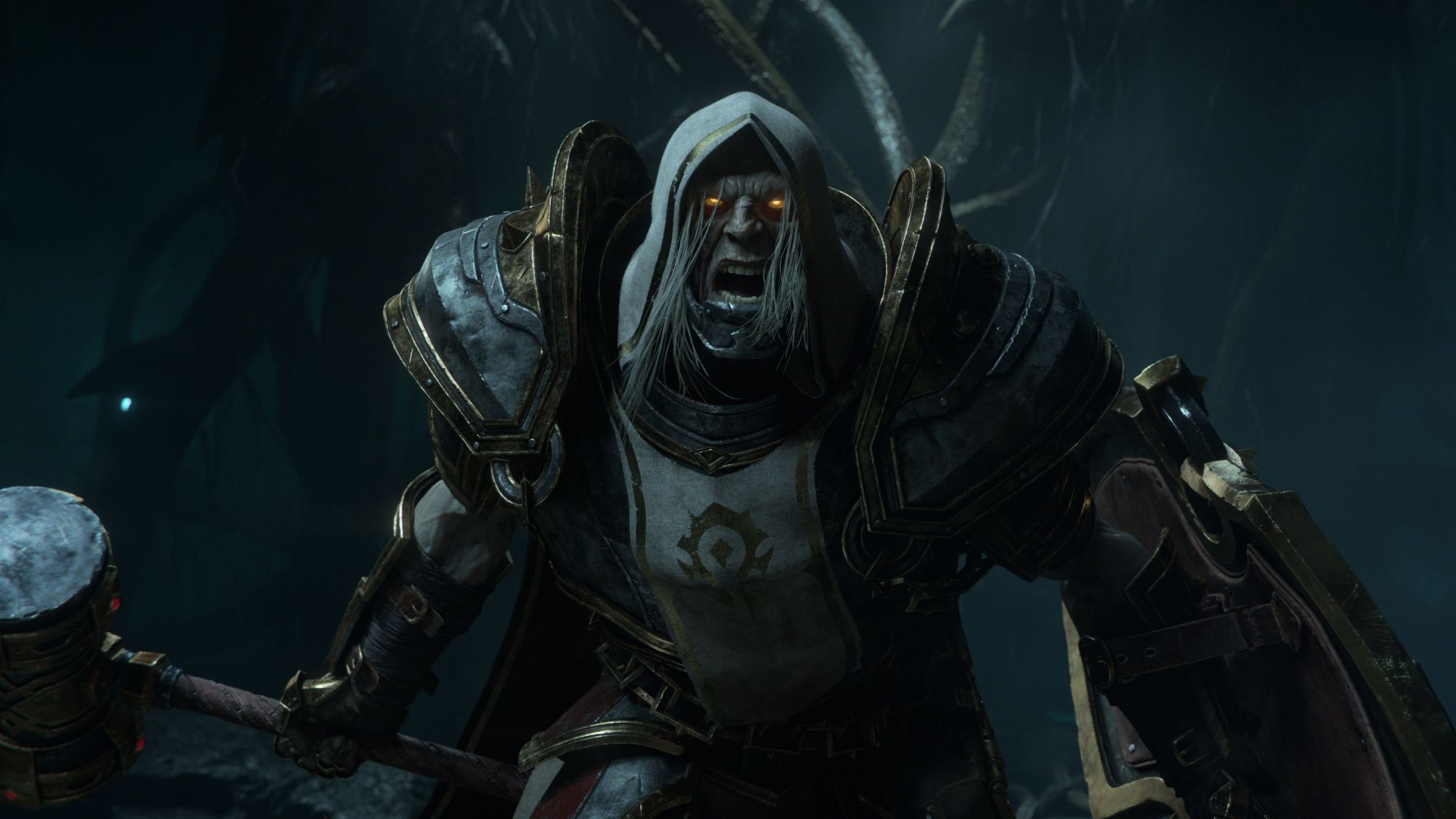
The company has also introduced a new theme based on Onimusha: Way of the Sword, available for supported ASUS graphics cards.
The update includes the following changes:
| Feature | Update details |
|---|---|
| NVIDIA compatibility | Fixed launch failures with driver 616.92 and later |
| Level Sense | Fixed crashes when switching between GPUs |
| Interface customization | Added Onimusha: Way of the Sword theme |
| Plug-in functionality | Expanded captured monitoring information |
| Live Update | Improved device detection |
| Compatibility | Windows 10 and Windows 11 |
GPU Tweak III Update Available for Windows 10 and Windows 11
ASUS has also expanded the information collected through the utility's Plug-in feature, potentially improving access to supported monitoring data.
Meanwhile, changes to Live Update should help the software identify compatible devices more reliably.
The update does not introduce major overclocking features or claim improvements in gaming performance.
Instead, it focuses on compatibility, reliability, and interface customization.
If you experienced startup failures after installing recent NVIDIA drivers, GPU Tweak III version 2.2.1.1 provides an official fix without requiring changes to your existing driver installation.
Discussion (0)
Be the first to comment.