




Making your pre-owned smartphone last longer is worth it. You save money and get more use from your device. With a few software changes and simple upkeep, even an older phone can feel almost new again.
Phones that seem outdated can often work well again. The key is to follow a clear, step-by-step process.
Whether you just bought refurbished phones online from a reputable site like Locanto or want to bring an old device back to life, this guide will help you get the best results.
Why Refreshing a Pre-Owned Phone Matters
Used phones often have hidden potential, but they may also have issues like unused apps, weak batteries, too much storage, or signs they haven't been used in a while. These things can slow down your phone over time if you don't fix them.
It makes a big difference when you refresh your device:
- Speed and reactivity
- Battery life and dependability
- Security and privacy
- Overall value
1. Software Refresh: The Foundation of Performance
Software is what keeps your smartphone running smoothly. Even if the hardware is good, old or poorly set up software can make your phone feel slow and unreliable. That’s why updating the software is the first and most important step you should take.
Start with a Full Reset
Hidden apps, leftover files, or misconfigured settings can slow your phone down. The best place to start is a factory reset—it gives you a clean slate and ensures:
- Removal of all previous user data
- Elimination of unnecessary background services
- A clean slate for optimization
Before doing this, back up anything important.
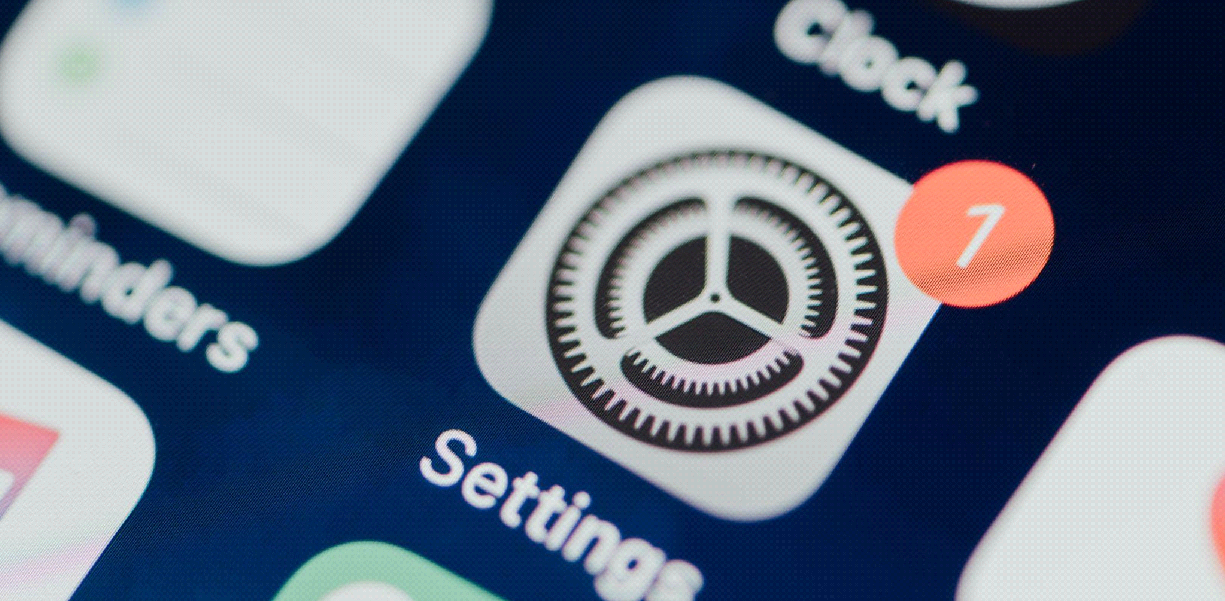
If you have an iPhone, go to Settings > [your name] > iCloud > iCloud Backup and then tap Back Up Now.
On Android, go to Settings > System > Backup, then turn on Back up to Google Drive. You can also use the backup tool that came with your device.
Optimize Storage
If your phone is full of unused files, cached data, and apps, it has to work harder. Try to keep at least 20 to 30 percent of your storage free so your phone runs smoothly.
Steps:
- Delete unused files and media
- Move photos/videos to cloud storage
- Clear cache regularly
If your device has built-in tools for storage cleanup, use them.
2. Battery Optimization: Extending Lifespan and Efficiency
The battery has a big effect on how new your phone feels. Even a sturdy phone can be hard to use if the battery dies.

Check Battery Health
Some phones have built-in tools to check battery health. If yours doesn’t, you can use third-party apps to get an idea of how your battery is doing.
Signs of a worn battery:
- Rapid percentage drops
- Unexpected shutdowns
- Overheating during normal use
Adjust Charging Habits
Try to keep your battery between 20% and 80% charged instead of letting it drain fully or charging to 100% all the time. This helps your battery last longer.
Avoid leaving your phone plugged in overnight, since constant charging can cause extra heat and wear out the battery. Use original or certified chargers to keep your device safe.
Tip: Charge your phone in a cool place and keep it away from heat while charging.
Enable Power-Saving Modes
Most phones have features that help them last longer on a single charge. These will help your battery last longer by slowing things down a bit and reducing background activity.
Use them:
- Use it on long days without a charger.
- Turn it on below 30% battery.
3. Performance Boosting Tricks Most People Overlook
There are a few tiny changes you can make that will have a big effect on performance, besides the basics:
- If you turn off or reduce system animations, the device will spend less time creating visual effects, which can make navigation feel faster and more responsive.
- Regular restarts clean temporary files and refresh system processes, especially after updates or use.
4. Security and Privacy Reset
Making sure your phone is secure and private is an important part of refreshing any pre-owned device:
- Set up a solid PIN, password, or biometric lock—it’s the simplest way to keep your data safe from prying eyes.
- Take a minute to review app permissions and make sure only the apps that really need them can access your location, camera, or microphone.
- Keep an eye on which apps are using data in the background—cutting down on that not only saves data but also reduces potential privacy risks.
Fresh Start
The best part about pre-owned devices is that they still have a lot to offer. With the right steps, you’re not just using an old phone. You’re giving it new life.
Whether you’re improving software, battery life, or appearance, each step helps your phone work better and feel nicer to use. The best part is that most of these changes cost little or nothing, just some time and care.
So next time you get a used device, don’t think of it as just second-hand. Think of it as a fresh start.


Discussion (0)
Be the first to comment.