



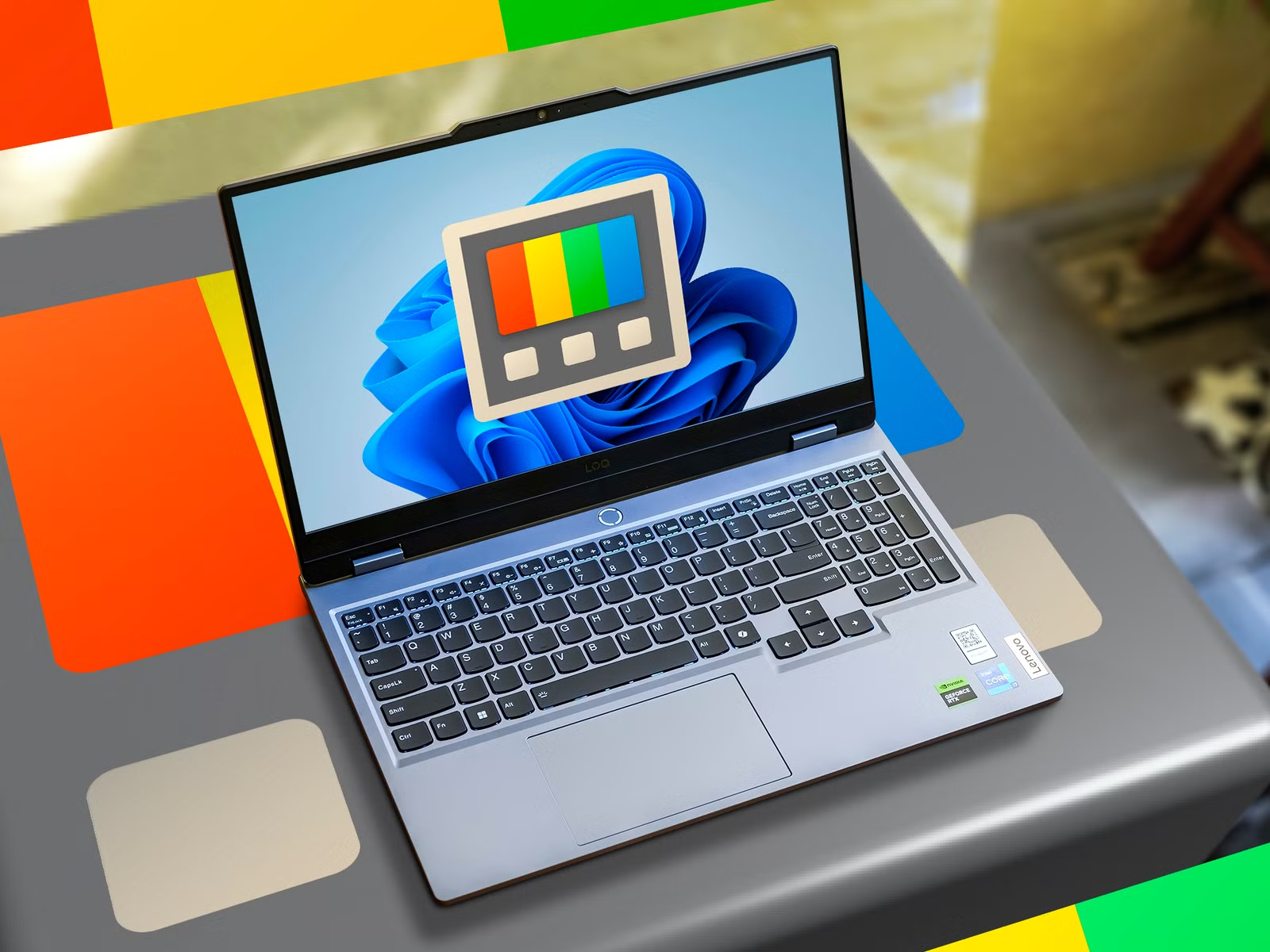
Microsoft is adding a new PowerToys feature called Window Hopper that lets you switch between multiple windows belonging to the same application.
The idea is similar to Alt+Tab, but with a narrower focus. Instead of cycling through every open window on your desktop, Window Hopper only moves between windows from the app you are currently using.
For example, if you have several File Explorer windows open, Window Hopper can jump between those Explorer windows without bringing unrelated apps into the sequence. The same applies to multiple browser windows or other programs that support several open windows at once.
Window Hopper is designed for faster multitasking
The new feature is aimed at people who regularly work with several windows from the same application and find the standard Alt+Tab shortcut too broad.
By default, Window Hopper uses the backtick key, although the shortcut can be changed in PowerToys settings.
| PowerToys feature | What it does |
|---|---|
| Window Hopper | Cycles through windows from the same app |
| PowerDisplay linked controls | Adjusts multiple monitors together |
| Mouse Highlighter | Adds ripple effects around the pointer |
| ZoomIt background blur | Blurs webcam backgrounds |
| ZoomIt noise cancellation | Reduces unwanted audio noise |
| DemoMirror | Shows a presentation view on another display |
| Insider channel | Provides earlier access to upcoming PowerToys features |
One limitation is availability. The feature appears in the latest PowerToys update information, but it may not immediately appear for everyone, depending on the version or rollout channel in use.
Microsoft is also introducing a new Insider channel for PowerToys. You can switch between Stable and Insider builds through the update channel setting, allowing earlier access to experimental features.
PowerDisplay and ZoomIt also receive new tools
The same PowerToys update brings several smaller changes across Microsoft's utility collection.
PowerDisplay now includes linked controls, which let you adjust settings such as brightness across multiple monitors at the same time. That can be useful in multi monitor setups where changing each display individually is inconvenient.
Mouse Highlighter has also gained ripple effects that make the pointer easier to locate on screen.
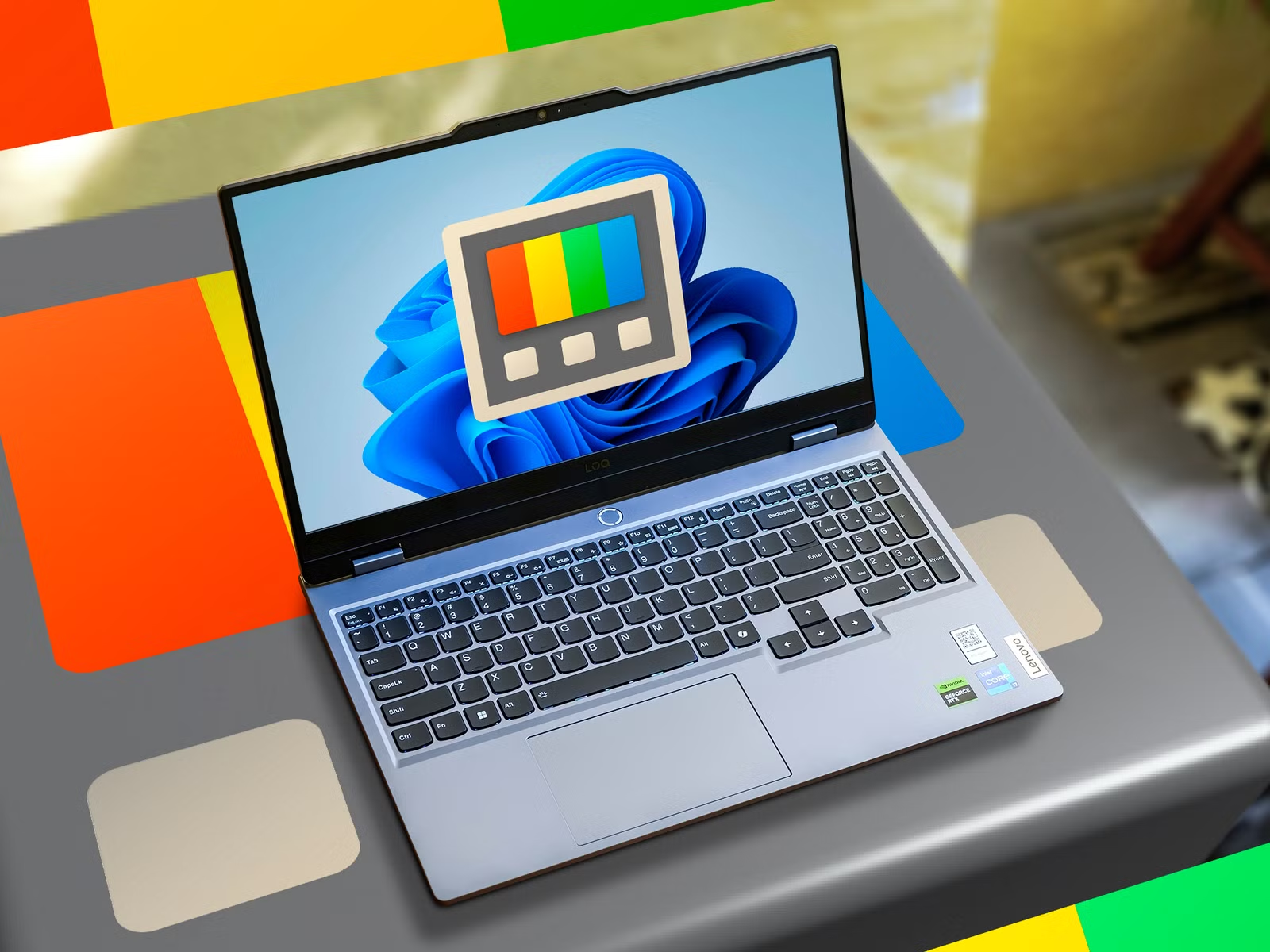
ZoomIt receives several additions aimed at presentations and demonstrations. These include webcam background blur, noise cancellation, improved editing tools and DemoMirror.
DemoMirror allows you to keep one display focused on the presentation while another shows a live monitoring view, which can make demonstrations easier to manage.
PowerToys continues to expand Windows productivity tools
Window Hopper is another example of Microsoft using PowerToys to add features that are useful but too specialized for the standard Windows interface.
It also arrives shortly after other developers introduced alternative approaches to Alt+Tab, showing continued interest in improving window switching on Windows.
PowerToys remains free and is available through the Microsoft Store. For people who regularly work with many open windows, Window Hopper could become one of the more practical additions, particularly when several instances of the same application are open at once.

Discussion (0)
Be the first to comment.