



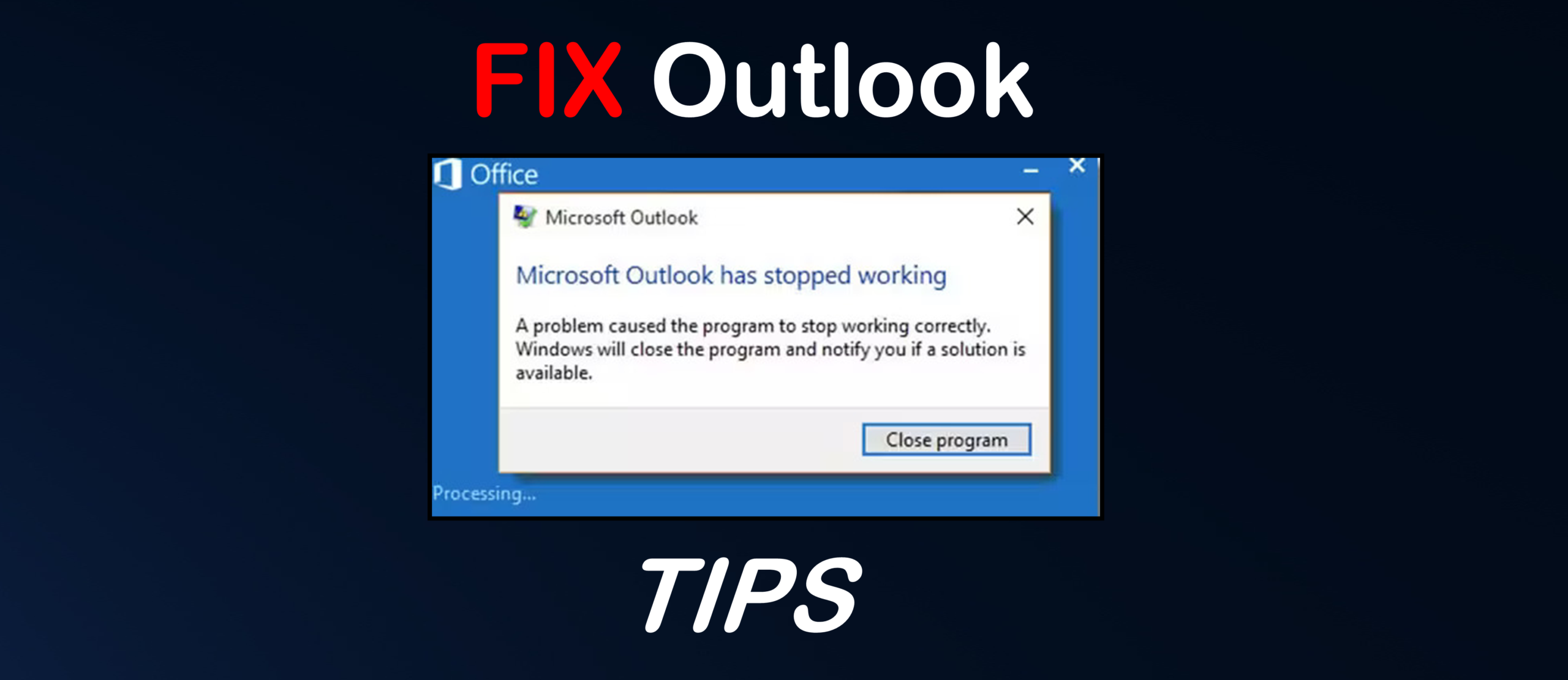
Does your Outlook keeps crashing whenever you launch it or access any folder? There are several reasons that can put you in such a spot.
Your application may crash due to factors like outdated Windows or Outlook, conflict with antivirus or other third-party software, faulty add-ins, and corrupted profile or PST file. Whatever be the reason, this guide will help you to resolve this issue once and for all.
If you find out that your PST file is corrupted, a quick solution is to use a free online PST repair service to repair it.
Quick Tips to get back Outlook to Normal Functioning
Here are some tips that can help you to resolve the Outlook keeps crashing issue.
1. Start Outlook in Safe Mode
Add-ins can enhance Outlook’s performance by adding extra features. However, an outdated or incompatible add-in can interfere with the application's functionality. You can run Outlook in Safe Mode to check if an add-in is causing the problem. If your email client works well in this mode, it means an add-in may be causing the problem. You can disable the add-ins.
2. Update Microsoft Office
If your Microsoft Office program lacks the latest updates, it may have bugs or glitches that can cause the application to keep crashing or freezing. You can check and update your MS Office program.
3. Install the Latest Windows Updates
Outdated Windows can sometimes cause issues with different applications, including Outlook. You can check and install the latest Windows updates to see if this is the reason for Outlook crashing.
4. Temporary Disable Antivirus Software
During the scan, the antivirus program may lock the data files and other Outlook files. You can check if your antivirus program is causing the problem by temporarily disabling it. If your email client works properly, you can add Outlook and its related processes as an exception in the software.
5. Update Graphics Driver
Outlook uses your computer's graphics hardware to display its interface more efficiently. However, if your graphics driver is outdated or faulty, you may encounter Outlook crashing or freezing issue. You can check and update the graphics driver.
Outlook still crashing? Follow these solutions
Are the above tips not of much help to you? Then, there is a problem with your Outlook profile or the data file (PST). You can create a new profile or repair the PST file. Let’s get a detailed look at these.
Create a New Outlook Profile
Outlook profile stores your email account settings, data file information, and other configuration settings. If the profile gets corrupted, your application may not able to load the configuration properly, causing it to crash. In this situation, you can create a new profile.
Repair the PST File
PST stores all your mailbox data, including emails, calendar events, and contacts, locally on your computer. If the file gets corrupted, Outlook may fail to read or access the mail items, which can cause the crashing issue. You can repair your PST file by using the ScanPST tool. Also known as the Inbox Repair Tool, it comes preinstalled with Microsoft Outlook.
You can look for alternative PST repair tools as ScanPST may fail to repair the file if it is large or severely corrupted. One such tool you can rely upon is Stellar Repair for Outlook. This tool can repair severely corrupted PST files without any file size limitations and restore the mailbox items to a new PST file by maintaining the original folder structure and hierarchy. You can download the free trial version of this tool to scan the PST file and preview the recoverable data.
Final Thoughts
Uninterrupted email communication is critical for smooth business operations. If your Outlook is crashing, then you’re not able to access or send emails. If the email communication is disrupted, it can lead to lost business opportunities, frustrated clients, stalled projects, delay in decision-making processes, and ultimately financial loss. If you’re in a similar situation, follow the quick tips and solutions to fix the Outlook keeps crashing issue. To avoid such an issue in future, keep your Outlook application and Windows up-to-date.



Discussion (0)
Be the first to comment.