



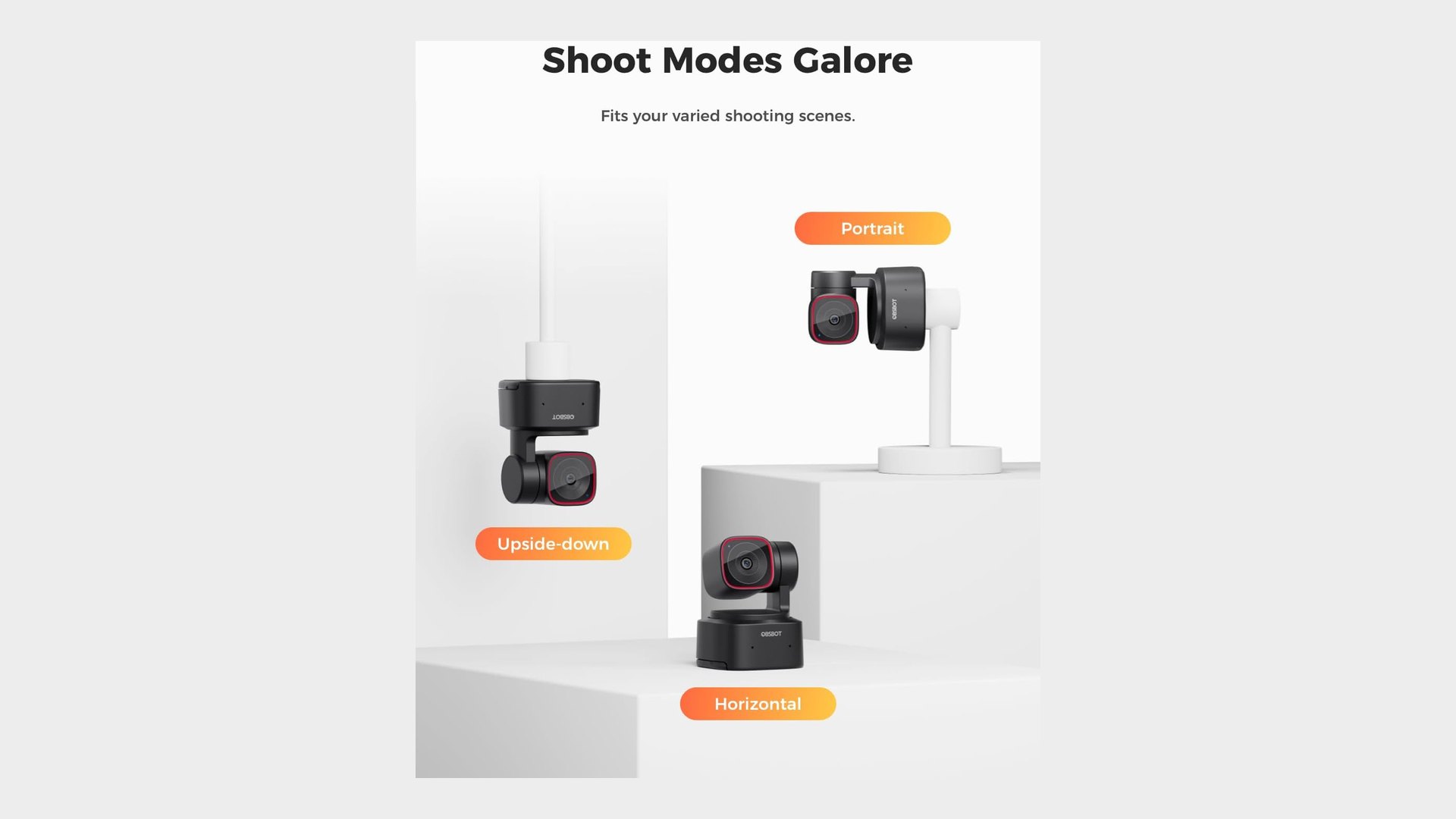
The OBSBOT Tiny 2 Lite is listed at $119 on Amazon at the time of writing, and the buy box belongs to OBSBOT's own storefront rather than a marketplace reseller. The listing calls that 34 percent off $179, and OBSBOT's launch announcement confirms $179 as the US price the company set.
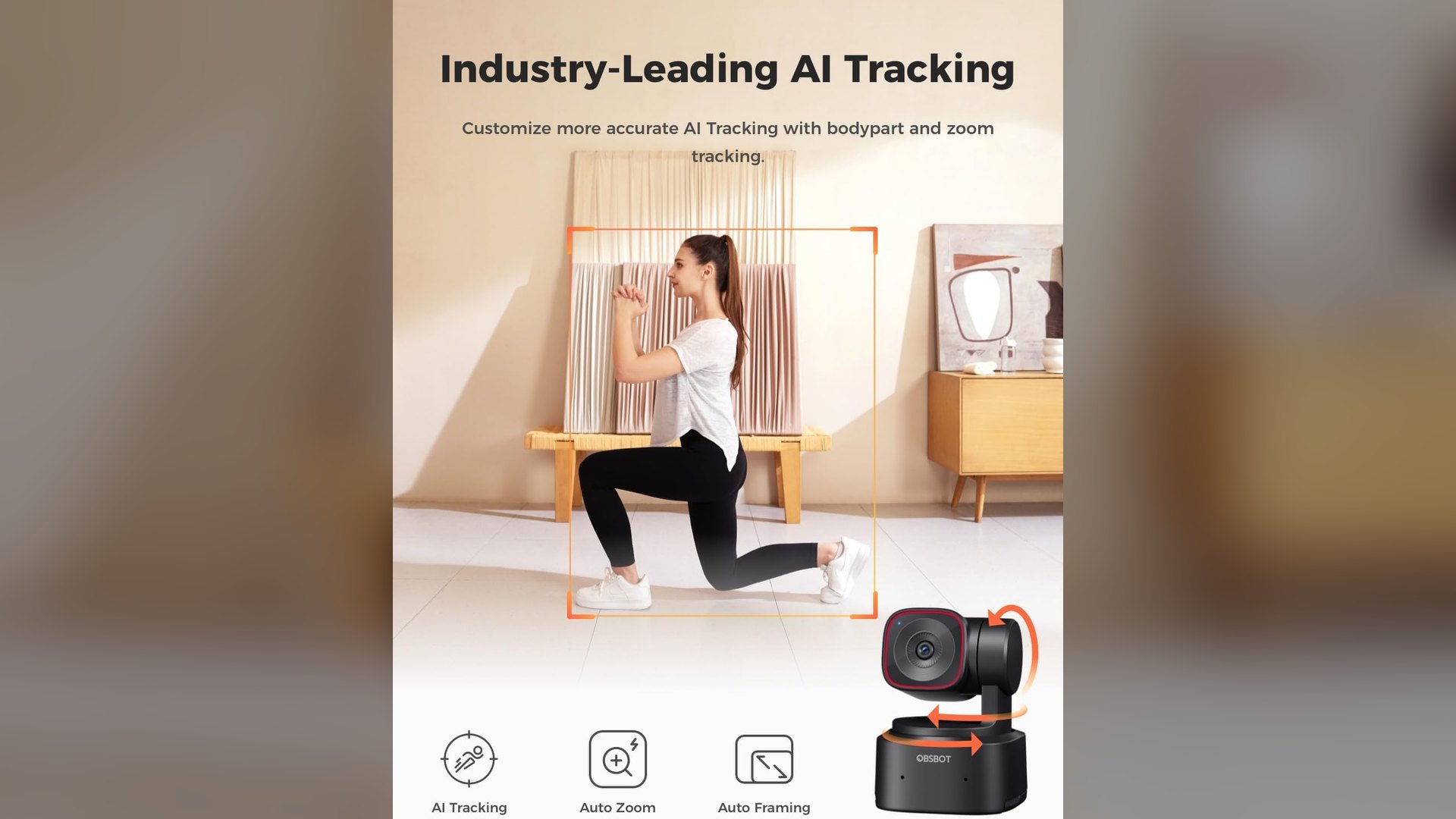
What separates this from most webcams at the price is that it physically moves. A 2-axis gimbal turns the lens to follow a subject, instead of cropping into a fixed frame the way software framing does.
One caveat belongs next to the $60 figure. Walmart currently lists the same camera at $159 through a marketplace seller, so $40 is the more honest read of the gap against a price someone is actually charging.
OBSBOT Tiny 2 Lite specifications
Every figure below comes from OBSBOT's own tech spec page for this exact model.
| Specification | OBSBOT Tiny 2 Lite |
|---|---|
| Sensor | 1/2-inch CMOS, 48M effective pixels |
| Aperture | f/1.8, 26mm equivalent |
| Maximum video | 3840x2160 at 30fps (MJPEG) |
| 1080p video | 1920x1080 at up to 60fps |
| Field of view | 79.4 degrees diagonal, 67.2 degrees horizontal |
| Gimbal | 2-axis, pan 140 degrees either side, tilt 30 down to 70 up |
| Zoom | 1-4x digital |
| Focus | PDAF autofocus or manual, 10cm minimum |
| Audio | Dual omni-directional mics with noise reduction |
| Mount | Quarter-inch tripod thread |
| Size and weight | 48.37 x 46.46 x 64.2mm, 91.4g |
| Requirements | Windows 10 or later, macOS 11 or later |
What the 4K and 60 FPS figures actually cover
The Amazon title places 4K and 60 FPS side by side, which reads better than the spec sheet supports. OBSBOT lists 4K capture at 30fps, and 60fps only at 1080p and 720p.
The 4K is native rather than upscaled. OBSBOT lists 3840x2160 as a capture resolution off a 48M pixel sensor, and makes no upscaling claim.
Two other limits sit in the spec table rather than the listing. Zoom is digital only at 1-4x, and uncompressed YUV output tops out at 640x480, so anything sharp arrives as compressed MJPEG.
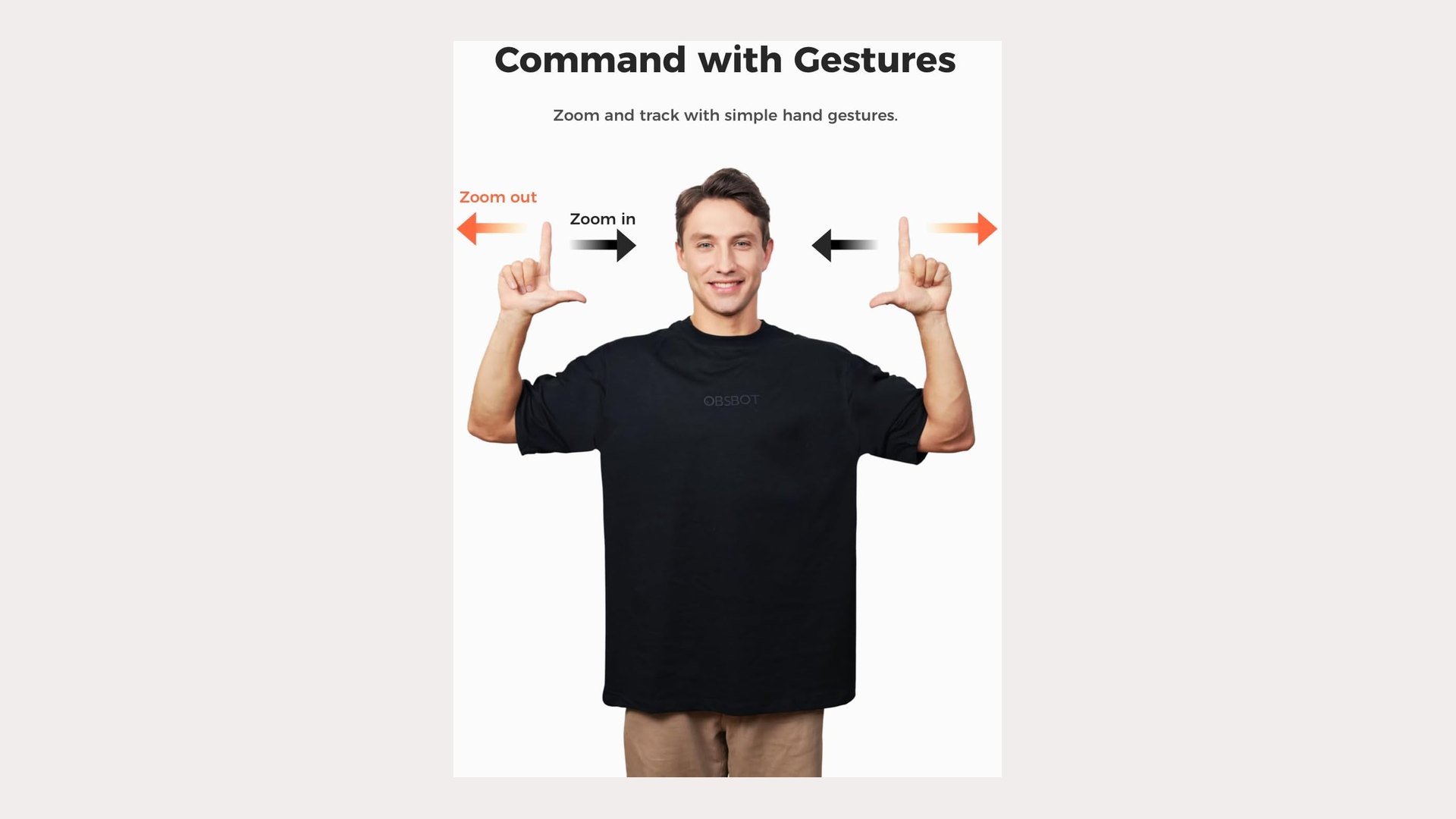
Tracking and gestures run without host software. OBSBOT describes the Tiny line as plug and play, and the listing repeats that no app is required, which is a useful trait if an integrated webcam has already failed on a Windows 11 machine.
OBSBOT names five tracking modes: upper body, close-up, headless, lower body and hand tracking. A tracking zone and a non-tracking area can both be drawn, and the camera resumes following once the subject leaves the excluded area.
How it differs from the standard OBSBOT Tiny 2
The two are easy to confuse, and the gap is mostly the sensor. The standard Tiny 2 is $299 at the time of writing and uses a 1/1.5-inch CMOS with 50M effective pixels.
The larger sensor also sees wider, at 85.5 degrees diagonal against 79.4 on the Lite. The Tiny 2 adds an H.264 stream and a far deeper uncompressed list, including 1920x1080 at 30fps.
The gimbal is identical on both, down to the 120 degrees per second maximum speed. According to the Amazon listing, the Lite "streamlines some streaming features (whiteboard mode and voice control)" that the Tiny 2 keeps.
How the Tiny 2 Lite compares with other tracking webcams
All four prices below were checked on Amazon at the time of writing, and each is sold by the brand's own storefront.
| Webcam | Price | Framing method |
|---|---|---|
| OBSBOT Tiny 2 Lite | $119.00 | 2-axis motorised gimbal |
| Insta360 Link 2C | $149.99 | Software auto framing |
| Insta360 Link 2 | $199.99 | 2-axis motorised gimbal |
| EMEET NOVA 4K | $44.99 | Fixed, no tracking |
The Link 2 is the closest match, with the same 1/2-inch sensor class and a gimbal of its own, at $80.99 more. The EMEET marks the floor of the category, where a 4K sensor costs $44.99 and nothing moves.
A moving camera also draws more attention to bandwidth than a static one. Anyone streaming at 4K should read up on setting up a low-latency home network before blaming the webcam.
What the listing leaves out
The plug and play claim needs one qualification. Preset modes, the tracking zone, background blur and privacy protection are configured in OBSBOT Center, the company's desktop app, and OBSBOT notes that virtual background does not work on Intel-based Macs.
A camera that watches a room is also worth a thought on access, and Windows 11 is adding more granular camera and microphone privacy controls for exactly that reason.
Several things the listing never states are worth knowing before ordering. Field of view, gimbal rotation figures, aperture, weight and the quarter-inch thread all appear only on OBSBOT's spec page, and no price history is published that would show whether $119 has been seen before.
The listing also gives no end date for the discount, no warranty length and no indication of how much stock is left. Prices at this level move quickly, so the $119 figure should be checked on the listing before buying.
Discussion (0)
Be the first to comment.