



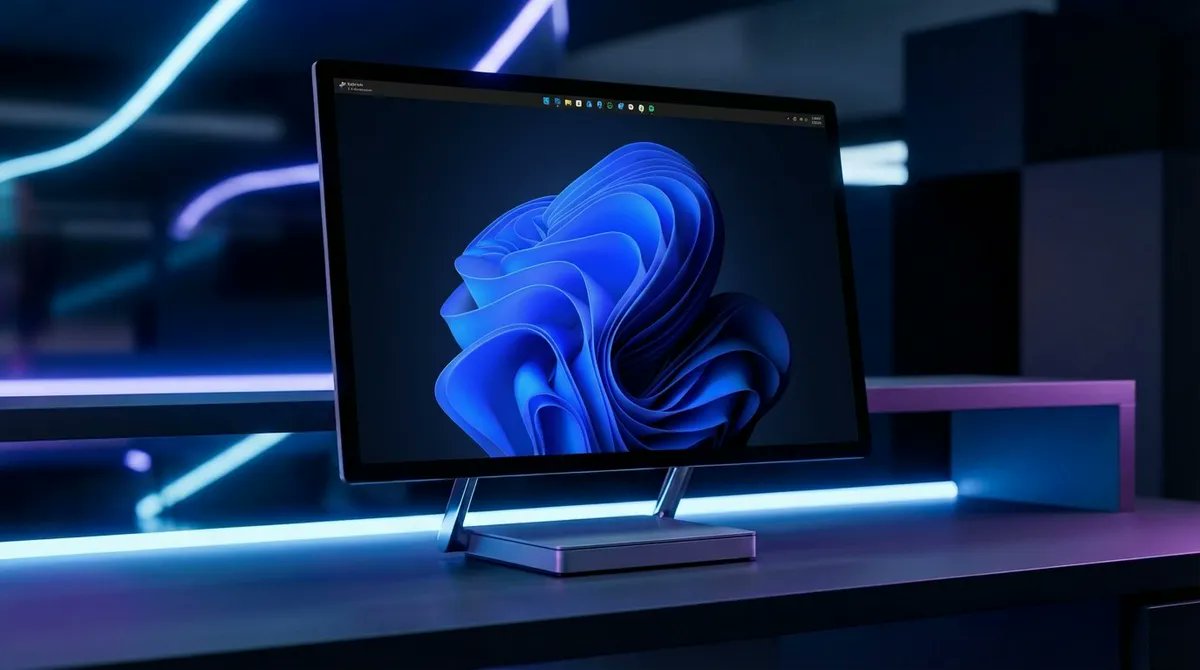
Microsoft is preparing an important privacy upgrade for Windows 11 that will give you more control over which individual apps can access your camera and microphone.
The change is expected to arrive in a future Windows 11 update and addresses a long standing limitation in how desktop app permissions are handled.
Instead of relying on broad access settings, Windows will allow you to make app by app decisions when software requests access to sensitive hardware such as microphones and webcams.
Windows 11 will ask before apps access your camera or mic
One of the main changes is a new centralized permission dialog.
When an app attempts to use your microphone or camera for the first time, Windows will display a system level prompt asking whether that access should be allowed.
That brings Windows closer to the permission model commonly seen on smartphones, where individual applications must request access to sensitive hardware.
| Privacy feature | Current or upcoming behavior |
|---|---|
| Camera access | Individual app permissions planned |
| Microphone access | Individual app permissions planned |
| First access request | Windows shows a centralized system prompt |
| Microsoft Store apps | More granular controls already available |
| Traditional desktop apps | Broader controls today, with changes planned |
| Security benefit | Limits unnecessary camera and microphone access |
The new approach should make it easier to understand which apps are attempting to use recording hardware and block software that does not need access.
Current controls can be too broad
Windows 11 already includes privacy settings for cameras and microphones, but the available controls are not equally granular across every type of software.
Microsoft Store apps have had more detailed permission controls for some time.
Traditional desktop applications installed from other sources can be more difficult to manage individually, with Windows often relying on broader access settings.
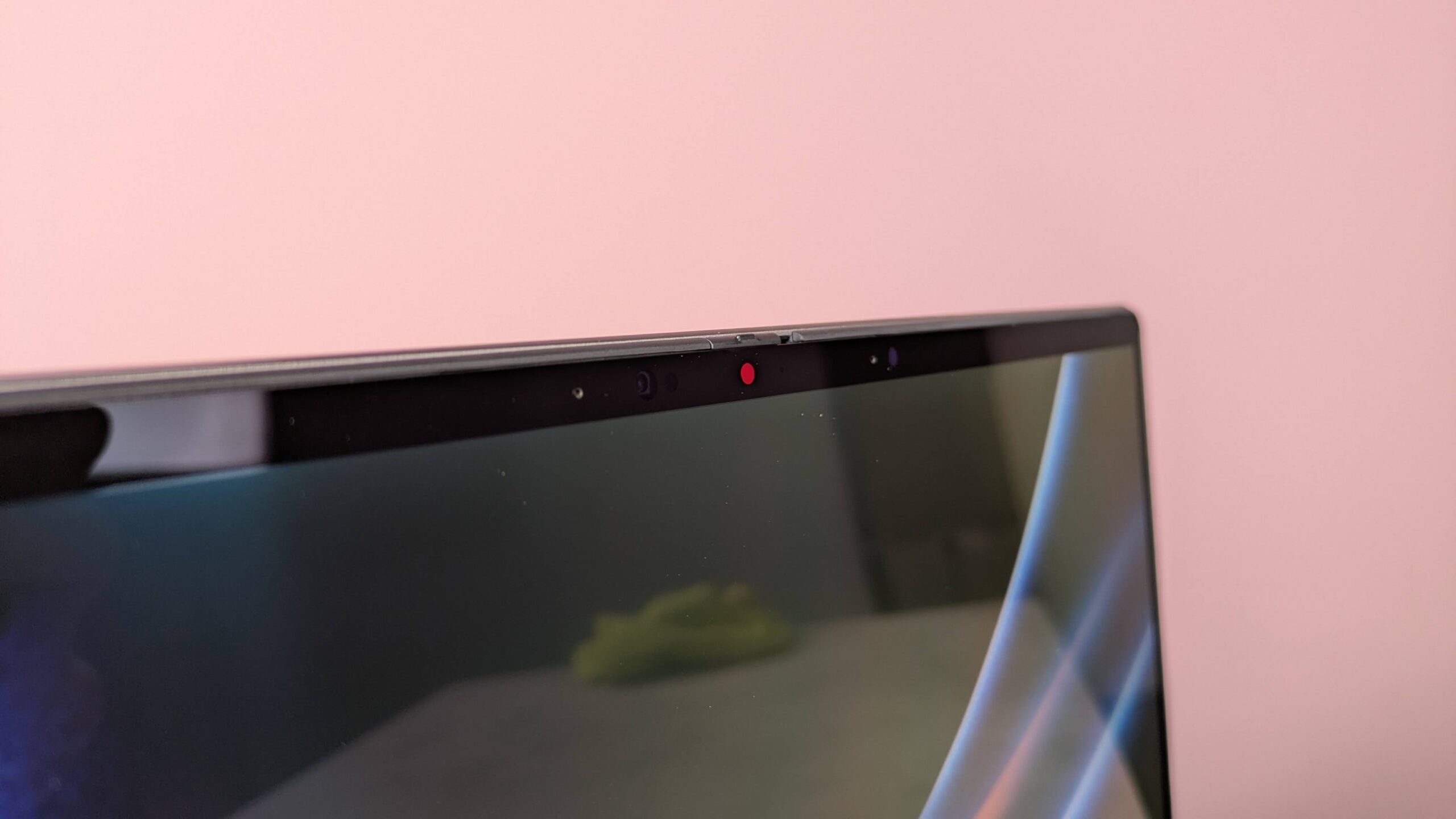
That creates a situation where enabling access for legitimate software can also leave the door open to other desktop applications.
The upcoming changes are intended to reduce that gap.
Instead of allowing or blocking camera and microphone access for a large group of applications at once, you should have more direct control over individual programs.
New permissions could help limit spyware risks
Camera and microphone access are especially sensitive because compromised or malicious software can potentially use them to capture audio or video without your knowledge.
A stronger permission model does not eliminate the risk of malware, but it can add another barrier.
If unfamiliar software suddenly attempts to access your microphone or webcam, a system prompt gives you an opportunity to reject the request before access is granted.
It can also make suspicious activity easier to notice.
The change is therefore useful beyond basic privacy preferences. It could help reduce the amount of hardware access available to poorly behaved applications or malware.
Microsoft is bringing desktop permissions closer to mobile platforms
Modern mobile operating systems generally treat camera and microphone access as permissions that must be granted individually.
Windows has historically been more complicated because it needs to support decades of traditional desktop software alongside newer application models.
Microsoft’s upcoming controls appear to move Windows 11 toward a more consistent approach without removing support for existing desktop applications.
The biggest benefit is straightforward: you should be able to decide which programs are allowed to use your camera and microphone instead of relying on broad system wide access.
Microsoft has not provided a firm public release date in the supplied information.
Once the feature reaches general availability, it should give privacy conscious Windows 11 owners a clearer and more practical way to manage some of the most sensitive permissions on their PCs.

Discussion (0)
Be the first to comment.