



Microsoft is preparing three useful updates for the new Outlook app on Windows 10 and Windows 11, with the changes aimed at making email replies, automatic responses, and inbox organization less frustrating. The features are expected to roll out during August and September, giving Microsoft another chance to close the gap between classic Outlook and the newer app.
The new Outlook has had a difficult transition for some longtime users, partly because many people still prefer the older desktop app’s deeper feature set. Microsoft has extended support for classic Outlook, but it continues to add missing and requested features to the new version. Recent work around offline email attachments and now these incoming inbox tools shows that Microsoft is still trying to make the new app feel more complete.
The first new feature targets a common email mistake. Outlook will show a warning if you try to reply to an older message in a conversation that already has newer replies. This should help prevent broken threads, duplicated answers, or responses that ignore later context in the same discussion.
Outlook’s upcoming changes focus on cleaner replies, faster sorting, and reusable auto replies
The old thread reply warning is scheduled to begin rolling out in August. It may sound small, but it could be useful in busy work inboxes where long email chains are common. Replying to the wrong message in a thread can confuse coworkers, restart already answered topics, or create parallel conversations that make the inbox harder to follow.
The second feature is automatic reply templates. This will let you create templates and apply them to auto replies based on specific conditions. For example, you could create consistent responses for certain types of incoming mail instead of typing the same answer repeatedly. Microsoft says this feature is planned for September.
| Feature | Expected rollout | What it helps with |
|---|---|---|
| Warning for replies to older thread messages | August | Reduces confusion in long email conversations |
| Automatic reply templates | September | Sends consistent responses without repeated typing |
| Drag and drop email categorization | September | Makes inbox sorting faster and more visual |
The third change is drag and drop categorization through folders. If you add a category to Favorites, you will be able to drag emails into it and Outlook will automatically apply that category to the message. This gives you a quicker and more visual way to organize mail, especially if you already rely on categories to separate work, personal, projects, clients, or follow up messages.
This is the type of update that matters because it improves daily workflow rather than adding another flashy feature. Many Outlook users spend most of their time replying, sorting, and repeating standard responses. These three changes directly target those habits.
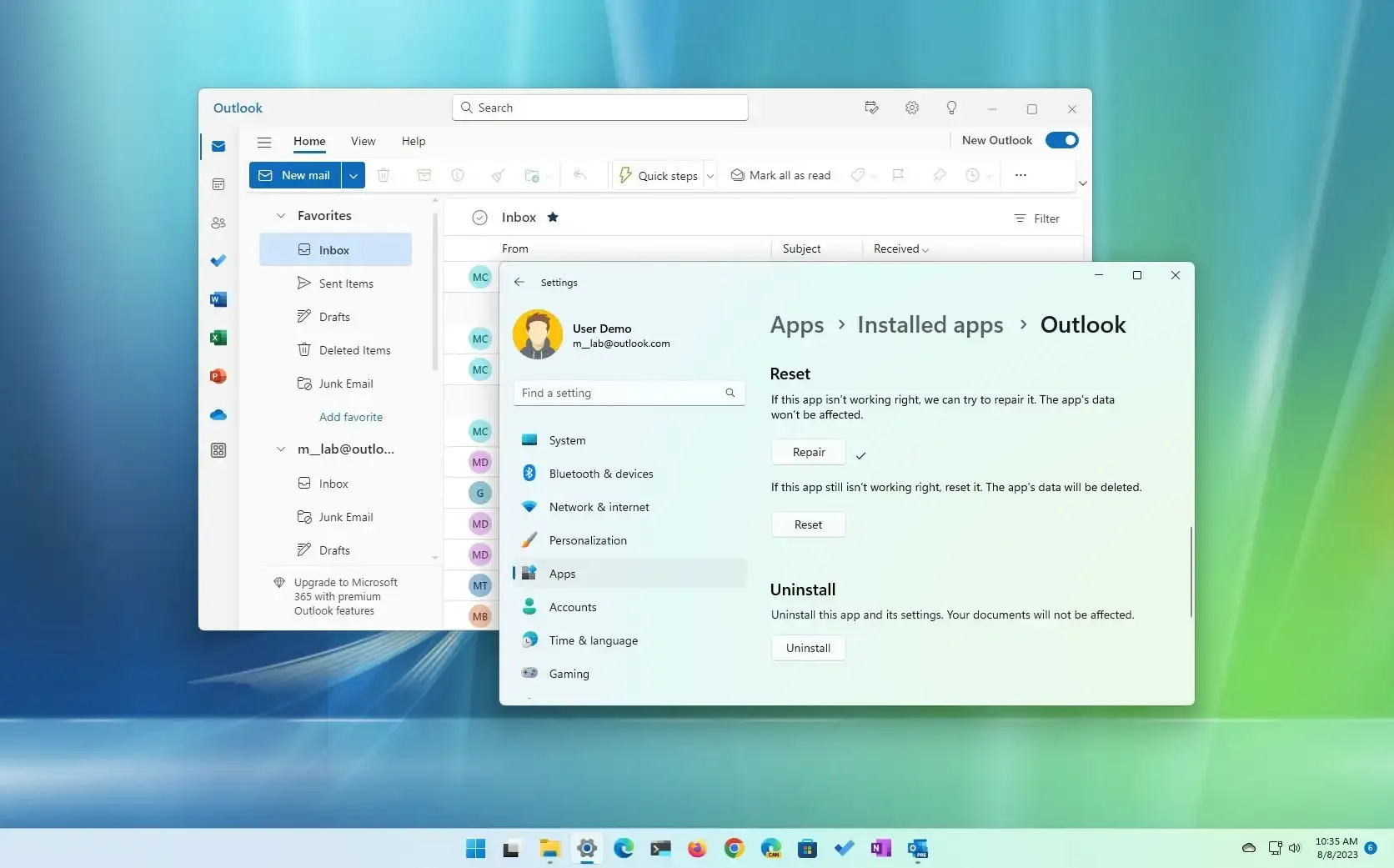
The update also shows how Microsoft is trying to make the new Outlook more practical for people who manage large inboxes. The warning for stale thread replies should reduce mistakes, templates should save time for repeated communication, and drag and drop categorization should make sorting feel more natural.
Still, these improvements may not convince every classic Outlook user to switch immediately. Some people depend on older features, add ins, offline workflows, or enterprise settings that the new Outlook still needs to match more fully. But for regular Windows users who already use the new app, the fall update should make it easier to handle email without extra steps.
The three features are listed in Microsoft’s roadmap and are expected to arrive gradually. As usual, availability may depend on account type, rollout timing, and Microsoft’s staged deployment process. For now, the message is clear: Microsoft is still trying to make the new Outlook less annoying for everyday inbox management.



Discussion (0)
Be the first to comment.