



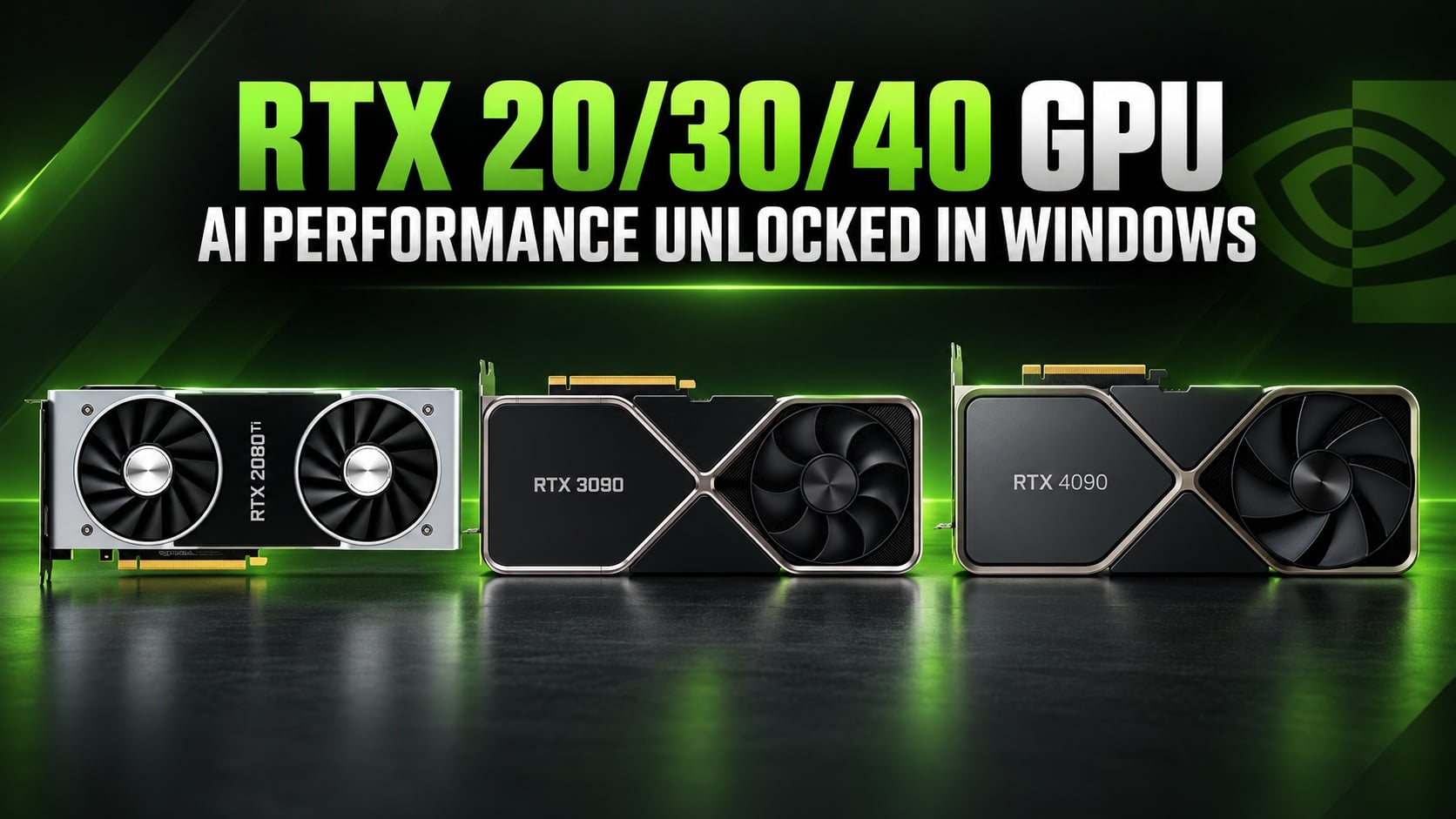
A new open source tool called NV UEFI Unlocker is reportedly allowing NVIDIA GeForce RTX 20, 30, and 40 Series graphics cards to achieve significantly higher AI compute performance on Windows, with early benchmarks showing improvements of up to 75%.
Developed by GitHub contributor physicsdolphin, the utility modifies GPU behavior before NVIDIA's graphics drivers initialize, enabling additional Tensor Core computing performance in supported workloads.
Unlike earlier solutions that primarily targeted Linux, the new tool supports Windows and other operating systems capable of booting through UEFI.
The modification does not require permanently flashing the graphics card's VBIOS or changing NVIDIA's drivers. Its effects are temporary and disappear after the computer is completely powered off.
However, the project remains experimental, and the reported improvements do not necessarily translate into better gaming performance.
RTX 2070 and RTX 4060 Laptop Show Major AI Compute Gains
Early testing suggests that several older NVIDIA graphics cards can achieve substantial improvements in certain matrix multiplication workloads.
An RTX 2070 reportedly increased its compute performance from 36 TFLOPS to approximately 60 to 63 TFLOPS, representing an improvement of between 67% and 75%.
Meanwhile, an RTX 4060 Laptop GPU achieved approximately 49.33 TFLOPS in FP16 computing performance, compared with 29.89 TFLOPS before applying the modification.
That represents an improvement of approximately 65%.
| Graphics card | Before unlocking | After unlocking | Improvement |
|---|---|---|---|
| RTX 2070 | 36 TFLOPS | 60 to 63 TFLOPS | 67% to 75% |
| RTX 4060 Laptop | 29.89 TFLOPS | 49.33 TFLOPS | Approximately 65% |
These figures come from specific AI compute benchmarks rather than conventional gaming tests.
Actual improvements in applications such as AI image generation and local language model inference may vary depending on memory bandwidth, workload requirements, and GPU power limits.
NV UEFI Unlocker Supports Three NVIDIA GPU Generations
The utility expands on previous GPU unlocking experiments that demonstrated substantial Tensor Core performance improvements using Linux based modifications.
The earlier GPU Unlock project showed that some RTX 30 Series graphics cards could achieve nearly twice their normal compute throughput in selected FP16 and BF16 workloads.
NV UEFI Unlocker provides a different implementation intended to work across multiple operating systems.
According to its compatibility documentation, RTX 20, 30, and 40 Series graphics cards are supported, although some individual models may experience problems.
Support for GTX 16 Series cards remains experimental, while RTX 50 Series GPUs and older Pascal architectures are currently unsupported.
How the GPU Unlocker Works
NV UEFI Unlocker uses a bootable USB drive containing a UEFI application and the necessary firmware components.
The utility runs before the operating system loads NVIDIA's graphics driver, applying temporary changes to GPU behavior.
Once the modification is completed, the computer continues booting into its operating system.
Secure Boot must either be disabled or configured to trust the application, while RTX 20 Series cards require an additional GSP firmware configuration.
Because the project involves low level hardware initialization, compatibility problems and system instability remain possible.
It is therefore unsuitable for anyone who depends on guaranteed system stability or does not understand the risks of modifying firmware related behavior.
Gaming Performance and DLSS Improvements Remain Unproven
Although the benchmark figures are encouraging, there is currently no convincing evidence that NV UEFI Unlocker improves gaming frame rates or reduces DLSS processing times.
The benefits appear concentrated in AI workloads that can take advantage of the additional Tensor Core computing capability.
Furthermore, higher theoretical compute throughput does not guarantee equivalent improvements in real applications.
For owners of supported NVIDIA graphics cards, the project offers an experimental way to explore additional AI performance without purchasing new hardware.
However, independent testing across more GPUs and applications will be necessary to establish its reliability and practical benefits.


Discussion (0)
Be the first to comment.