



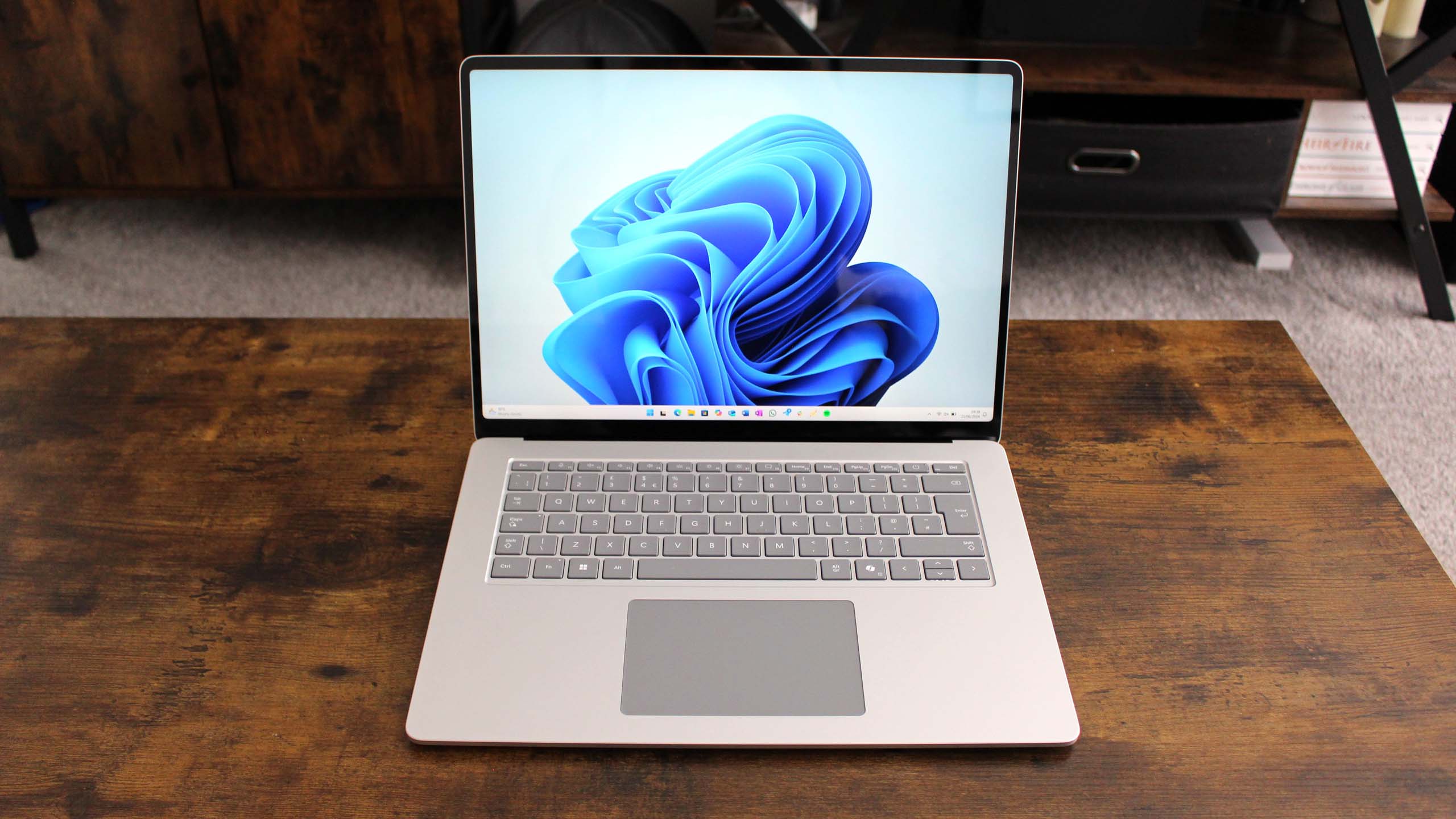
Microsoft is expanding Windows 11 Automatic Super Resolution, or Auto SR, to more Copilot+ PCs, adding support for systems powered by Intel Core Ultra Series 3 processors.
Auto SR is Microsoft's built in AI upscaling technology for Windows 11. It allows supported games to render at a lower resolution and then uses AI to upscale the image to a higher target resolution. The goal is to improve image quality, performance, or a balance of both without requiring developers to add support individually.
The latest expansion means Intel Core Ultra Series 3 Copilot+ PCs can now use the feature, including systems with integrated Intel Arc graphics such as the Arc B390.
| Auto SR detail | Information |
|---|---|
| New hardware support | Intel Core Ultra Series 3 Copilot+ PCs |
| Main purpose | AI based game upscaling |
| Current frame rate limit | 60 FPS |
| Future target being explored | 90 to 120 FPS |
| Supported APIs | DirectX 10 and newer |
| Intel input resolution support | Up to 1080p |
| Developer integration required | No |
| Preferred option when available | DLSS, FSR or XeSS |
Auto SR can trade rendering resolution for better visuals or performance
Microsoft demonstrated the technology using Assassin's Creed Valhalla running on an Intel Arc B390 GPU.
At native 1600p with High settings, the game averaged 45 FPS. With Auto SR enabled, the game rendered internally at 1050p and was upscaled to 1600p while using Ultra High settings. Average performance increased to 52 FPS.
The Assassin's Creed Shadows example showed a different type of tradeoff.
Running natively at 1600p with Very Low settings produced an average of 31 FPS. With Auto SR, the game rendered at 1050p, upscaled to 1600p and used Ultra High settings while averaging 29 FPS.
That test shows Auto SR does not always increase frame rates. In some situations, the additional processing can instead be used to substantially improve image quality while keeping performance relatively close to the original level.
Microsoft says players can decide whether they want to favor visual quality or speed depending on the game.
Intel systems support higher input resolutions
Auto SR works best within specific input resolution ranges because the AI model is trained around those targets.
For many Copilot+ PCs, Microsoft generally recommends an input resolution around 800p. Intel Core Ultra Series 3 systems expand the supported range, allowing input resolutions of up to 1080p.
Several other factors can affect the final result.
Post processing effects such as film grain may reduce image clarity because the upscaling model can interpret them as meaningful visual detail. Interface elements are also upscaled, which means small text and fine UI elements can sometimes appear lighter or less distinct.
Power settings can matter as well. Auto SR uses the NPU, which shares device power limits with the CPU and GPU. On some systems this may cause a small reduction in frame rate even though the GPU itself is rendering fewer pixels.
Microsoft still recommends native game upscalers when available
Auto SR is not intended to replace technologies such as Nvidia DLSS, AMD FSR or Intel XeSS when a game already supports them.
Microsoft recommends using those dedicated implementations first because developers can integrate them directly into the game's rendering pipeline.
The main advantage of Auto SR is broader compatibility. Since developers do not need to add support themselves, the Windows feature can improve thousands of older or unsupported games that lack dedicated AI upscaling.
Compatible titles include games such as Avowed, Control, DOOM: The Dark Ages, Far Cry 6, Frostpunk 2, Grounded 2 and Psychonauts 2.
Auto SR remains limited to 60 FPS for now, although Microsoft is investigating support for 90 to 120 FPS in the future. That would make the technology more practical for higher refresh rate gaming if the company can maintain acceptable image quality and latency.



Discussion (0)
Be the first to comment.