



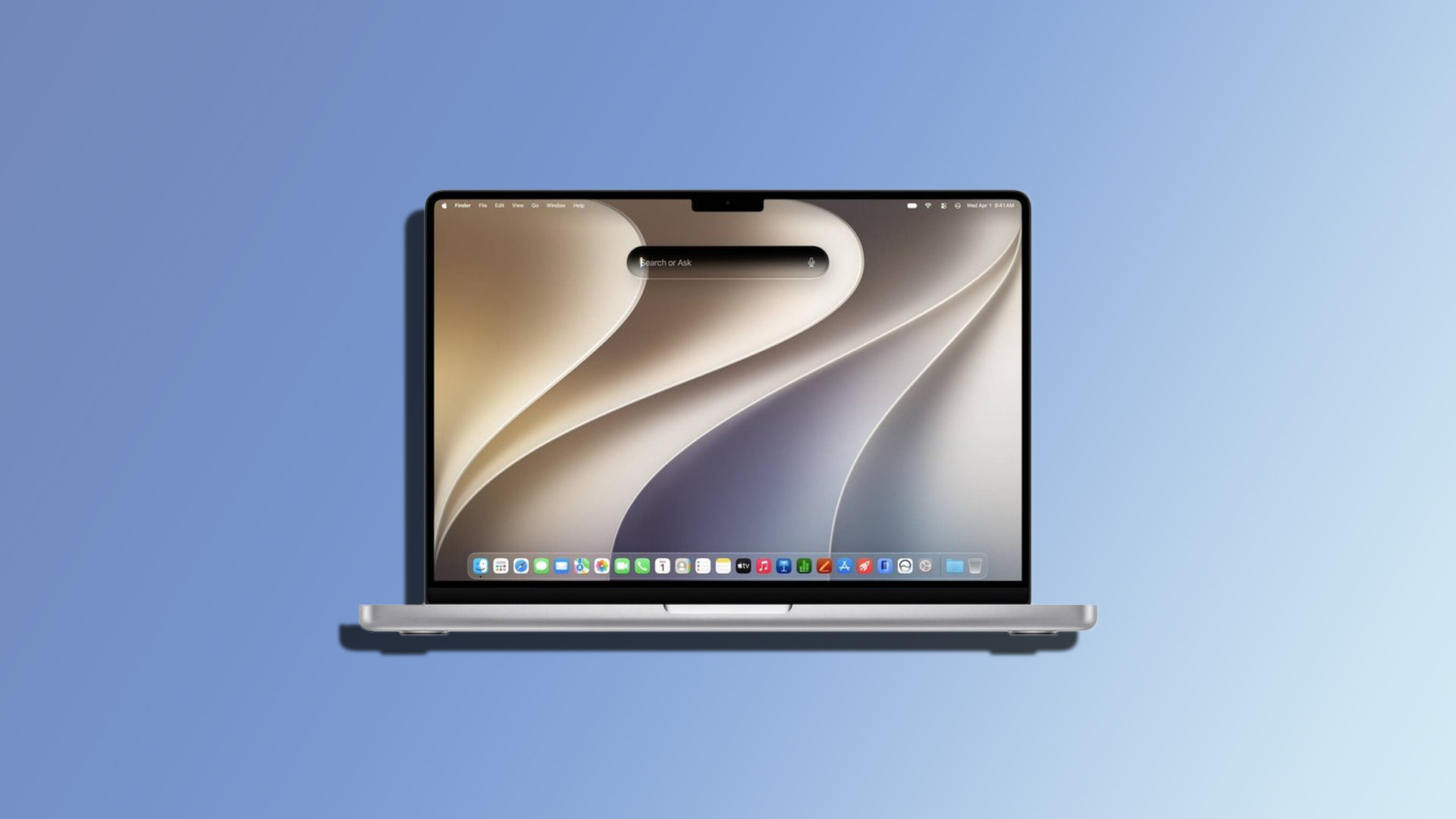
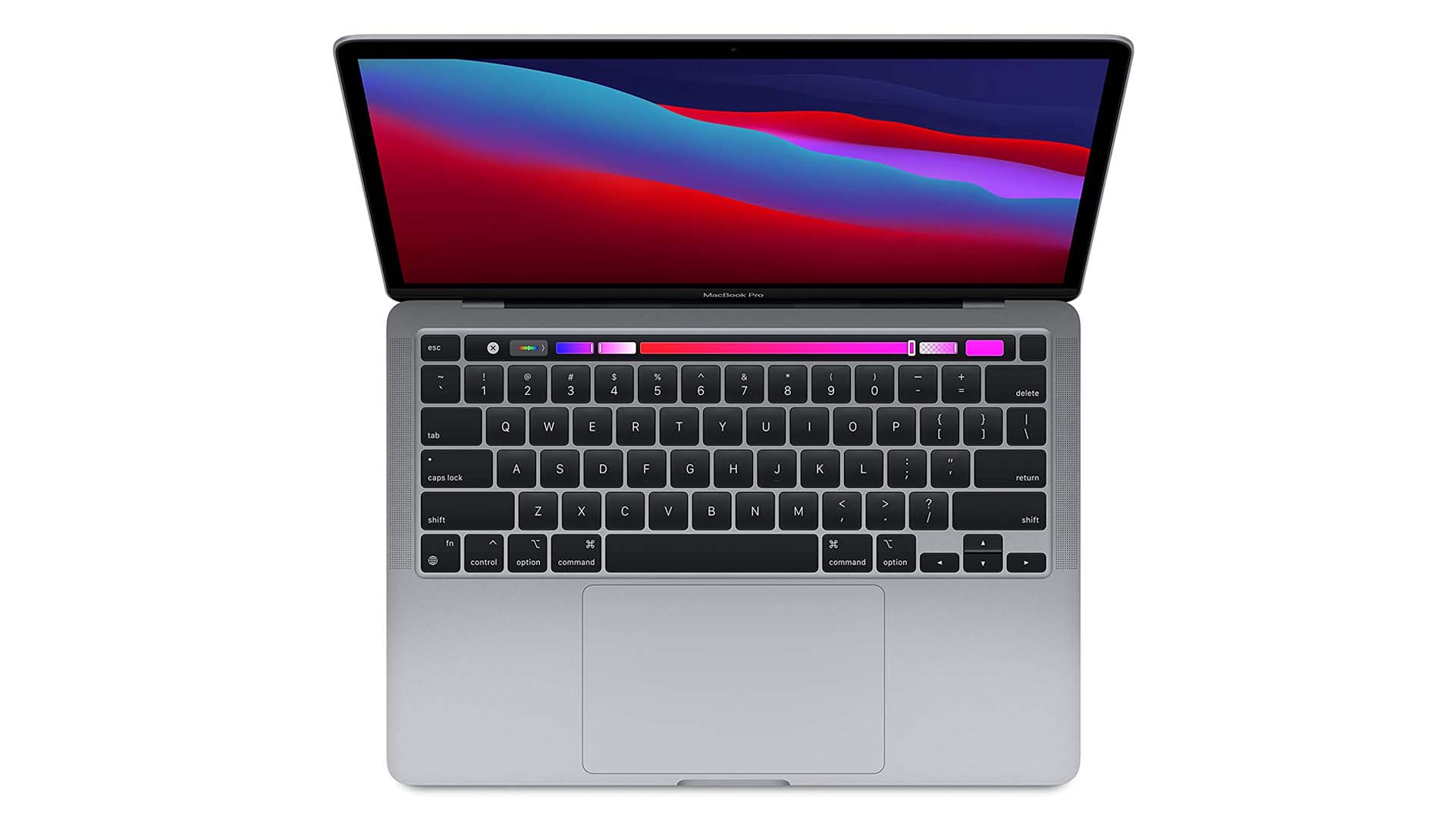
An Intel based MacBook Pro running Windows through Boot Camp reportedly saw a major drop in GPU power consumption after its owner created a custom 48Hz display mode.
The 2019 MacBook Pro in question uses an Intel Core i9 processor and AMD Radeon Pro 5300M graphics. According to the owner, the system ran hotter and consumed more power under Windows than expected, even after attempts to reduce CPU power limits, disable some boost behavior and adjust Windows power settings.
The key issue turned out to be the Radeon GPU remaining active at high memory clocks while the display operated at 60Hz.
48Hz refresh rate reduced idle GPU power sharply
| Metric | Before | After |
|---|---|---|
| Display refresh rate | 60Hz | 48Hz |
| Radeon Pro 5300M idle power | 14W | 3W |
| GPU power reduction | Nearly 80% | |
| Reported temperature | 66°C | 51°C |
| Other effect | Higher fan activity | Lower fan noise |
The owner reportedly found that reducing the display refresh rate from 60Hz to 48Hz allowed the Radeon Pro 5300M to drop into a much lower power state.
Idle GPU power fell from around 14W to 3W, while temperature reportedly dropped from 66°C to 51°C.
That also reduced fan activity and improved battery life.
Boot Camp did not offer 48Hz by default
The problem was that Windows Boot Camp did not provide a built in 48Hz display option for this MacBook Pro.
To work around that limitation, the owner created an open source utility called MacBookEco that automates the process of adding a custom 48Hz mode.
This made it possible to apply the lower refresh rate without relying on manual configuration every time.
The result suggests that the MacBook Pro’s Radeon Pro 5300M was keeping its memory clocks unnecessarily high at 60Hz, increasing power draw even when the system was otherwise idle.
Earlier power tweaks did not solve the heat problem
Before changing the refresh rate, the owner had already tried several common methods for reducing heat.
These reportedly included lowering CPU power limits, adjusting Turbo Boost behavior and changing Windows power settings.
None of those changes addressed the main source of idle power consumption because the discrete Radeon GPU remained active.
Once the display was switched to 48Hz, the GPU could enter a lower power state.
The improvement could help some older Intel MacBook Pro systems
The reported result may be useful for owners who still rely on Intel MacBook Pro models and need Windows through Boot Camp.
These machines are known for running relatively hot under sustained workloads, especially configurations with powerful Intel processors and discrete AMD graphics.
A reduction from 14W to 3W at idle is significant because it lowers both heat generation and battery drain without requiring hardware changes.
However, the results come from one user and one hardware configuration, so the same improvement is not guaranteed on every Intel MacBook Pro.
The utility is also an unofficial open source project rather than an Apple or Microsoft supported feature.
For compatible systems, though, the reported 48Hz workaround shows that display refresh behavior can have a surprisingly large effect on GPU idle power, especially when Windows and Boot Camp keep discrete graphics active more aggressively than expected.



Discussion (0)
Be the first to comment.