



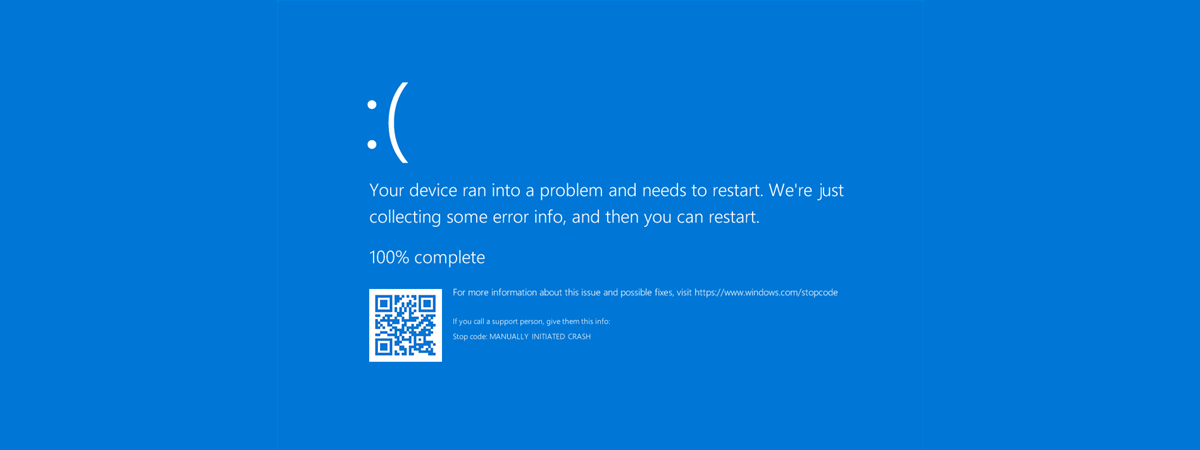
QR codes have a mixed reputation. Some users and companies find them useful, while others are wary of potential risks. Regardless of your opinion on them, if you’re using Windows 10 or Windows 11 and encounter a Blue Screen of Death (BSOD), you may notice a QR code. This feature is theoretically designed to help you understand what caused the BSOD and how to resolve it more easily. In this guide, I’ll show you how to use and what to expect from the QR troubleshooting codes displayed on Windows BSODs.
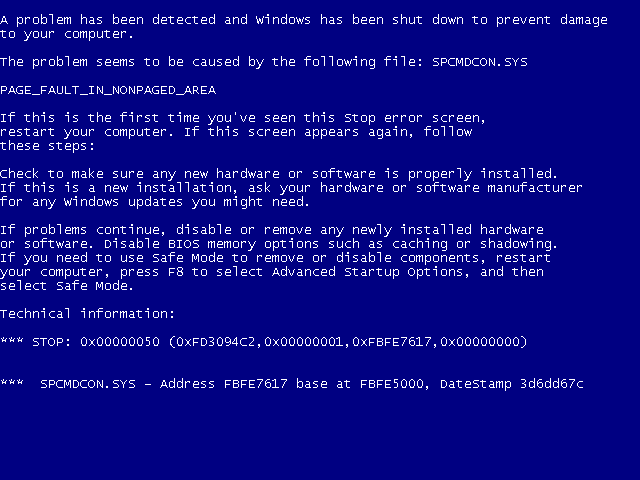
 Blue Screens of Death in old Windows versions
However, starting with the Anniversary Update for Windows 10 (released in 2016), and continuing with Windows 11, Microsoft introduced a new feature: QR codes on the BSODs.
Blue Screens of Death in old Windows versions
However, starting with the Anniversary Update for Windows 10 (released in 2016), and continuing with Windows 11, Microsoft introduced a new feature: QR codes on the BSODs.
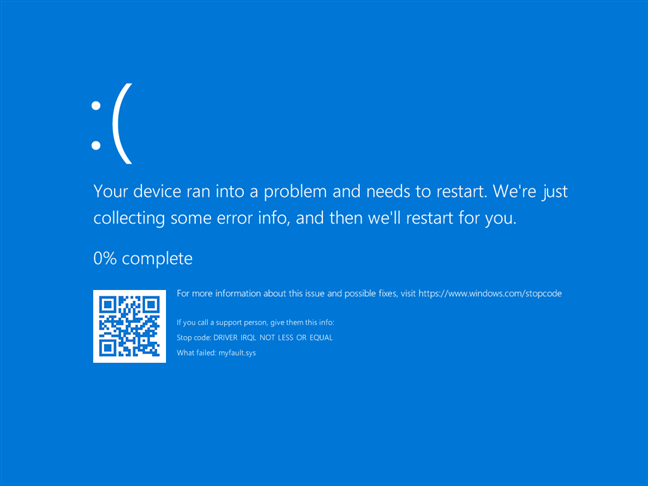
 A BSOD in Windows 10
What do these QR codes do, and how useful are they? Here’s…
A BSOD in Windows 10
What do these QR codes do, and how useful are they? Here’s…
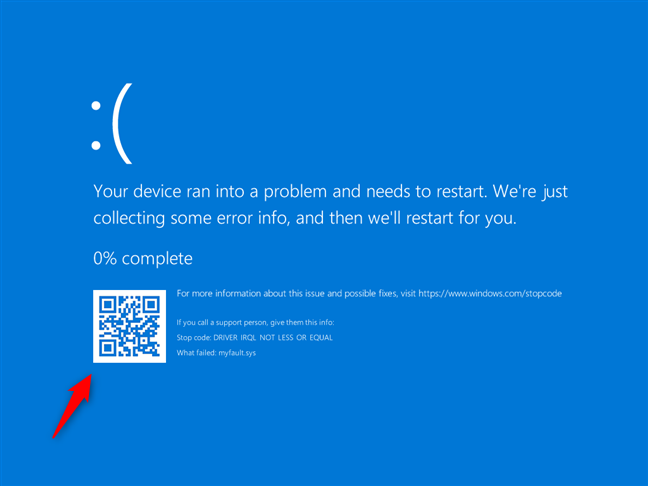 QR code on a Blue Screen of Death
However, at the time of writing, the BSOD QR codes in Windows 10 and Windows 11 don’t provide links to error-specific solutions.
Instead, they redirect you to a general Microsoft support page on troubleshooting blue screen errors, which means the information you’ll get is not directly relevant to your issue.
QR code on a Blue Screen of Death
However, at the time of writing, the BSOD QR codes in Windows 10 and Windows 11 don’t provide links to error-specific solutions.
Instead, they redirect you to a general Microsoft support page on troubleshooting blue screen errors, which means the information you’ll get is not directly relevant to your issue.
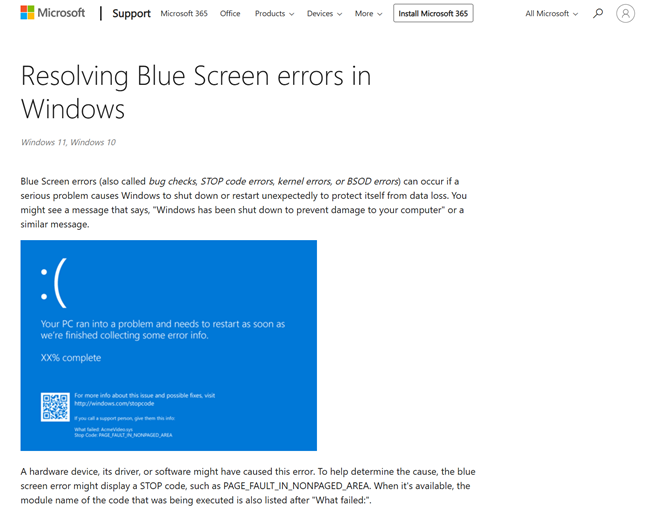
 Microsoft's Resolving Blue Screen errors in Windows page
TIP: Did you know that you can trigger a manual BSOD in Windows anytime you want? It may be useful when you need a new idea to prank someone on April Fool’s Day. 🙂
That said, Windows is continually being updated, and the QR codes shown on the BSODs may yet become more detailed and error-specific over time. For now, however, don’t expect the QR codes to get you to a direct fix.
Microsoft's Resolving Blue Screen errors in Windows page
TIP: Did you know that you can trigger a manual BSOD in Windows anytime you want? It may be useful when you need a new idea to prank someone on April Fool’s Day. 🙂
That said, Windows is continually being updated, and the QR codes shown on the BSODs may yet become more detailed and error-specific over time. For now, however, don’t expect the QR codes to get you to a direct fix.
Blue Screens of Death in Windows
The infamous Blue Screen of Death (BSOD) has long been known for displaying cryptic error messages, leaving everyday users frustrated. While IT professionals might use these error codes for troubleshooting, the average user often finds them difficult to interpret. In older versions of Windows, such as Windows XP, the BSODs displayed raw error data that was not user-friendly.How to use QR codes on the Blue Screen of Death
The BSOD (Blue Screen of Death) typically states that:Your PC ran into a problem and needs to restart. We’re just collecting some error info, and then we’ll restart for you.
Along with a Stop code, which can be used to look up and troubleshoot the issue, you can see a QR code in the bottom-left corner. The idea is that scanning this QR code with your phone should take you to a webpage with information about the specific BSOD error that caused the crash, as well as potential troubleshooting steps.
Discussion (2)
The QR code is on the screen for less than 10 seconds. How does anyone get their phone out, wake it up, enter the passcode, open up the camera, and whoops! Your system is rebooting and the screen is gone along with all the cryptic information that would be useful in troubleshooting.
Just had the BSOD with QR Code. Not very useful at all – re-booted my laptop before I had the chance to get mt phone and scan the code. Now just starts up with a blank screen after I’ve typed in my passcode. Typical crappy Microsoft features that are of no use or help at all.