



When you build a fantasy world, sketching its maps, writing lore, imagining its inhabitants, you’re weaving a digital realm of your own. In that realm, your ideas, maps, and secrets deserve protection. Just as in real life we lock doors and guard treasures, in the digital world we must take steps to secure our creativity. This article guides you through ways to keep your worldbuilding safe, whether you’re working alone or collaborating with others.
Why Your Worldbuilding Needs Protection
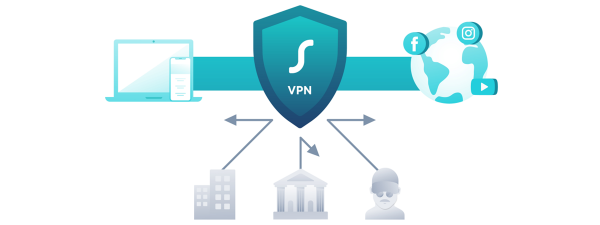
Your maps, charts, character sheets, and lore aren’t just files, they’re your original creations. You wouldn’t leave your notebooks in a public place, so don’t leave them exposed online. For all kinds of creators and writers, using a secure connection is essential. One good step is to download PIA VPN for Mac when you connect to public or untrusted networks, it encrypts your data and hides what you're doing online.
Beyond privacy, protecting your work also ensures that surprise plot twists, hidden realms, or unrevealed secrets don’t leak before their time. When your maps or lore get copied or viewed without permission, it lessens the impact of reveal moments.
Secure Tools & Good Habits
1. Choose the Right Tools with Privacy in Mind
Worldbuilding or map-making applications should provide you with choice over who views what. There are other sites which permit private projects, permission levels, or hidden pages. Accidental exposure is minimized by selecting services that address your privacy.
As an example, most digital map and worldbuilding tools can only export some layers or freeze access to the unpublished space. In this manner, what you want to collaborate with or the public can only see what you want.
2. Versioning & Backups
You should always have various copies of your work. Store incremental versions ( Mapv1, Mapv2, etc.) and backup them to a safe and secure cloud server or offline storage. You can roll back in the event that one of your files is corrupted or accidentally modified. Trust to one copy only.
3. Use Encryption & Secure Passphrases
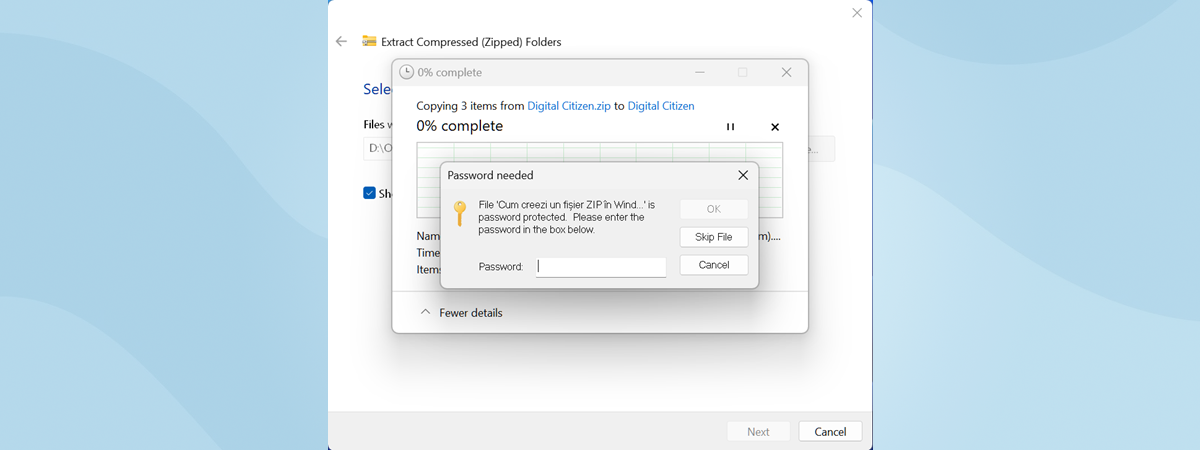
Encrypt documents where necessary (zip password, password-encrypted containers) and use hard passwords (distinct and unique) to your project account and cloud storage. Use two-factor authentication (2FA) where available. In the case that somebody cracks your password, 2FA will serve as a second-level security.
4. Limit Access & Use Permissions
The least access to people should be provided when collaborating (select not edit, comment, view only). Do not give complete project credentials. Periodically check and cancel access of non-active collaborators. This decreases exposure and odds of errors or leakages.
5. Be Careful with Public Sharing
In the event of publicly displaying maps or lore, display only partial views or versions of low resolution. Do not distribute files or original assets as a whole. By doing so, your complete work will be concealed until such time when you are ready to show it.
Moreover, you can watermark or add small marks of signatures into your photographs so that even in case someone copies it, he or she will still be able to identify it as yours.
Conclusion
Your fantasy worlds do not deserve any less consideration than the real world. Through utilization of reliable tools, good habits such as backups, encryption, controlling the user privileges of your collaborators, and taking caution in sharing on public platforms. Moreover, VPNs provide the much-needed security when you cross different networks. With that in mind, enjoy creating strong worlds and defending them prudently.
Discussion (0)
Be the first to comment.