




If you’re trying to learn how to get Fall Guys on PC, the process is easier today than when the game first launched. Fall Guys no longer uses Steam for new downloads, so the only way to install it is through the Epic Games Launcher. This guide walks you through everything you need, from system requirements to installation and first launch on Windows.
Before you start your Fall Guys PC download, check that your computer meets the minimum requirements. The game runs on most modern Windows systems, but performance improves with a stronger GPU and a stable internet connection. Once you confirm your specs, you can install the Epic Games Launcher and claim Fall Guys for free.
Check Your PC Requirements
This helps prevent performance problems when you install Fall Guys on Windows. The game runs on modest hardware, so most gaming laptops and desktops will work.
- Use Windows 10 or Windows 11.
- Have at least 4 GB RAM (8 GB recommended for smoother play).
- Have an Intel Core i5 or AMD equivalent CPU.
- Use a GPU with DirectX 11 support.
- Ensure at least 2 GB free storage.
- Maintain a stable internet connection for matchmaking.
Install The Epic Games Launcher
You need the Epic Games Launcher to play Fall Guys on PC. This platform handles all updates, downloads, and account syncing.
- Open your browser and visit the Epic Games website.
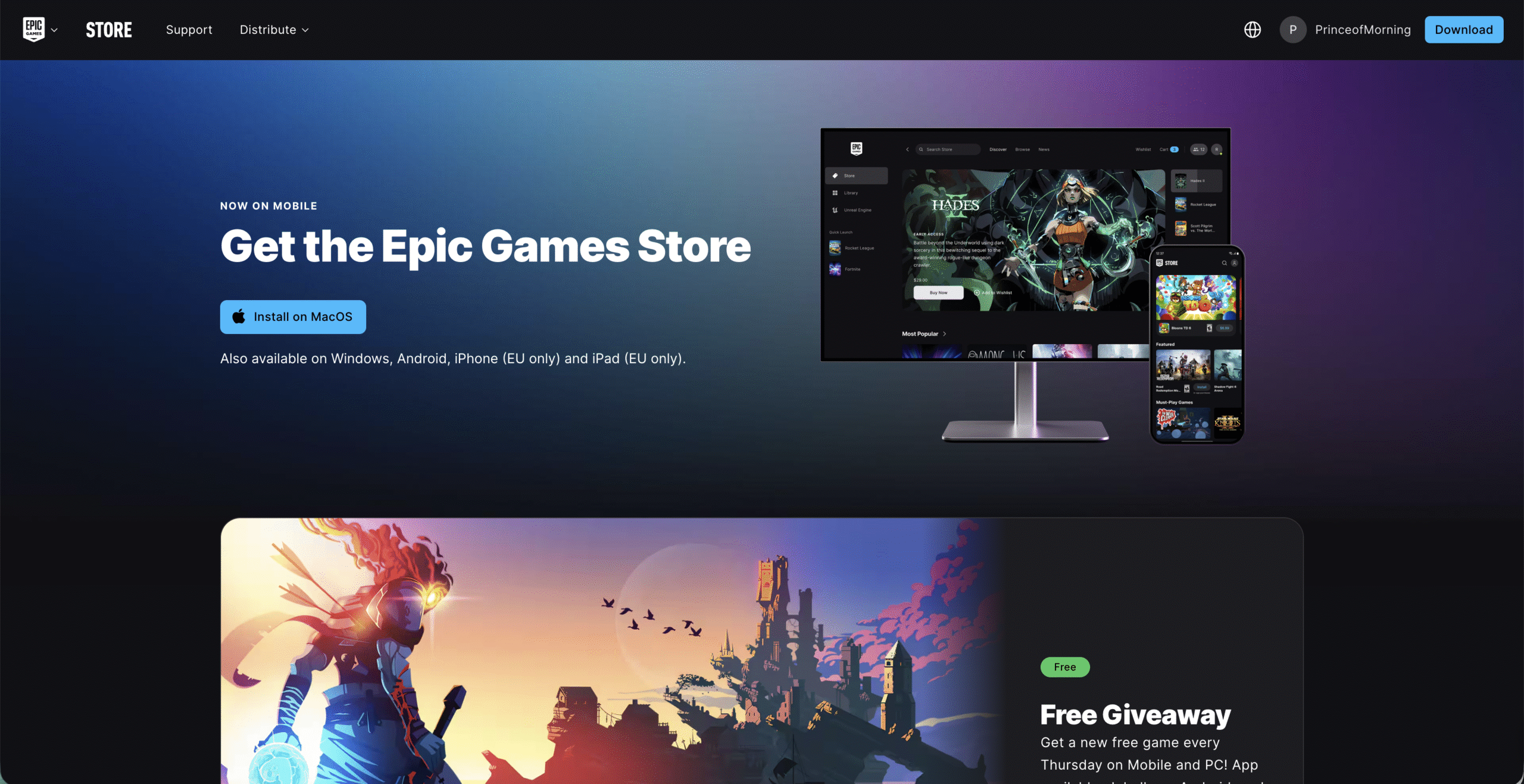
- Download the installer for Windows.

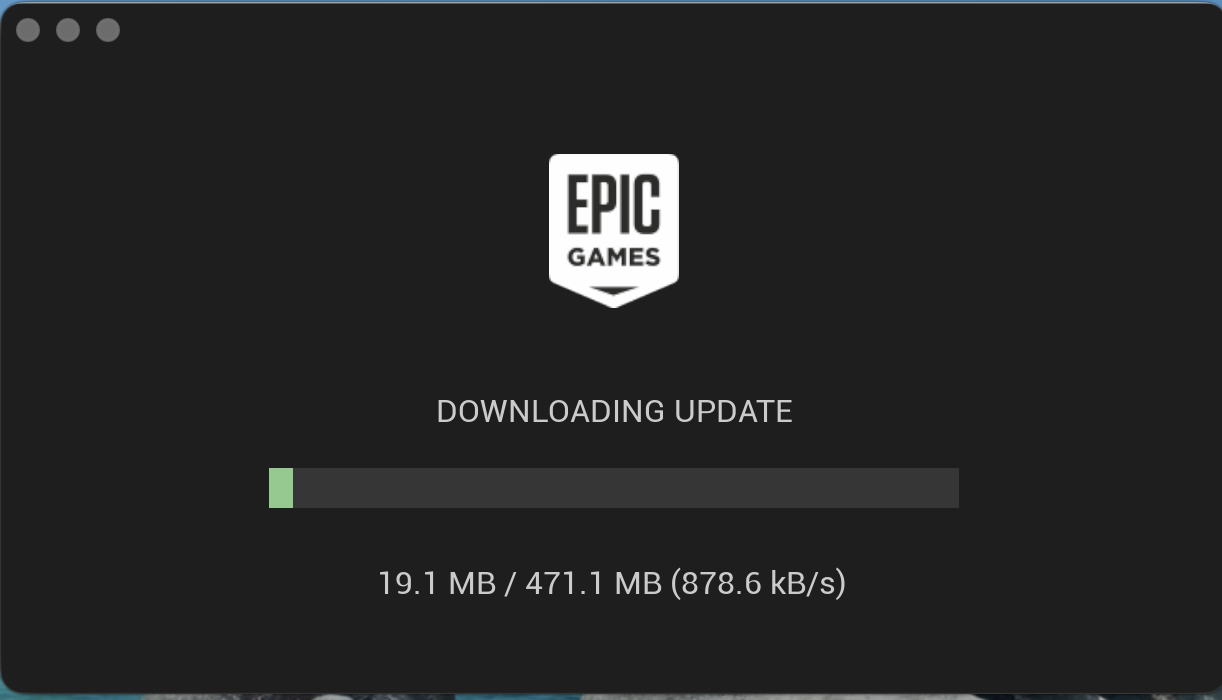
- Run the installer and let Epic Games Launcher set up and install any updates if necessary.
- Create an Epic account or sign in with an existing one.
Download Fall Guys On PC
Once Epic Games Launcher is ready, you can start the Fall Guys PC download.
- Open the Epic Games Launcher.
- Select Store from the left sidebar.
- Search for “Fall Guys.”
- Click Get to add the game to your library.
- Go to your Library and click Install.
- Choose an installation folder and start the download.
Launch Fall Guys For The First Time
After installation, you can immediately jump into the game.
- Open the Epic Games Launcher.
- Go to your Library.
- Click Launch on Fall Guys.
- Sign in when prompted so your progress saves across platforms.
- Customize your character and start matchmaking.
Troubleshooting Common Problems
- Epic Launcher won’t install: Disable any active VPN and retry the installer.
- Fall Guys download stuck: Clear the Epic Launcher cache and restart your PC.
- Game won’t launch: Update your GPU drivers and install the latest Windows updates.
- Low performance: Lower effects, shadows, and render scale in the settings menu.
- Matchmaking issues: Switch to a different server region in-game.
Tips
- Close background apps before launching the game for smoother performance.
- Use a wired connection when possible to prevent matchmaking delays.
- Enable cloud saves in Epic Games Launcher to sync progress.
- Lower graphics settings first if the game stutters.
- Check the in-game Controller menu if your controller doesn’t respond.
FAQ
Is Fall Guys free on PC?
Yes, Fall Guys is free to download through the Epic Games Launcher.
Can I install Fall Guys on Steam?
No. Steam installs are only available to players who owned the game before the move to Epic Games.
Can I play Fall Guys on Windows 11?
Yes, the game fully supports Windows 11.
Do I need an Epic account?
Yes, Epic accounts are required for crossplay and progress syncing.
Why won’t Fall Guys launch?
Corrupt files, outdated drivers, or blocked permissions can cause this. Verify your game files in the Launcher.
Summary
- Install the Epic Games Launcher.
- Search for Fall Guys and claim it for free.
- Download and install the game to your PC.
- Launch it from your Library and sign in.
- Troubleshoot issues with updates, drivers, and settings.
Conclusion
Learning how to get Fall Guys on PC is simple thanks to the Epic Games Launcher. Once you set up your account and install the game, you can join matches instantly and enjoy a smoother experience on Windows. With crossplay, frequent updates, and quick matchmaking, the PC version remains one of the best ways to enjoy Fall Guys today.



Discussion (0)
Be the first to comment.