



Cash App is a widely-used payment platform that makes sending and receiving money easy. While it offers a smooth experience for managing personal transactions, there are times when you need to access your bank statements for various purposes, such as budgeting, tax filing, or loan applications. Unfortunately, Cash App doesn’t automatically provide physical bank statements like traditional banks. However, with just a few simple steps, you can easily retrieve your bank statements electronically.
In this guide, we will explore how to get bank statements from Cash App, covering multiple methods for accessing and downloading your transaction history. Whether you need a statement for personal records or for business purposes, follow this comprehensive guide to access your Cash App bank statements without any hassle.
Why Do You Need Bank Statements from Cash App?
Here are some common reasons for needing your Cash App bank statements:
- Account Reconciliation: Ensure your Cash App transactions match your personal records.
- Tax Filings: If you use Cash App for business or freelance payments, you need your bank statements for tax reporting.
- Budgeting and Financial Planning: Accessing these statements lets you track your spending habits and plan your finances.
- Loan Applications: Lenders often require bank statements to verify your financial standing.
- Dispute Resolution: If you suspect fraudulent transactions, your Cash App statement can serve as evidence.
Understanding the significance of these statements will help you appreciate why having easy access to them is crucial.
How to Get Bank Statements from Cash App
You can retrieve your bank statements from Cash App through the following methods:
- Requesting Statements Through Cash App
- Downloading Statements from the Cash App Website
- Requesting Statements by Email
- Contacting Cash App Support by Phone
Each of these methods has its benefits depending on your preferences for ease and convenience. Let’s go over each one in detail.
Method 1: Requesting Statements Through the Cash App
The simplest way to get your bank statements is by using the Cash App itself. Follow these easy steps to request your statement:
- Open Cash App and log in to your account.
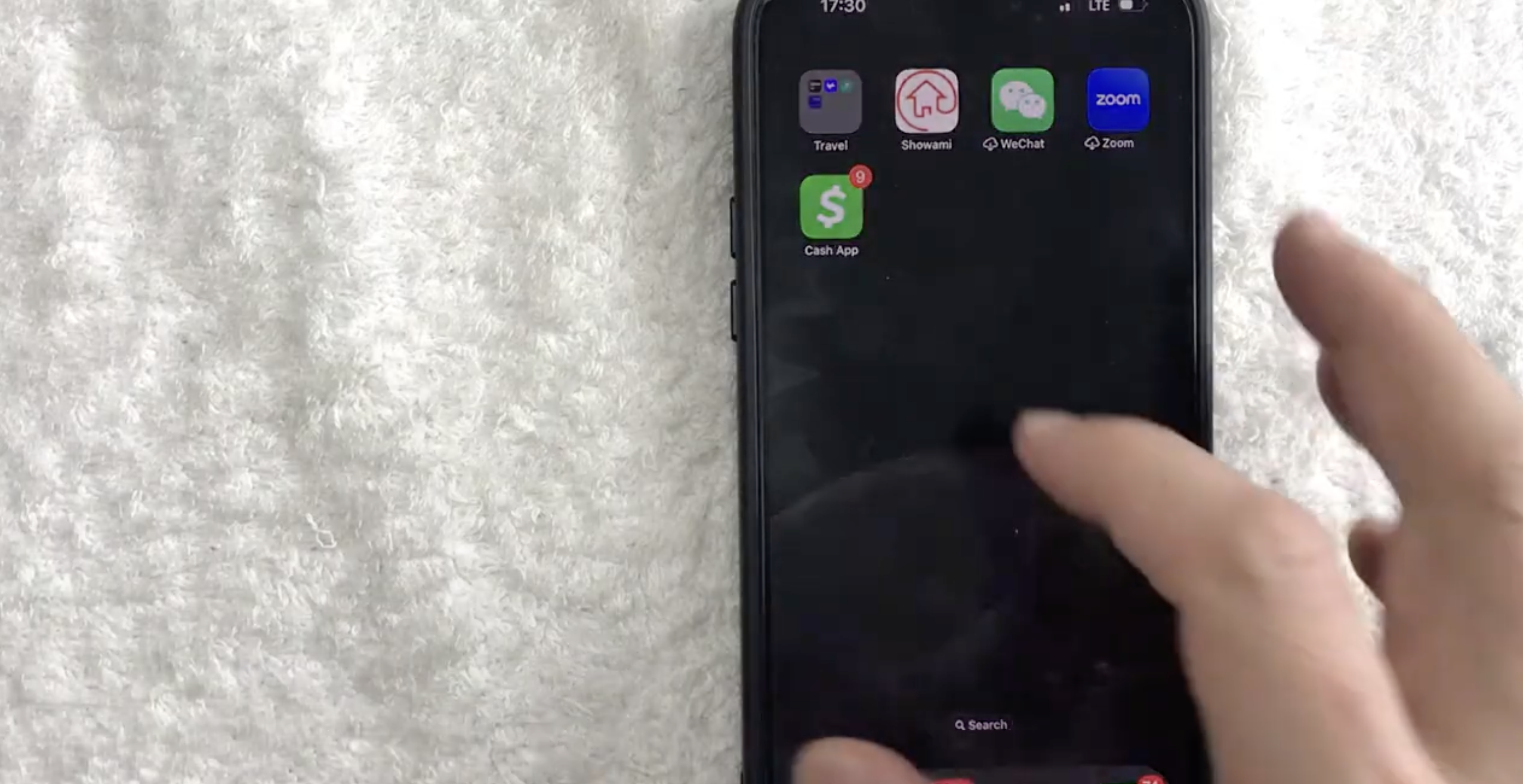
- Tap the Profile Icon or your account balance at the top.
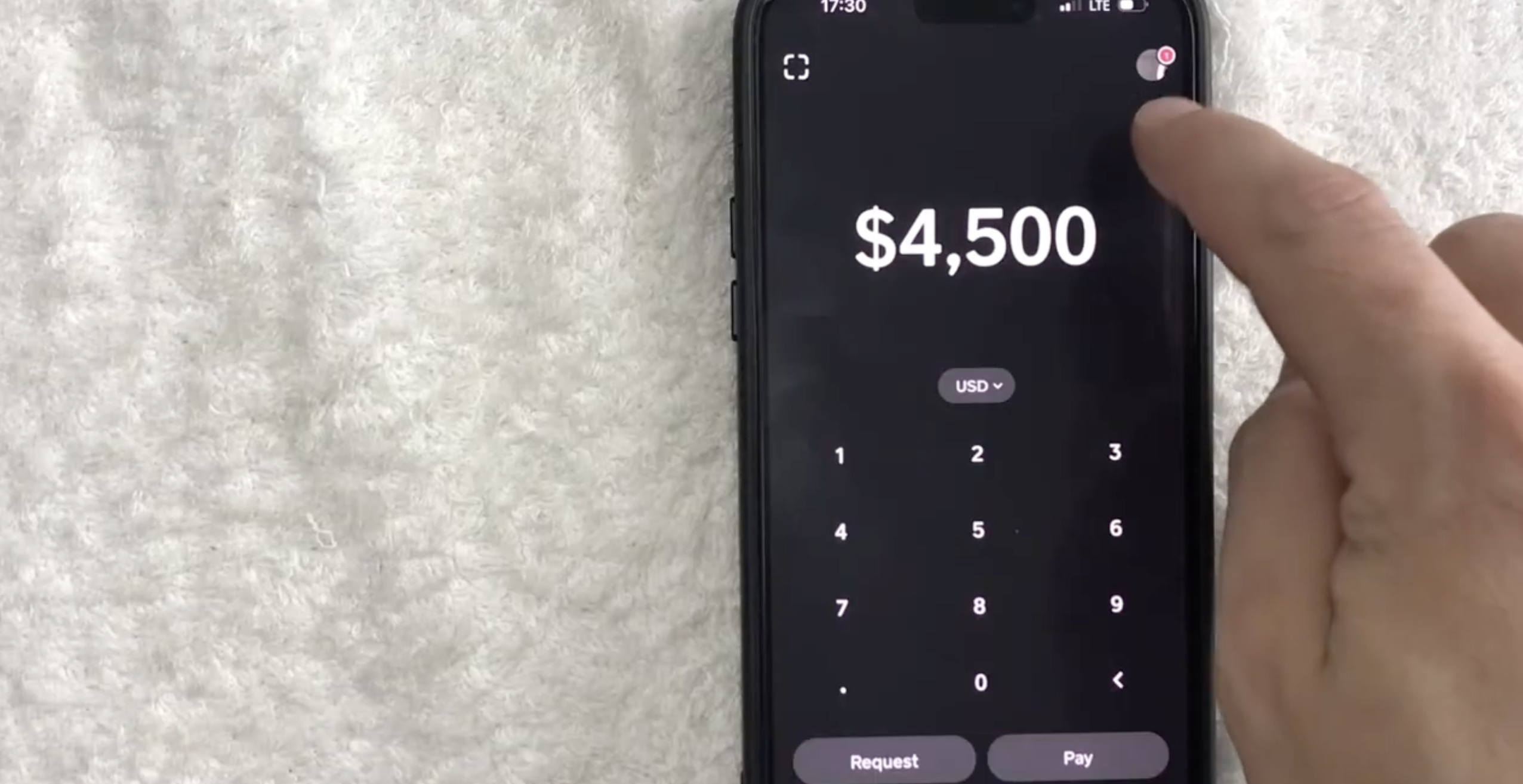
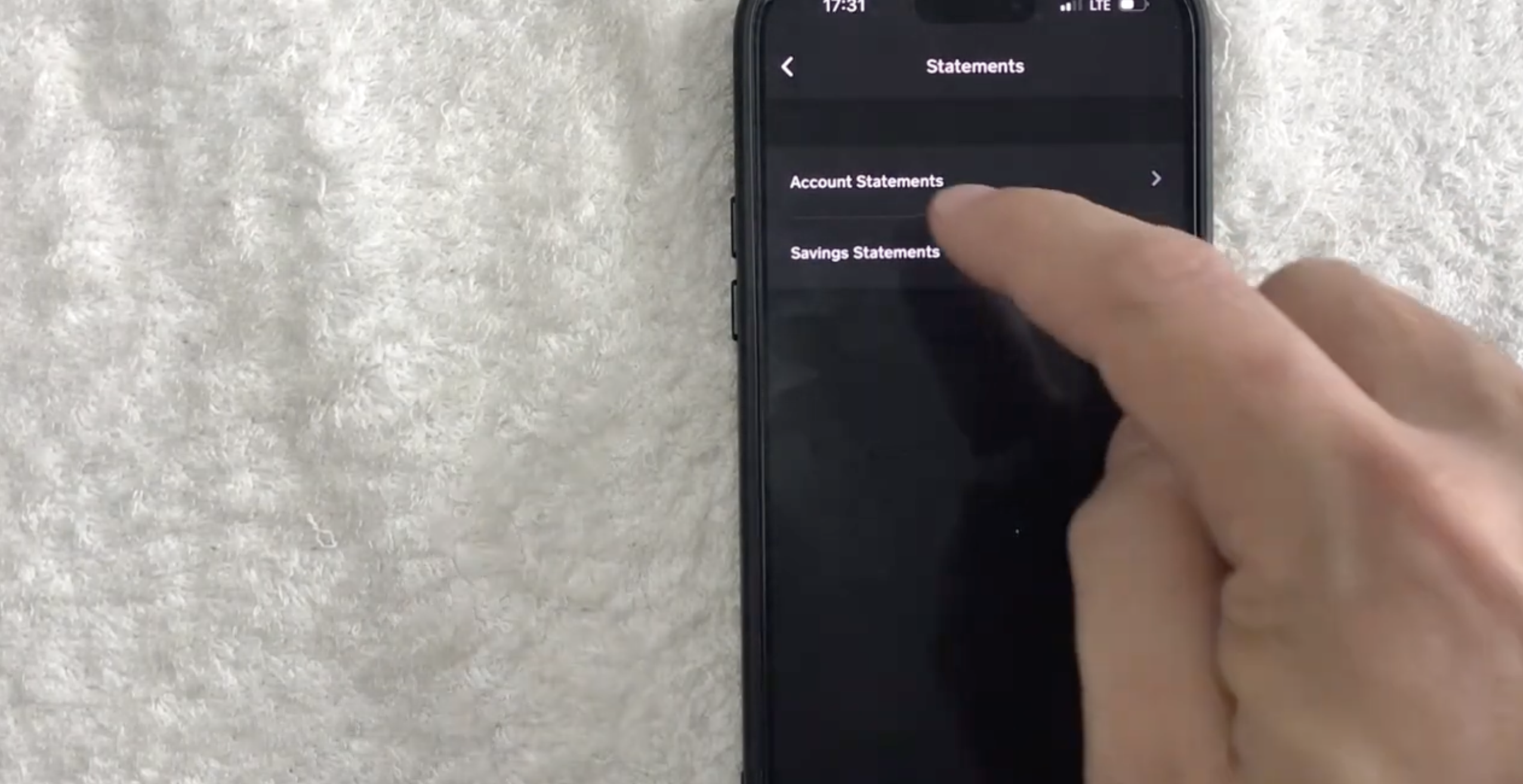
- Scroll to find "Documents." Tap it, then tap the “Statements” option and select it.
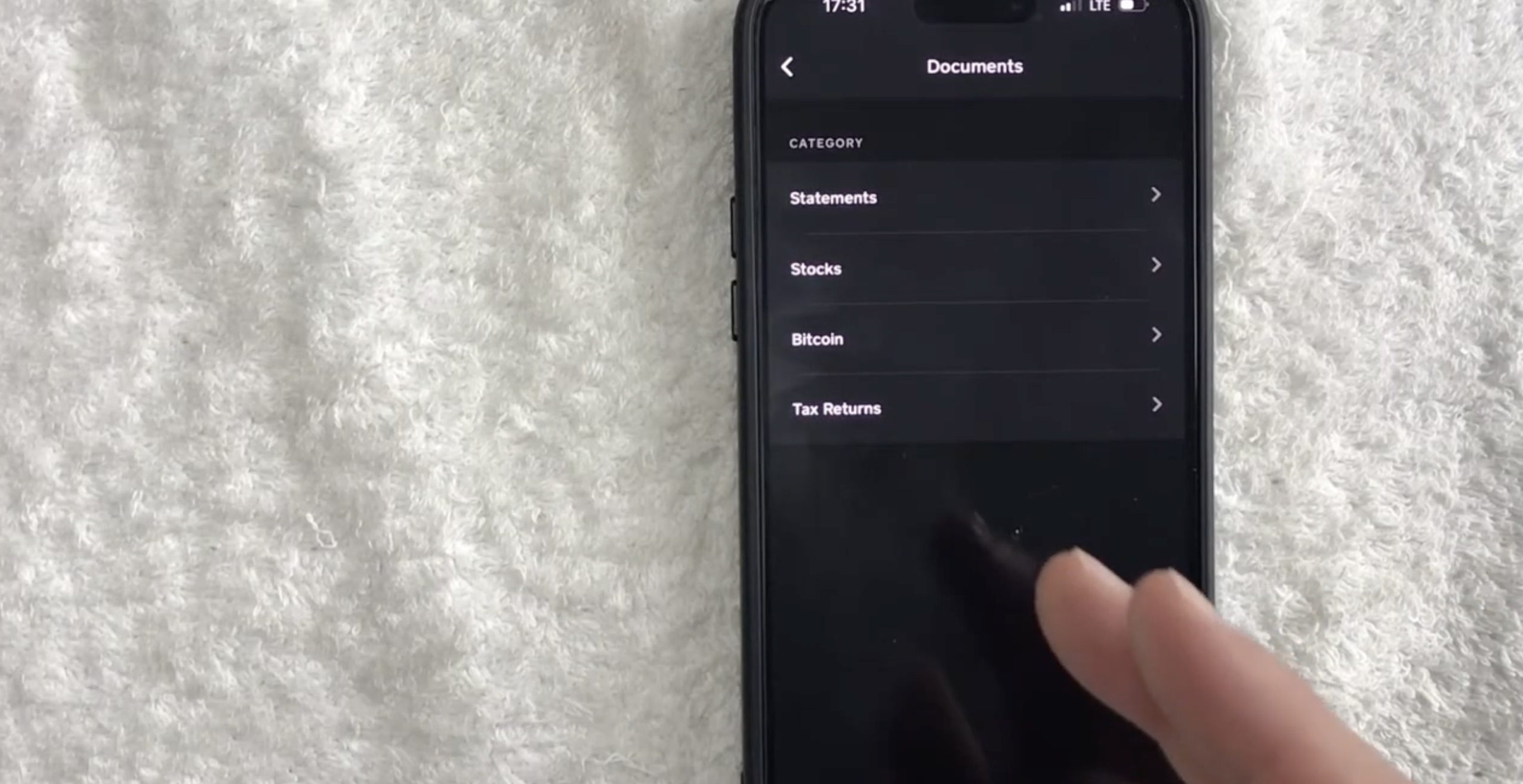
- Choose "Account Statements"
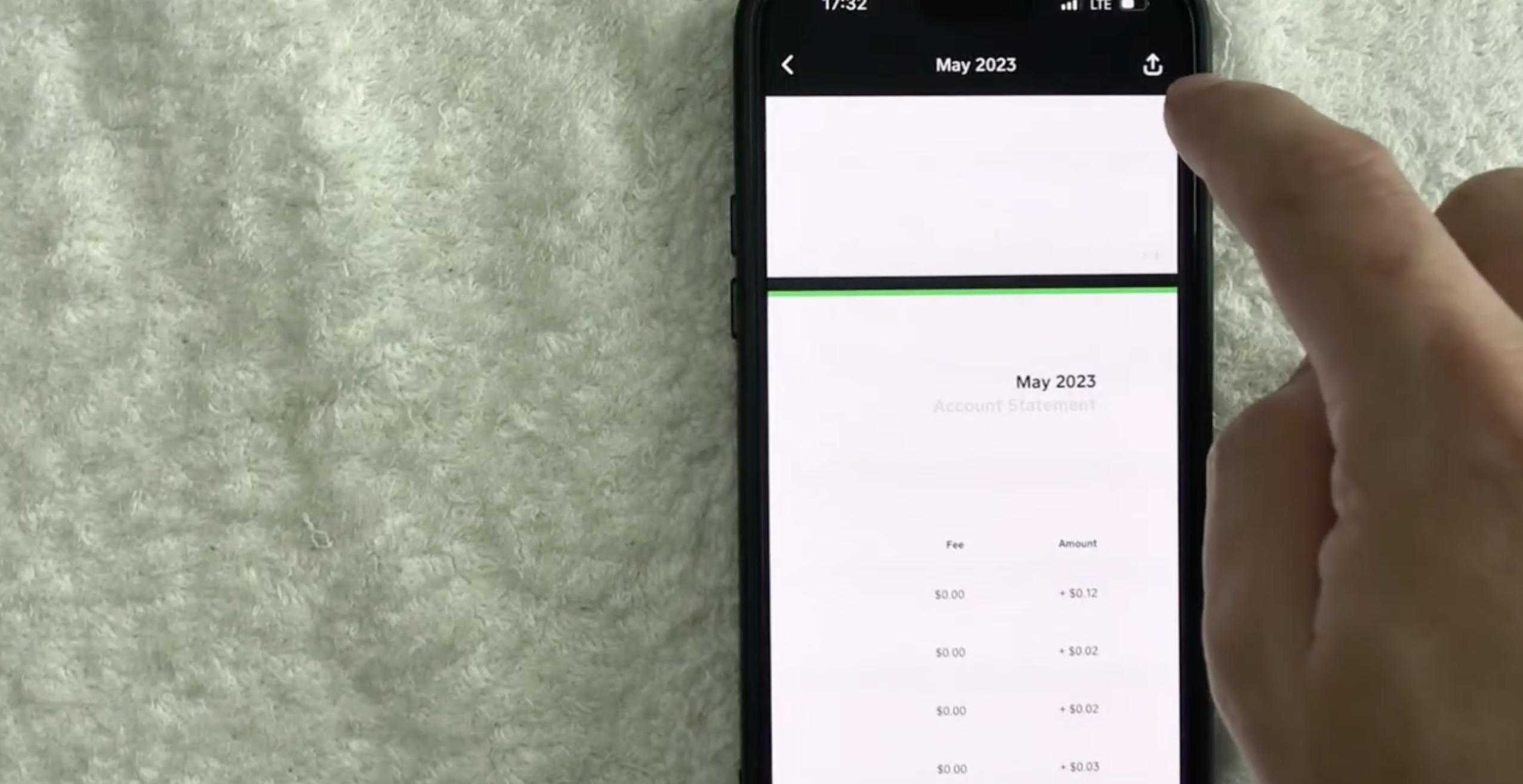
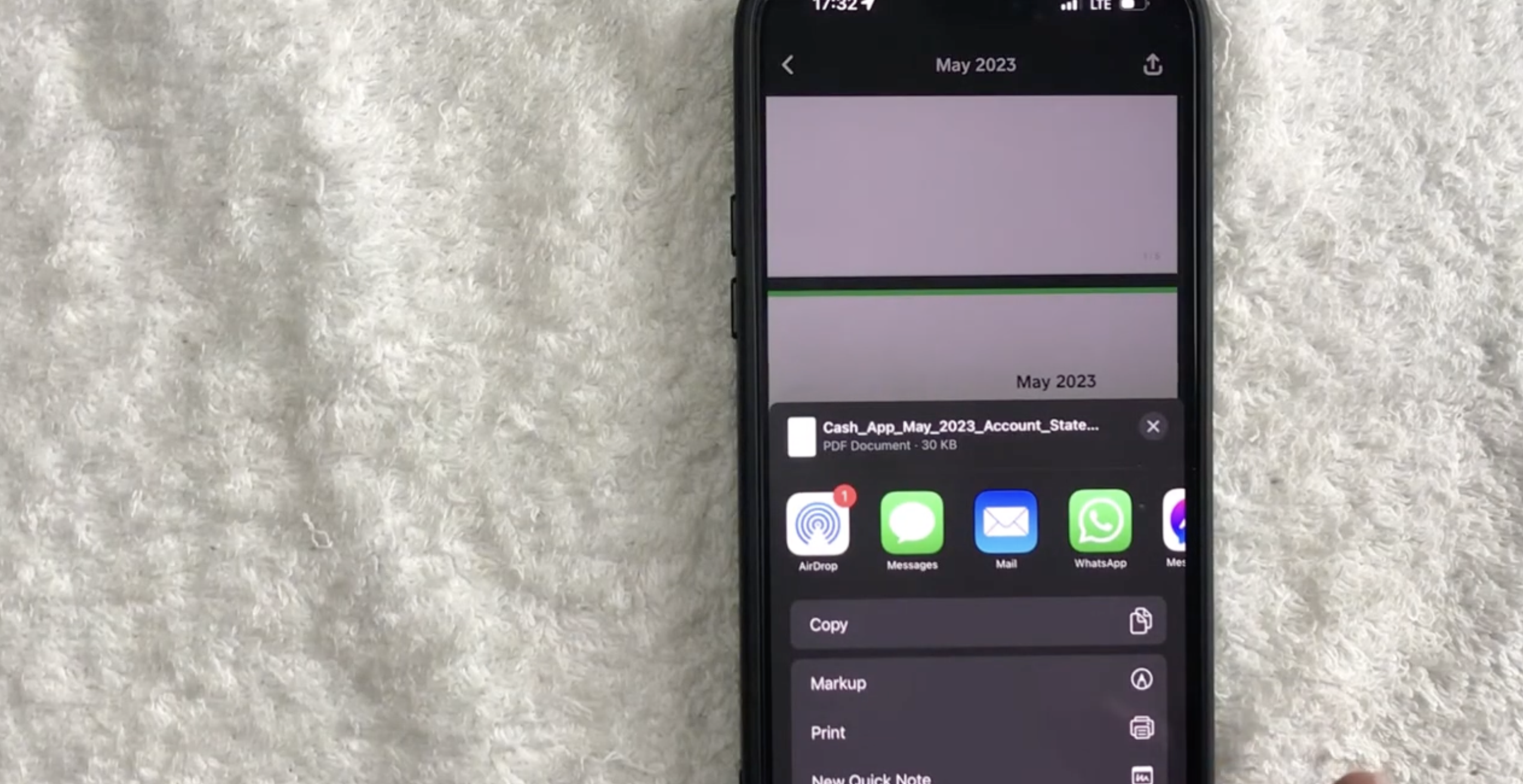
- Choose the time period (e.g., monthly or quarterly) for the statement. Cash will generate a statement with all your transactions. Download it by tapping the Download icon at the top right.
- Enter your email address where you'd like the statement sent.
Method 2: Downloading Statements from the Cash App Website
If you prefer to use a computer, you can access your Cash App bank statements from the website. Here's how:
- Go to the Cash App website and log in with your credentials.
- Navigate to “Documents” and then select “Account Statements”.
- Choose the month or period for which you need the statement.
- Click Download to receive your statement in PDF format.
This method offers flexibility in managing your statements on a larger screen and makes it easy to store or print them for future use.
Method 3: Requesting Bank Statements via Email
If you’re unable to use the Cash App or website, you can directly request your bank statements by contacting Cash App support. Here’s how:
- Open your email client and address the email to [email protected] or [email protected].
- In the subject line, write: Request for Bank Statements.
- In the body of the email, include:
- Your full name
- Your Cash App account details
- The specific time period for the statements you need
- Send the email and wait for a response.
Cash App support will assist you in retrieving the requested statements.
Method 4: Contacting Cash App Support via Phone
If you prefer speaking directly with a representative, you can contact Cash App support via phone to request your bank statements. Here’s how:
- Dial the Cash App support phone number (available in the app or on the website).
- Provide your account details and explain your need for bank statements.
- Follow the representative’s instructions to retrieve your statements.
This method provides more immediate assistance and is ideal for those who prefer phone communication.
Conclusion
Getting your bank statements from Cash App is easy and can be done using one of the four methods mentioned above. Whether you choose to request statements through the Cash App, download them from the Cash App website, send an email to Cash App support, or contact support via phone, these options make it convenient to access your financial history.
Bank statements are essential for a variety of financial tasks such as budgeting, tax filing, loan applications, and dispute resolution. By following the steps in this guide, you can ensure that you always have access to your Cash App statements whenever you need them.
Whether you need your bank statements for personal or business use, Cash App offers convenient options to obtain them electronically, allowing you to store, print, or share them as needed.
We hope this guide has provided valuable insights and guidance on obtaining bank statements from Cash App. By following the methods discussed, you can easily access and utilize your bank statements to support your financial needs. Should you have any further questions, remember to consult the official Cash App resources or seek additional assistance from their support team.



Discussion (0)
Be the first to comment.