




If you want to enable dark mode in Google Docs, you can do it through your device settings, browser extensions, or built-in dark mode options on mobile devices. Dark mode changes the interface background to darker colors, which can help reduce eye strain and make reading easier in low-light environments.
Google Docs does not offer a built-in dark mode for the desktop version, but there are several ways to activate it. This guide explains how to enable dark mode in Google Docs on different devices.
What Is Dark Mode in Google Docs?
Dark mode is a display setting that changes the background of an application from light colors to dark tones. Instead of a bright white interface, dark mode uses darker backgrounds with lighter text.
Benefits of dark mode include:
- Reduced eye strain in low light
- Better readability at night
- Lower screen brightness
- Improved visual comfort
Many users prefer dark mode when working for long periods.
Enable Dark Mode in Google Docs on Desktop
Google Docs does not currently include a built-in dark mode for the desktop version. However, you can use browser extensions to enable it.
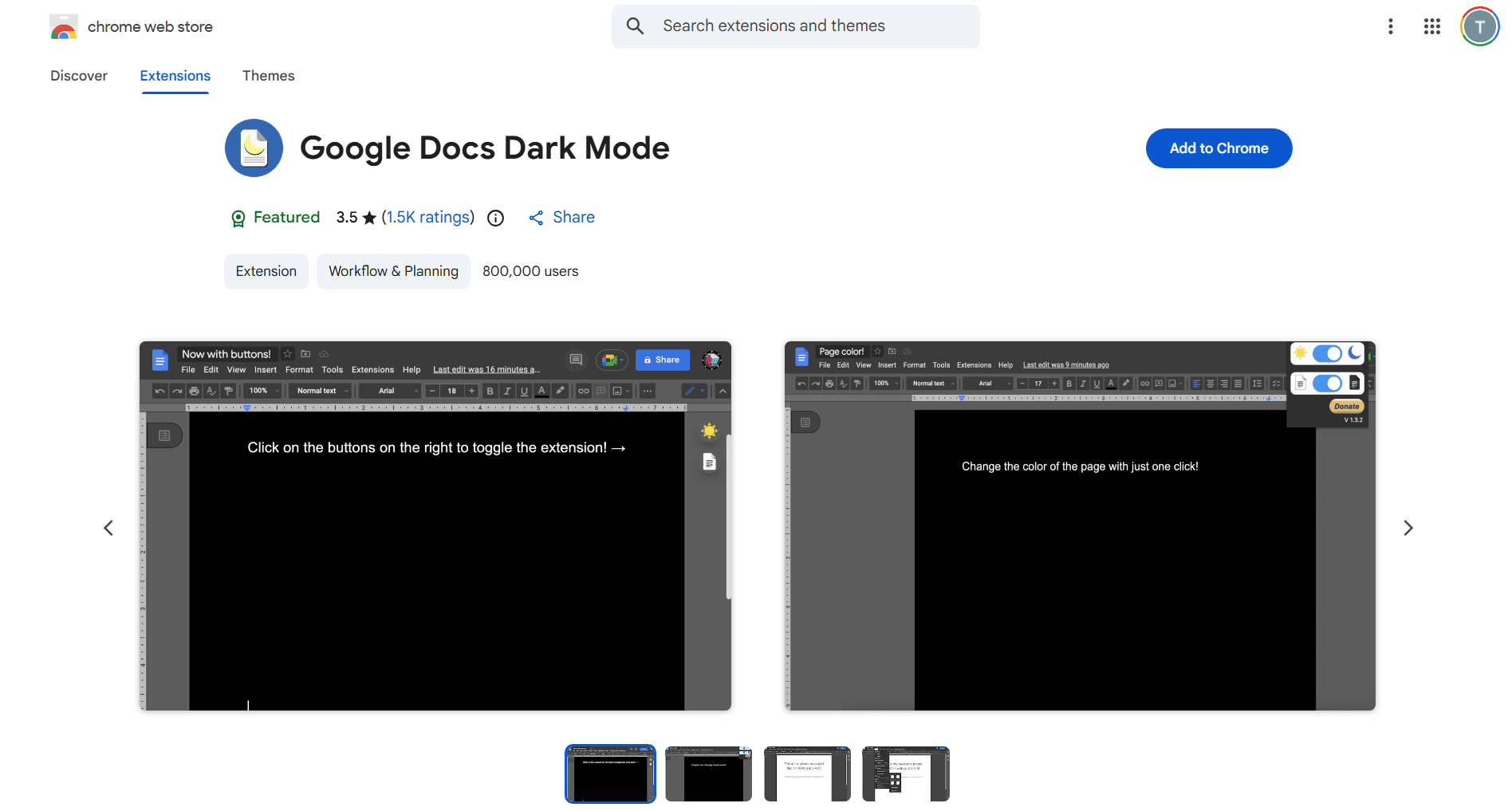
Method 1: Use a Dark Mode Browser Extension
Popular browser extensions include:
- Dark Reader
- Night Eye
- Super Dark Mode
Steps:
- Open the Chrome Web Store or browser extension store.
- Search for a dark mode extension.
- Install the extension.
- Enable it for Google Docs.
The interface will appear in dark mode.
Method 2: Use Browser Dark Mode Settings
Some browsers include experimental dark mode settings.
For example, certain browser settings can force websites into dark mode automatically. This may also apply to Google Docs.
Tips for Using Dark Mode in Google Docs
To make dark mode more comfortable:
- Adjust screen brightness
- Use dark themes consistently across apps
- Avoid extremely high contrast settings
- Enable dark mode in your operating system
These adjustments can improve readability and reduce eye fatigue.
Final Thoughts
Knowing how to enable dark mode in Google Docs can make working with documents more comfortable, especially in low-light environments. While mobile versions of Google Docs include built-in dark mode options, desktop users can enable it using browser extensions.
Once activated, dark mode provides a cleaner interface and a more comfortable reading experience.
FAQs
Does Google Docs have dark mode?
Yes. Dark mode is available on mobile apps and can be enabled through browser extensions on desktop.
Can I use dark mode in Google Docs on desktop?
Yes, but it usually requires a browser extension such as Dark Reader.
Does dark mode change document colors?
Dark mode changes the interface appearance but usually keeps document formatting the same.


Discussion (0)
Be the first to comment.