




Netflix no longer offers a public support email, but you can still reach the company through several official channels that function like email or allow you to submit written requests. This guide explains every method that still works at the time of writing and shows you how to send messages that reach Netflix support through your account, the help center, and the mobile app.
The steps below walk you through the quickest ways to contact Netflix in writing, including account-linked messaging, billing support, and reporting technical issues. Use these options if you need resolution without waiting on the phone.
Send a Written Message Through Netflix Support
The closest option to emailing Netflix is submitting a written ticket directly from your account. Netflix routes these messages to support, and responses appear in your account inbox or the app's notification center.
Steps
- Open a browser and sign in at netflix.com.
- Select your profile, then scroll down and choose Help Center.
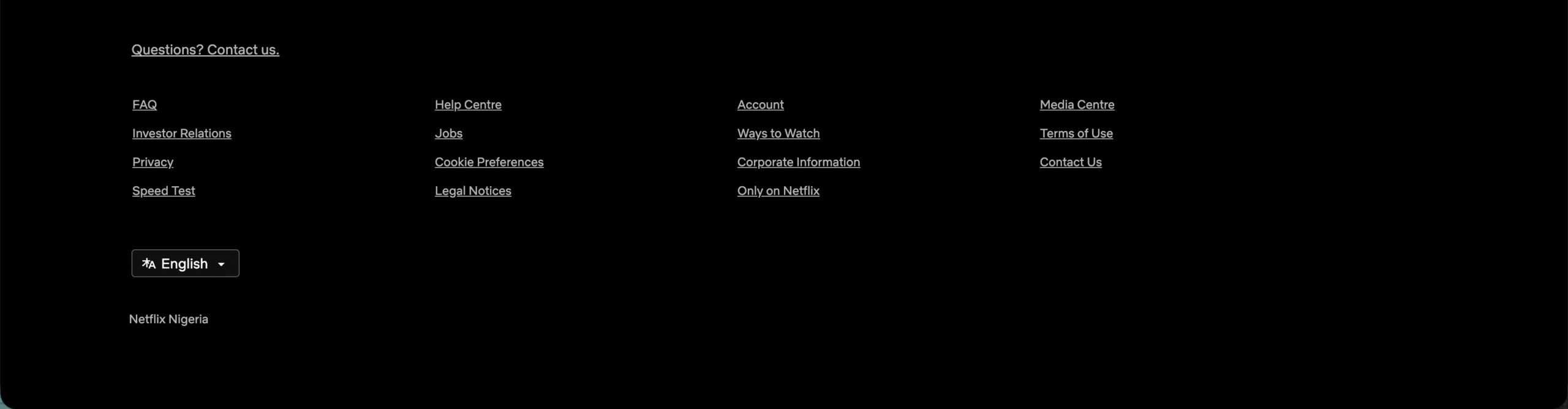
- Look for the Contact Us option at the bottom of the page.
- Enter your message in the text field and hit Enter.
- Choose Chat with Us.

- Enter your message in the text field and submit it as a written request.
This method allows you to send full written details just like an email, and Netflix replies inside your account session.
Use the Netflix Mobile App to Send a Written Message
The Netflix app includes built-in support messaging. This allows you to send text-based requests from iPhone or Android without needing your browser.
Steps
- Open the Netflix app.
- Tap your profile icon and choose Help.
- Select Contact Us.
- Tap Chat, then enter your message to send written support.
Responses come through the chat window, which functions similarly to email threads.
Submit an Email-Style Request Through the Billing Support Page
If your issue involves charges, invoices, or subscription errors, Netflix provides a written form that acts like an email submission.
- Sign in at netflix.com.
- Visit the Help Center and choose Billing.
- Scroll to the bottom and select the option to submit a written request.
- Enter your issue and attach any screenshots if needed.
This form sends your message to Netflix’s billing team and returns a written response.
Alternative Ways to Contact Netflix in Writing
These options aren’t traditional email, but they allow written messages that support teams review.
- Chat transcripts: After using chat, save or email yourself the transcript if you need documentation.
- Feedback forms: Netflix sometimes shows forms after reporting playback issues.
- Account notifications: Some support responses appear as system messages linked to your profile.
Troubleshooting Common Problems
- Can’t access Contact Us: Sign out, then sign back in to refresh the Help Center options.
- No chat option appears: Use a desktop browser instead of mobile, or try the official Netflix app.
- Support request won’t send: Clear your browser cache or switch to incognito mode.
- No reply from Netflix: Reopen the chat window and check for pending messages tied to your account.
Tips
- Include your device type and OS version when describing technical issues.
- Attach screenshots through the billing or playback issue forms.
- Use short bullet points to make your message easy for support to process.
- Keep your account email updated so Netflix can reach you if needed.
FAQ
- Does Netflix have a support email? No, Netflix retired public support email, but written chat and contact forms replace it.
- Can Netflix reply to my personal email? If the issue involves billing or account security, Netflix may send follow-up messages to your registered email.
- Is chat the only way to send a message? Chat and written forms are the current official channels.
- Can I contact Netflix without signing in? Basic chat is available without signing in, but account-specific help requires login.
Summary
- Netflix no longer provides a direct email address.
- You can send written messages from the Help Center.
- The app includes text-based support that works like email.
- Billing and playback issues offer their own written forms.
- Chat transcripts provide email-style message history.
Conclusion
While Netflix doesn’t use a public support email anymore, the platform still offers several ways to send written messages that reach real support agents. Using the Help Center, the mobile app, and billing forms gives you reliable, account-connected communication without waiting on the phone. These channels work the same as email for most purposes and help you get fast, documented support whenever you need it.


Discussion (0)
Be the first to comment.