




Pixelmon Reforged blends Minecraft with classic Pokémon gameplay, letting you explore biomes, battle trainers, and build a full team inside Minecraft’s open world. If you want to learn how to download Pixelmon Reforged safely and without outdated steps, this guide walks you through everything that works at the time of writing.
You’ll install the correct Minecraft version, set up Forge, add the Pixelmon Reforged mod file, and launch Minecraft with the mod enabled. Whether you're new to modding or returning to Pixelmon, the steps below keep the process simple and reliable.
How To Install Minecraft Java Edition
You need Minecraft Java Edition because Pixelmon Reforged does not work on Minecraft Bedrock. Once you install it, you can attach Forge and load the mod correctly.
- Visit the official Minecraft launcher.

- Sign in with your account.
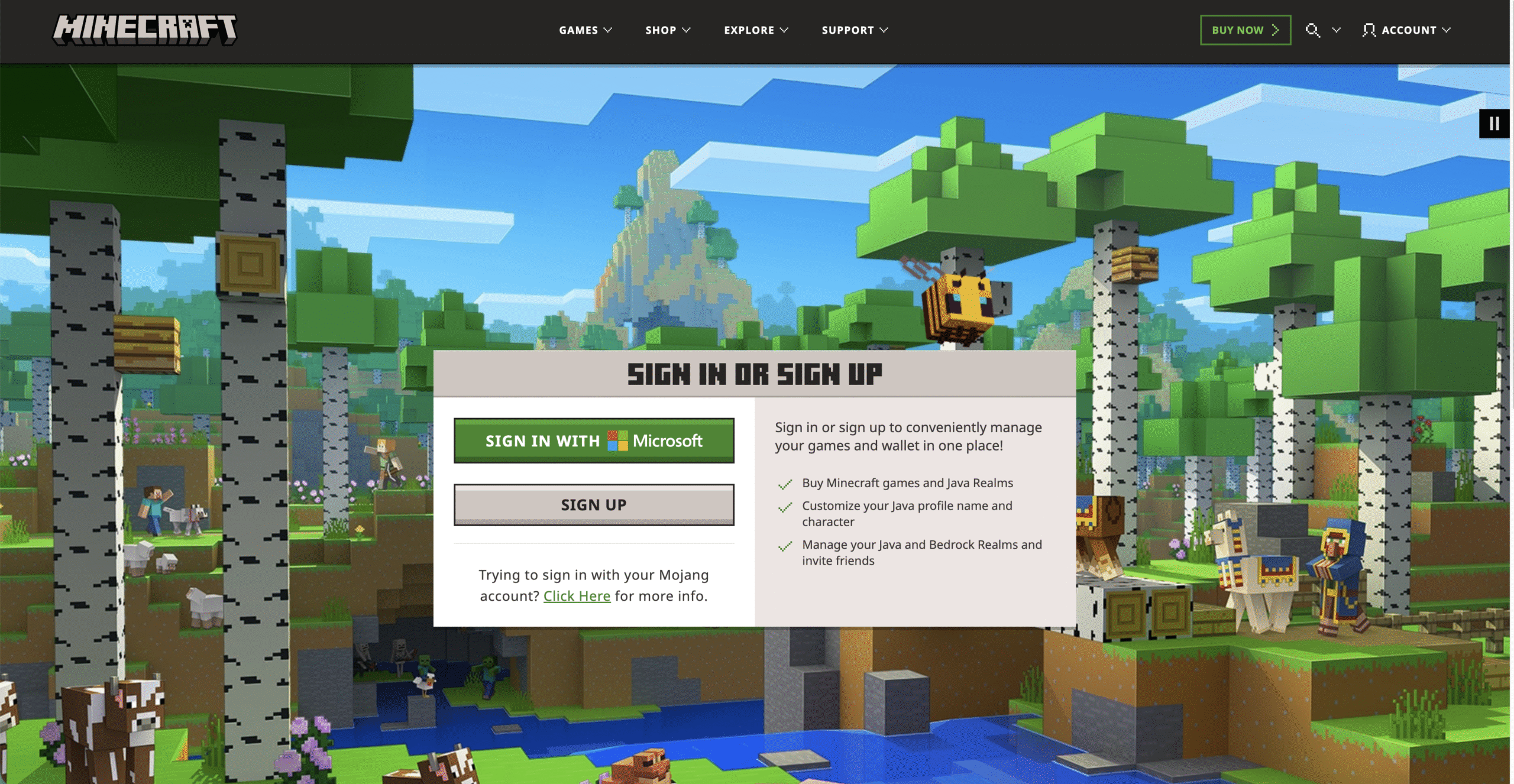
- Choose Minecraft Java Edition when installing the game files.
- Let the launcher download the base version before adding any mods.
How To Install Forge For Pixelmon Reforged
Forge loads Pixelmon Reforged and ensures your game can run modded content. Make sure the Forge version matches your Minecraft version.
- Download the correct Forge installer for your Minecraft version.

- Run the installer and choose the Install Client option.
- Open the Minecraft Launcher and select the new Forge profile.
How To Download Pixelmon Reforged
Once Forge is ready, you can add the Pixelmon Reforged mod file. Always download the official .jar file to avoid corrupted or outdated versions.
- Download the Pixelmon Reforged .jar file that matches your Forge version.
- Open your Minecraft installation folder.
- Locate or create the mods folder.
- Place the Pixelmon Reforged .jar file inside that folder.
How To Launch Pixelmon Reforged
Pixelmon loads automatically when Minecraft is launched through Forge. This is where features like Pokémon spawning, battles, and gyms become available.
- Open the Minecraft Launcher and select the Forge profile.
- Click Play to start the game.
- Select Mods on the home screen to confirm Pixelmon Reforged is detected.
- Create or load a world to begin playing.
Troubleshooting Common Problems
- If Minecraft crashes at launch, confirm your Forge version matches Pixelmon Reforged.
- If Pokémon are not spawning, reload the world or reset your mod settings.
- If the mod does not appear, check that the .jar file is inside the correct mods folder.
- If performance is slow, allocate more RAM using the Minecraft Launcher settings.
Tips
- Use a fresh Minecraft profile to avoid conflicts with other mods.
- Allocate at least 4 GB of RAM for smoother gameplay.
- Back up worlds before updating Pixelmon Reforged.
- Install a minimap mod for easier navigation.
FAQ
Does Pixelmon Reforged Work On Bedrock? No, Pixelmon Reforged requires Minecraft Java Edition.
Is Pixelmon Reforged Free? Yes, the mod is completely free to install and use.
Do I Need Forge? Yes, Forge is required to load Pixelmon Reforged properly.
Can I Use Other Mods With Pixelmon? Yes, as long as they are compatible with the same Forge version.
Summary
- Install Minecraft Java Edition.
- Download and install Forge.
- Download the Pixelmon Reforged .jar file.
- Move the file to your mods folder.
- Launch Minecraft using Forge.
Conclusion
Pixelmon Reforged turns Minecraft into a full Pokémon adventure. After setting up Minecraft Java Edition, installing Forge, placing the mod file in the correct folder, and launching through the Forge profile, you're ready to explore, battle, and train inside a fully modded world.


Discussion (0)
Be the first to comment.