



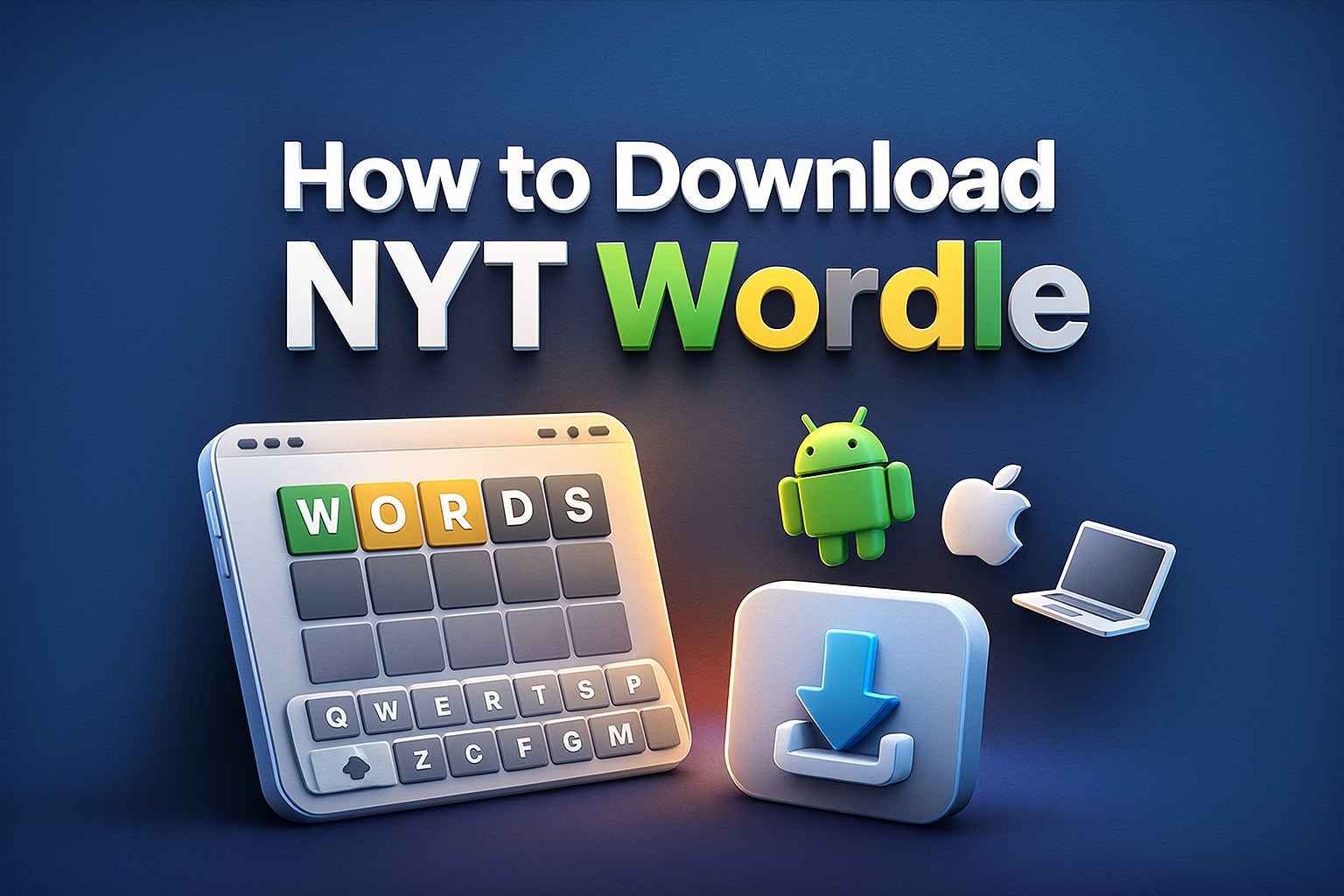
NYT Wordle turns a simple five-letter puzzle game into a daily habit for millions of players. If you want to know how to download NYT Wordle on your phone or computer, you actually have a few different options. The official version lives inside The New York Times ecosystem, so you either access it through the NYT Games app or save the browser version as a shortcut.
This guide explains how to download NYT Wordle on iPhone, iPad, Android, and desktop, and how to pin it so it feels like a native app. You will also see tips, troubleshooting steps, and answers to common questions about the NYT Wordle app and web version.
Download NYT Wordle On iPhone And iPad
On Apple devices, the safest way to play NYT Wordle is through the official NYT Games app or by adding the Wordle page to your Home Screen in Safari. Both options keep you on the official New York Times experience.
Install NYT Games App On iOS
Use the NYT Games app if you want Wordle alongside other New York Times puzzles in one place.
- Unlock your iPhone or iPad and open the App Store.
- Tap the Search tab and type “NYT Games” or “New York Times Games.”
- Select the official NYT Games app from The New York Times Company.
- Tap “Get,” authenticate with Face ID, Touch ID, or your Apple ID password, and wait for the download to finish.
- Open the NYT Games app from your Home Screen.
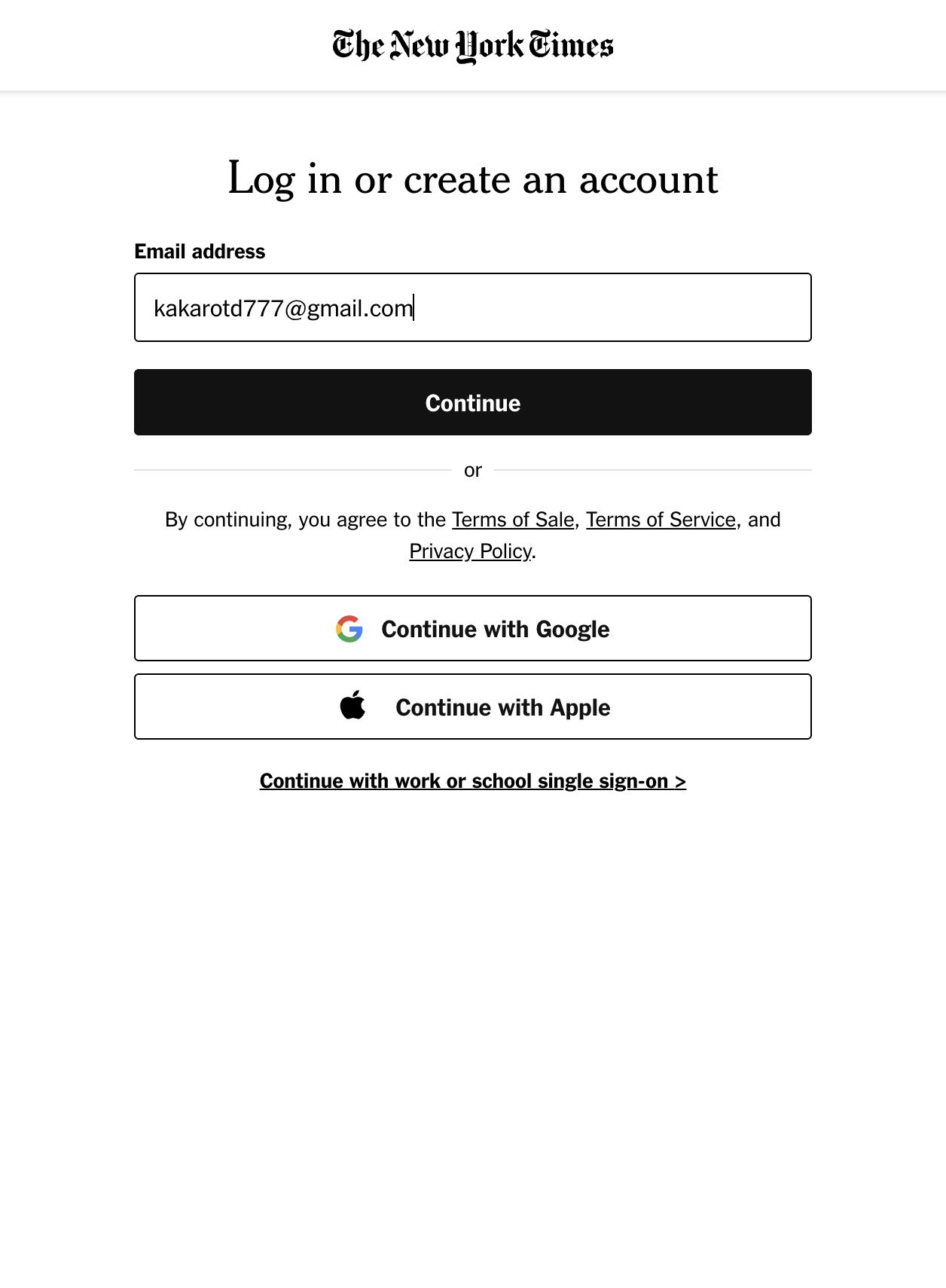
- Sign in with your New York Times account or create a new one inside the app.
- Look for “Wordle” in the games list and tap it to start the daily NYT Wordle puzzle.
Save NYT Wordle As A Home Screen Icon On iOS
If you prefer the browser version, you can “download” NYT Wordle as a shortcut on your Home Screen using Safari. It opens like an app but still uses the web version.
- Open Safari on your iPhone or iPad.
- Go to the NYT Wordle page and wait for the game to load completely.
- Tap the Share icon at the bottom of the screen.
- Scroll down and tap “Add To Home Screen.”
- Edit the name to “Wordle” or “NYT Wordle” if you want a shorter label.
- Tap “Add” to create the icon on your Home Screen.
- Launch Wordle in the future by tapping the new icon just like any other app.
Download NYT Wordle On Android
On Android, you can install the NYT Games app from the Google Play Store or add a shortcut to the Wordle website using Chrome. Both options help you avoid unofficial clones in the store.
Install NYT Games App On Android
Use the NYT Games app if you want Wordle next to other New York Times games in one launcher icon.
- Unlock your Android phone or tablet and open the Google Play Store.
- Tap the search bar and type “NYT Games” or “New York Times Games.”
- Select the official NYT Games app from The New York Times Company.
- Tap “Install” and wait while your device downloads and installs the app.
- Open NYT Games from your app drawer or Home Screen.
- Sign in with your New York Times account or create one if you are new.
- Find “Wordle” in the games list and tap it to play NYT Wordle on Android.
Add NYT Wordle Shortcut With Chrome On Android
If you want fast access without another app, you can add the NYT Wordle page as a shortcut on your Home Screen using Chrome.
- Open Google Chrome on your Android device.
- Visit the official NYT Wordle page and let the game load.
- Tap the three-dot menu in the top right corner of Chrome.
- Tap “Add To Home Screen” or “Install App,” depending on your browser version.
- Rename the shortcut to “Wordle” or “NYT Wordle” if you prefer a shorter title.
- Tap “Add” and choose where to place the icon if your phone asks.
- Use the new Wordle icon to open the game directly from your Home Screen.
Play NYT Wordle On Desktop
You do not need to download a separate Wordle app on Windows or Mac. Instead, you open the NYT Wordle site in your browser and optionally install it as a standalone window or create a desktop shortcut.
Use NYT Wordle In Your Browser
This is the simplest way to play NYT Wordle on a computer without changing any settings.
- Open your preferred browser such as Chrome, Edge, Firefox, or Safari.
- Go to the official NYT Wordle page.

- Sign in with your New York Times account if the site asks.
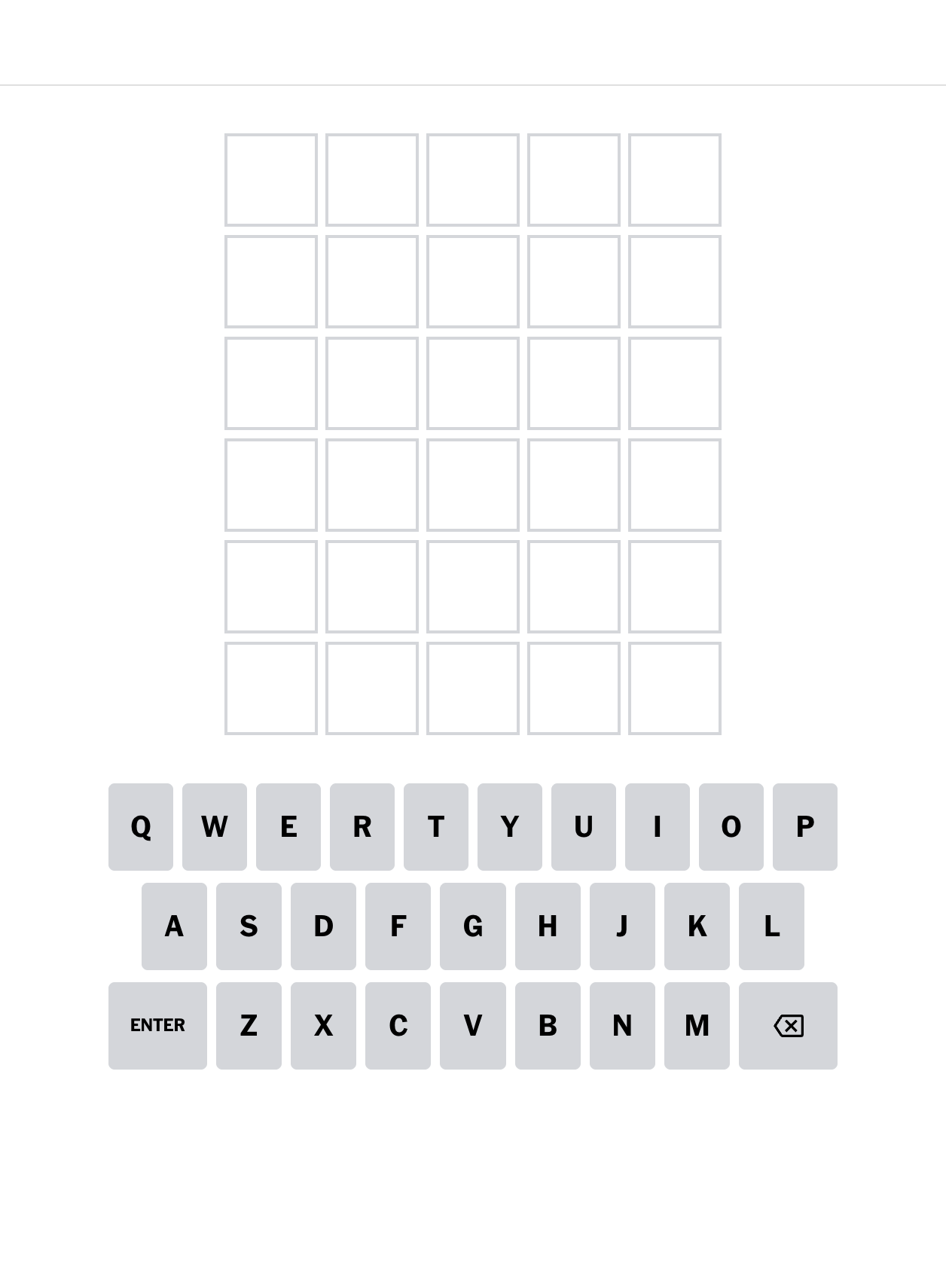
- Click the Play button and start the daily puzzle and use your keyboard to guess each five-letter word.
Save NYT Wordle As A Desktop Shortcut
Most modern browsers let you create a shortcut or “install” NYT Wordle as an app-like window. The exact wording varies by browser, but the idea stays the same.
- Open NYT Wordle in Chrome or Microsoft Edge on your desktop.
- Click the browser menu button near the top right of the window.
- Look for an option like “Save And Share,” “More Tools,” or “Install This Site As An App.”
- Select the option to create an app or shortcut for the current site.
- Confirm the name “Wordle” or “NYT Wordle” when prompted.
- Launch Wordle later from your desktop, Start menu, or Applications folder like a regular app.
Troubleshooting Common Problems
If Wordle does not load correctly or you cannot see the NYT Wordle app inside NYT Games, a few quick checks usually fix the issue.
- Wordle Does Not Appear In NYT Games: Make sure you updated the NYT Games app to the latest version and signed in with the same New York Times account you use on the website.
- Streak Or Statistics Do Not Sync: Confirm that you play the official NYT Wordle on all devices while signed in to the same account. Clear the browser cache only after you understand it may reset some local data.
- App Fails To Install: Check your internet connection, free storage, and operating system version. Restart your phone or computer and try downloading NYT Games again.
- Page Will Not Load: Refresh the Wordle page, close other heavy tabs, and test another browser. If everything else loads fine, wait a bit and try again in case of a temporary server issue.
- Too Many Wordle Copies In The Store: Avoid apps that use “Wordle” in the name but do not mention The New York Times. Stick with the official NYT Games app or the NYT site.
Tips
Once you know how to download NYT Wordle and open it quickly, small tweaks can make the daily game smoother and more fun.
- Turn on notifications in the NYT Games app if you want a gentle reminder when a new Wordle goes live.
- Pin Wordle near the front of your Home Screen or taskbar so you can launch it with a single tap or click.
- Use the in-game settings to switch to dark mode or colorblind mode if the default color scheme makes tiles harder to read.
- Try “Hard Mode” after you feel comfortable with the basic rules to increase the challenge without changing how you download or open the game.
- Share your Wordle grid with friends using the built-in share feature rather than screenshots so you keep the spoiler-free pattern intact.
FAQ
Is There An Official NYT Wordle App?
There is no standalone “Wordle” app from the New York Times in the major app stores. Instead, Wordle lives inside the NYT Games app and on the NYT Games website.
Can I Download NYT Wordle For Free?
You can access NYT Wordle in most browsers without paying, although the New York Times may require a Games subscription for full access depending on your region and offers at the time of writing.
Why Can I Not Find NYT Wordle In The App Store?
Search for “NYT Games” or “New York Times Games” instead of “Wordle.” The official daily puzzle appears inside that app, not as a separate Wordle download.
Will My Wordle Streak Sync Between Phone And Desktop?
Your streak and statistics sync when you sign in with the same New York Times account on both devices and always use the official NYT Wordle experience.
Can I Play NYT Wordle Offline?
You generally need an internet connection to load the latest puzzle and sync results. Some devices may let you finish a puzzle that already loaded before you went offline, but that is not guaranteed.
Summary
Downloading NYT Wordle really means adding official access points for the New York Times version of the game, not installing a random clone. You either use the NYT Games app on mobile or save the browser version as a shortcut on your phone and desktop.
- On iPhone and iPad, install the NYT Games app or add the Wordle page to your Home Screen using Safari.
- On Android, install NYT Games from Google Play or add a Chrome shortcut for NYT Wordle.
- On desktop, play through your browser and optionally create a shortcut or app-like window.
- Sign in with the same New York Times account on every device to keep your NYT Wordle streak and stats together.
Conclusion
When you understand how to download NYT Wordle correctly, you avoid low-quality clones and keep your daily puzzle streak safe. The NYT Games app and the official website remain the two reliable ways to reach the real NYT Wordle experience.
Set up the app or shortcuts on your favorite devices once, then make Wordle part of your daily routine with just a tap or click. With quick access in place, you can focus on solving the puzzle instead of hunting for the right version of the game.



Discussion (0)
Be the first to comment.