




You can download Among Us on PC in a few different ways. The native Windows version through Steam or the Epic Games Store gives you the smoothest experience, while the Android-emulator method offers a free alternative. The right choice depends on your budget, performance needs, and preferred controls.
This guide walks you through every safe download method, including troubleshooting steps and crossplay instructions.
Method 1: Download Among Us on PC through Steam (Recommended)
Open the Steam client on your PC and select Store at the top. Type Among Us in the search bar, click the game in the results list, select Add to Cart, and complete checkout.
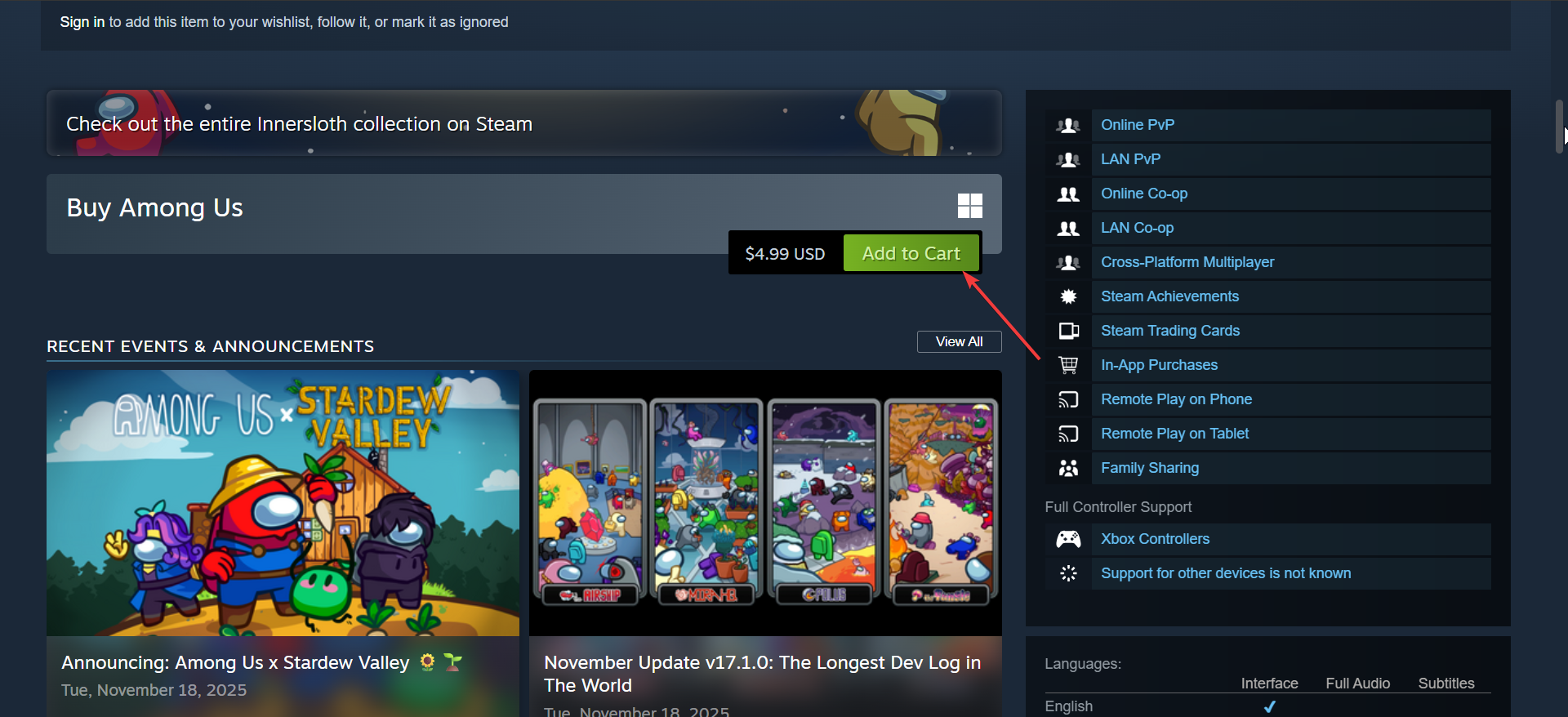
Now, press Install, choose a drive with enough space, and launch the game from your Library.
Note that the minimum system requirement for Among US on PC is: Dual-core CPU, 1GB RAM, Intel HD Graphics, Windows 10 or later. While the recommended is: Modern dual-core CPU, 4GB RAM, dedicated GPU for smoother scaling.
Tip: If Steam refuses to install the game, restart Steam, free space on the install drive, verify the game files from the Library context menu, and update your GPU drivers.
Method 2: Download Among Us from the Epic Games Store
Install and open the Epic Games Launcher and sign in with your Epic account. Next, search for Among Us and select Get if a promotion appears or Buy Now.
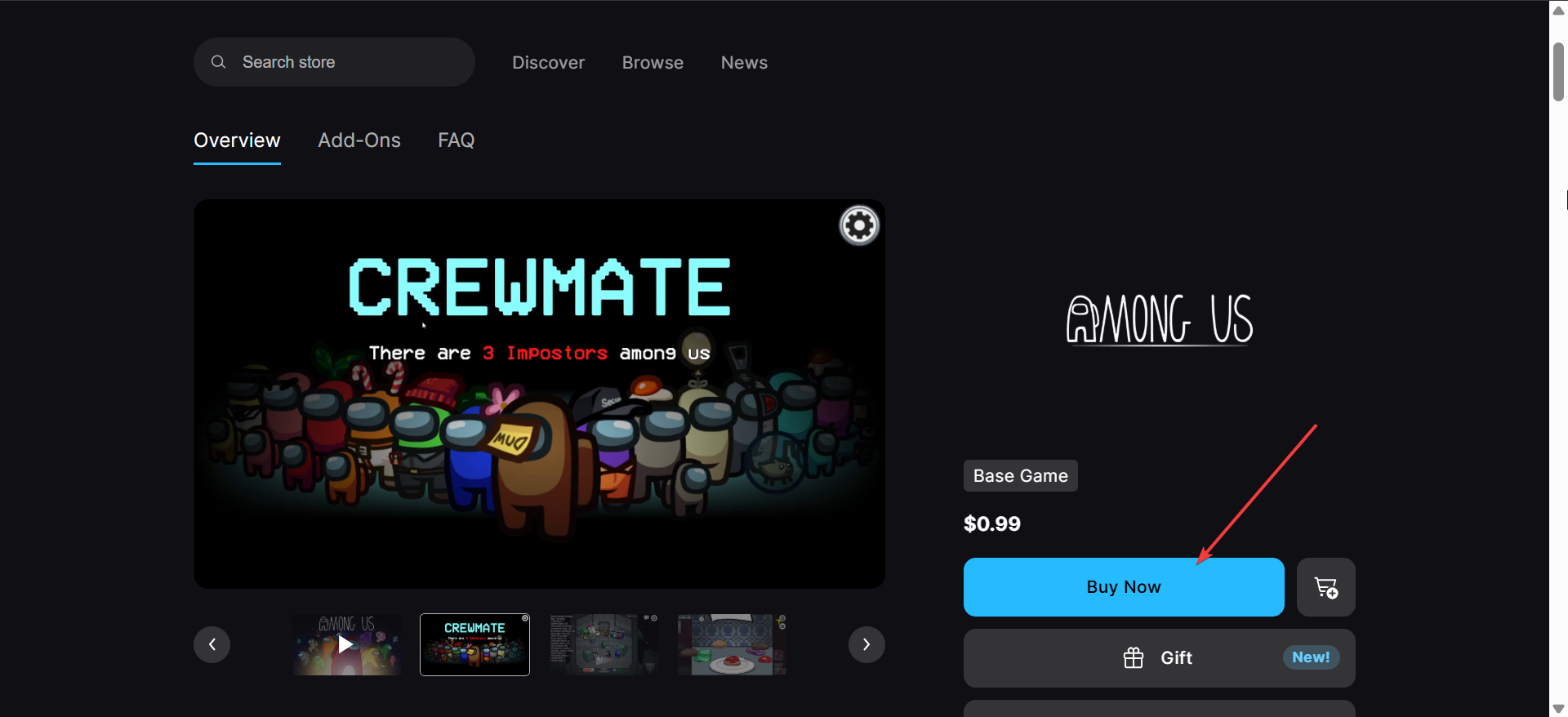
Now, add the game to your Library, click Install, and pick a folder. Finally, launch the game from the Library page.
Tip: If the install hangs or downloads run slowly, try switching to a wired connection or clearing Epic’s cache. Restarting the launcher often fixes stuck download queues.
Method 3: Play Among Us on PC for Free (Android emulator method)
The mobile version of Among Us is free. Using an Android emulator lets you play it on a PC without buying the Windows version. This option fits tight budgets, though you may notice lower performance on older hardware.
Popular emulator choices include BlueStacks and NoxPlayer. Pick the one that feels easiest to navigate and matches your system’s performance level. Then download and install the emulator on your PC.
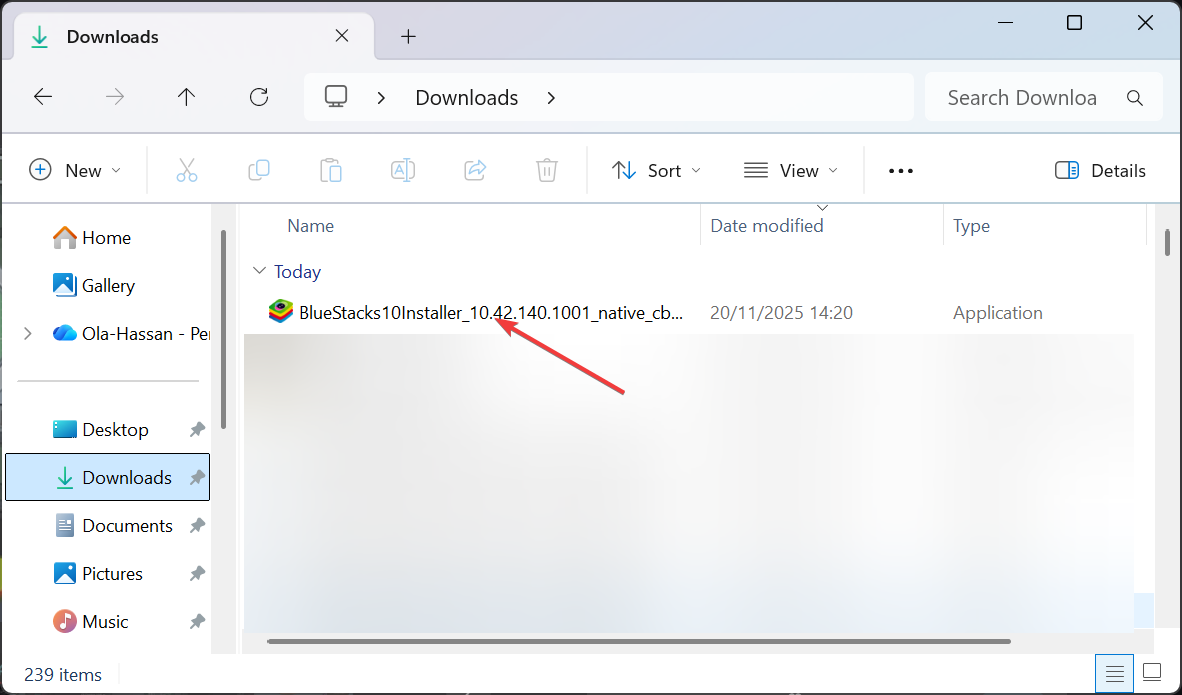
When the installation is complete, open the emulator, sign in with a Google account, and open the Play Store. Next, search for Among Us and install the mobile version. Finally, launch the game from the emulator’s home screen.
How to update Among Us on PC
Steam updates the game automatically. If updates stall, open your Library, right-click the game, and choose Manage > Properties > Updates.
Epic updates run through the Library screen. If updates fail, press the three-dot menu and select Verify.
Emulators update the mobile version through the Google Play Store inside the emulator.
How to play Among Us cross-platform after download
Among Us supports crossplay between PC, mobile, and console. Start an online lobby, share the room code, and players on any platform can join. Update all devices to avoid version mismatches.
Fix install and launch issues
You may run into common PC gaming problems. These quick fixes help stabilize the game:
- Update GPU drivers to prevent black-screen issues.
- Disable overlays from Discord or GeForce Experience if crashes occur.
- Run Steam or Epic as administrator during install.
- Temporarily disable antivirus if it flags the installer incorrectly.
- Use Verify Files in your launcher to repair corrupted data.
FAQs
Is Among Us free on PC? The native PC version is paid, but the mobile version is free and works in an emulator.
Does Among Us support controllers on PC? Yes. Steam and Epic versions support Xbox and most modern USB controllers.
Can I play offline? Yes. You can run local games or Freeplay mode without an internet connection.
Is the emulator method safe? Using reputable emulators is safe, but the experience may run more slowly than the native PC version.
Summary
- Steam gives you the quickest and most reliable way to download Among Us on PC.
- Epic offers a solid alternative
- Emulators give you a free option if you do not mind reduced performance.
- Ensure to update the game frequently to avoid issues
Conclusion
Most players should choose the Steam version for stability and crossplay reliability. Epic works well if you already manage your library there. Emulators help when you prefer a no-cost option. Pick the method that fits your device and budget and start playing with friends right away.

Discussion (0)
Be the first to comment.