



Accessing blocked websites is a common challenge when governments, ISPs, schools, or workplaces restrict online content. These blocks often rely on DNS filtering, domain blacklists, or network firewalls, which means a single workaround will not work in every situation. The good news is that several reliable methods still allow you to unblock websites safely and regain access to restricted content.
This guide explains practical ways to access blocked websites using both simple and advanced techniques. Each method works under different conditions, so understanding how these restrictions operate helps you choose the right approach.

Access content across the globe at the highest speed rate.
🔥 Save 81% + 2 bonus months! 🔥
70% of our readers choose Private Internet Access
70% of our readers choose Private Internet Access
2
Browse the web from multiple devices with industry-standard security protocols.
🔥 Save 73%! 🔥

Faster dedicated servers for specific actions (currently discounted)
🔥 Save 69%! 🔥
Use Google Translate To Access Blocked Websites
Google Translate can act as an intermediary when a website is blocked by basic content filters. Because the page loads inside Google’s translation interface, many institutional blocks fail to detect the original domain.
- Open Google Translate in your browser
- Paste the blocked website URL into the text field
- Select any language and open the translated link
Use A URL Shortener To Bypass Domain Filters
Some networks block websites based on their domain name only. A URL shortener replaces the original domain with a new link, which can bypass simple filtering systems.
- Copy the blocked website’s URL
- Paste it into a URL shortening service
- Open the shortened link in your browser
Access Blocked Websites Using An IP Address
DNS-based restrictions block domain names, not IP addresses. If a site does not block direct IP access, entering the IP address in the browser may load the website.
- Find the website’s IP address using a lookup tool
- Enter the IP address directly into the address bar
- Load the site without using the domain name
Use The Wayback Machine For Archived Content
The Internet Archive’s Wayback Machine allows access to archived versions of websites. This works well for viewing previously published content or pages removed by censorship.
- Open the Wayback Machine via Google Chrome.
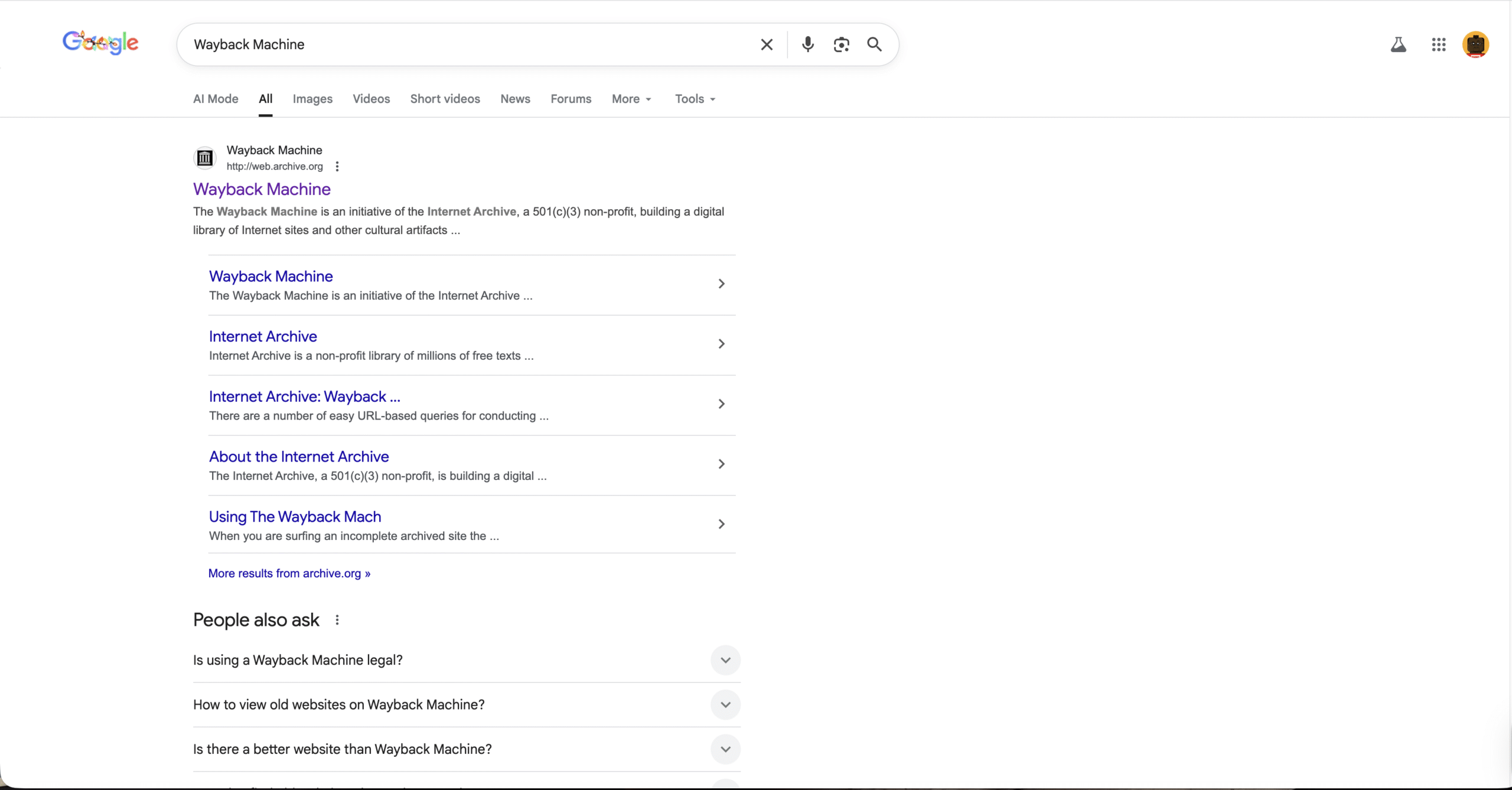
- Paste the blocked website URL
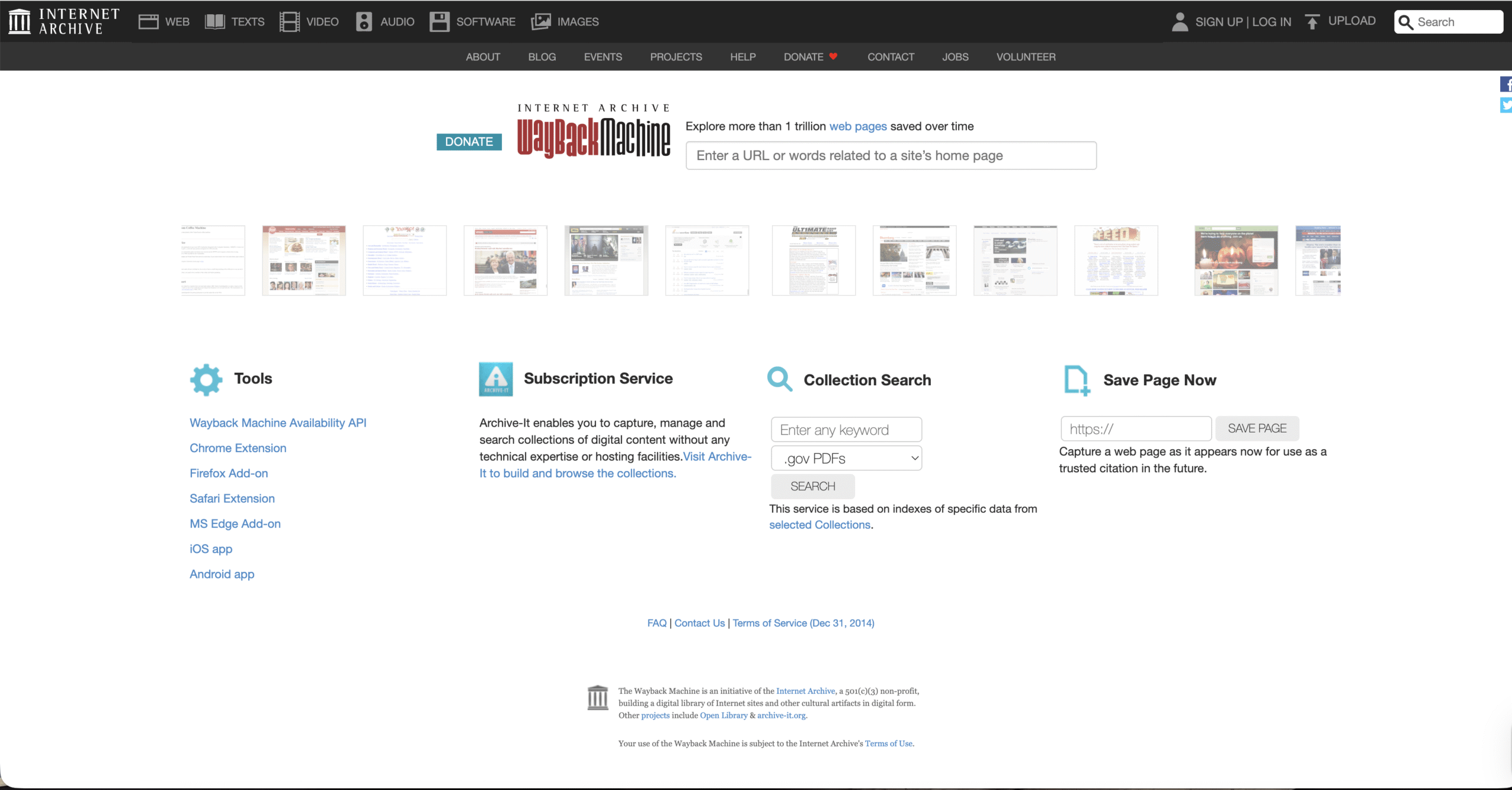
- Select an archived snapshot to view the content
Use A VPN To Unblock Websites
A VPN, such as Private Internet Access (PIA), reroutes your internet traffic through a remote server, making it appear as if you are browsing from a different location. This method is effective for bypassing geo-restrictions, ISP blocks, and workplace firewalls.
- Install a VPN app or browser extension
- Connect to a server in another region
- Reload the blocked website
Use A Proxy Server
Proxy servers act as intermediaries between your device and the website. They hide your IP address but usually do not encrypt traffic, making them less private than VPNs.
- Open a web-based proxy or configure proxy settings
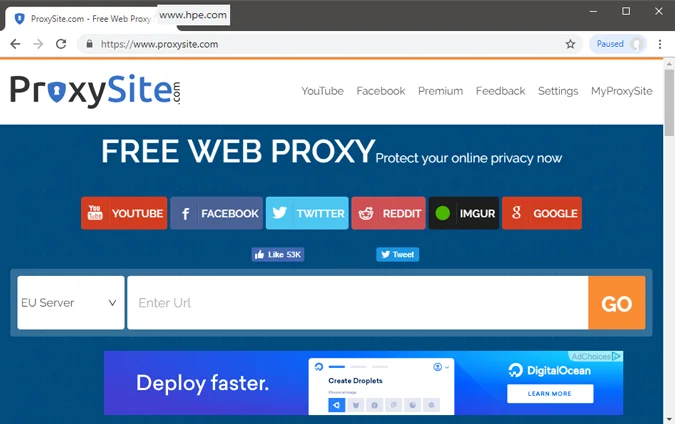
- Enter the blocked website’s URL
- Browse the site through the proxy server
Access Blocked Websites With Tor Browser
Tor Browser routes traffic through multiple encrypted nodes, providing anonymity and bypassing censorship. It works well for strict content restrictions but may reduce browsing speed.
- Install Tor Browser on your device
- Launch the browser and connect to the Tor network
- Open the blocked website normally
Switch To A Different DNS Server
Many ISP blocks rely on DNS filtering. Switching to a public DNS service can bypass these restrictions while improving speed and reliability.
- Open network or device DNS settings
- Replace the default DNS with a public DNS
- Save changes and reload the website
Troubleshooting Common Problems
If a method does not work, the website may use advanced firewall rules or IP-based blocking. Try combining methods, such as switching DNS before using a VPN, or clearing browser cache before retrying.
Tips
- Use simple methods first before advanced tools
- Avoid entering personal data on unsecured proxies
- Check local laws before bypassing restrictions
FAQ
Why are websites blocked on certain networks?
Websites are often blocked due to DNS filtering, firewall rules, or content policies set by governments, ISPs, schools, or employers.
Is using a VPN legal?
VPN legality depends on local regulations. Some countries restrict or ban VPN usage entirely.
Do free VPNs work for unblocking websites?
Free VPNs may work for basic restrictions but often have speed limits and fewer servers.
Summary
- Website blocks rely on different filtering methods
- No single solution works in every case
- VPNs and DNS changes are the most reliable options
Conclusion
Accessing blocked websites requires understanding how restrictions are applied. By choosing the appropriate method, whether a simple workaround or an advanced privacy tool, you can regain access while minimizing risks and maintaining control over your browsing experience.

Discussion (0)
Be the first to comment.