




Google Play Music may be gone, but you can still recover songs you purchased or uploaded before the shutdown. If you used the service, your data was likely moved to YouTube Music.
This guide shows how to safely download your Google Play Music collection to a computer, what tools still work, and the alternatives available today.
1) Transfer purchased songs to your computer
If you bought albums or singles through Google Play, those purchases may still appear in your account library. Log in to your Play Store account and check the Library section for any remaining music content.
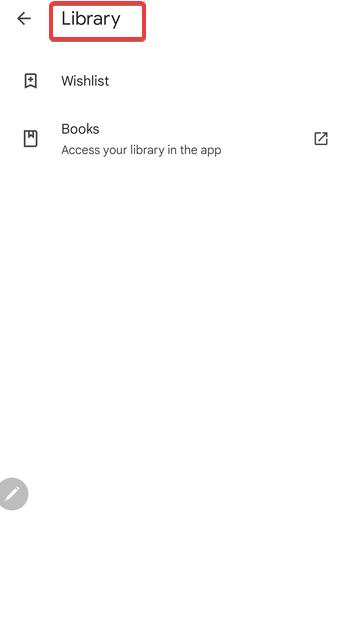
Any songs previously transferred to YouTube Music are tied to your Google account. You can re-download them via the YouTube Music export option in Takeout.
2) Download music from YouTube Music (Google Play successor)
YouTube Music is now the main platform for Google’s music services. It supports offline downloads, but only through the mobile app. PC users can still export files through Takeout.
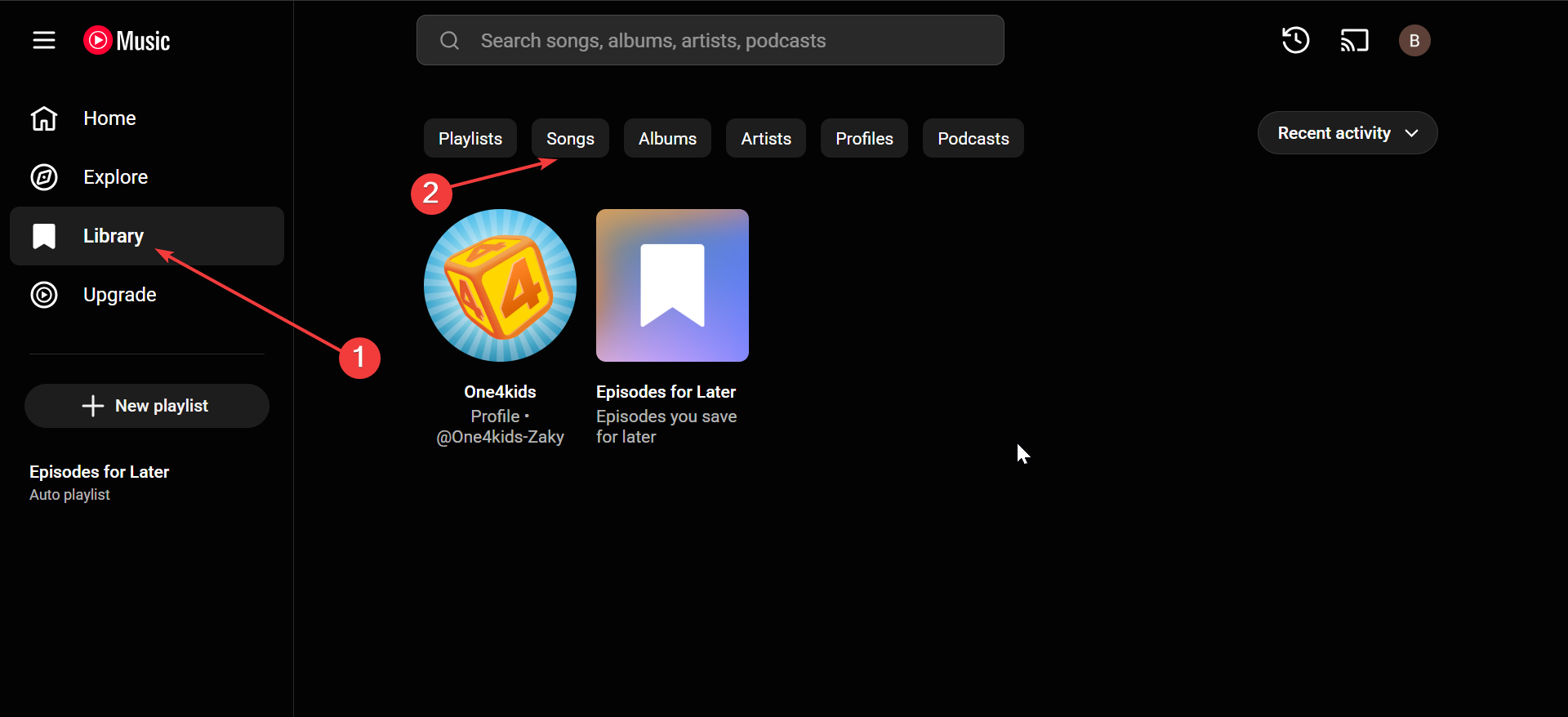
However, you can open the YouTube Music website and review your collection under Library > Songs. While direct PC downloads aren’t supported for streaming content, you can export the same data through Takeout for local storage.
3) Organize and play downloaded songs on your computer
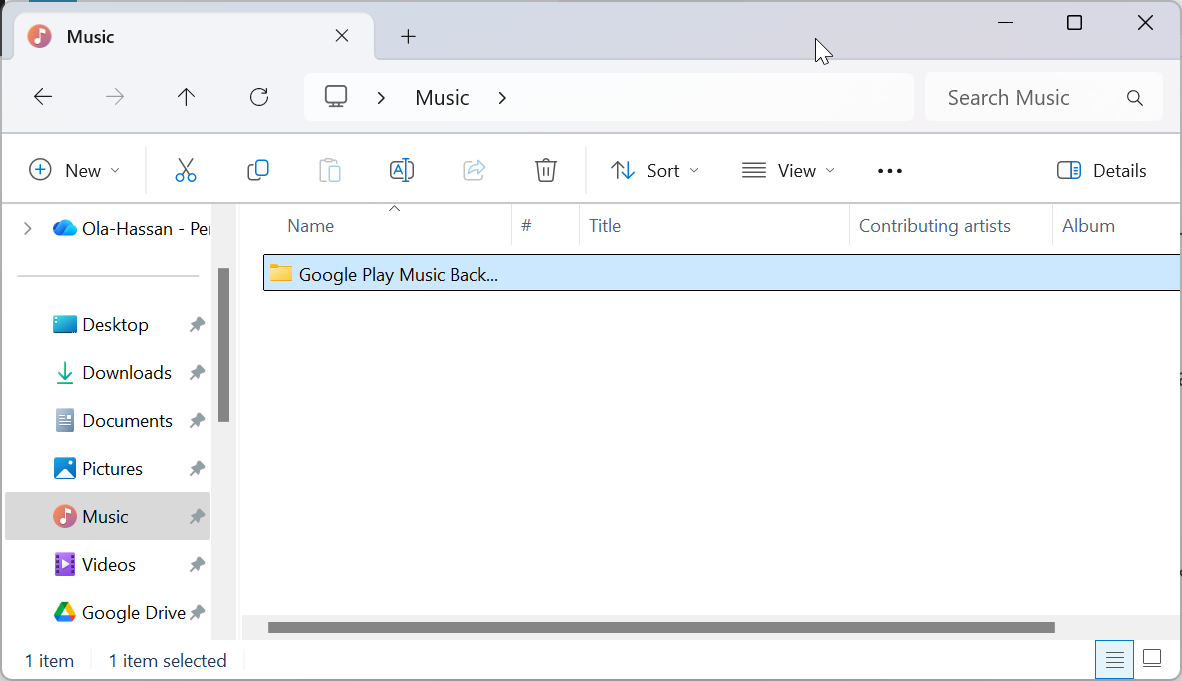
After downloading, move all files to a dedicated folder such as Google Play Music Backup. Import these MP3s into iTunes, Windows Media Player, or Groove Music for easy access.
Check file tags and metadata so song titles, artists, and album covers appear correctly in your library.
4) What to do if you missed the export deadline
If you never exported before the Play Music shutdown, your data might still be recoverable. Check Google Takeout for any previous archives linked to your account.
If not, contact support to verify whether your purchases can still be restored. In some cases, tracks transferred to YouTube Music remain accessible under your account’s purchase history.
FAQs
Can I still use Music Manager to download my library? No. Music Manager was discontinued when Play Music shut down. Use Google Takeout instead.
Are Google Play purchases DRM-free? Yes, purchased tracks are delivered as MP3 files without DRM restrictions.
Can I download from YouTube Music to my PC directly? Only the mobile apps support offline downloads. For PC, export your library via Takeout.
What’s the difference between uploaded and purchased tracks? Uploaded tracks are your own files stored in Google’s cloud. Purchased tracks were bought from Google’s catalog and tied to your account.
Summary
- Use Google Play Store to access purchased music
- Download and extract the archive on your PC.
- Access or re-download any migrated purchases from YouTube Music.
- Organize MP3s into folders and back them up safely.
Conclusion
Although Google Play Music is no longer active, you can still recover your songs by accessing migrated data in YouTube Music. The process is quick and ensures your purchased and uploaded tracks remain available offline.
Once your MP3s are downloaded, organize them neatly on your PC and back them up to a secure drive or cloud folder. This way, your favorite playlists stay accessible even if streaming services change again in the future.


Discussion (0)
Be the first to comment.