



Google Earth now has a free Flight Simulator mode on the web, giving anyone a simple way to fly over satellite mapped terrain directly from a browser. The feature is available globally and can be launched from the View menu in Google Earth, with keyboard and mouse controls for basic flight.
This is not the first time Google Earth has offered a Flight Simulator. The feature originally appeared in the desktop version of Google Earth in 2007 as a hidden Easter egg. The difference now is access. Instead of downloading the desktop app or finding a hidden shortcut, you can open Google Earth on the web and start flying more easily.
The new web version arrives alongside other Google Earth updates, including elevation profiles and expanded import options. It is not meant to compete with dedicated flight simulation games, but it adds a fun exploration tool to one of Google’s most recognizable mapping products.
Google Earth Flight Simulator is simple to start and control
The web based Flight Simulator can be opened from the View dropdown in Google Earth. Once active, you can control your flight with a keyboard or mouse.
Keyboard controls use the arrow keys for steering, while Page Up and Page Down control speed. The experience works best at slower speeds because Google Earth needs time to load terrain and satellite imagery as you fly.
| Feature | Google Earth Flight Simulator |
|---|---|
| Platform | Web version of Google Earth |
| Availability | Free and global |
| Launch method | View menu |
| Controls | Mouse or keyboard |
| Steering | Arrow keys |
| Speed control | Page Up and Page Down |
| Best view mode | Satellite basemap |
| Original desktop feature | Introduced in 2007 |
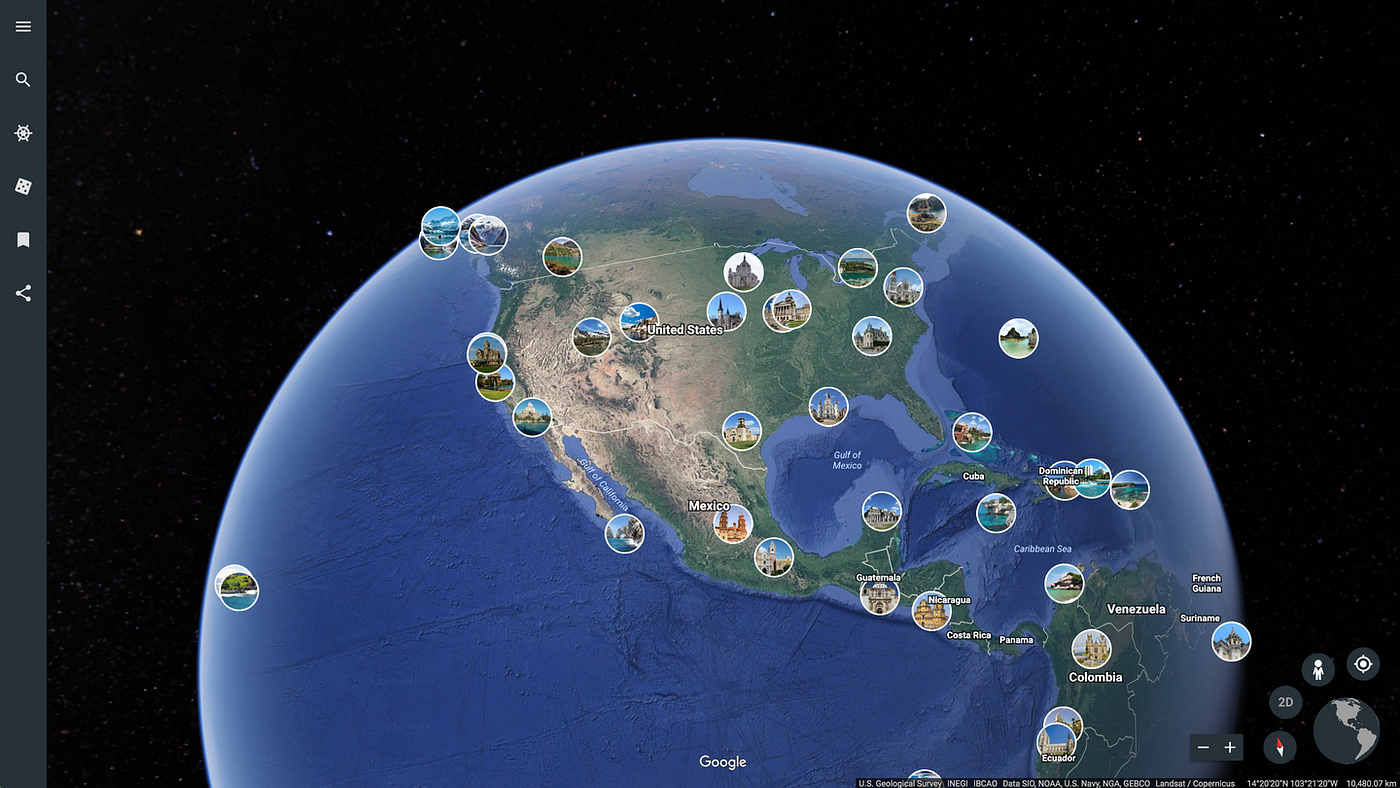
For the best experience, you should switch the basemap type to Satellite. This lets you fly over realistic satellite imagery and mapped terrain instead of a flatter map view.
Image quality depends on speed and location
The Flight Simulator is fun, but it also shows the limits of streaming detailed map data in real time. Mountainous terrain can load into higher detail more quickly because the shapes are large and easier to understand from the air. Dense cities can be harder. If you fly too quickly, buildings and urban details may not fully load before you pass over them.
That means the feature works better as a slow exploration tool than a fast flying game. It is more enjoyable when you treat it like a virtual sightseeing mode.
A strong internet connection helps, but it does not remove every limitation. Google Earth still needs time to pull in imagery and terrain data, especially in complex areas.
It is not Microsoft Flight Simulator, and it does not need to be
Google Earth’s Flight Simulator is not a full aviation game. It does not offer the deep aircraft systems, realistic weather, airport procedures, or high fidelity world streaming found in Microsoft Flight Simulator.
That comparison is useful, though, because it shows why dedicated flight simulation games demand so much from both PCs and networks. Even Google Earth, with a simpler free browser tool, can struggle to load dense visual data fast enough when you move quickly.
The point of Google Earth Flight Simulator is different. It is about giving people a playful way to explore the planet from above.
The feature makes Google Earth feel more interactive
Google Earth has always been useful for exploring places, checking terrain, and understanding geography. Flight Simulator makes that experience feel more active. Instead of clicking, zooming, and dragging around the globe, you can move through the world in a more natural way.
That could make it useful for casual exploration, classrooms, travel planning, or anyone who enjoys looking at landscapes from the air. Flying over mountains, coastlines, deserts, and famous landmarks can make geography feel more alive.
The feature also gives longtime Google Earth fans a familiar tool in a more accessible form. A hidden desktop Easter egg has become a public web feature.
Google Earth’s browser version keeps getting more powerful
The addition of Flight Simulator shows how much Google is bringing into the web version of Google Earth. Tools that once felt tied to desktop software are becoming easier to access in a browser.
That matters because Google Earth is not only a map viewer. It is also a storytelling, education, and exploration platform. Features like elevation profiles, import options, and now Flight Simulator make the web version more useful for both casual and advanced users.
The Flight Simulator is not perfect, and it is not trying to be a serious sim. But it is free, easy to launch, and surprisingly fun when used at the right speed.
For anyone who wants to fly over real world terrain without installing a game, Google Earth’s new web based Flight Simulator is worth trying.
Discussion (0)
Be the first to comment.