




Forgetting your Apple ID password blocks downloads, iCloud access, and device setup. The fix depends on whether you still have a trusted device or phone number. Follow the steps below in order and stop as soon as one method works.
Table of contents
Reset your Apple ID password
Most users can recover access in under five minutes using one of these options.
Reset your Apple ID password using iforgot.apple.com
Use this method if you can access a web browser on any device.
Steps
- Open a browser and go to iforgot.apple.com.
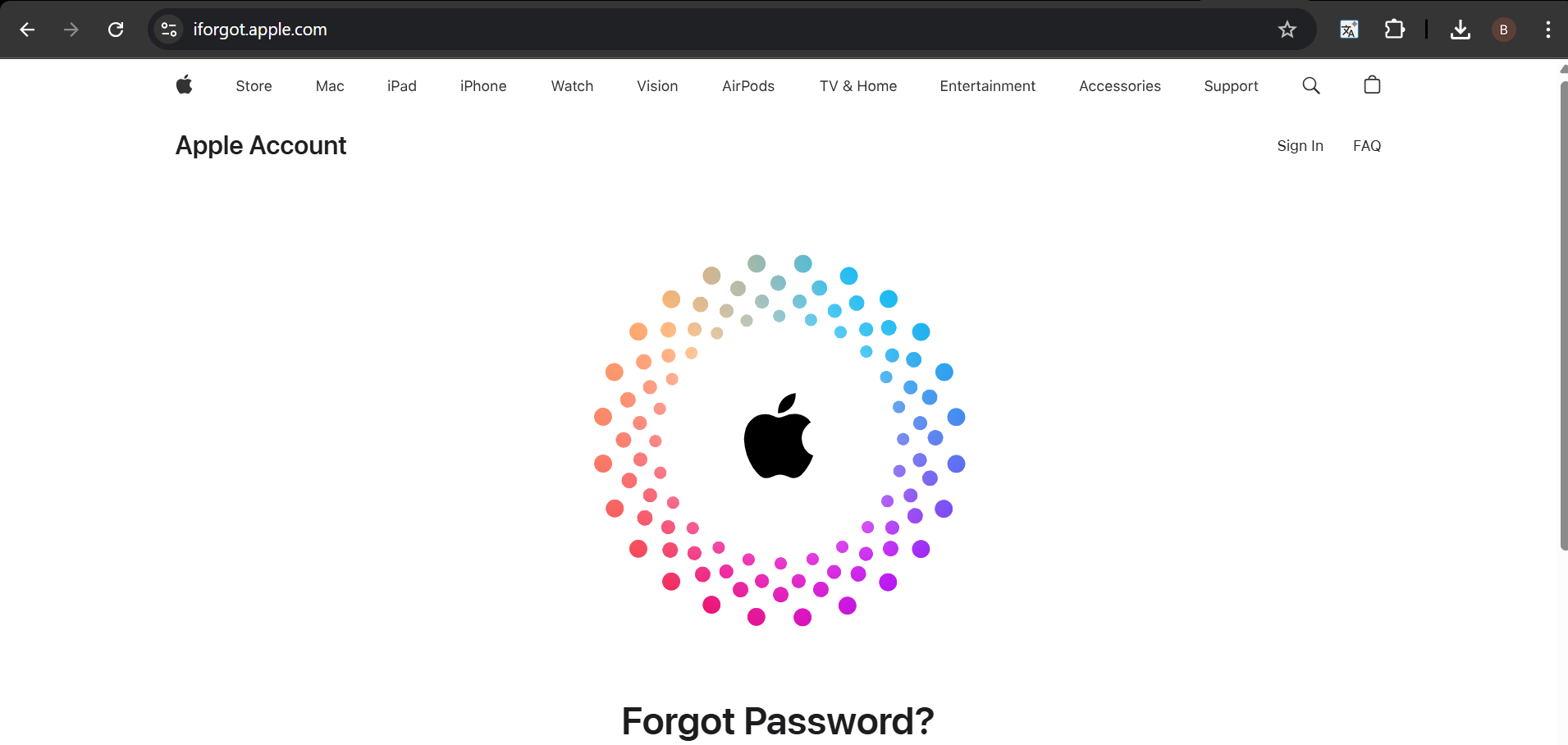

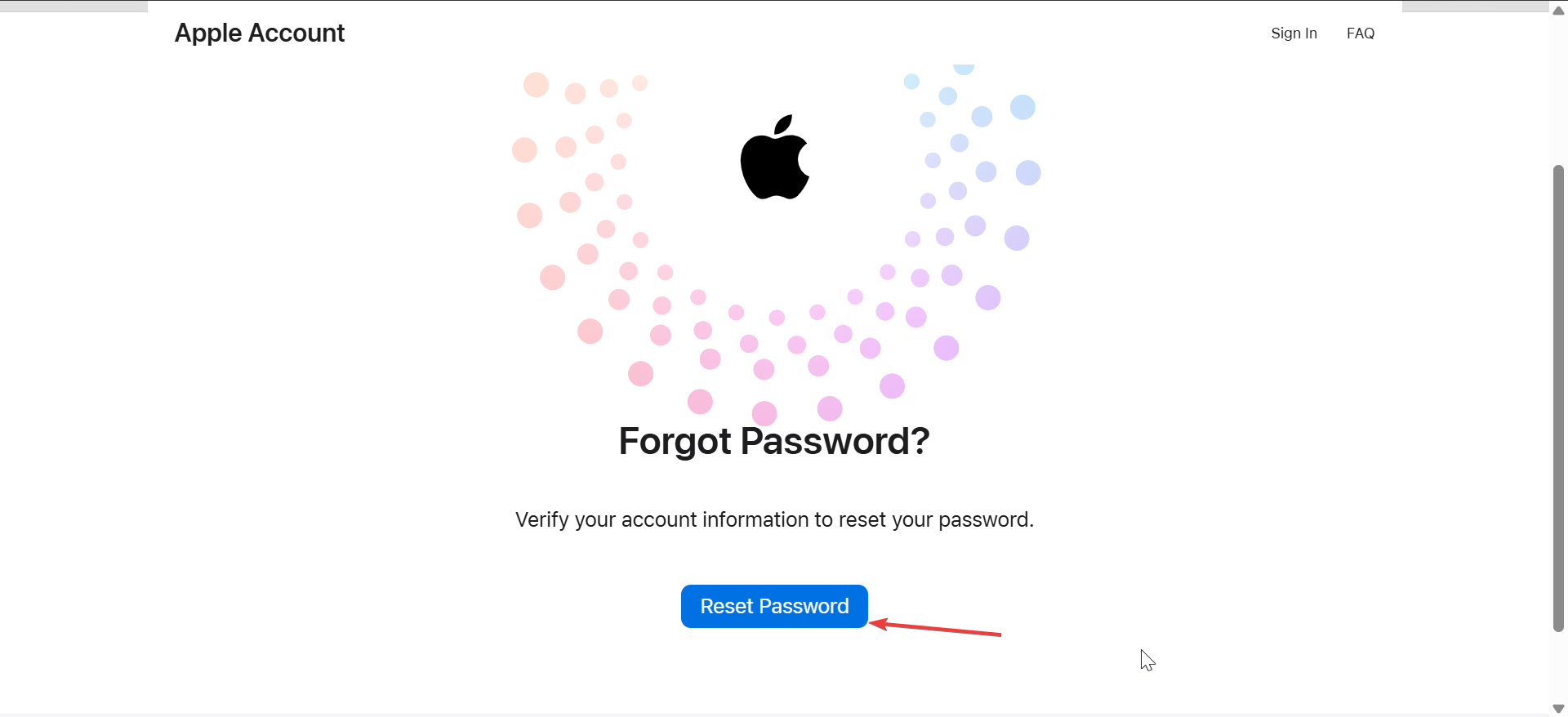
- Click the Reset Password button.

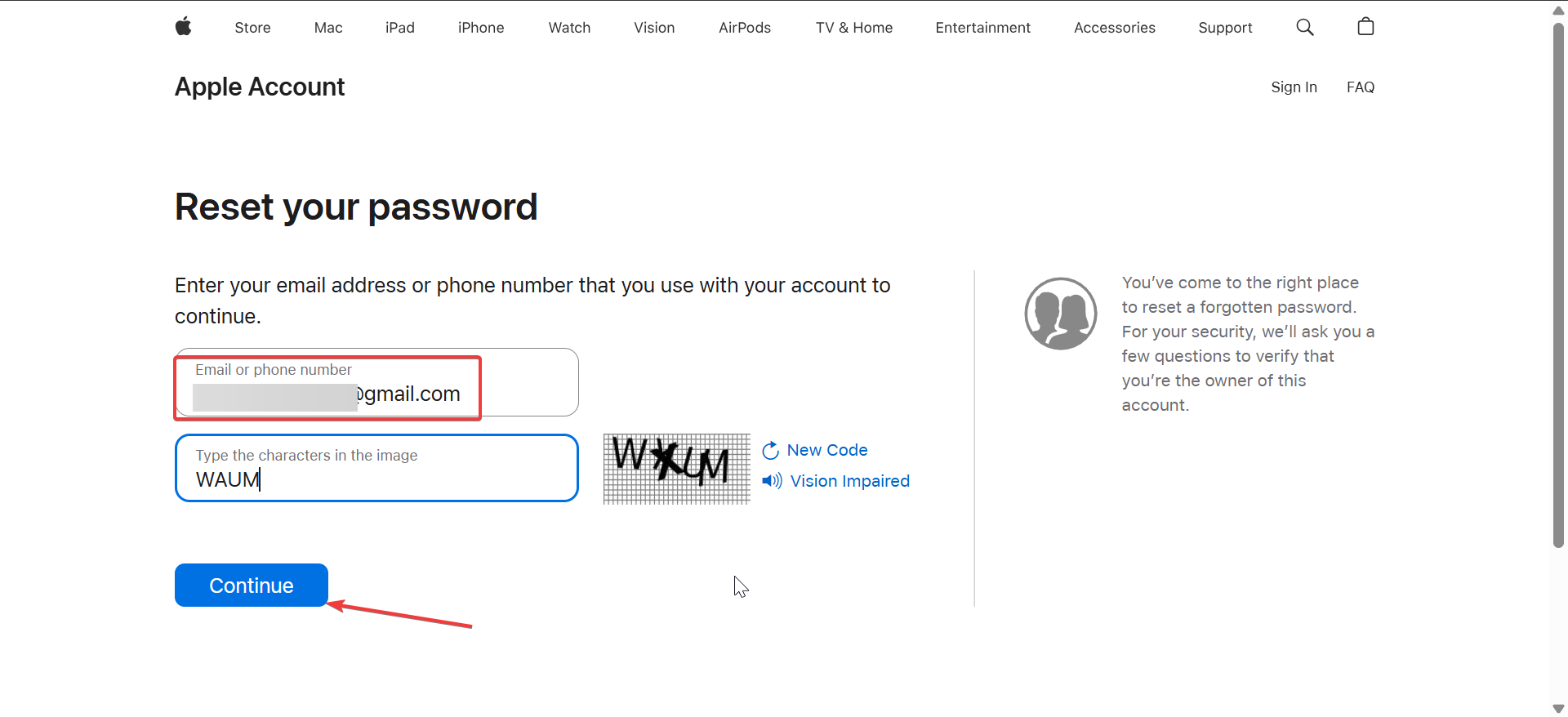
- Enter your Apple ID email address and the CAPTCHA code.
- Next, click Continue.
- Now, verify your phone number.
- Finally, open your iPhone and follow the prompts sent to you to complete the process.
This method works even if you lost your iPhone.
Reset your Apple ID password on an iPhone or iPad
This works only if the device is already signed in to your Apple ID.
Steps
- Open Settings.
- Tap your name at the top.
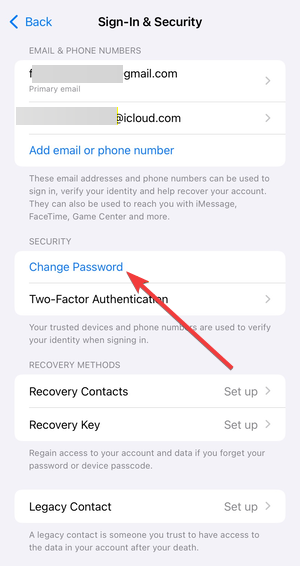
- Next, tap Sign-In & Security.


- Now, tap Change Password.

- Enter your device passcode.


- Enter a new Apple ID password and confirm.
Apple updates your password immediately.
Reset your Apple ID password on a Mac
Use this if you’re signed in on a Mac.
Steps
- Click the Apple menu
- Open System Settings
- Click your Apple ID name
- Select Password & Security
- Click Change Password
- Authenticate with Touch ID or your Mac password
- Enter and confirm a new password
Don’t have access to your Apple devices? Do this instead
You can still recover your account using a trusted phone number or browser-based recovery.
Recover your Apple ID using a trusted phone number
Apple sends a one-time code to the number linked to your account.
Steps
- Go to iforgot.apple.com
- Enter your Apple ID email
- Choose phone number verification and enter your phone number.
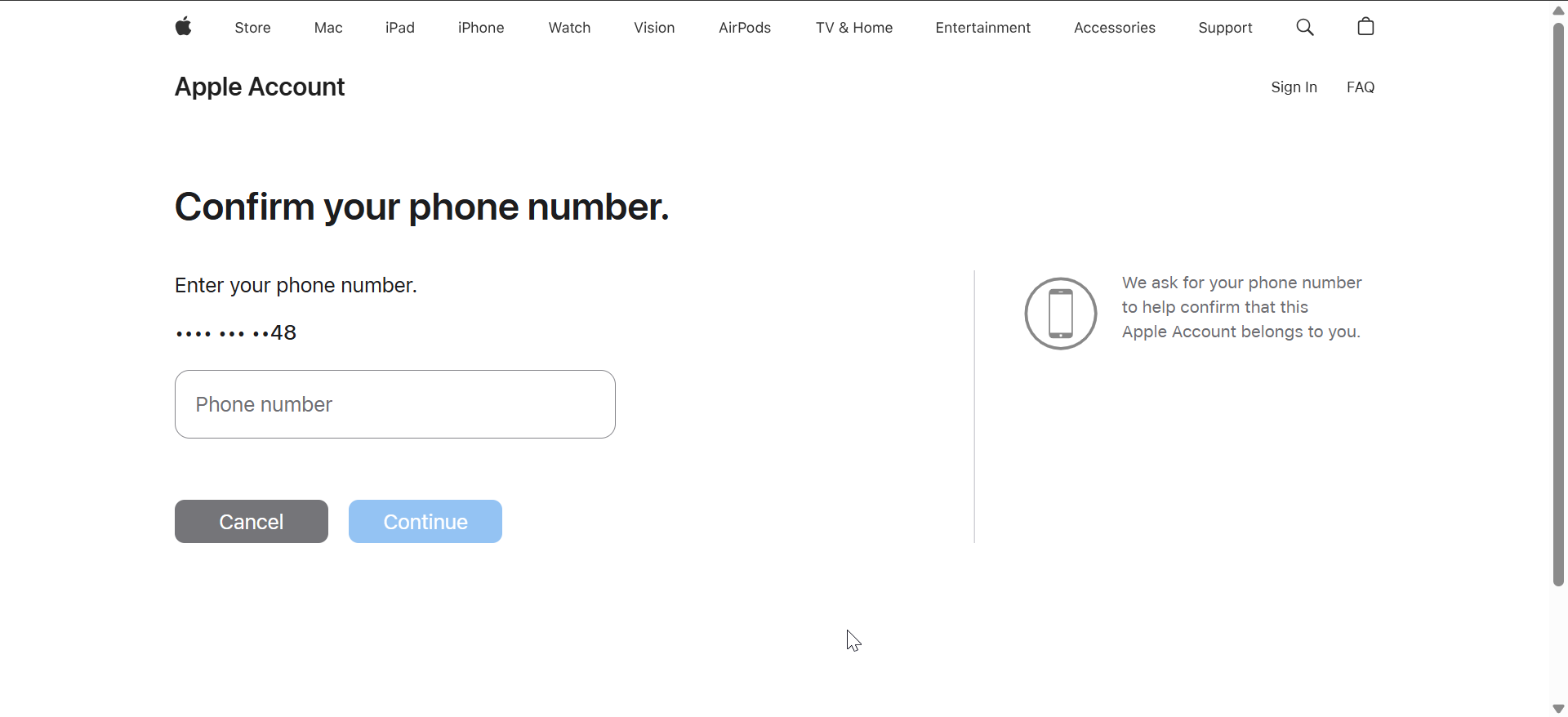
- Enter the code Apple sends
- Set a new password
If the code doesn’t arrive, wait a minute and request a resend.
Reset your Apple ID password without a trusted device
This applies when you only have browser access.
Steps
- Open iforgot.apple.com
- Enter your Apple ID email
- Choose email verification or security questions
- Complete the identity check
- Follow Apple’s instructions to reset your password
Some accounts trigger account recovery instead of instant reset.
Account recovery explained (when Apple blocks instant reset)
Apple starts account recovery when it cannot confirm your identity immediately.
What account recovery is
Account recovery verifies your identity using device history and account activity. This protects your data if someone else tries to break in.
How long Apple ID account recovery takes
Recovery usually takes a few days but can take longer for older accounts. Apple emails progress updates and tells you when access returns.
Fix common Apple ID password recovery problems
These issues cause most recovery failures.
Verification code not arriving
Try this
- Check cellular signal or Wi-Fi
- Disable spam or call-blocking apps
- Confirm the phone number ends correctly
- Request a resend or choose voice call
Apple ID locked or disabled
Apple locks accounts after repeated failed attempts.
What to do
- Stop retrying immediately
- Wait the lockout period
- Restart recovery using iforgot.apple.com
Forgot answers to Apple ID security questions
Older Apple IDs still use security questions.
Steps
- Start recovery at iforgot.apple.com
- Choose security question verification
- If you fail, Apple switches to account recovery automatically
Special Apple ID recovery cases
These scenarios follow different rules.
Recover a child’s Apple ID using Family Sharing
Steps
- Open Settings on the organizer’s device
- Tap Family Sharing
- Select the child’s name
- Tap Apple ID & Password
- Choose Change Password
Recover an old Apple ID
Older accounts may require security upgrades before recovery finishes. Follow Apple’s prompts carefully and complete every requested step.
Recover your Apple ID when setting up a new iPhone
If setup blocks you:
- Skip Apple ID sign-in during setup
- Complete recovery first
- Sign in after setup finishes
Tips to avoid losing access again
- Add account recovery contacts
- Add multiple trusted phone numbers
- Use a password manager
FAQs
Why does Apple delay my password reset?
Apple delays access when it can’t confirm your identity instantly.
Can I recover my Apple ID without my phone?
Yes, but recovery may take longer using browser verification.
Will account recovery delete my data?
No. Apple restores access without removing iCloud data.
Summary
- Use a trusted Apple device first
- Try iforgot.apple.com from any browser
- Verify with a trusted phone number if possible
- Start account recovery if Apple blocks instant reset
- Secure your account after recovery
When you forget your Apple ID password, it makes it difficult for you to access iCloud and other lots of other features. Fortunately, you can recover a forgotten Apple ID password in minutes if you still have a trusted device or number.
Even delayed recoveries succeed when you follow Apple’s steps exactly. Secure your account afterward to avoid repeating the process.



Discussion (0)
Be the first to comment.