



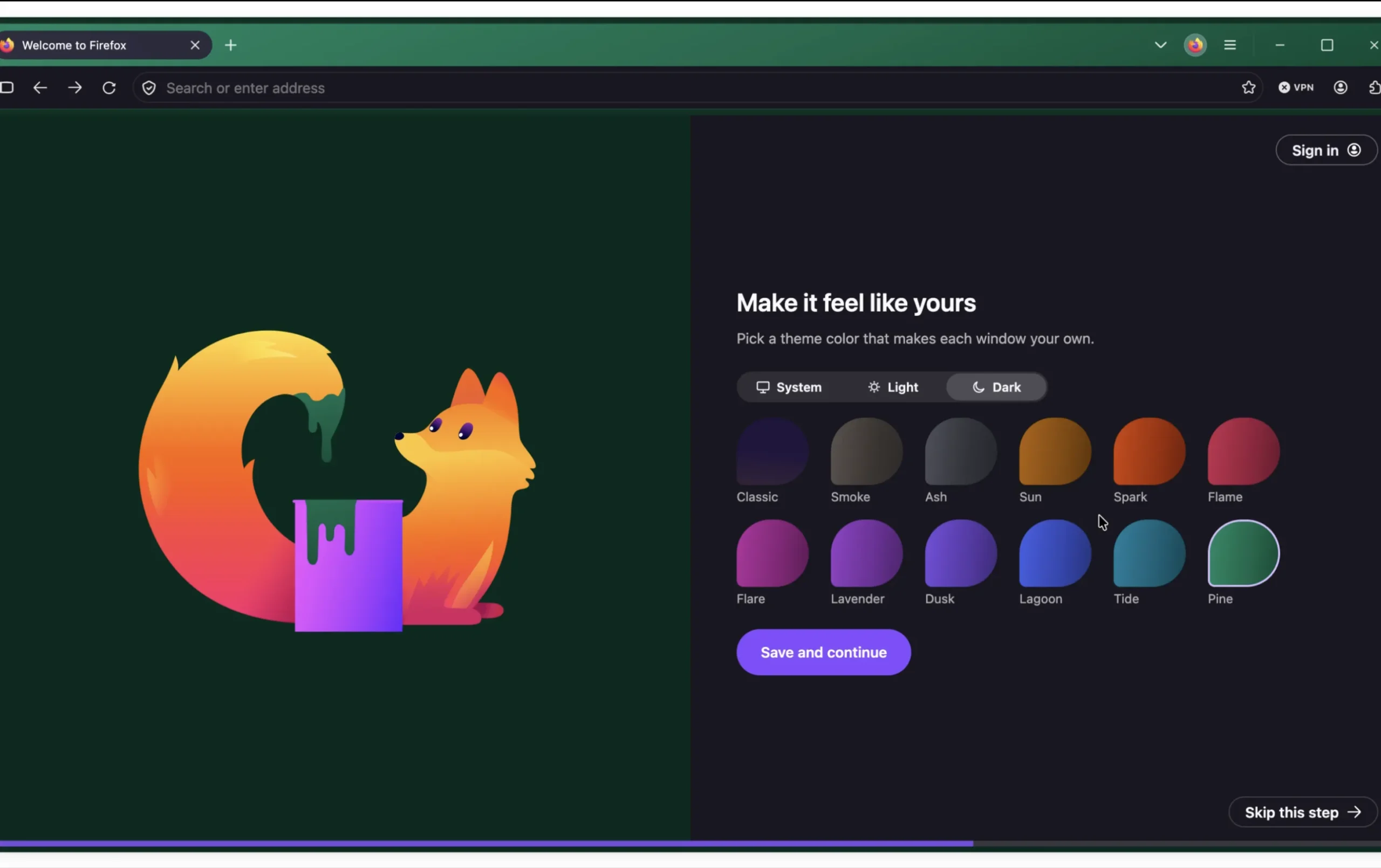
Mozilla has redesigned the Firefox settings menu to make the browser easier to navigate. The update reorganizes many existing options into clearer sections, improves search, and moves settings such as privacy, AI features, tabs, language, accessibility, and appearance into more logical places.
The main goal is simple. Firefox had become harder to manage over time because related settings were spread across different pages. As the browser added more features, the old settings layout became less direct. Mozilla’s new design tries to fix that by grouping similar controls together and giving users a cleaner way to find what they need.
Existing settings and customizations will not be reset. Mozilla is not removing user choices with this redesign. Instead, some controls have moved to new sections, so users may need a little time to adjust.
Firefox settings now have clearer categories
The redesigned settings menu replaces the old structure with more focused categories. One of the biggest changes is the removal of the classic General page, which used to hold a wide mix of unrelated controls.
Those options are now split across more specific areas. Appearance settings are placed under Appearance, language options are moved to Language, accessibility tools are grouped under Accessibility, and tab related controls are moved to Tabs and Browsing.
| Old issue | New Firefox approach |
|---|---|
| Related settings were spread across different pages | Similar controls are grouped together |
| General page held too many unrelated options | General page has been removed |
| Finding specific controls could take time | Search has been improved |
| Settings pages felt crowded | Layout and descriptions are cleaner |
| Newer features were harder to place | AI, privacy, tabs, and appearance get clearer sections |
This should make Firefox easier to use for both new and longtime users. Instead of remembering where Mozilla placed a specific setting years ago, users can search or browse by the type of control they want to change.
Improved search should help users find options faster
The improved search tool is one of the more useful parts of the redesign. Browser settings are only helpful if people can actually find them, and modern browsers now include a large number of controls.
Firefox users may want to change tracking protection, manage permissions, adjust tab behavior, customize the look of the browser, control languages, or review newer AI related settings. A better search function reduces the need to click through several pages to locate one option.
This is especially important for privacy settings. Firefox has long positioned itself as a privacy focused browser, so controls for tracking protection, permissions, data handling, and related features need to be easy to reach.
The old General page is gone
Removing the General page may feel strange at first because many Firefox users are used to seeing it as the default settings area. But the change makes sense if Mozilla wants the menu to feel less cluttered.

General pages often become dumping grounds for everything that does not fit neatly elsewhere. Over time, that can make the interface harder to understand. By moving those controls into named categories, Mozilla is making the settings menu more predictable.
For example, if you want to change how Firefox looks, you should go to Appearance. If you want to manage tabs, you should go to Tabs and Browsing. If you want language related controls, they should be under Language. That sounds obvious, but it is exactly the kind of cleanup browsers often need after years of feature growth.
Existing Firefox customizations remain in place
Mozilla says existing user settings will not be affected by the redesign. That is important because people often customize their browsers heavily. A settings redesign can be frustrating if it resets preferences, changes behavior, or removes options without warning.
In this case, Firefox users should still have access to the same controls. The main difference is location. Some settings may no longer be where users expect them, but they should still be available through the new sections or search.
This makes the update more of a usability refresh than a functional overhaul.
Firefox needs a cleaner settings menu as the browser adds more features
Firefox is no longer just a simple web browser with basic controls. Like other modern browsers, it now has to manage privacy tools, syncing, extensions, appearance, tabs, accessibility, languages, security, and newer AI related settings.
That makes organization more important. If a browser keeps adding features without improving its settings interface, users eventually stop exploring those controls. A cleaner menu can help people understand what Firefox offers and adjust the browser to match their needs.
The redesign is a practical update rather than a flashy one, but it matters. A browser’s settings page is where users go when something feels wrong or when they want more control. Firefox should now make that process a little easier.
For longtime users, the change may require a short adjustment period. For everyone else, the new layout should make Firefox feel more modern, more organized, and less frustrating to manage.



Discussion (0)
Be the first to comment.