


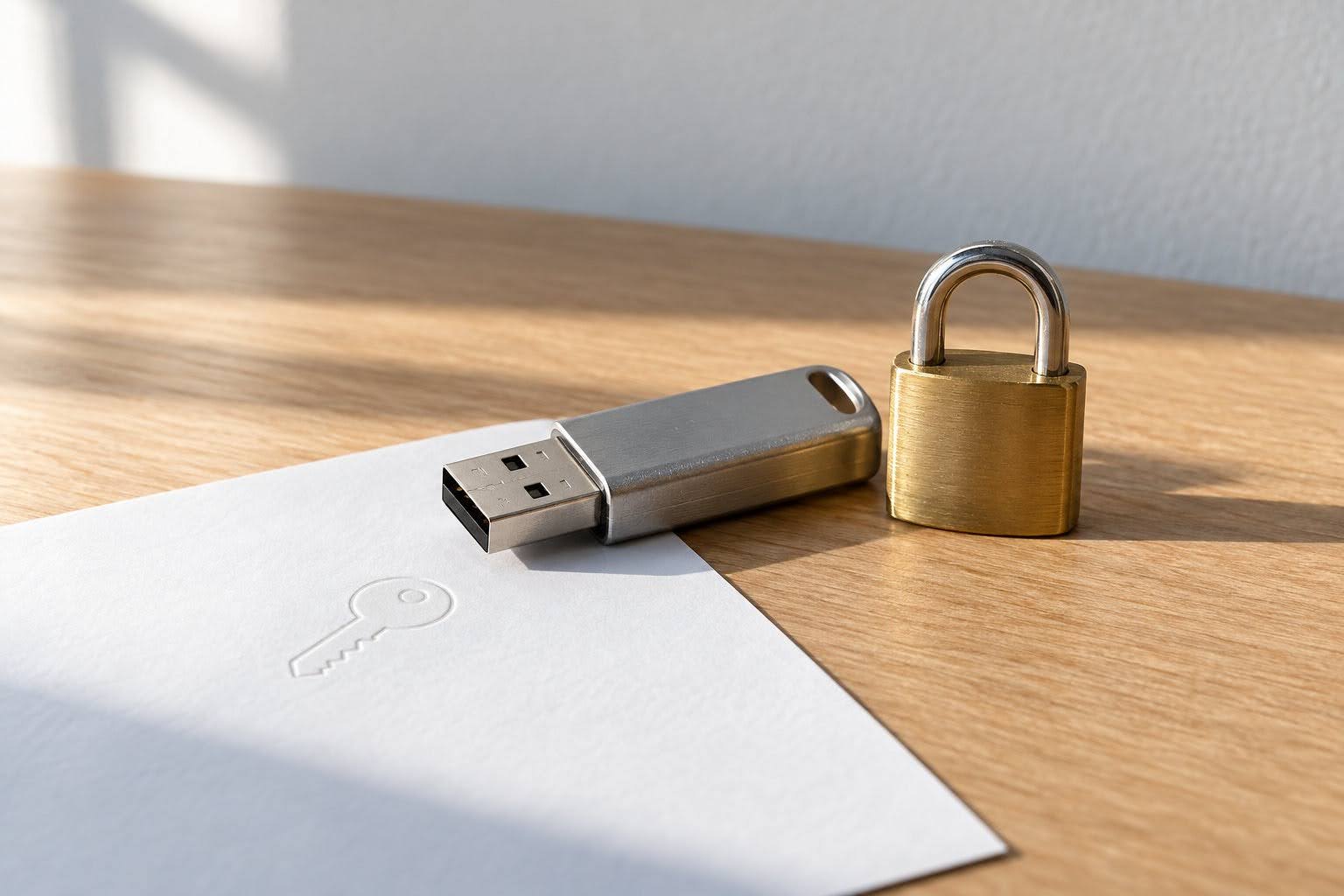
End-to-end encryption (E2EE) is an essential protection for anyone exchanging sensitive files online. This article explains how E2EE works, why it matters for privacy in file transfer tools, and practical steps you can take to keep your data secure.
When you send documents or sensitive files online, there is always a risk of interception or unauthorized access. End-to-end encryption (E2EE) is designed to ensure that only you and your intended recipient can access the contents of what you share. As remote work and digital communication remain prevalent, E2EE has become a central feature in many modern file sharing services that focus on protecting user privacy during transfers.
What end-to-end encryption means
End-to-end encryption is a security approach in which your data is encrypted on your device before transfer and only decrypted on the recipient’s device. This reduces the risk that a third party, including the service provider, could decrypt and read your files as they travel through the system. This method differs from “encryption in transit,” which only protects data between the sender and server, and “encryption at rest,” which secures data while it is stored on a server. With E2EE, even if your files are intercepted during transfer, their contents remain protected, provided keys are managed securely and devices are not compromised.
How E2EE works in practice
With E2EE, encryption occurs as soon as you select and upload a file. The file is scrambled using a digital key, which is typically made available only to your recipient—often through a unique link, password, or secure key exchange process. Your recipient then uses this key to decrypt and open the file on their device.
The location of encryption matters: when encryption happens on your device (client-side encryption), the service provider cannot access your data in its readable form. If encryption occurs on the server, the provider may still have the means to decrypt the files. Client-side E2EE generally offers stronger privacy protections.
When strong encryption is essential
For files containing personal data such as identification documents, financial records, health information, or confidential business materials, E2EE is especially important. Relying only on standard transport encryption may expose your files to risk if the service provider is compromised or has access to unencrypted data. The sensitivity of your files often makes E2EE not just desirable, but necessary.
Common security models and settings
Many transfer tools provide encryption by default, while others offer features like optional password protection. The strength and security of passwords are critical—weak or reused passwords can undermine even robust encryption. True client-side encryption keeps your data private before it ever leaves your device, while server-side solutions may enable provider access. Always review your tool’s approach to encryption and authentication.
Key points to check and practical mistakes to avoid
Before trusting a file transfer tool, determine who holds the encryption keys and whether the provider can access them. Consider visibility of metadata such as file names, file sizes, or sharing history. Be sure to review settings regarding link expiration, number of allowed recipients, and the ability to revoke file access.
Avoid using weak passwords, reusing links, or sharing credentials via the same channel as your files. Make sure transfers are not left open indefinitely, as this extends the window for unauthorized access.
Quick checklist for safer file transfers
- Use maximum security settings, including expiry dates and password protection.
- Choose E2EE for highly sensitive material whenever possible.
- Do not share passwords or file access links through the same communication channel as your file.
- Revoke access after the transfer is complete.
- Balance convenience and security; apply stricter controls for confidential files and simplify where suitable for non-sensitive sharing.
Discussion (0)
Be the first to comment.