



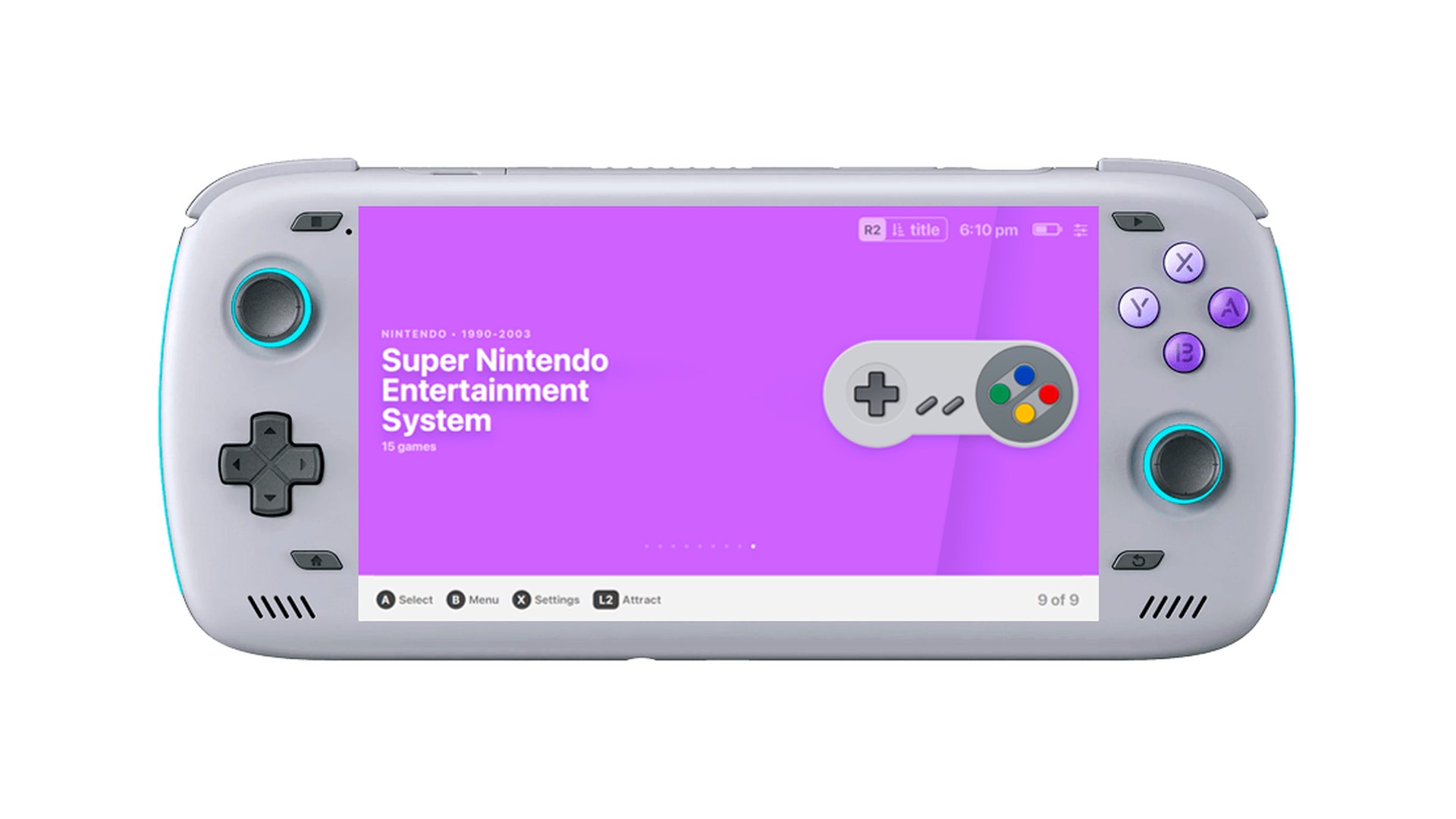
EmuDeck pushed version 2.7.1 of its app to the public channel on September 29, 2026, and attached no release notes to it. The GitHub release body is empty.
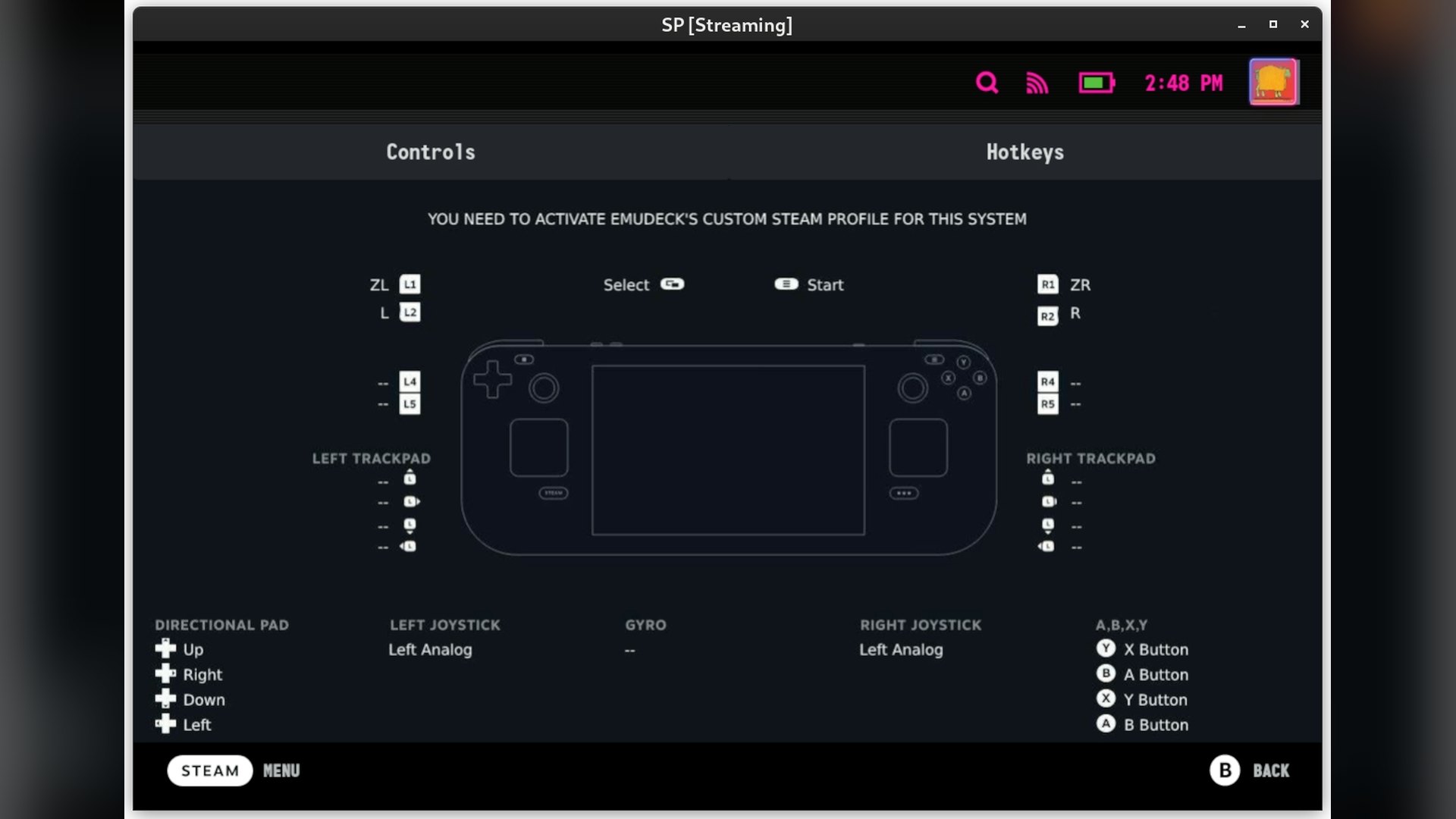
The actual 2.7 changelog sits in a separate early access repository, where 2.7.0 was published on September 14, 15 days earlier. That is where AutoMap, the headline change, is announced.
AutoMap is listed under the SteamOS and Linux heading only. It is not a Windows feature.
What AutoMap does to your controller setup
EmuDeck describes AutoMap as a way to set up controls in emulators that do not detect controllers on their own. The same entry promises “auto setup of controllers for up to 4 players” on SteamOS.
The listed hardware is the Steam Controller, 8BitDo pads, Xbox controllers, the DualSense and other SteamOS handhelds. The backend code narrows that scope considerably.
Three settings exist in the scripts: autoMapDolphin, autoMapCemu and autoMapSwitch. AutoMap therefore reaches three emulators, Dolphin, Cemu and Ryujinx, and nothing else.
Those same three are the only emulators with a launch fixes function. AutoMap runs when the emulator starts, not when EmuDeck installs it.
Detection is done by three Python helpers in the tools folder. They load the system SDL library and enumerate pads through either the SDL2 or the SDL3 entry points.
Each pad is read for its USB vendor and product IDs. Steam Input virtual pads carry 0x28DE and 0x11FF, and player order comes from the trailing pad number in the kernel device name.
A four player ceiling is hard-coded in those files. The helper then rewrites the Device lines inside the emulator’s own config file.

Built-in handheld pads are pushed to the back of the queue
When Steam Input is not involved, the helpers sort known built-in controllers last. An external pad becomes player one instead.
The built-in list covers Steam Deck, ROG Ally and Legion Go hardware IDs, with name matches for AYANEO and OneXPlayer devices. Dolphin also has its SIDevice ports and Wiimote sources rewritten to match the pad count.
There is a trade-off, and EmuDeck states it in the code. Launching one of the three emulators with AutoMap on raises a dialog reading “AutoMap is enabled. You won’t be able to change controller settings in this emulator.”
Existing Steam Deck owners are left untouched. The scripts check for the Jupiter and Galileo product names and exit early when the setting has never been written.
The Steam Machine side is smaller than the billing suggests
EmuDeck’s own 2.7 notes name the Steam Machine exactly twice. Once as a destination for the new import and export tool, and once as an open gap.
The gyro entry says SteamDeckGyroDSU is now installed and configured automatically alongside Ryujinx. It then adds that this is “Steam Deck only” and that Steam Controller support on the Steam Machine is still being investigated.
The clearer Steam Machine work is in the code rather than the notes. Sixteen emulator scripts now carry a 4K to 1080p fallback.
If a 4K preset is set but the connected display reports a width under 3840 pixels, the internal resolution multiplier drops back to the 1080p value. The check reads the first connected HDMI output under the kernel display tree.
This follows the earlier EmuDeck update that added Steam Machine support with automatic emulator fixes. Support for Valve’s headset is further behind, and an early access build from September 23 labels that work “wip” outright.
Valve has been shipping its own groundwork in parallel, including a SteamOS beta with early Steam Frame support and new Steam Machine firmware.
What EmuDeck installs, and what it never supplies
EmuDeck is a configuration layer rather than an emulator. Its wiki says emulators are installed from the Discover software store or from the emulators’ own official repositories.
The project’s versions file lists 30 configured emulators and front ends. RetroArch, Dolphin, PCSX2, RPCS3, ShadPS4, Xenia, Vita3K, ES-DE and Steam ROM Manager are all in there.
On content, the wiki is blunt. It states that “ROMs, BIOS files, or any other copyrighted files are not included in the install” and that asking where to obtain them is not allowed.
Emulator software is lawful. Obtaining ROM or BIOS images for games a person does not own is not, a distinction that matters given how often emulator projects draw takedown notices.
The public 2.7.1 build ships as x86_64 and arm64 Linux AppImages plus a Windows installer. EmuDeck’s site lists Steam Deck, SteamOS, ROG Ally and Windows, while the wiki calls the Windows edition still in development and keeps the Android build behind Patreon tiers.
No EmuDeck documentation page covers AutoMap yet, and the project blog’s most recent post is dated March 2024. Whether notes for the public build appear later is not stated anywhere, and the release body is still empty.
Discussion (0)
Be the first to comment.