



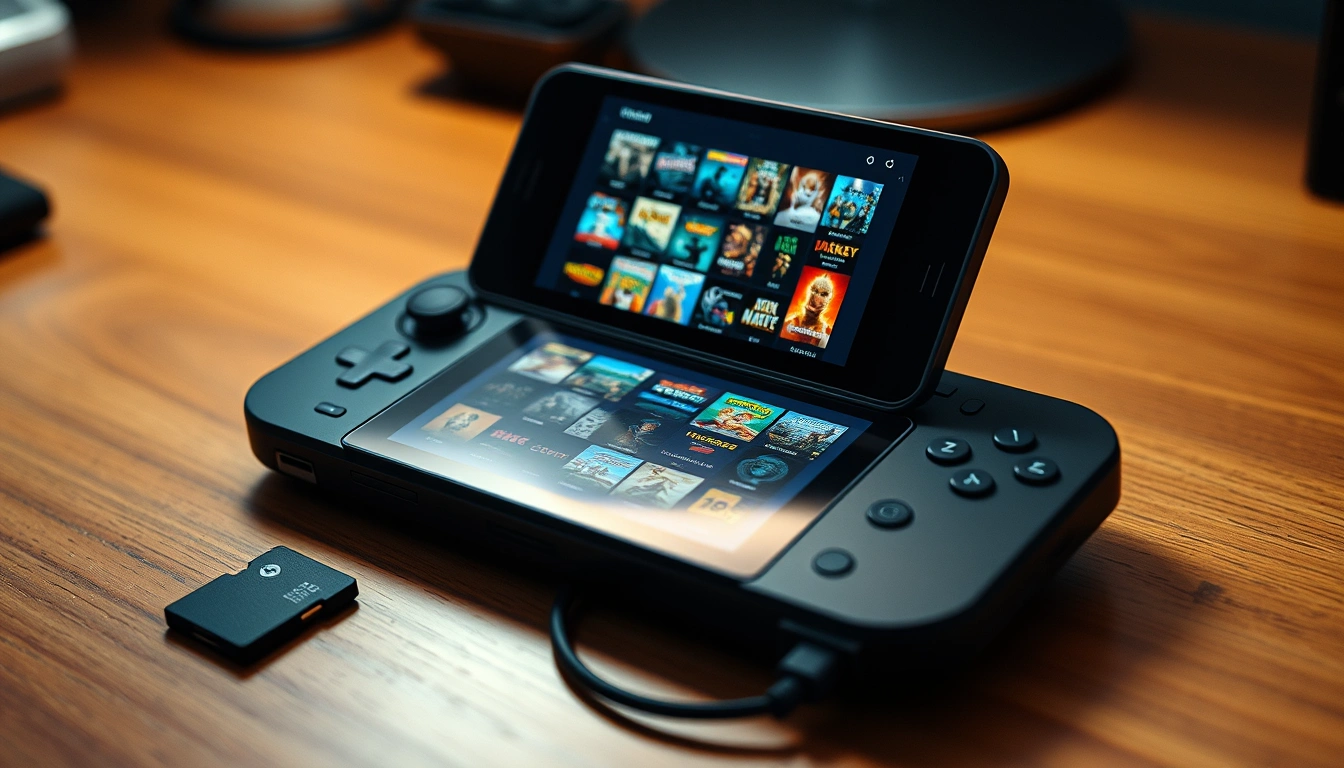
EmuDeck has been updated to work more reliably on the Steam Machine, giving owners an easier way to install and manage emulators through SteamOS.
The latest release fixes problems involving SD card detection and missing controls in some emulators. These corrections are applied automatically when an affected emulator is launched from Game Mode, so existing owners do not need to reinstall EmuDeck or switch back to Desktop Mode.
This makes the setup process more convenient for anyone who already used EmuDeck before the update. Opening the emulator again should trigger the required fix in the background.
| Update area | What has changed |
|---|---|
| Steam Machine support | EmuDeck is now officially ready for the device |
| SD card detection | Earlier recognition problems have been corrected |
| Emulator controls | Missing control mappings have been fixed |
| Existing installations | Fixes apply automatically after launching an emulator |
| Desktop Mode | Not required for the update process |
| Remaining work | Higher resolution optimisation is still planned |
Existing EmuDeck installations should repair themselves automatically
EmuDeck is a popular tool for setting up emulation on SteamOS devices. It installs supported emulators, applies recommended settings and provides a central interface for managing them.
Without a tool like this, you would normally need to download each emulator separately, organise its files, configure controls and adjust performance settings manually. EmuDeck reduces that work by preparing much of the setup in advance.
The new Steam Machine update focuses on problems that could prevent emulators from working correctly after installation. Some systems had difficulty detecting games stored on SD cards, while others launched without the expected controller inputs.
Owners who already installed affected emulators should not need to remove them. Launching an emulator through Game Mode is expected to apply the correction automatically. There is also no need to manually download a patch or open Desktop Mode.
This approach is useful for a device intended to offer a console style experience. Requiring frequent visits to the Linux desktop would make the system less accessible to people who want to control everything from a television and gamepad.
Resolution optimisation remains on the development list
The update makes supported emulators playable with the correct controls, but work on the Steam Machine version is not complete.
EmuDeck still needs to improve default settings for higher display resolutions. Many emulators use configurations created for the Steam Deck’s smaller screen and lower native resolution. A living room system connected to a larger television or monitor may need different scaling, rendering and interface settings.
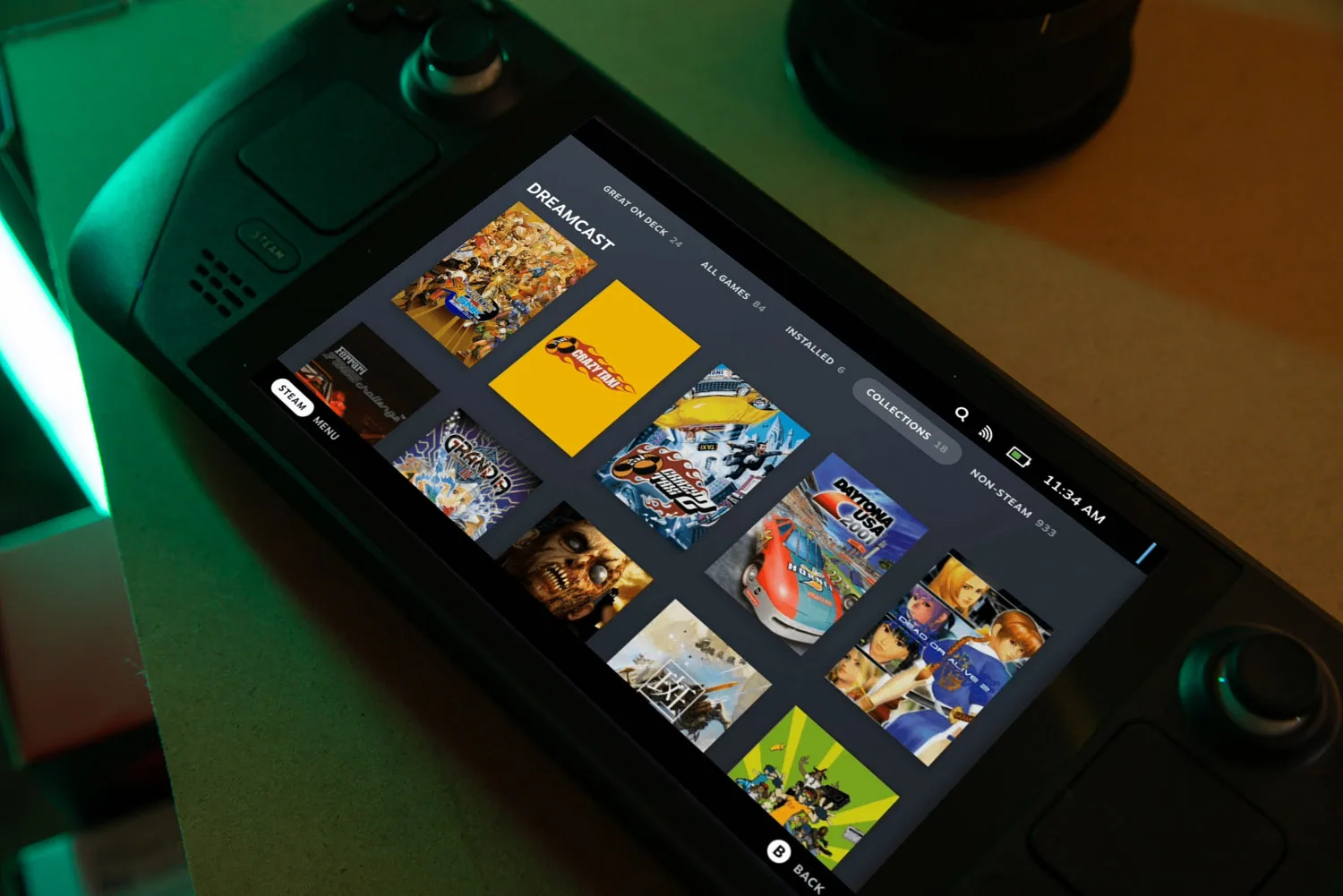
Higher internal resolutions can improve the appearance of older games, particularly titles from early 3D consoles. However, increasing resolution can also raise performance requirements and expose visual problems that were less noticeable on original hardware.
Future EmuDeck releases may provide better device specific profiles, allowing the software to choose suitable settings for the Steam Machine automatically.
For now, experienced owners can still adjust resolution and graphics options inside individual emulators. Beginners may prefer to use the default settings until more complete optimisation arrives.
Emulation strengthens the Steam Machine’s living room appeal
The Steam Machine is designed as a console like PC that runs SteamOS. In addition to current PC games, it can support older software through emulators, provided you use legally obtained game files.
This flexibility is one of the device’s main advantages over a traditional closed console. A single system can provide access to a Steam library, modern independent games and older titles from several generations of hardware.
EmuDeck makes that capability more approachable. Its automatic installation, controller configuration and library tools can save significant time compared with preparing each emulator independently.
The update does not add new emulators or guarantee that every game will run perfectly. Compatibility still varies by system, emulator and title. Some games may require individual settings or different emulator versions.
Even with those limits, official Steam Machine readiness is an important improvement. Owners can now use EmuDeck with fewer setup problems, and existing installations should receive the main fixes simply by launching their emulators again.

Discussion (0)
Be the first to comment.