



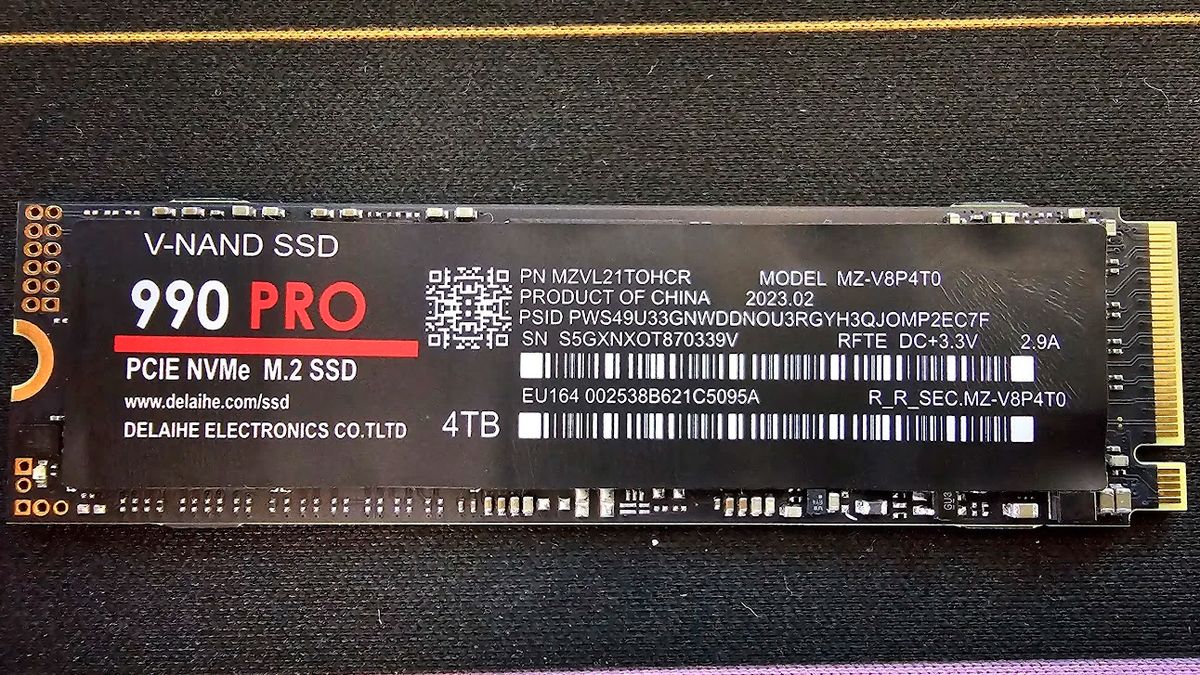
CrystalDiskInfo is getting a new clone detection feature designed to help PC builders spot fake Samsung SSDs. The update comes after a wave of convincing counterfeit Samsung 990 Pro drives appeared on third party marketplaces, making it harder for buyers to know whether they received a real drive.
Fake SSDs used to be easier to catch. Many would show strange capacity numbers, fail basic tests, or slow down immediately. The newer fake Samsung 990 Pro drives are more difficult because they can look normal during short benchmarks. Some use third party Maxio controllers and aggressive SLC caching to produce believable early read and write results before performance collapses once the cache fills.
That makes the new CrystalDiskInfo feature useful. Instead of relying only on a quick speed test, the software can check the drive’s reported hardware ID, firmware strings, and controller information against known Samsung configurations.
If the tool finds signs of a counterfeit drive, it can show a clear “FAKE” label in the interface. That could happen when a drive claims to be a Samsung SSD but uses the wrong controller, reports suspicious firmware information, or shows dummy firmware strings linked to known fakes.
| Tool | New feature |
|---|---|
| CrystalDiskInfo | Clone detection for fake Samsung SSDs |
| Main target | Counterfeit Samsung drives, especially fake 990 Pro models |
| What it checks | Hardware ID, firmware strings, controller details |
| Warning shown | “FAKE” label in the app |
| Why it matters | Some fake drives can fool short benchmark tests |
Samsung’s own Magician software can already verify Samsung SSD authenticity by checking firmware and hardware details. The benefit of CrystalDiskInfo is that many PC builders already use it as a lightweight tool for checking drive health, temperatures, and SMART data. Adding fake drive detection to that workflow makes the check easier and faster.
The timing is important because high end SSDs are expensive, and fake listings can look convincing. A counterfeit 990 Pro may use similar packaging, report the expected model name, and pass a short test well enough to avoid immediate suspicion. But once used for larger transfers or heavier workloads, the drive can drop to very poor speeds.
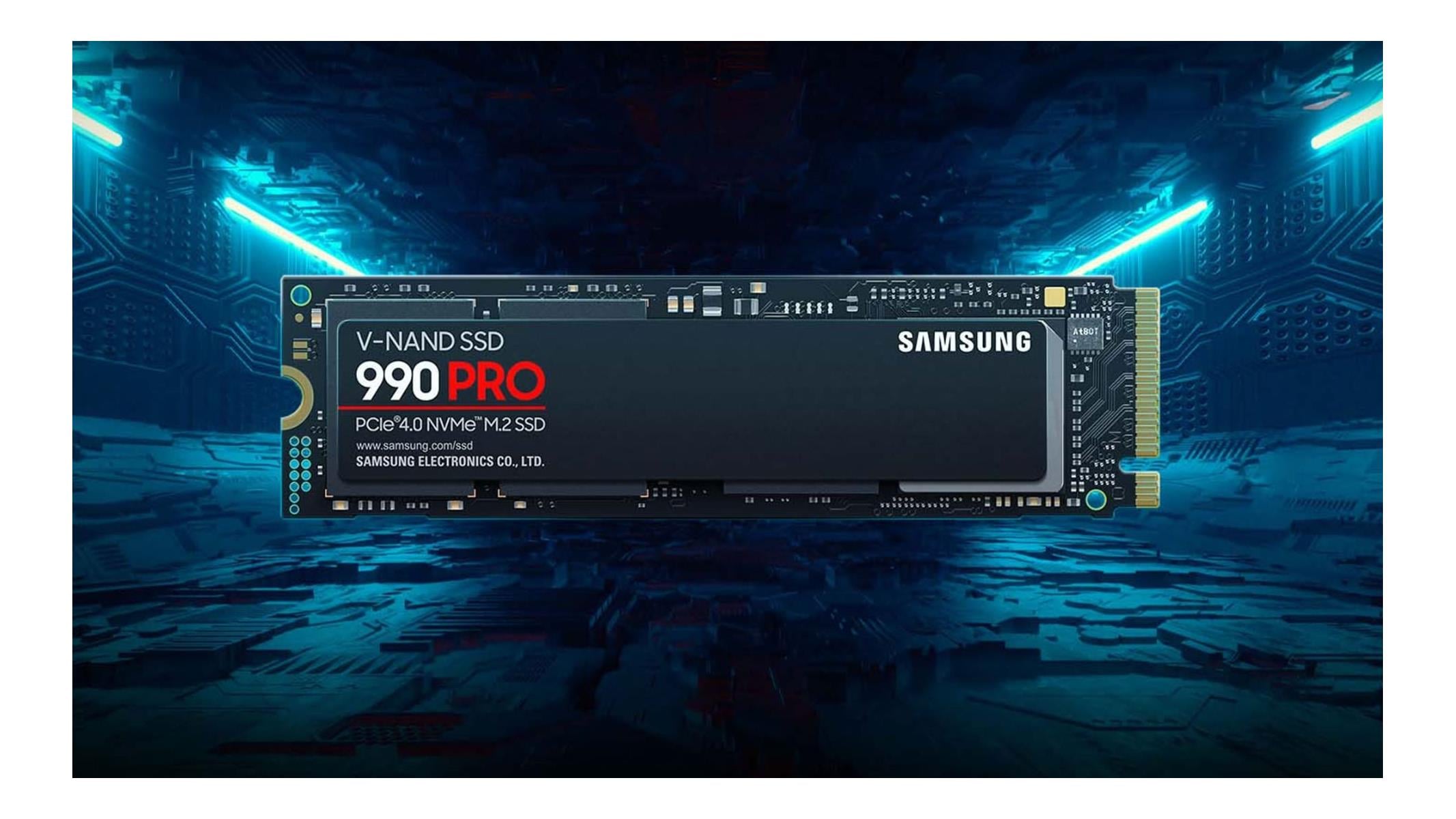
This update will not remove the risk completely. The safest approach is still to buy from official stores or trusted retailers instead of unknown third party sellers. If a premium SSD is being sold far below normal pricing, it should be treated with caution.
Still, CrystalDiskInfo’s new detection feature gives buyers another way to protect themselves. After installing a new SSD, running a quick check in CrystalDiskInfo could help catch a fake drive before the return window closes.
For PC builders, this is a practical upgrade. Counterfeit storage is getting harder to spot, and simple health tools now need to do more than report temperatures and wear levels. CrystalDiskInfo adding clone detection is a small change, but it could save buyers from losing money on fake high end SSDs.

Discussion (0)
Be the first to comment.