



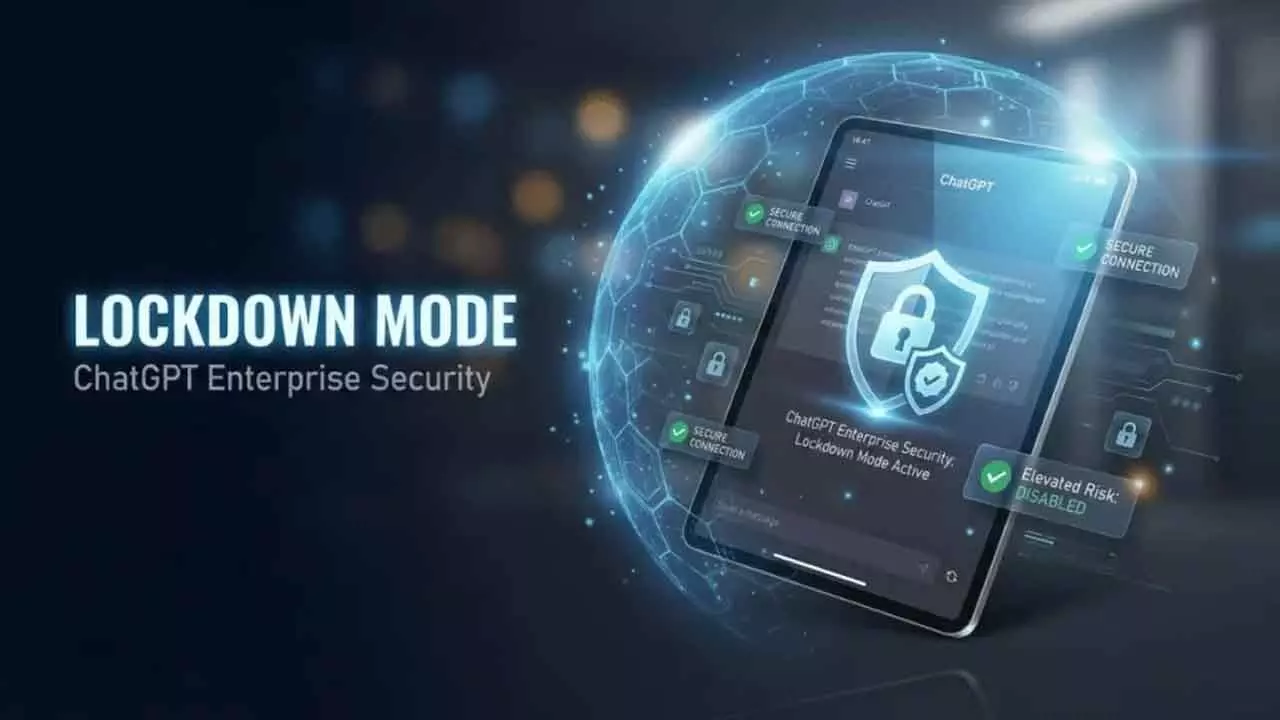
ChatGPT now has a Lockdown Mode designed to reduce the risk of prompt injection attacks, especially when the chatbot interacts with web pages, external tools, images, files, or other outside content. The feature limits some network connected capabilities so malicious hidden instructions have fewer ways to influence ChatGPT or extract sensitive information.
Prompt injection is one of the biggest security problems facing AI assistants. It happens when harmful instructions are hidden inside content that a person may not notice, but an AI system can still read. A web page, calendar entry, document, image, or external data source could include instructions telling the AI to ignore previous rules, expose private data, or perform an action the user never intended.
That risk becomes more serious as AI tools gain access to browsing, file analysis, agents, apps, and connected services. The more an assistant can see and do, the more valuable it becomes to attackers. Lockdown Mode is meant to reduce that attack surface.
Lockdown Mode limits risky connected features
When Lockdown Mode is enabled, ChatGPT restricts several features that rely on live web access or external systems. OpenAI says the mode limits network enabled capabilities such as live web browsing, deep research, agent mode, file downloads, and some web derived image support. Personal users can enable it from Settings > Security, while workspace admins can manage it through workspace controls.
| Feature area | What Lockdown Mode changes |
|---|---|
| Live web browsing | Restricted to reduce exposure to malicious web content |
| Deep Research | Limited because it can process large amounts of external information |
| Agent Mode | Restricted because agents can take multi step actions |
| Web based images | Some retrieval and display features may be limited |
| File downloads | Restricted to reduce data exfiltration risk |
| Connected systems | More conservative handling of external services |
The goal is not to make ChatGPT less useful for everyone. It is to give people a safer mode when they are handling sensitive information or using features that connect ChatGPT to external content.
OpenAI has described Lockdown Mode as an optional advanced security setting. It was first introduced for enterprise customers and is now rolling out more broadly to personal ChatGPT accounts and self serve Business accounts.
Prompt injection can hide in places users do not expect
The danger of prompt injection is that the attack does not always look like an attack. A user might ask ChatGPT to summarize a web page, analyze an email, inspect a calendar invite, or process a document. Hidden inside that content could be instructions written specifically for the AI model rather than for the human reader.
For example, a malicious page could tell the assistant to reveal private data, open a risky link, or prioritize the attacker’s instructions over the user’s request. A human might never see those hidden instructions, but the model may still process them.
That is why Lockdown Mode focuses on reducing what ChatGPT can fetch, display, download, or do through connected systems. By limiting those pathways, OpenAI reduces the chance that malicious outside instructions can trigger harmful actions.
Lockdown Mode does not remove every risk
OpenAI is clear that Lockdown Mode does not completely eliminate prompt injection risk. Malicious instructions can still appear in uploaded files, cached web content, enabled apps, or unexpected combinations of features. The company says the setting is meant to substantially reduce risk, not guarantee total protection.
That distinction matters. Lockdown Mode should not be treated as a perfect shield. People still need to be careful when uploading sensitive documents, connecting services, or asking ChatGPT to process unknown content.
The feature is best understood as a safer operating mode for higher risk situations. If you are working with confidential files, company data, financial information, customer records, source code, legal documents, or private communications, enabling Lockdown Mode may be a smart precaution.
Most people may not need it all the time
OpenAI has said Lockdown Mode is aimed at people and teams who want a more conservative ChatGPT experience when working with sensitive information or connected features. That means the average person may not need it enabled for every casual chat, writing task, or simple question.
There is a tradeoff. Lockdown Mode improves security by restricting features, but those restrictions can make ChatGPT less convenient. Tasks that require live browsing, research across many sources, web images, downloads, or agent based actions may become limited.
For everyday use, many people may prefer the normal ChatGPT experience. For sensitive work, Lockdown Mode gives users a way to reduce risk without stopping the use of ChatGPT entirely.
AI tools need safety settings as they become more capable
Lockdown Mode reflects a larger shift in AI product design. Chatbots are no longer just text generators. They can browse, analyze files, connect to services, perform research, and in some cases act on behalf of users. That makes security controls more important.
Prompt injection is difficult because it targets the way AI systems interpret instructions. Traditional security tools can block malware, phishing links, or suspicious downloads, but AI assistants need their own protections for malicious instructions hidden in ordinary looking content.
Lockdown Mode is one answer to that problem. It gives users and organizations more control over how much outside content ChatGPT can interact with and how much risk they are willing to accept.
The feature will not end prompt injection attacks, but it is a practical step toward safer AI use. As ChatGPT becomes more connected and more capable, optional security modes like this will likely become a normal part of using AI at work and at home.



Discussion (0)
Be the first to comment.