




Reading manga on iPhone and iPad feels effortless when the app matches your habits. Some readers want official weekly chapters, while others prefer offline libraries, local files, or self-hosted collections.
This guide covers the best manga reader apps for iPhone and iPad, focusing on real iOS features, iPad optimization, offline access, and long-term library control. Each pick fits a specific reading style, so you can choose quickly without trial and error.
Table of contents
- How we chose the best manga reader apps for iOS
- Best manga reader apps for iPhone and iPad
- Best official manga apps for iPhone and iPad
- Best manga reader apps for offline and local files
- Best manga reader apps for self-hosted libraries
- Comparison table: manga reader apps for iPhone and iPad
- How to choose the right manga reader app
- Tips for a better manga reading experience on iOS
- FAQs
- Summary
How we chose the best manga reader apps for iOS
We evaluated each app based on reading experience, content availability, offline support, and iPad-specific features like two-page spreads. Pricing transparency, regional access, and library ownership also played a key role.
What matters most on iPhone vs iPad
iPhone readers benefit from vertical scrolling, smart panel zoom, and fast chapter loading. iPad users gain more value from landscape spreads, precise scaling, and long-session comfort features.
Best manga reader apps for iPhone and iPad
These apps cover official publishers, offline local files, and advanced self-hosted setups. If you want legal simulpub releases, start with publisher apps. If you own files or manage a personal server, dedicated readers work better.
Best official manga apps for iPhone and iPad
Shonen Jump
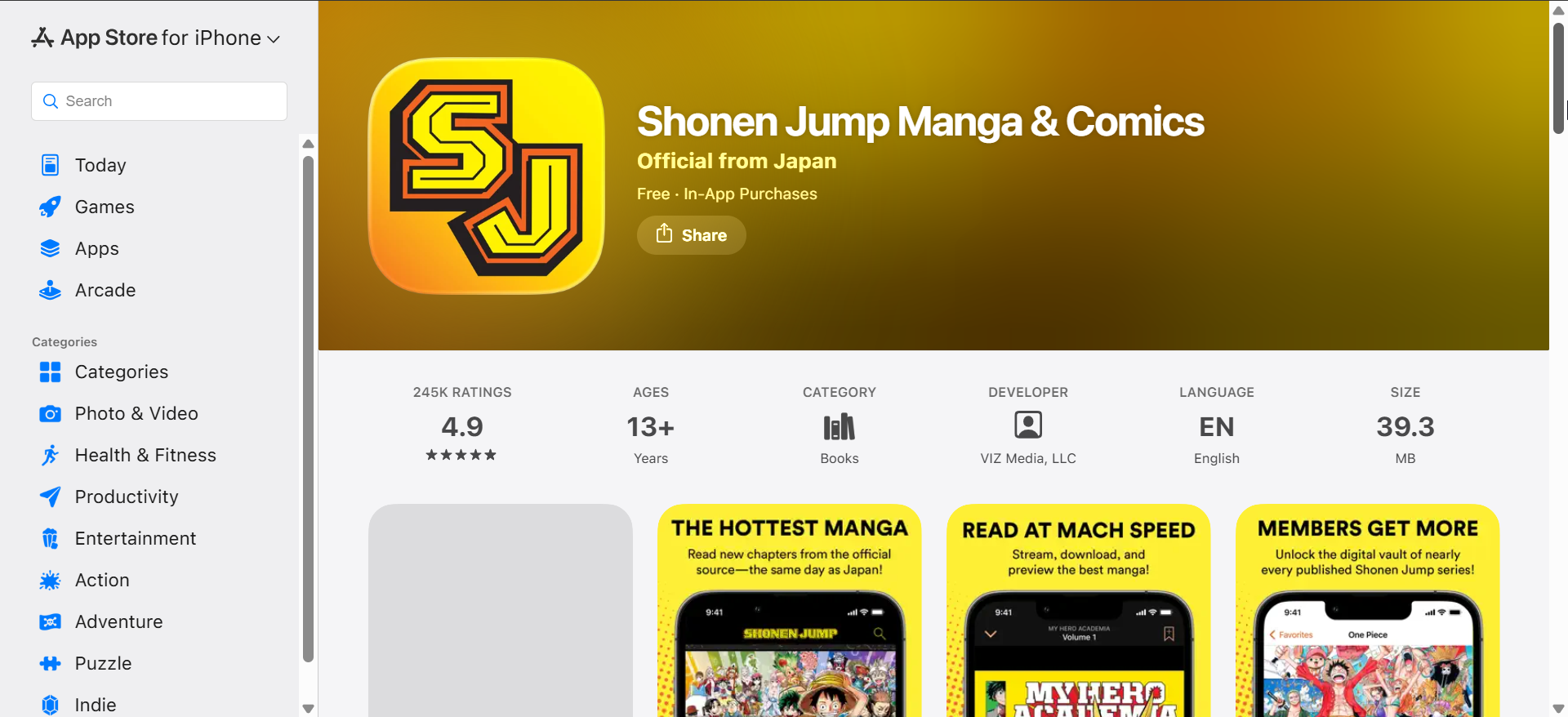
Shonen Jump gives you access to a massive catalog of popular series with same-day chapter releases. The app focuses on vertical scrolling, which works especially well on iPhone screens.
Offline downloads make it reliable for commuting or travel, and the low subscription price adds strong value. However, the library centers on ongoing series rather than completed deep cuts.
MANGA Plus
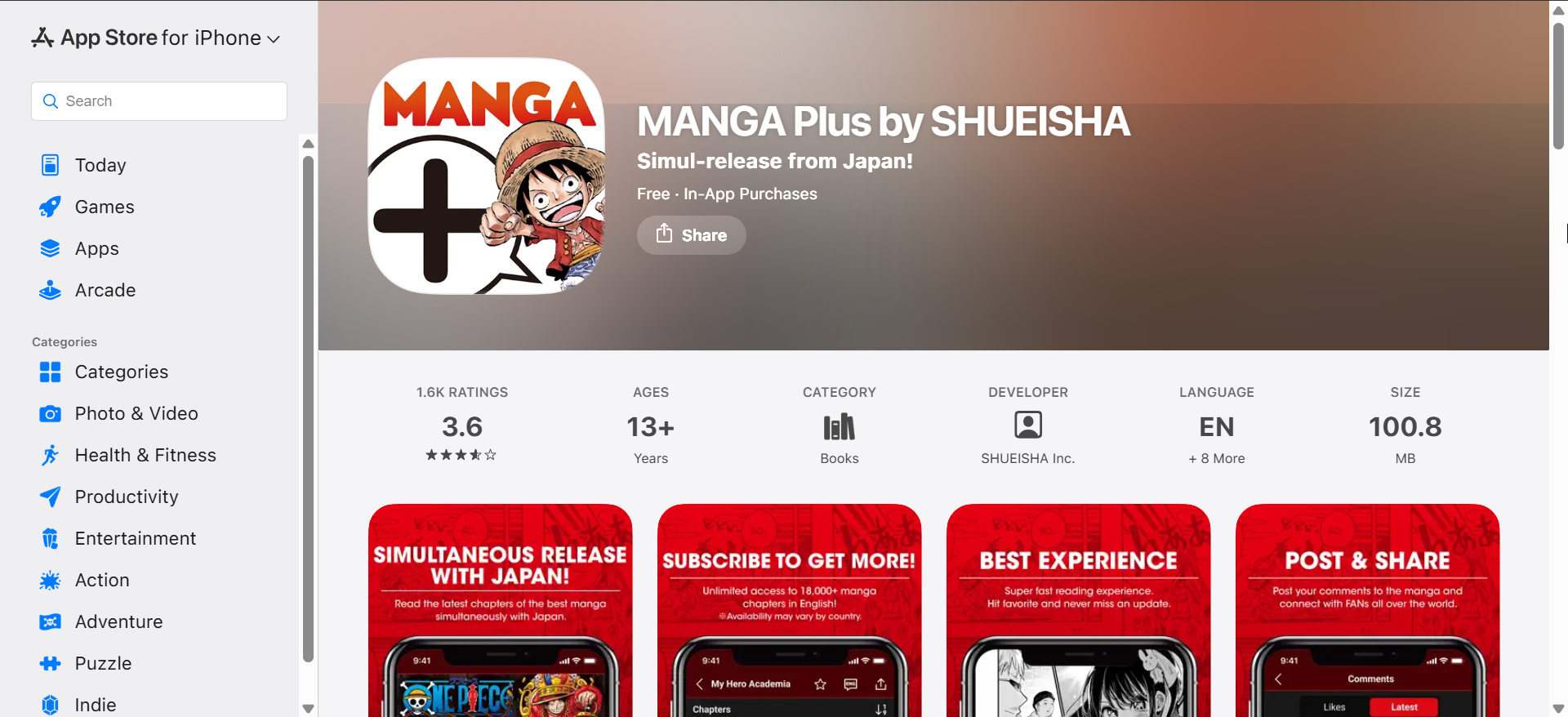
MANGA Plus offers free, legal access to selected chapters directly from Shueisha. The interface stays clean and fast, with solid support for both iPhone and iPad layouts.
The app shines for keeping up with current releases, but it limits rereads for many chapters. It works best as a companion app rather than a full library solution.
VIZ Manga
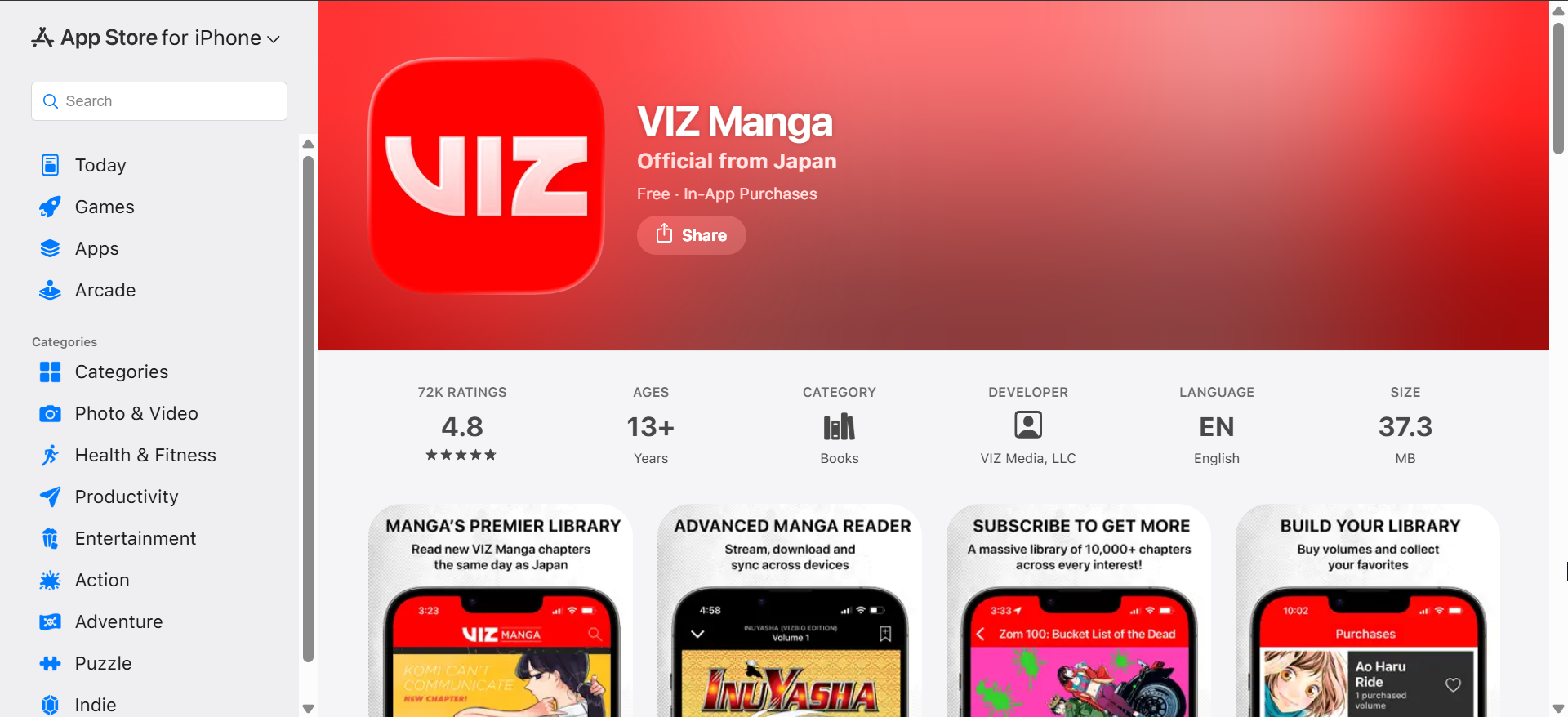
VIZ Manga combines subscriptions with individual volume purchases in one polished app. It supports offline reading and handles long sessions well on larger iPads. It is also one of the best apps for reading manga on Android and iOS.
Navigation feels intuitive, and image quality remains consistent across devices. Regional availability and licensing still limit some series depending on location.
Best manga reader apps for offline and local files
Panels
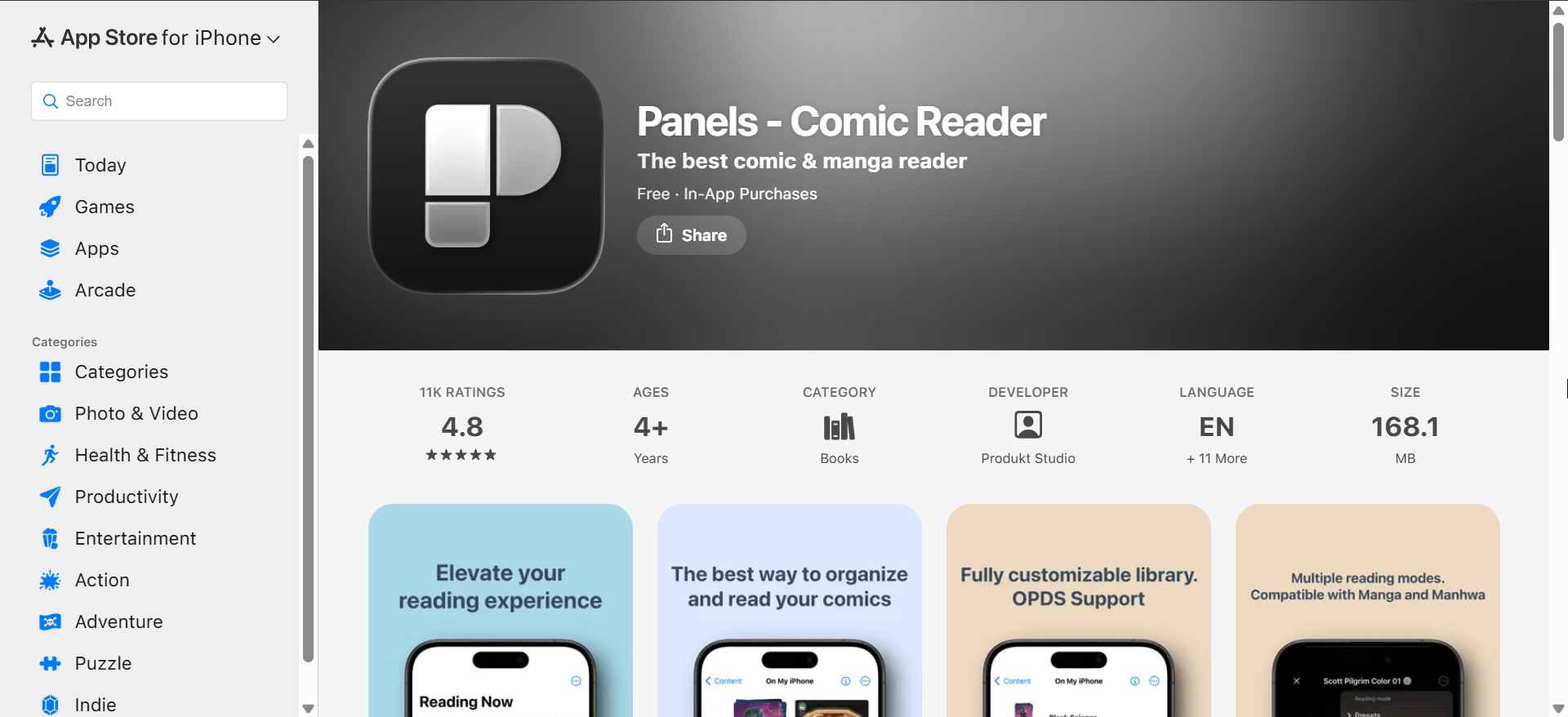
Panels targets readers who already own DRM-free manga files. It supports CBZ, CBR, and EPUB formats with smooth imports from the Files app.
On iPad, two-page spreads and precise zoom controls create a near-print experience. Panels suits collectors who want full ownership and offline reliability.
Chunky Comic Reader
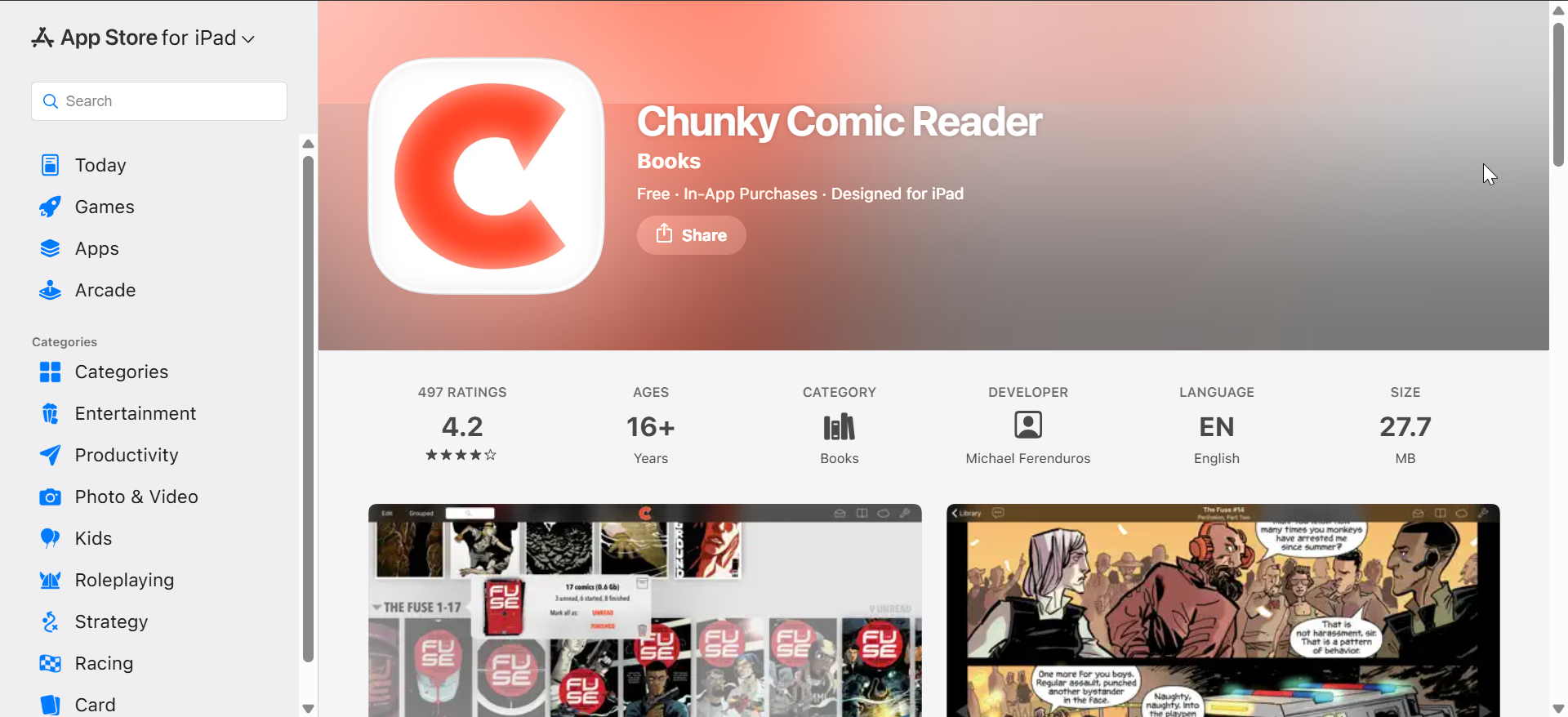
Chunky Comic Reader focuses on performance and customization for large libraries. It handles high-resolution pages without stuttering, even during long reading sessions.
The app excels on iPad thanks to advanced scaling and gesture controls. Its interface favors power users over casual readers.
Best manga reader apps for self-hosted libraries
Tachimanga
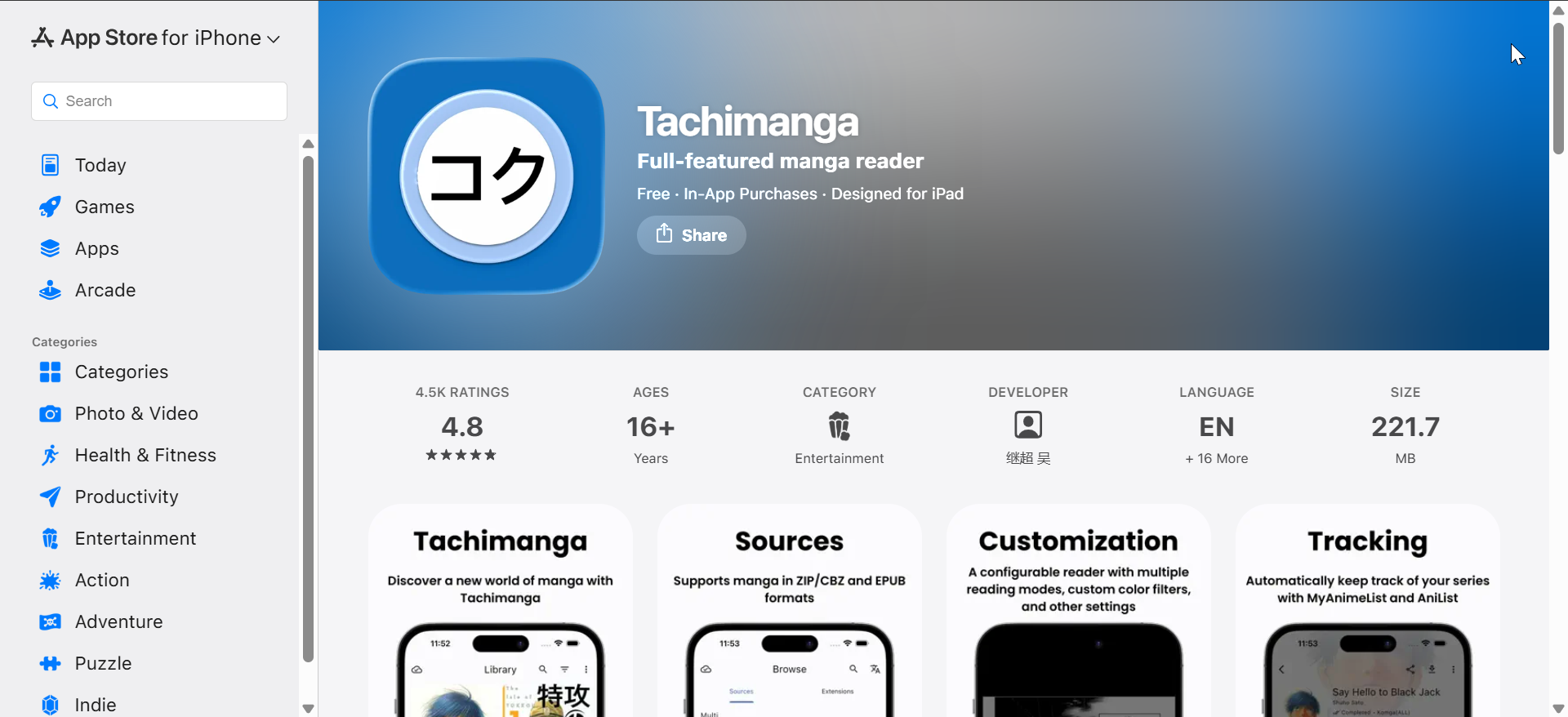
Tachimanga supports local files and Komga servers, making it ideal for personal manga collections. It syncs libraries across devices while keeping everything offline-ready.
The app bridges the gap between simple readers and server-based setups. Initial configuration takes time, but daily use feels smooth.
Manga Storm
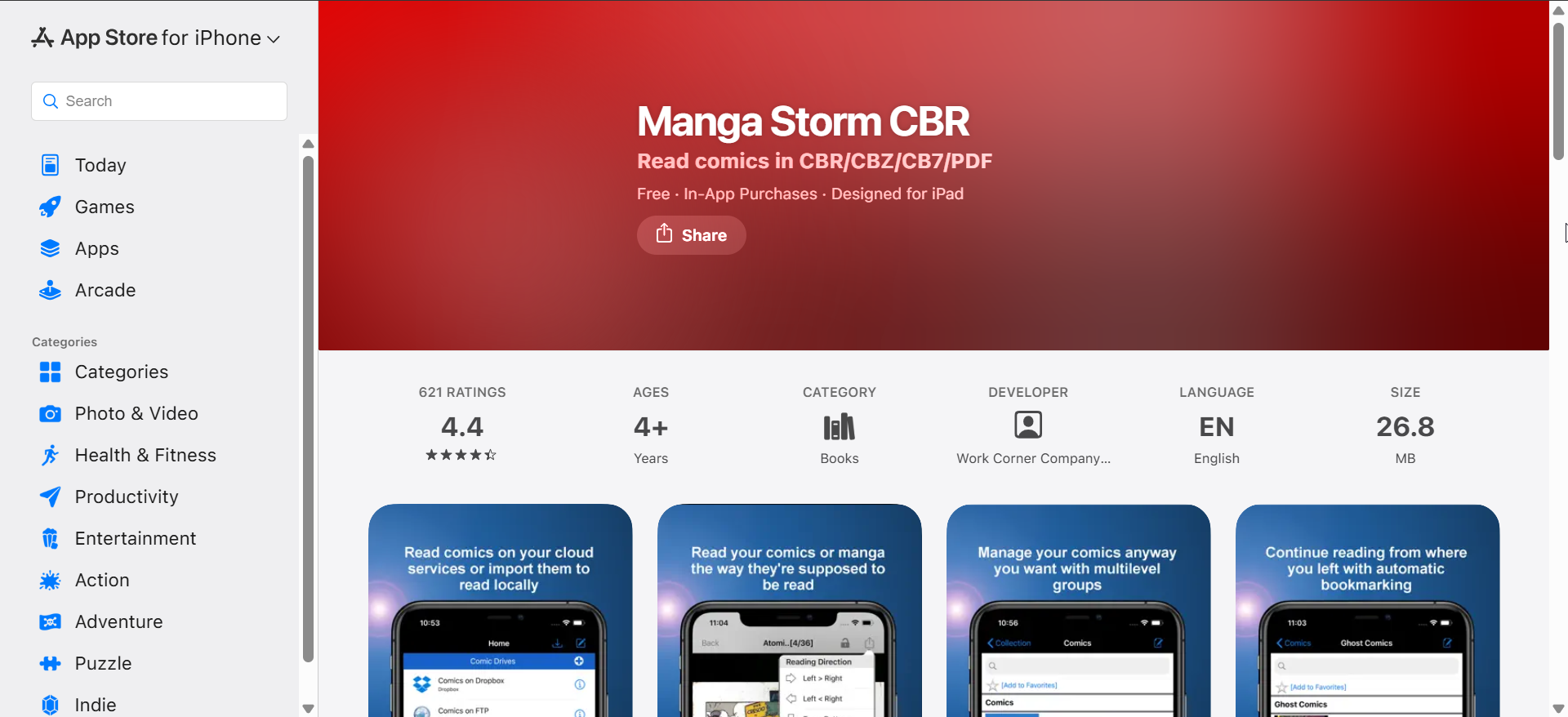
Manga Storm offers flexible source management and offline caching. Many long-time iOS readers rely on it for advanced control.
The interface feels dated compared to newer apps, but stability remains strong. It suits users who value control over visual polish.
Paperback
Paperback focuses on a modern interface with modular source support. The reading experience feels fast and lightweight on both iPhone and iPad.
Advanced users appreciate its customization and extension system. Beginners may need extra setup time before everything works smoothly.
Comparison table: manga reader apps for iPhone and iPad
This table helps you compare official services, local readers, and self-hosted options at a glance. Focus on offline access, iPad features, and content source to narrow your choice quickly.
| App | Best for | Offline | iPad features | Content source |
|---|---|---|---|---|
| Shonen Jump | Weekly official chapters | Yes | Good scaling, simple layout | Licensed publisher library |
| MANGA Plus | Free official chapter drops | Limited | Clean UI, solid performance | Licensed publisher chapters |
| VIZ Manga | Volumes + subscription access | Yes | Stable reader, good quality | Licensed publisher library |
| Panels | Owned files and offline library | Yes | Two-page spreads, strong zoom | Local files (CBZ/CBR/EPUB) |
| Chunky Comic Reader | Large libraries and customization | Yes | Advanced scaling, gestures | Local files and cloud imports |
| Tachimanga | Komga + local libraries | Yes | Sync-friendly, library-based UI | Self-hosted + local files |
| Manga Storm | Power-user source control | Yes | Works well, older design | Mixed sources (user-managed) |
| Paperback | Modern UI with extensions | Yes | Fast reader, customizable | Mixed sources (extensions) |
How to choose the right manga reader app
Choose based on content ownership
Subscriptions work best for weekly readers who follow new chapters. Local and self-hosted apps suit collectors who want long-term control.
Choose based on reading habits
Casual phone reading favors vertical scrolling and fast chapter loads. Extended iPad sessions benefit from spread views and detailed zoom controls.
Tips for a better manga reading experience on iOS
- Use landscape mode on iPad for double-page spreads
- Enable offline downloads before travel
- Adjust brightness and True Tone for night reading
- Lock orientation to avoid accidental page flips
FAQs
Can I read manga offline on iPhone and iPad?
Yes, most official and local-file apps support offline downloads or fully offline libraries.
Are these manga reader apps legal?
Publisher apps are fully licensed, while local readers rely on content you legally own.
Which app works best on iPad?
Panels and Chunky Comic Reader offer the best large-screen experience.
Summary
- Use Shonen Jump or MANGA Plus for weekly official releases
- Choose VIZ Manga for subscriptions and purchased volumes
- Pick Panels or Chunky for owned, offline libraries
- Use Tachimanga or Paperback for self-hosted collections
Choosing the best manga reader app for iPhone and iPad depends on how you read and what you own. Start with one official app and one offline reader, then keep the setup that fits your habits best.


Discussion (0)
Be the first to comment.