



If you enjoy singing along to your favorite songs, karaoke apps for iPhone and iPad make it easy to turn any moment into a performance. These apps combine large song libraries, vocal effects, and recording tools, letting you sing solo or with friends at home or at a party.
Below are some of the best karaoke apps available at the time of writing, chosen for song variety, sound quality, ease of use, and overall value on iOS.
Smule – Social Karaoke With Duets
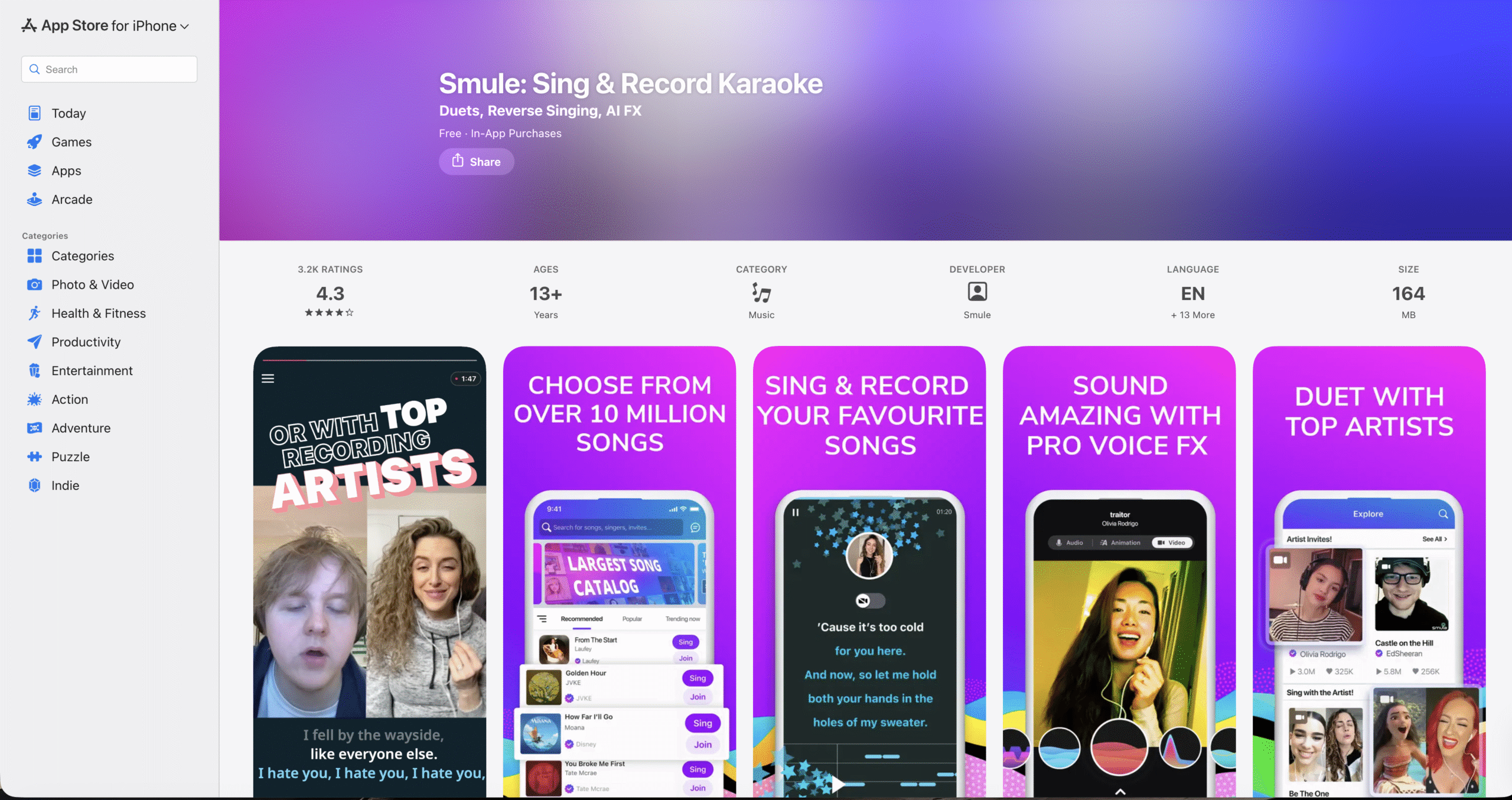
Smule is one of the most popular karaoke apps for iPhone and iPad, known for its massive song catalog and social features. You can sing solo, join duets, or collaborate with singers from around the world.
The app includes vocal enhancement tools like reverb and pitch correction, helping performances sound more polished even if you are not a trained singer.
Karaoke – Sing Unlimited Songs
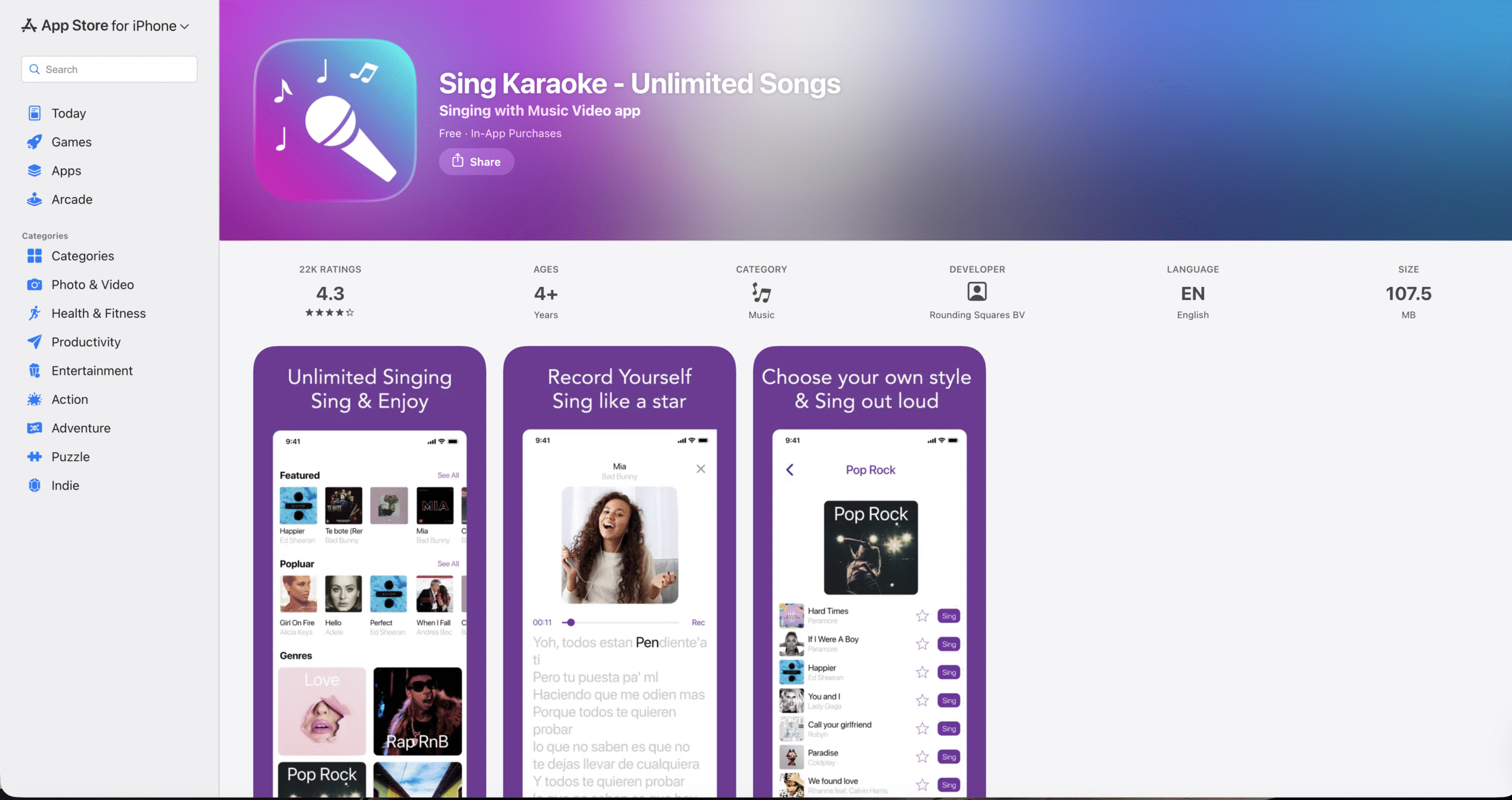
This karaoke app focuses on simplicity, offering access to a large collection of songs across multiple languages. You can record performances and share them directly with friends or on social platforms.
Built-in voice effects such as echo and chorus help enhance recordings without complicated controls.
Voloco – Vocal Recording Studio
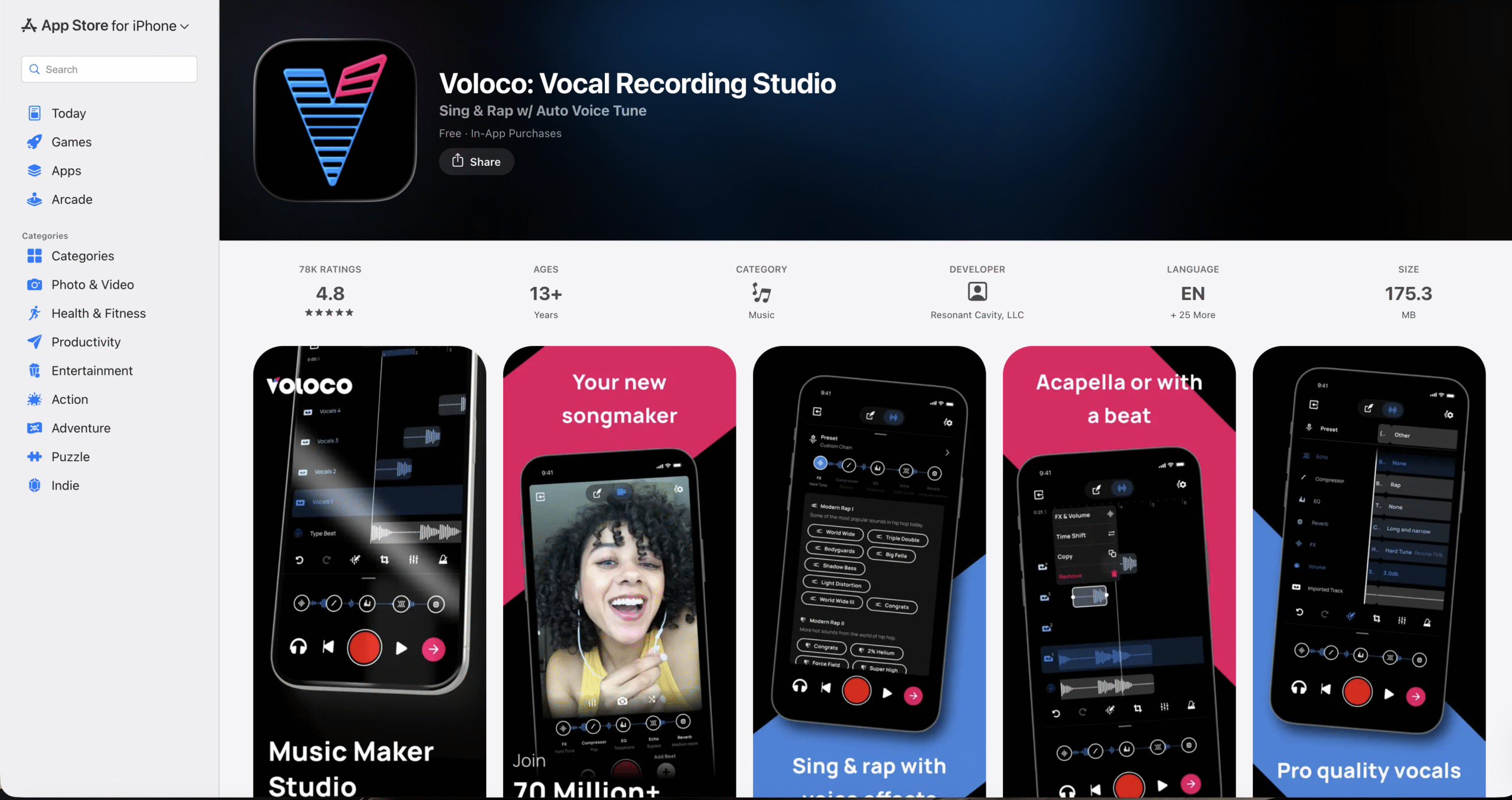
Voloco blends karaoke with music production, offering real-time auto-tuning, harmony, and vocoding. It works well for singing as well as rapping over instrumental tracks.
You can record audio or video performances, making it a strong option for users who want to post karaoke clips online.
Sing Karaoke – Unlimited Songs
Sing Karaoke offers a broad music library and supports both solo and group singing. You can create playlists for events or casual practice sessions.
The app also supports offline downloads, which is useful for karaoke parties without a reliable internet connection.
The Voice – Sing Karaoke
Inspired by the popular singing competition, this karaoke app focuses on performance and community. Users can record solos or duets and share them with other singers.
The competitive and social elements make it appealing for users who enjoy feedback and interaction.
Learn To Sing – Singing Lessons
This app combines karaoke with vocal training, making it useful for users who want to improve their singing skills. Real-time pitch detection helps identify accuracy while singing.
Warm-ups, exercises, and studio-style effects make it suitable for beginners and more serious learners alike.
KaraFun – Karaoke And Singing
KaraFun is well known for its extensive catalog of karaoke tracks, with options to save songs and sing offline. You can also adjust pitch to better match your vocal range.
Beginners can sing along with guide vocals, building confidence before performing solo.
Troubleshooting Common Problems
If karaoke apps are not working as expected, check your microphone permissions in iOS settings. Also make sure headphones or Bluetooth devices are connected correctly.
Playback issues often improve after restarting the app or switching to a stable Wi-Fi connection.
Tips
- Use headphones to reduce echo and improve vocal clarity.
- Lower background volume slightly so vocals stay clear.
- Try different voice effects to find the most natural sound.
- Download songs in advance for offline karaoke sessions.
FAQ
Do karaoke apps work without internet access?
Some apps support offline downloads, but most require an internet connection for streaming songs.
Can I record my karaoke performances on iPhone?
Yes, most karaoke apps allow audio or video recording and sharing.
Are karaoke apps free to use?
Many offer free access with ads or limited songs, while premium plans unlock full libraries.
Summary
- Karaoke apps turn iPhone and iPad into portable singing tools.
- Song libraries, voice effects, and recording features vary by app.
- Some apps focus on social singing, while others emphasize training.
- Offline support is useful for parties and travel.
Conclusion
Karaoke apps for iPhone and iPad make singing accessible anywhere, whether you want casual fun or serious practice. By choosing an app that matches your style, song preferences, and skill level, you can turn your device into a personal karaoke stage.


Discussion (0)
Be the first to comment.