


 Modified on 27.10.2025
Finding people online has never been easier. Whether you’re trying to reconnect with an old friend, verify a new contact, or identify a caller, free people search websites can help. This is all thanks to People search websites that collect publicly available information like addresses, phone numbers, and social media profiles.
They make it easier to find someone’s contact details or confirm their identity using just a name or phone number. This guide looks at the most reliable free tools that make it simple to find accurate, up-to-date information without paying for premium reports.
1) Whitepages

Whitepages is one of the oldest and most reputable directory-based search engines. It lets you look up people by name, phone number, or address. The free version provides basic information such as current and past addresses and associated phone numbers.
Its standout feature is its large database, which covers nearly every U.S. household. Whitepages also allows reverse phone and reverse address lookups for quick identity checks. It’s a solid first stop if you just need to confirm that a phone number or address is real.
Tip: For more detailed results, like background or criminal history, you need a paid upgrade.
2) TruePeopleSearch
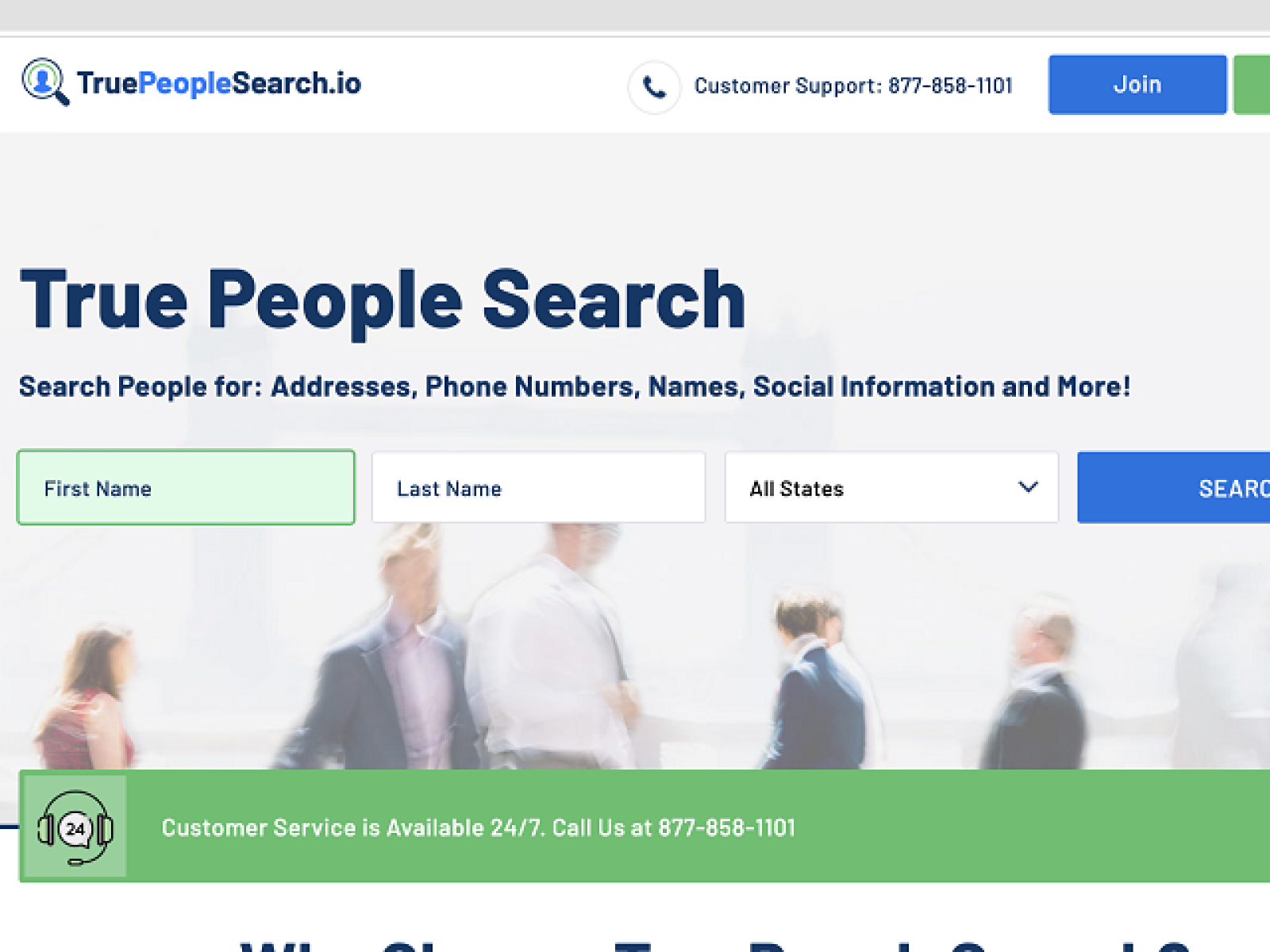
TruePeopleSearch offers one of the most comprehensive free databases for U.S. residents. You can search by name, phone number, or address and often get full results, including emails, relatives, and location history. Its depth at the free tier is one of the reasons it’s so popular.
What makes it stand out is the accuracy of its data and the ease of use. It also provides reverse lookup features for phone and address searches, which is useful if you got a missed call from an unknown number. While the service is free, it doesn’t include criminal or employment data, which paid sites might offer, so it’s best for contact info and family associations, not screening.
3) That’s Them
That’s Them is a versatile people search tool that supports multiple input types, not just names. You can search by phone number, email address, street address, or even IP address. This flexibility makes it useful for confirming whether an email or phone call belongs to a real person before you trust it.
The free results include names, approximate locations, and sometimes associated phone numbers or social links. What sets That’s Them apart is that it also supports uncommon identifiers like VIN or IP that most free tools ignore. It’s a strong pick for verifying online sellers, marketplace contacts, or suspicious inbound emails.
Tip: Expect occasional gaps or outdated entries since it pulls from many external sources. Treat it as a verification layer, not the single source of truth.
4) PeekYou

PeekYou specializes in finding someone’s online footprint. It scans social media profiles, blogs, news mentions, and public web pages to create a digital identity map based on names and usernames. If you’re trying to reconnect with someone online or confirm that a username is tied to a real human, PeekYou is especially useful.
Each search result includes a person’s name, location, age range, and related social media accounts or aliases. Instead of just listing addresses, PeakYou shows where a person appears on the internet. This makes it ideal for light reputation checks or for tracking down someone you only know from social media.
5) ZabaSearch

ZabaSearch is one of the original free public record directories and is still active. You can search for people by name and state, then see possible current and previous addresses, phone numbers, and known locations. It’s fast and does not force you to create an account.
Its strength is how simple it is. You type a name, pick a state, and you’re looking at potential matches. ZabaSearch pulls data from voter registration info, residential listings, and other public records, which can help you confirm where someone has lived.
In some cases, deeper background details are paywalled or redirect to partner services. For quick address verification or tracking someone who may have recently moved, ZabaSearch is still useful. It’s best for basic factual lookups, not deep dives.
6) AnyWho
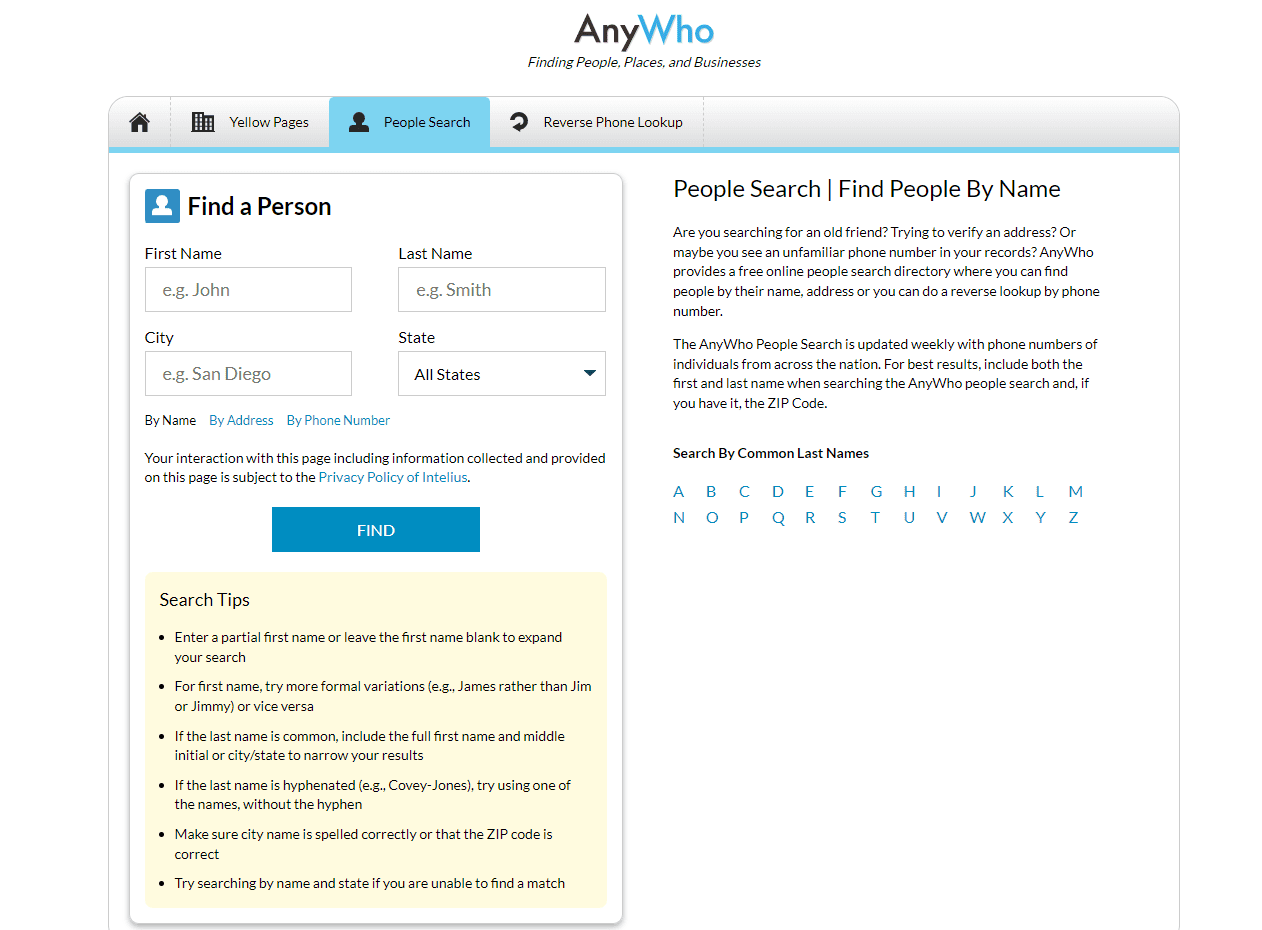
AnyWho works like a classic white pages directory, with a focus on reverse phone and address lookups. You can enter a person’s name, phone number, or city/state to find possible matches. The service is free and loads results quickly, which makes it good for casual checks.
AnyWho’s appeal is that it leans on verified carrier data and long-standing directory sources rather than just scraping the web. That means if you’re trying to confirm that a phone number belongs to a real household and not a spammer, this is a good place to start.
7) FreePeopleSearch.com
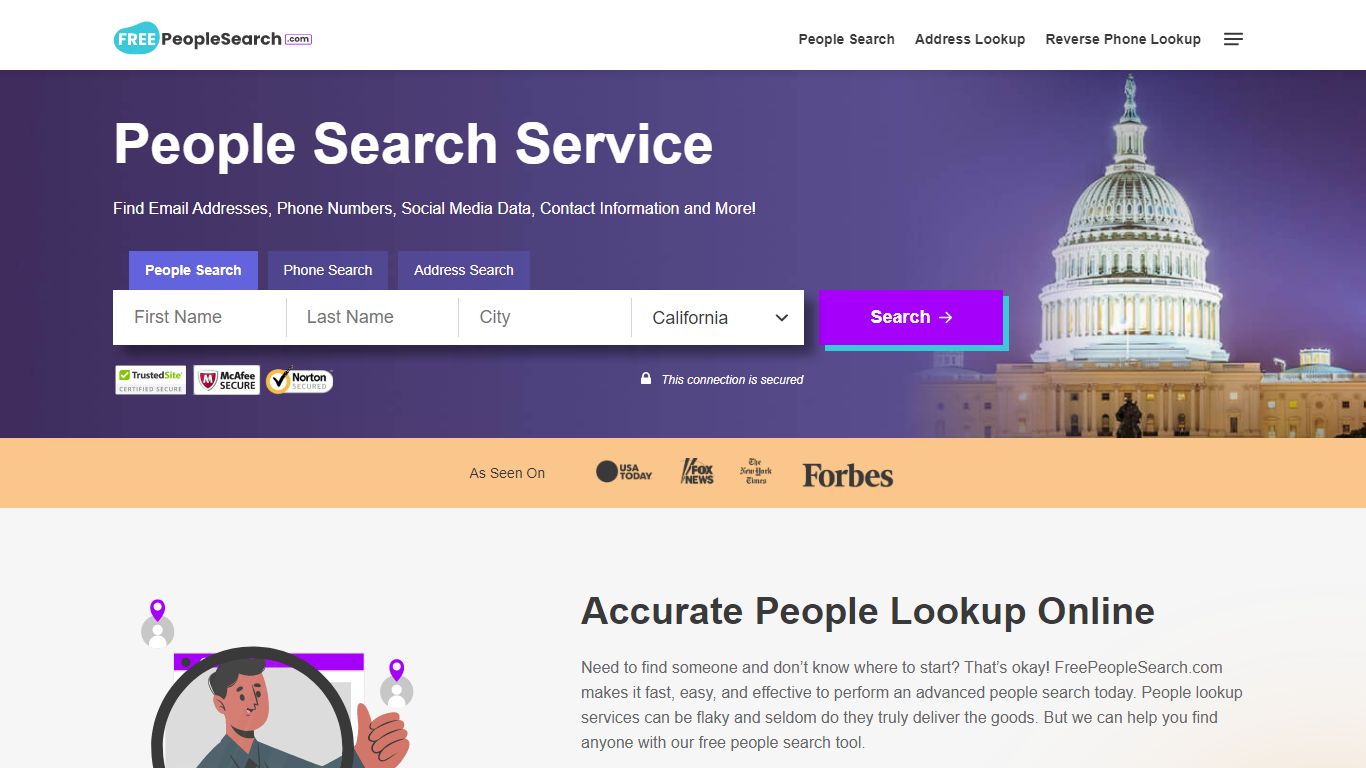
FreePeopleSearch.com markets itself as 100% free, and it does provide fast results without making you sign up. You usually get contact info, possible relatives, and address history from just a name and location. It’s built for people who want something quick and lightweight with minimal friction.
The site does promote premium background reports, so full work history or criminal records may sit behind an upgrade. Still, for basic people-finding needs, it’s useful and fast. One thing to note is that accuracy can vary more than in older, established directories, so you should double-check the results on at least one other site before relying on them.
8) Spokeo

Spokeo is a data aggregator that blends public records with social and web activity. You can search by name, phone, email address, or username. While a lot of its deeper reporting is behind a subscription, the free tier still shows high-level details like location, relatives, or known social media presence.
Spokeo’s biggest advantage is how it pulls from multiple sources at once, so you get a broad profile instead of a single data point. If you’re trying to figure out whether someone online is who they say they are, Spokeo is strong at connecting identity and activity.
The trade-off is that many of the most interesting details are paywalled, so you should treat Spokeo’s free results as a preview. It’s still worth including because it’s reliable, well-known, and good at connecting dots across platforms.
Comparison table – What you get for free
| Site | Free Data Available | Reverse Lookup | Accuracy | Opt-Out Option | Premium Tier |
|---|---|---|---|---|---|
| Whitepages | Addresses, phone numbers | Yes | High | Yes | Yes |
| TruePeopleSearch | Full contact info, relatives, past addresses | Yes | Very High | Yes | No (mostly free) |
| That’s Them | Name, phone, email, VIN, IP | Yes | Moderate | Yes | No (mostly free) |
| PeekYou | Social profiles, usernames, public web links | No | High (for social) | Yes | Yes |
| ZabaSearch | Addresses, phone numbers, past locations | Yes | Moderate | Yes | Yes |
| AnyWho | Address and phone listings | Yes | Moderate | Limited | No |
| FreePeopleSearch.com | Contact info, relatives, address history | Yes | Moderate | Yes | Yes |
| Spokeo | Location, relatives, social hints | Yes | High | Yes | Yes |
Privacy and data removal
Every service in this list has some kind of opt-out or removal process. You can usually request that your home address, phone number, and age be taken down. Most sites ask you to submit a form and then confirm by email before the listing is removed.
If you’re privacy-focused, it’s worth going through that process. Removing your exposed data reduces the chance of spam calls and identity targeting. It also gives you more control over what strangers can see about you online.
Tips for accurate results on people search websites
- Use the person’s full legal name, not just a nickname.
- Add a city or state if you know it to filter out false matches.
- Try multiple search engines and compare what overlaps.
- Watch spelling, and include middle initials if you know them.
- If possible, search by both name and phone number to confirm you’re looking at the right profile.
FAQs About Free People Search Tools
Are free people search sites really free? Yes, but the free tier usually includes only basic contact and address details. Full background reports, employment history, criminal records, or financial flags generally require payment.
How do free People search sites work? Most free platforms use public records, phone listings, voter registrations, and social media to compile their databases. The data shown for free is usually limited to basic details, while deeper background checks may require payment.
Are these tools safe and legal to use? Yes, as long as you use them for personal reference and safety, like reconnecting with someone you know or checking for spam callers. It’s not legal to use this data for tenant screening, employment decisions, or harassment. The information is public, but how you use it still matters.
How often is the information updated? Most databases refresh every few months. Directory-style tools refresh faster for phone numbers and addresses. Social-focused tools update whenever new public profiles or mentions appear.
How do I remove my personal info from these sites? Each platform provides an opt-out form where you can request removal. You typically submit the listing you want taken down, confirm by email, and wait for it to disappear from public results.
Summary
- TruePeopleSearch – Best overall free search for U.S. contacts and relatives.
- PeekYou – Best for finding social media and online activity tied to a real person.
- Whitepages – Most reliable for directory-style address and phone lookups.
Conclusion
Free people search websites can help you reconnect, verify identities, or confirm addresses with minimal effort. Tools like TruePeopleSearch and Whitepages provide reliable results, while PeekYou adds social context that traditional directories miss. Use these tools responsibly and always double-check results across more than one source before you act on them.



Discussion (0)
Be the first to comment.