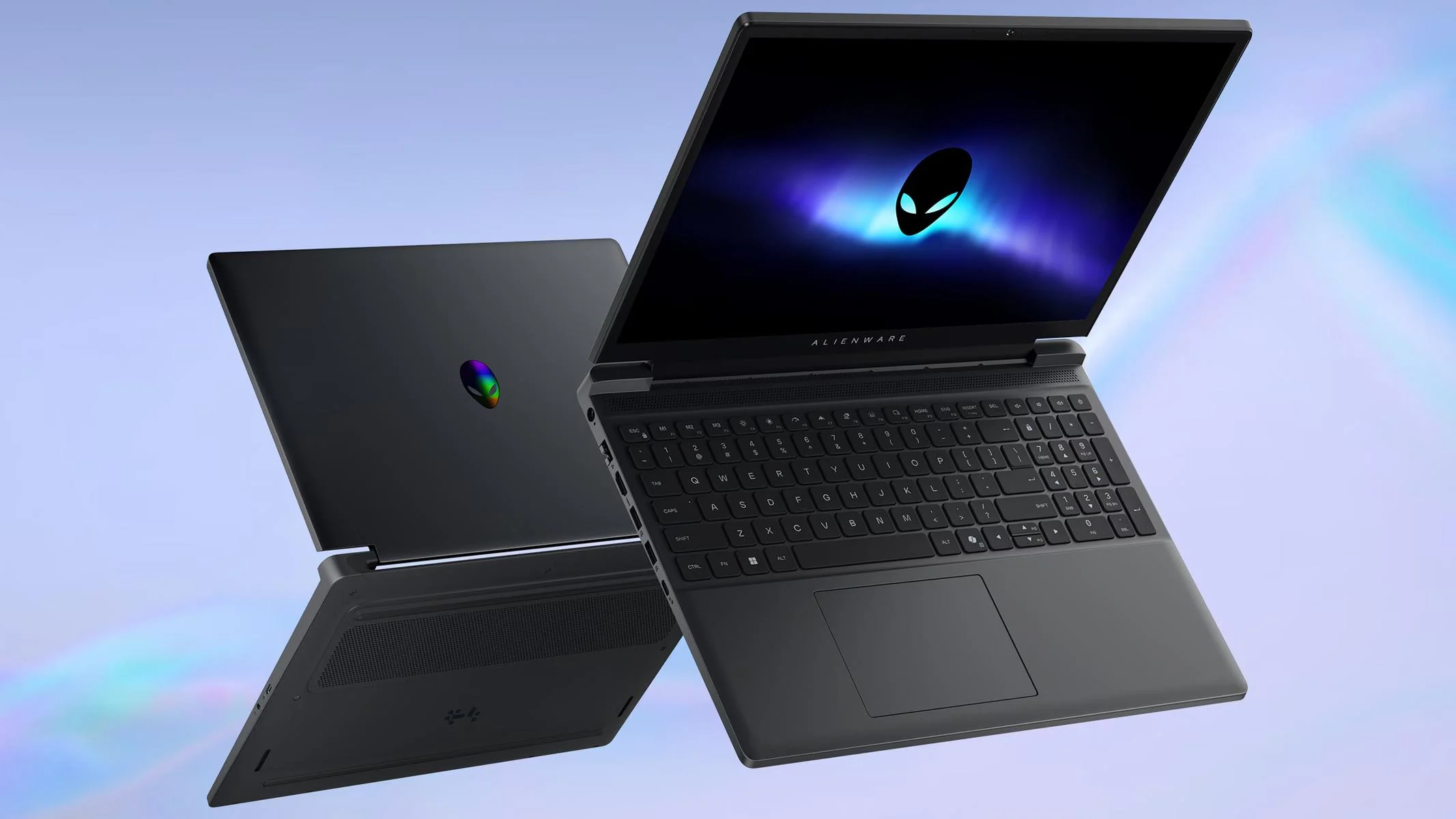
Alienware, HP and Lenovo Laptops Get Up to 10% Extra Discount in Woot Sale


Woot has launched a laptop sale featuring discounted models from Alienware, HP, Lenovo, Samsung, and MSI, with an additional 10% discount available through a promotional code. The sale runs until October 28, 2026, or while stocks last. You can apply the code TENOFFLAPTOP at checkout to reduce the prices of eligible laptops further. The offers cover gaming laptops, lightweight productivity notebooks, and premium models