



AMD is reportedly investigating a Windows 10 driver issue that can disable Smart Access Memory, also known as SAM, on some Radeon systems. The problem may reduce gaming performance, cause inconsistent behavior, and in some cases lead to crashes even when the required BIOS settings remain enabled.
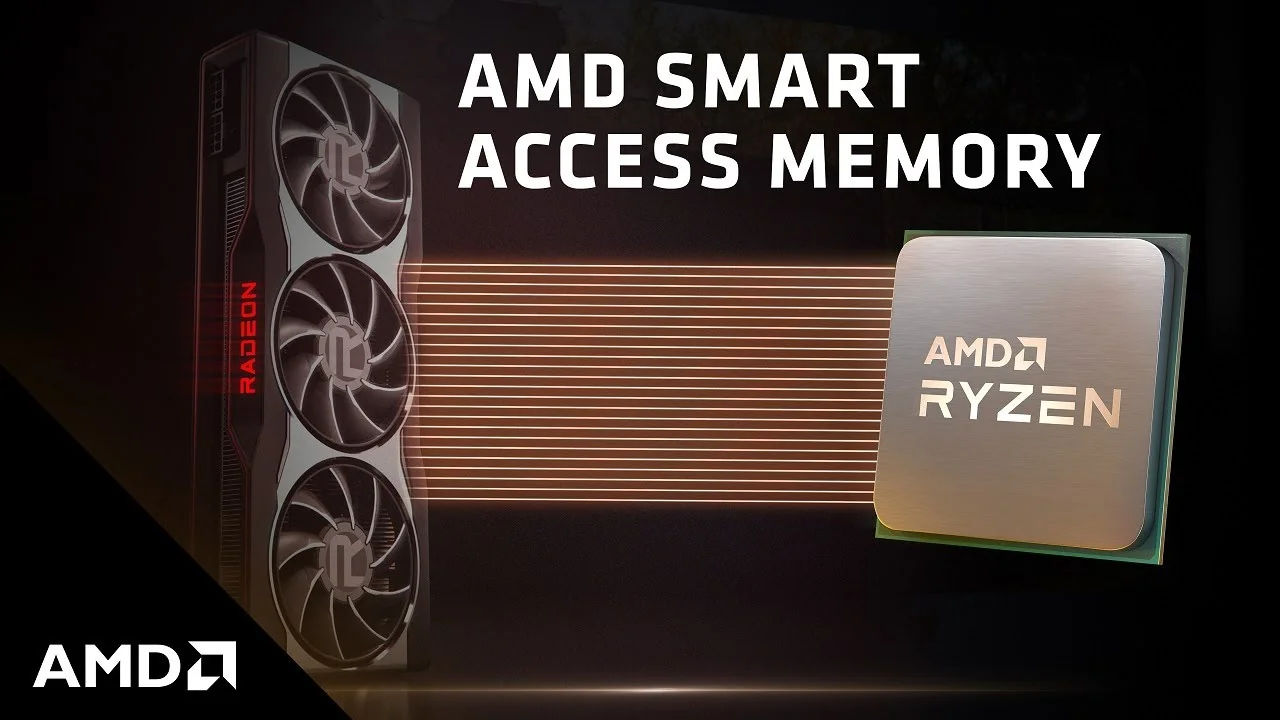
Smart Access Memory allows a compatible AMD processor to access the full pool of graphics memory instead of working through a smaller data window. In supported games, this can reduce bottlenecks and improve performance. When the feature becomes disabled, the system may lose some of those gains without making the cause immediately obvious.
Reports suggest the issue can appear after a Radeon driver problem causes Windows 10 to detect the graphics card incorrectly. Some people have been able to restore normal GPU detection by removing the driver with Display Driver Uninstaller in Safe Mode and then completing a clean offline installation. However, that process may leave Smart Access Memory disabled inside AMD Software Adrenalin.
BIOS Settings May Still Look Correct
The unusual part of the reported issue is that Smart Access Memory can remain unavailable even when Resizable BAR and Above 4G Decoding are still enabled in the motherboard BIOS.
Normally, those settings are required for SAM to work. If they remain active but AMD Adrenalin still reports the feature as disabled, the likely cause is a conflict between the driver, Windows 10, or the GPU detection process rather than a simple BIOS misconfiguration.
| Feature or setting | Normal status for SAM | Reported issue |
|---|---|---|
| Resizable BAR | Enabled | Can remain enabled |
| Above 4G Decoding | Enabled | Can remain enabled |
| Radeon GPU detection | Normal | May fail or behave inconsistently |
| Smart Access Memory | Enabled in Adrenalin | May show as disabled |
| Gaming performance | Expected performance | Can drop in supported games |
This can be frustrating because the usual troubleshooting steps may not appear to solve the problem. Rebooting, changing BIOS settings, and reinstalling the driver may not always restore SAM immediately.
Why Smart Access Memory Matters for Gaming
Smart Access Memory is not a guaranteed major FPS boost in every game. The improvement depends on the game engine, GPU, CPU, resolution, graphics settings, and whether the system is limited by the graphics card or processor.
Still, in supported games, SAM can improve average frame rates and sometimes reduce performance drops during busy scenes. Losing access to the feature may be more noticeable in CPU limited gaming situations, particularly at 1080p or when using a powerful Radeon GPU.
The reported bug may also affect stability. Some Windows 10 users have described crashes and persistent notifications about hardware changes after the driver issue appears.
Possible Workarounds Are Not Consistent
Some affected users have reported temporary success after checking their monitor refresh rate and re enabling Variable Refresh Rate in Radeon Software. Others say that restarting the PC multiple times eventually restored the feature.
A clean driver installation may also help, but it should be treated carefully. Removing graphics drivers incorrectly can create more issues, especially if Windows automatically installs a different driver during the process.
For now, the sensible approach is to check AMD Software Adrenalin after every driver update and confirm that Smart Access Memory is still enabled. If it is disabled despite correct BIOS settings, avoid changing hardware settings repeatedly and wait for an official driver fix where possible.
AMD recently released a Windows 10 focused preview driver to address other Radeon compatibility problems, suggesting the company is already working through a broader set of issues affecting older Windows installations.



Discussion (0)
Be the first to comment.