



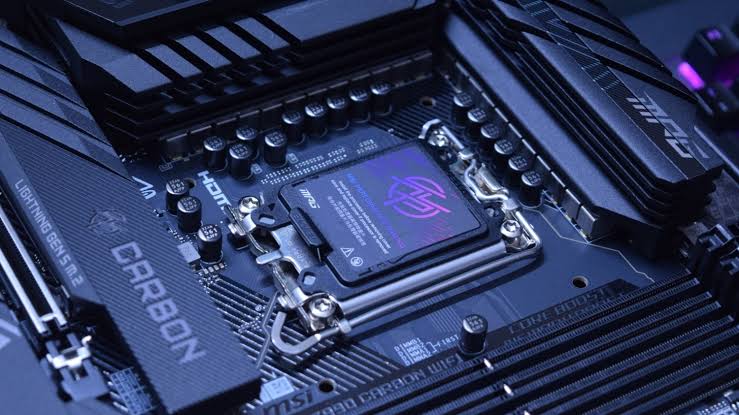
Colorful has introduced a new BIOS feature called Memory Tuning Mode for Intel 800 series motherboards, promising higher memory bandwidth, lower latency, and small but useful gaming performance improvements. The feature is designed for Arrow Lake processors and can be enabled through the BIOS with a single click.
According to Colorful, Memory Tuning Mode can improve average frame rates by around 3% to 4% in selected esports games. The company also claims that memory focused tests can see gains of more than 10%, including faster read, write, and copy performance in AIDA64.
The feature first appears on the Battle AX B860M Plus S WiFi7 V20 motherboard, with support planned for more Colorful Z890 and B860 models.
What Colorful Memory Tuning Mode Changes
Memory Tuning Mode adjusts memory related settings to improve how the processor communicates with DDR5 RAM. That can improve memory bandwidth and reduce latency, both of which can help in CPU limited games and workloads that frequently access system memory.
The feature appears to target enthusiasts who want better performance without manually changing advanced BIOS settings. Instead of tuning memory timings, voltages, and controller ratios by hand, you can select a preset in the BIOS.
| Test area | Reported improvement |
|---|---|
| Memory read speed | Up to 9% higher |
| Memory write speed | Up to 14% higher |
| Memory copy speed | Up to 10% higher |
| Memory latency | Up to 14% lower |
| Average esports game FPS | Around 3% to 4% higher |
These figures come from Colorful’s own testing, so real results may vary depending on the processor, memory kit, graphics card, game, cooling, and BIOS version.
Counter Strike 2 and Valorant Show Small FPS Gains
Colorful tested the mode with an Intel Core Ultra 7 270K Plus processor and a 48GB DDR5 8000 CL40 memory kit. In Counter Strike 2, the company reported an increase of 21 FPS, which worked out to a 3.4% improvement.
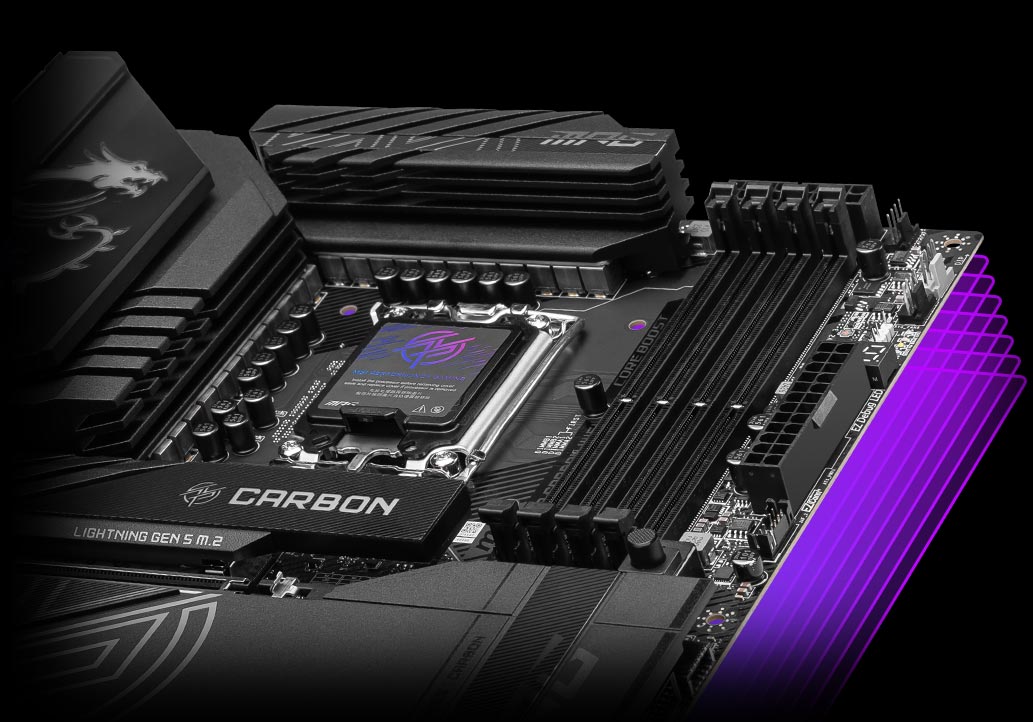
Valorant showed a larger increase of around 40 FPS, or about 4.2%. These are not huge changes, but they can matter in esports games where frame rates are already high and CPU or memory performance becomes more important than GPU power.
Colorful also says the feature can improve 1% low frame rates. Better lows can make gameplay feel smoother by reducing sudden drops during busy scenes.
Supported Motherboards Include Z890 and B860 Models
Colorful plans to bring Memory Tuning Mode to several Intel 800 series motherboards.
| Motherboard family | Models expected to support the feature |
|---|---|
| iGame Z890 | Vulcan W V20, Vulcan X V20, Ultra S W V20, Flow V20, Ultra V20 |
| iGame B860 | B860M Ultra V20 |
| CVN | Z890 Ark Frozen V20, Z890M Gaming Frozen V20, B860I Gaming Frozen V20, B860M Gaming Frozen V20 |
| Battle AX | B860M Plus S WiFi7 V20, Z890M Plus V20 |
Memory Optimization Can Help, But It Will Not Transform Every Game
Memory tuning is most useful in games that are limited by CPU performance rather than the graphics card. Competitive games such as Counter Strike 2 and Valorant often benefit because they can run at very high frame rates, placing greater pressure on the CPU and memory subsystem.
In GPU limited games, especially at 1440p or 4K with high graphics settings, the improvement may be much smaller. The graphics card remains the main performance limit in those situations.
Colorful’s new feature could still be useful for Intel Arrow Lake owners who want a straightforward way to improve memory performance. It is worth testing after a BIOS update, but you should compare results before and after enabling it to make sure the setting remains stable with your specific RAM kit.



Discussion (0)
Be the first to comment.