



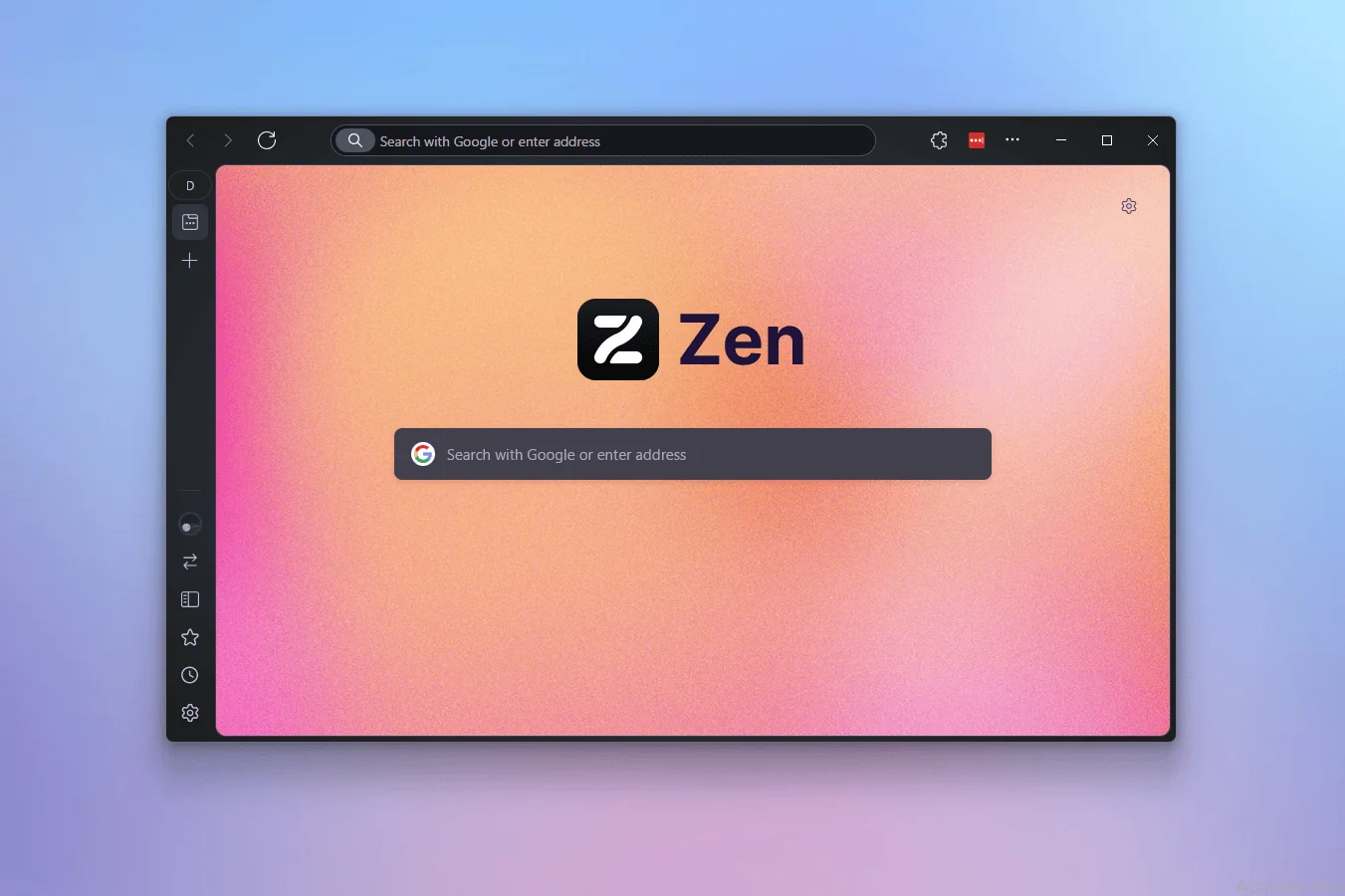
Zen Browser 1.21.4b is now available with an updated Firefox base, new options for pinned tabs and Space Routing, plus several fixes for tab behavior and the browser sidebar.
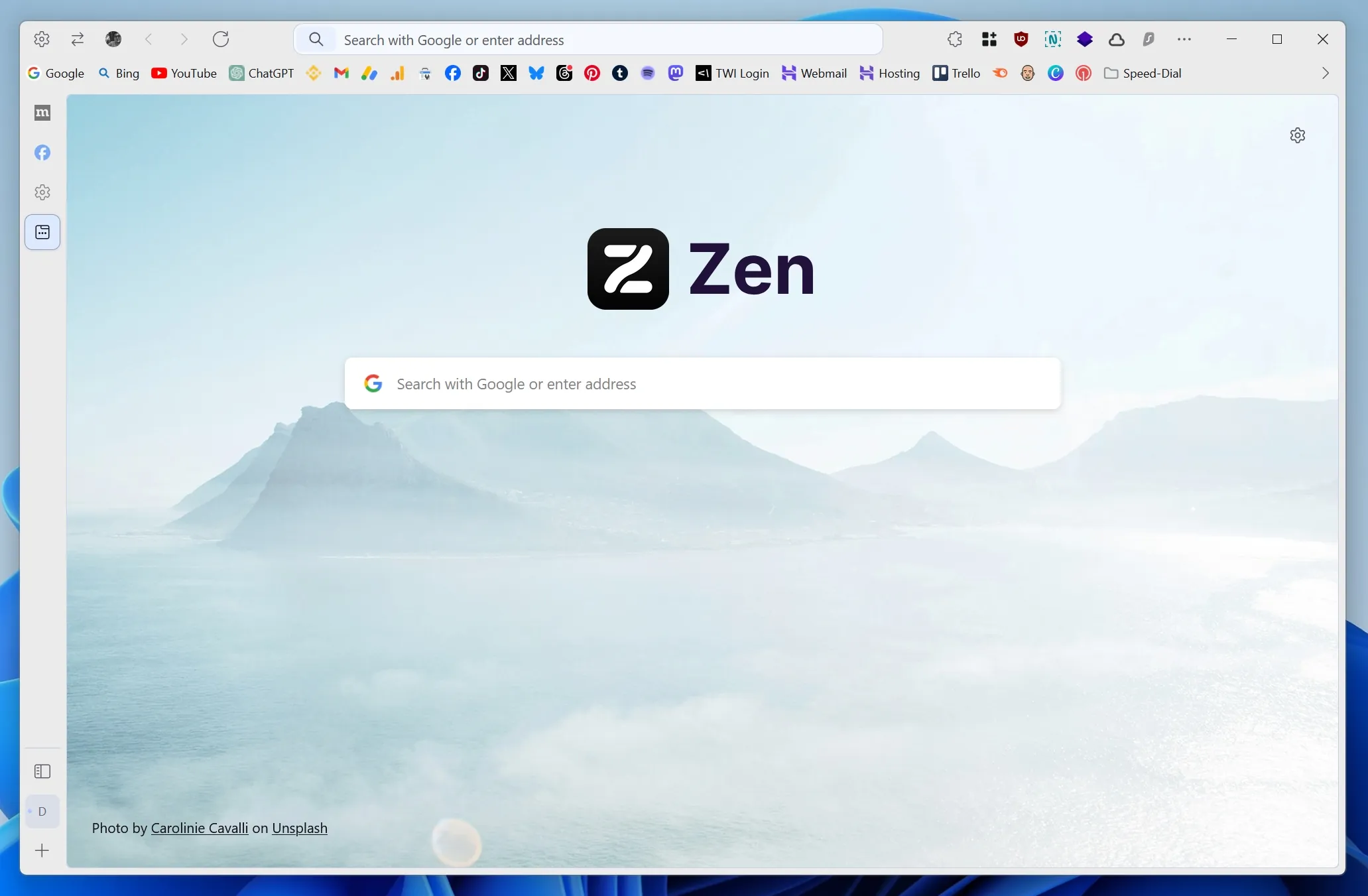
Zen Browser is an open source Firefox based browser focused on privacy, customization, and a cleaner interface. It includes tracker blocking, vertical tabs, workspaces, container tabs, split views, profile switching, and Zen Mods for deeper layout changes.
The new version updates the browser to Firefox 152.0.2 and 152.0.3, bringing newer security fixes and browser improvements from Mozilla’s platform.
Zen Browser 1.21.4b Adds More Tab and Routing Controls
The update adds an Edit pinned tab option to the tab context menu. This lets you manually change the web address used by a pinned tab without first removing it.
Another new option, Add Route for Domain, makes it faster to add a website’s domain to Space Routing settings. Space Routing can help organize websites and tabs into specific workspaces, which may be useful for separating work, personal browsing, research, and entertainment.
| New Feature | What It Does |
|---|---|
| Firefox 152.0.2 and 152.0.3 base | Includes newer Firefox platform updates |
| Edit pinned tab | Lets you change the URL of a pinned tab |
| Add Route for Domain | Adds a website domain to Space Routing settings |
| Sidebar flicker fix | Improves tab movement in the sidebar |
| Glance tab full screen change | Converts a full screen Glance preview into a regular tab |
| Space Routing fix | Opens routed tabs in the correct foreground position |
The update also fixes a problem where the sidebar could flicker while moving a tab. This should make tab organization feel smoother, especially for people who use vertical tabs and workspaces regularly.
Full Screen Glance Tabs Now Become Standard Tabs
Zen Glance is a browser feature that lets you preview a website without fully switching away from the current tab. In Zen Browser 1.21.4b, using full screen mode while viewing a Glance tab now expands that preview into a regular browser tab.
This makes sense because full screen browsing needs a complete tab view rather than a temporary preview panel. The change should make the transition more predictable for people who use Glance to quickly inspect links before opening them fully.
The update also corrects a Space Routing issue where tabs could open in the background when they should have opened in the foreground.
Zen Browser Still Does Not Support DRM Streaming Services
Zen Browser does not currently support DRM protected streaming content. This means services such as Netflix and HBO Max cannot be used in the browser.
The limitation is linked to Widevine, the DRM system required by many streaming platforms. Zen Browser does not have the required license, and the developer has said that obtaining one is not financially practical at the moment.
This is an important limitation for anyone considering Zen Browser as their only browser. It can work well for everyday web use, privacy focused browsing, research, and customization, but you may still need another browser for protected video streaming.
A Privacy Focused Firefox Alternative With Deep Customization
Zen Browser is built around Firefox but offers a different approach to layout and workflow. It includes vertical tabs, workspaces, split views, compact mode, container tabs, tab folders, a sidebar, and a fast profile switcher.
Its privacy tools block trackers and reduce data collection, while the open source nature of the project allows the community to inspect and contribute to its development.
Zen Browser 1.21.4b is a small update, but it improves the experience for people who use its tab organization and workspace tools every day.



Discussion (0)
Be the first to comment.