



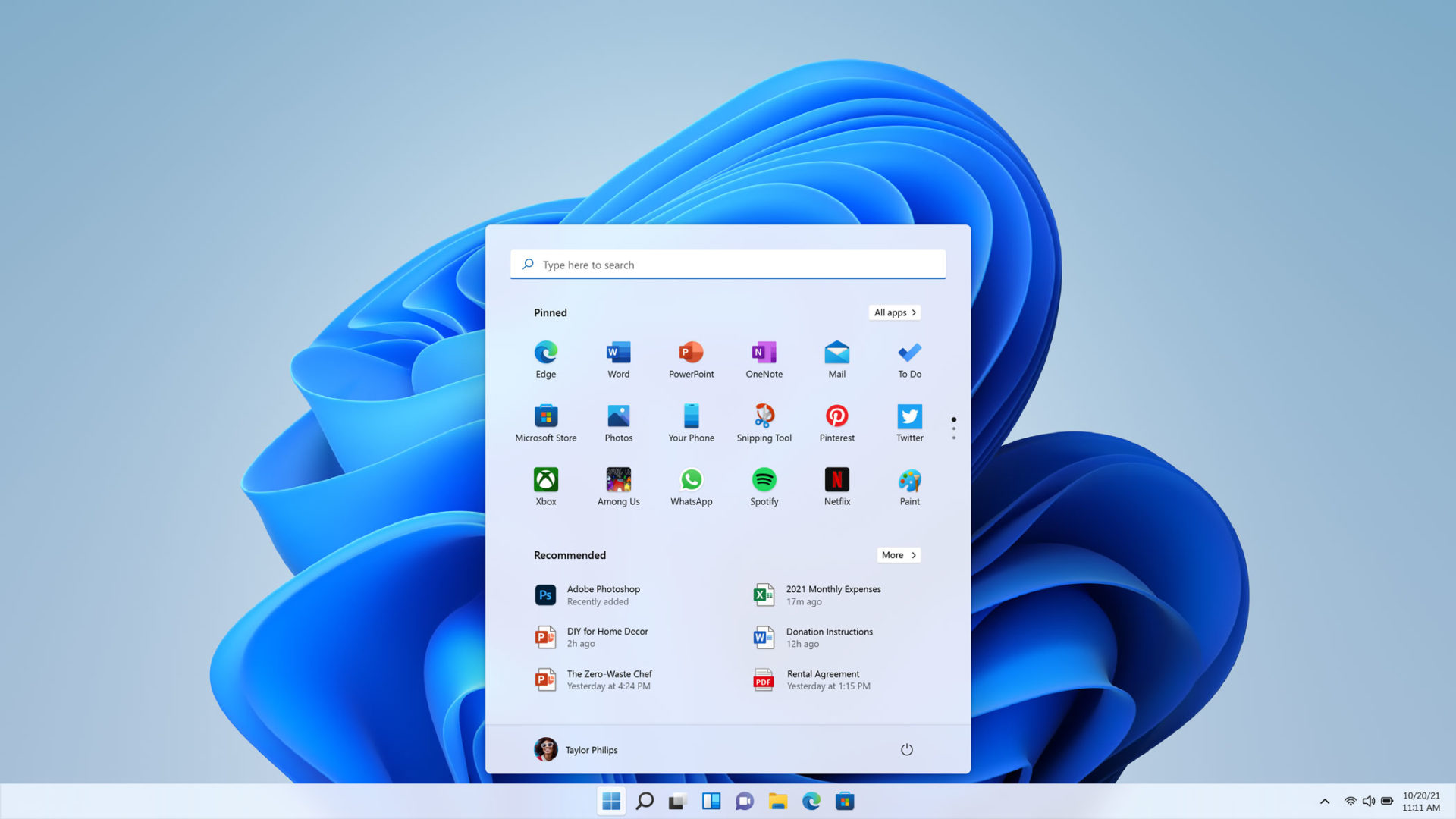
Windows 11 has improved steadily, but several everyday features still work better with third party apps. A recent collection of reader recommended tools highlights five apps that can improve theme switching, audio control, file sharing, multitasking, and calendar access.
These apps are aimed at filling small gaps rather than completely changing Windows. Some replace built in experiences, while others add functions that Microsoft does not currently offer in a convenient way.
The five main recommendations are Auto Dark Mode, EarTrumpet, Blip, AltTabby, and Calendar Flyout.
Auto Dark Mode handles automatic theme switching
Windows 11 supports both light and dark themes, but it does not include a built in option to switch between them automatically based on the time of day.
Auto Dark Mode solves that problem by letting you schedule theme changes. You can configure your PC to use a lighter appearance during the day and switch to dark mode later, such as around sunset.
This can be especially useful if you work for long periods and prefer a brighter interface in daylight but a darker one in the evening.
Once configured, the app largely runs in the background without requiring regular attention.
EarTrumpet gives you better audio controls
EarTrumpet expands the way Windows handles audio volume.
Instead of relying only on the standard system controls, it gives you easier access to individual app and device volume levels. This makes it useful if you regularly switch between speakers, headphones, communications apps, games, browsers, and media players.
For many people, it is the kind of utility that becomes noticeable only when it is missing from a new installation.
| App | Main purpose |
|---|---|
| Auto Dark Mode | Automatically switches Windows themes |
| EarTrumpet | Improves app and device volume control |
| Blip | Sends files between Windows, iOS, and Android |
| AltTabby | Replaces the standard Alt Tab interface |
| Calendar Flyout | Restores a more useful calendar panel |
Blip offers an AirDrop style file sharing experience
Blip is designed for people who regularly move files between different devices.
The app allows file transfers across Windows, iOS, and Android, making it useful in mixed device setups. Its main appeal is that it provides a simple sharing experience similar in concept to AirDrop, but without limiting you to one platform.
That can be helpful if you use a Windows PC alongside an iPhone or Android phone and want a faster way to transfer photos, documents, or other files.
AltTabby replaces the default Alt Tab experience
AltTabby focuses on multitasking.
It replaces the standard Windows 11 Alt Tab interface with a more customizable alternative. You can choose between five different layouts and change how open applications are presented.
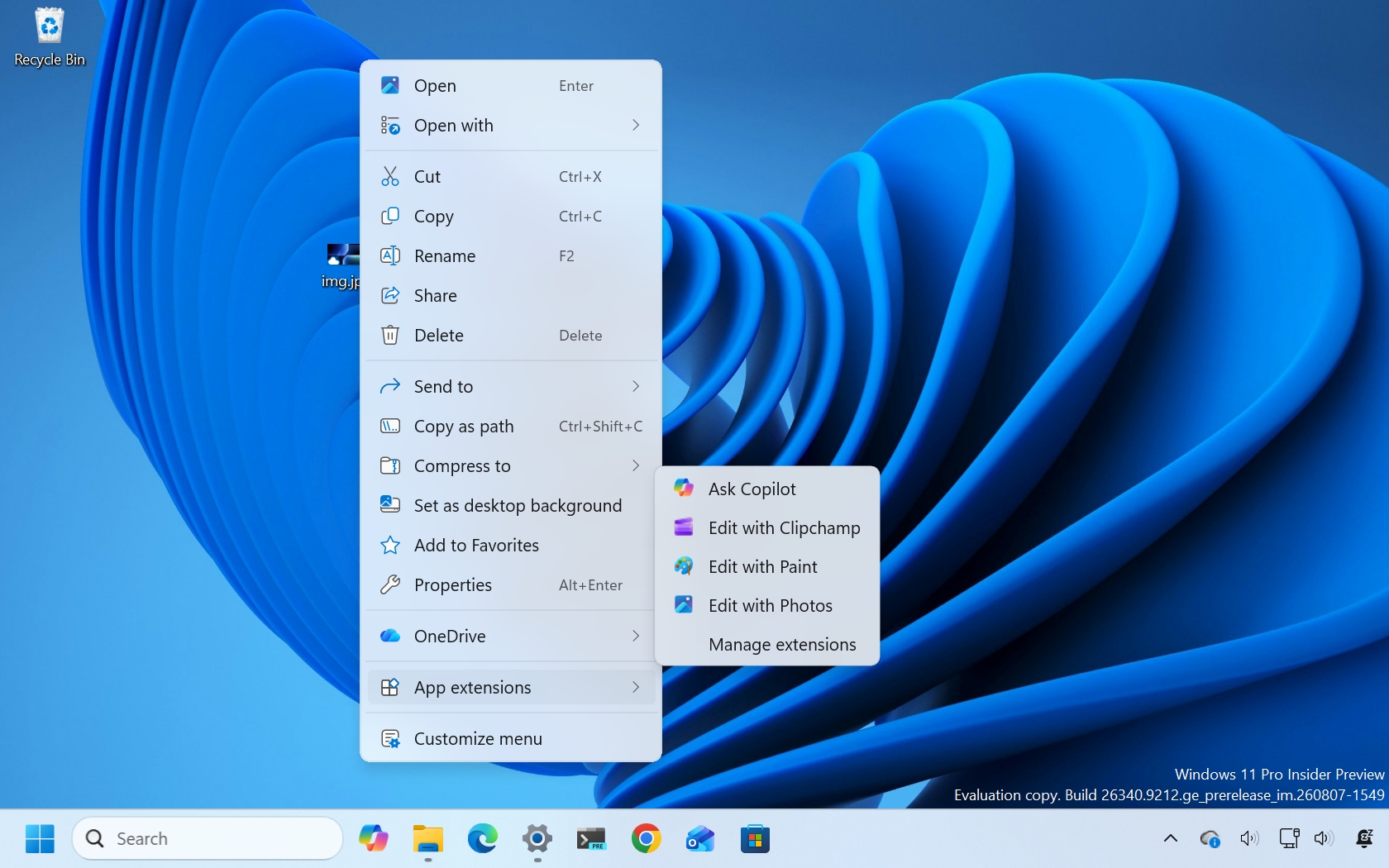
The app can also learn which programs you use most often and keep them easier to reach.
That makes it useful for people who regularly work with many open windows and want more control over how they switch between applications.
Unlike the other utilities in this list, AltTabby is a paid app. It was listed at $7.99 after a temporary discount from $9.99.
Calendar Flyout restores functionality missing from Windows 10
Calendar Flyout addresses another area where some people still prefer the older Windows experience.
The app brings back a calendar panel similar to the one found in Windows 10. It can display upcoming events directly from the taskbar area and lets you create new events without opening a separate calendar application.
Windows 11's built in calendar flyout is more limited, so this tool may be useful if you rely heavily on appointments and want quick access from the desktop.
Calendar Flyout is priced at $3.99.
Small utilities can make Windows 11 more practical
None of these applications is essential for every PC, but each addresses a specific limitation or inconvenience.
Auto Dark Mode is useful for automatic appearance changes. EarTrumpet provides more detailed audio management. Blip makes cross platform file transfers easier. AltTabby offers a more flexible multitasking interface, while Calendar Flyout restores a calendar experience that some people preferred in Windows 10.
The common theme is that these tools improve functions people use repeatedly rather than adding large, complicated features.
If you regularly reinstall Windows or set up new PCs, keeping a small collection of utilities like these can make the system feel more complete from the start.



Discussion (0)
Be the first to comment.